Getting the most from your Jeep often means using its technology to the fullest. One of the most popular features is Uconnect, a smart infotainment system that connects your smartphone, navigation, music, and more.
But many Jeep owners feel lost when trying to enable or activate Uconnect for the first time. Whether you drive a Wrangler, Grand Cherokee, or another model, setting up Uconnect is easier than you might think.
This guide will help you understand the steps, spot common issues, and make the most of your Jeep’s tech features.
What Is Uconnect And Why Use It?
Uconnect is Jeep’s integrated system for connecting your car to your digital life. With Uconnect, you can:
- Make hands-free phone calls
- Use voice commands for navigation and music
- Connect to Apple CarPlay or Android Auto
- Access emergency services
- Control climate and vehicle settings
Uconnect turns your Jeep’s dashboard into a central command center. According to Jeep, over 70% of new Jeep buyers use Uconnect features regularly, showing just how valuable it has become for everyday driving.
Checking Uconnect Compatibility
Not every Jeep has the same Uconnect version or features. Before you enable Uconnect, check:
- Model Year: Most 2014 and newer Jeeps support Uconnect. Older models may have limited features.
- Screen Type: Larger touchscreens (7-inch or more) often have more advanced Uconnect options.
- Subscription Status: Some features require an active Uconnect subscription.
Here’s a quick look at typical Uconnect availability:
| Jeep Model | Standard Uconnect | Advanced Uconnect (w/ Nav, Wi-Fi, etc.) |
|---|---|---|
| Wrangler (2018+) | Yes | Optional |
| Grand Cherokee (2015+) | Yes | Optional |
| Compass (2017+) | Yes | Optional |
| Renegade (2018+) | Yes | Optional |
If you’re not sure which system you have, check your owner’s manual or visit the Jeep Uconnect support page.
How To Enable Uconnect On Your Jeep
Enabling Uconnect is usually a one-time process. Here’s how to get started:
1. Start Your Jeep
Turn on the engine or switch to accessory mode. The Uconnect touchscreen should light up automatically.
2. Set Language And Region
On your first use, Uconnect may ask you to select a language. Choose the one you’re most comfortable with.
3. Connect Your Phone
- Bluetooth Pairing: Open your phone’s Bluetooth settings.
- On the Uconnect screen, select “Phone” > “Add Device.”
- Choose your Jeep from the list on your phone.
- Enter the PIN displayed on the car screen if prompted.
Most users finish pairing in less than two minutes. For Apple CarPlay or Android Auto, use a certified USB cable.
4. Register For Uconnect Services
For advanced features like remote start or vehicle tracking, register your vehicle:
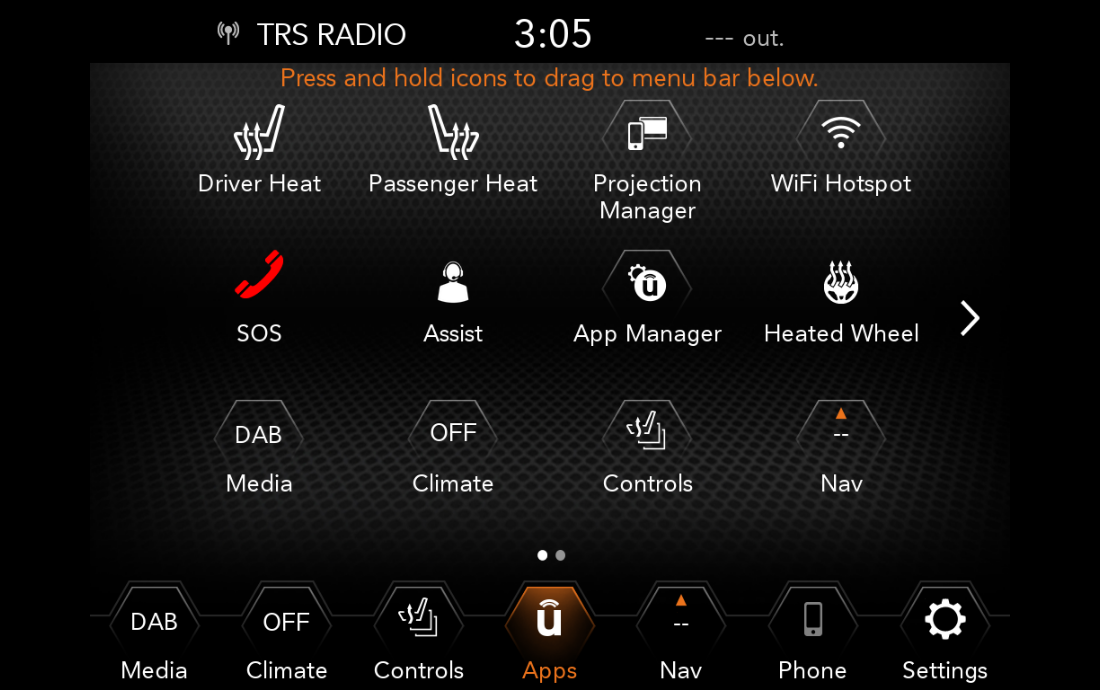
- On the Uconnect screen, tap “Apps” or “Uconnect Services.”
- Follow the on-screen instructions to create an account.
- You may need your Vehicle Identification Number (VIN).
5. Activate Your Subscription
Some features require a paid plan. You can usually start with a free trial (often 6-12 months for new vehicles). After that, choose the plan that fits your needs. Here is a quick comparison:
| Plan | Main Features | Approx. Cost (per month) |
|---|---|---|
| Basic | Hands-free calling, Bluetooth audio | $0 (included) |
| Connected Services | Remote start, vehicle locator, send-to-car navigation | $15-25 |
| Wi-Fi | In-car Wi-Fi hotspot | $10-20 |
6. Update Uconnect Software
If you face glitches, check for software updates. Go to “Settings” > “System Information” to see your current version.
Updates can be installed via USB or at a Jeep dealership.
Common Setup Problems And Solutions
Many Jeep owners run into small issues during setup. Here are two things beginners often miss:
- Outdated phone software: If your phone is not updated, it may not connect smoothly. Always install the latest updates on your device.
- USB cable quality: Cheap or damaged cables can prevent Apple CarPlay or Android Auto from working. Use the cable that came with your phone.
Other common problems include:
- Bluetooth not found: Restart both your phone and the Uconnect system.
- No sound: Make sure your media volume is up on both devices.
- Subscription not active: Double-check your payment and account status in the Uconnect app.
If you still have issues, a dealership can help diagnose system errors.

Making The Most Of Uconnect Features
Once Uconnect is active, you can explore its full potential:
- Voice Commands: Use natural speech, like “Call John Smith” or “Find gas station.” This keeps your hands on the wheel.
- Navigation: Plan routes before you drive. Uconnect can reroute you around traffic using real-time data.
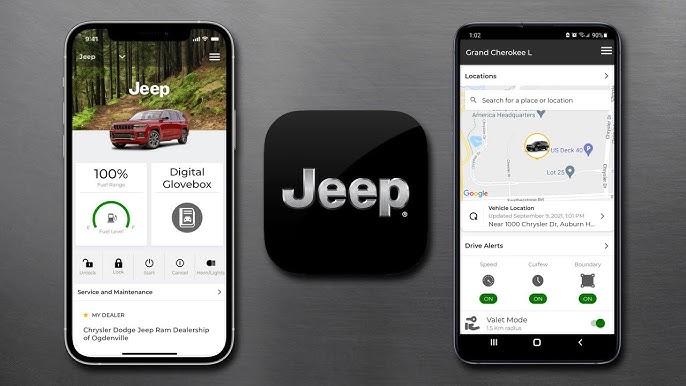
- Remote Services: Use the Uconnect app to start your car, lock/unlock, or locate your Jeep in a crowded parking lot.
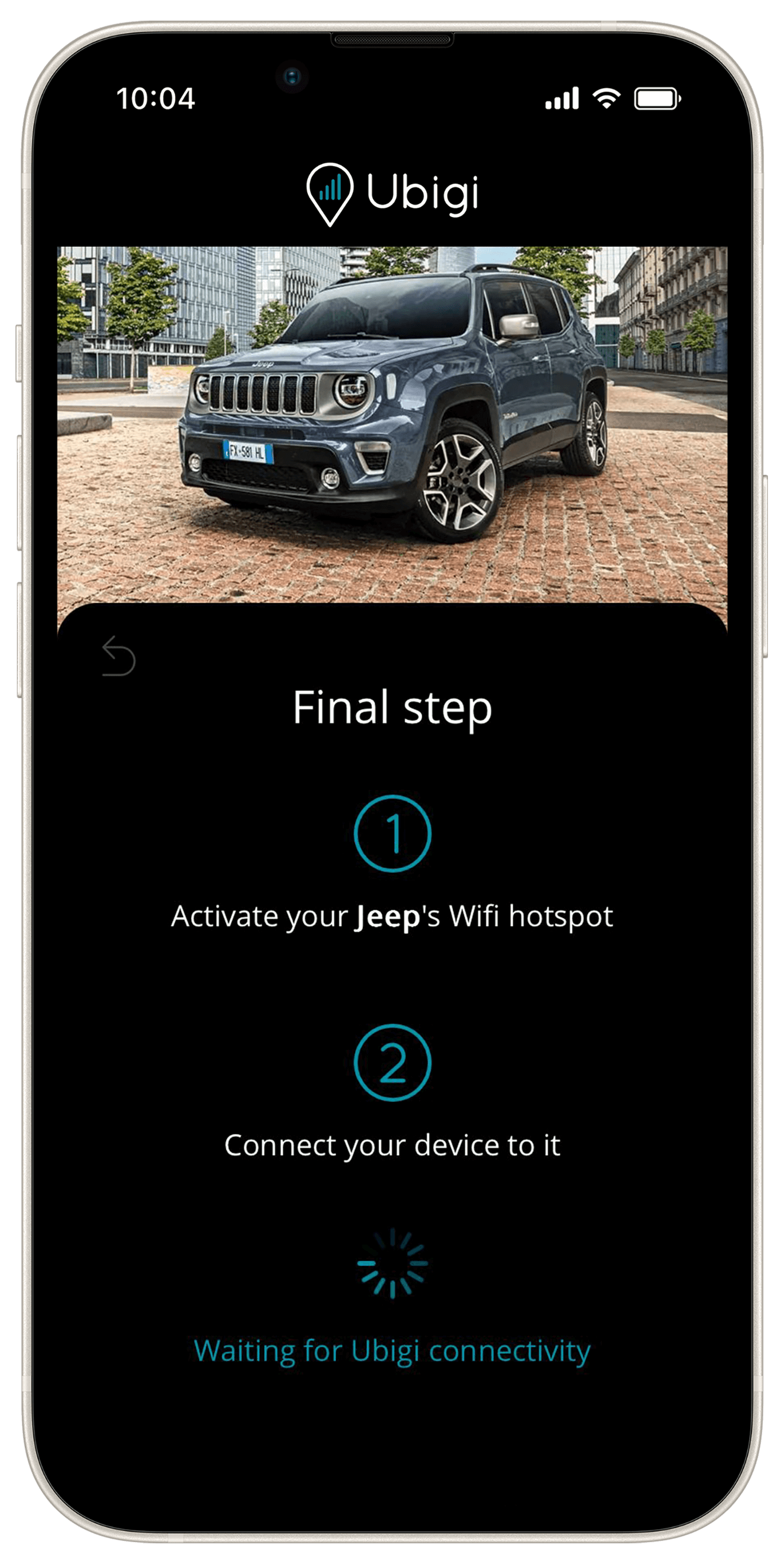
- Wi-Fi Hotspot: Great for road trips—connect up to eight devices at once.
For privacy, remember you can turn off location sharing or clear your navigation history at any time.
Practical Tips For A Smooth Experience
- Set up your main contacts in the system for quick calls.
- Customize the home screen with your favorite apps.
- Check your data plan if you use Wi-Fi a lot—extra charges can add up quickly.
- If your Jeep has multiple drivers, create user profiles for each person.
An often-overlooked tip: You can schedule software updates overnight so they don’t interrupt your driving.
Frequently Asked Questions
How Do I Know If My Jeep Has Uconnect?
Most 2014 and newer Jeeps have some version of Uconnect. Look for the Uconnect logo on your dashboard screen or check your vehicle’s manual.
Can I Use Uconnect Without A Subscription?
Basic features like Bluetooth calling and music are often free. Advanced features (like remote start or Wi-Fi) require a paid plan after the trial.
Why Won’t My Phone Connect To Uconnect?
Common reasons include outdated phone software, using the wrong USB cable, or trying to connect while the car is in motion. Restart your devices and try again.
Is Uconnect Secure And Private?
Yes. Uconnect uses encrypted connections for your data. You can control what is shared in the privacy settings.
Where Can I Get Help If Uconnect Doesn’t Work?
Visit your local Jeep dealer or check the official Jeep Uconnect support page for step-by-step help.
Enabling Uconnect on your Jeep opens up a safer, smarter, and more enjoyable driving experience. With just a few setup steps, you can keep your focus on the road and still stay connected to what matters most.