Pairing your phone with your Jeep’s Uconnect system can change how you drive. Hands-free calling, music streaming, and navigation become much easier.
But for many Jeep owners, the pairing process feels confusing or frustrating. This guide will help you connect your phone to Uconnect step by step, even if you are not tech-savvy.
You will learn what to prepare, how the process works for both Android and iPhone, and how to solve common problems. By the end, you will feel confident using Uconnect in your Jeep.
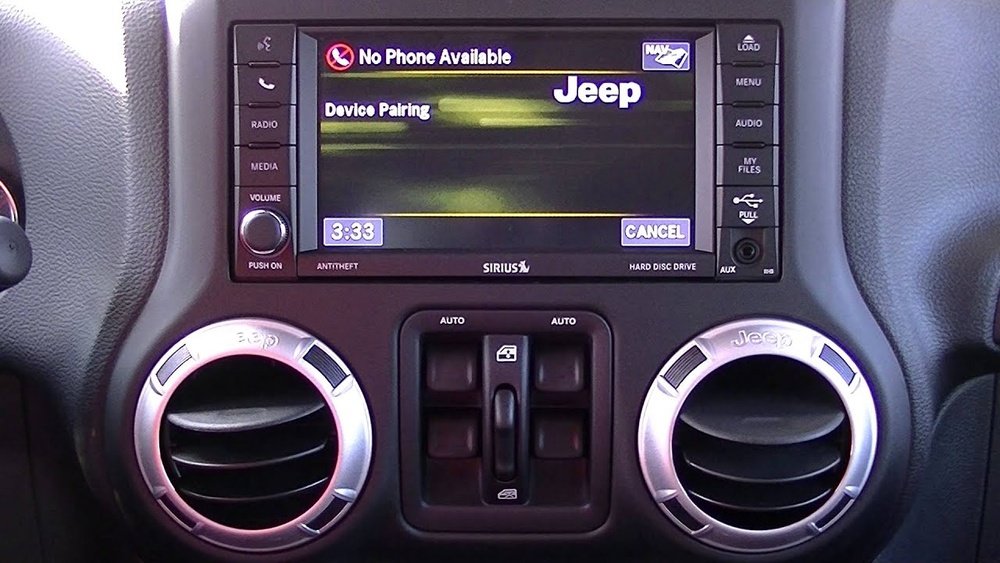
What You Need Before Pairing
Before you start, check these items to avoid delays:
- Your Jeep’s Uconnect system must be turned on.
- Your phone’s Bluetooth must be enabled.
- The Jeep must be in Park for safety.
- Know your Uconnect version (see your manual or check the display; common versions are 4, 4C, 5, etc. ).
- Have your phone nearby and unlocked.
Not all phones pair the same way. Older Uconnect versions may have different steps, so refer to your Jeep’s manual if you get stuck.
Step-by-step: How To Pair Phone To Uconnect Jeep
1. Turn On Bluetooth
On your phone, go to Settings and select Bluetooth. Make sure it is switched on and your phone is “discoverable.” On iPhones, this happens automatically when the Bluetooth menu is open. On Android, stay on the Bluetooth screen.
2. Start Pairing On Uconnect
- On your Jeep’s Uconnect screen, tap the Phone icon.
- Choose Add Device or Pair a Device (the wording can vary).
- Uconnect will start searching for nearby Bluetooth devices.
3. Select Your Jeep On Your Phone
- On your phone, you should see your Jeep’s Uconnect system (for example, “Uconnect” or “Jeep Uconnect”) appear under “Available Devices.”
- Tap it to begin pairing.
4. Confirm The Passkey
- Both your phone and Uconnect will show a 6-digit passkey.
- Make sure the numbers match.
- Tap Pair or Yes on both the Jeep screen and your phone.
5. Finalize Connection
- Your phone may ask for permission to sync contacts and messages. Allow this if you want hands-free calling and messaging.
- Uconnect will confirm when pairing is complete.
Now your phone is connected! You should see your phone’s name on the Uconnect display.
Example: Pairing An Iphone
- Open Settings → Bluetooth.
- On Uconnect, tap Phone → Add Device.
- Tap “Uconnect” on your iPhone.
- Confirm the code.
- Allow contacts and favorites to sync.
Example: Pairing An Android Phone
- Open Settings → Bluetooth.
- On Uconnect, tap Phone → Add Device.
- Tap “Uconnect” on your Android device.
- Confirm the code.
- Accept contact and message sync.
Troubleshooting Pairing Issues
Pairing does not always work perfectly. Here are common problems and how to fix them:
- Device Not Found: Make sure Bluetooth is on and the phone is discoverable. Try restarting your phone or the Uconnect system.
- Passkey Not Matching: Cancel and start over. Make sure you tap the same Uconnect device name on your phone.
- Phone Already Paired: Uconnect systems often store several phones. If the list is full, delete an old phone to add a new one.
- No Sound/Music: Set your phone’s Bluetooth audio as active on Uconnect. Also, check your phone’s audio output settings.
- Contacts Not Syncing: Allow contact sync on your phone. On Android, you may need to enable permissions in Bluetooth device settings.
Non-obvious Insight: Delete Old Pairings
Sometimes, Uconnect or your phone has too many saved devices. Deleting old or unused Bluetooth connections from both your phone and Uconnect can solve stubborn pairing issues.
Non-obvious Insight: Software Updates Matter
If you keep having trouble, check for system updates. Both Uconnect and your phone may need software updates for best performance.
Comparing Uconnect Versions
Different Jeep models and years have different Uconnect versions. Here is a quick comparison to help you identify yours:
| Uconnect Version | Screen Size | Bluetooth Feature |
|---|---|---|
| Uconnect 3 | 5-inch | Basic calling, no Apple CarPlay/Android Auto |
| Uconnect 4/4C | 7/8.4-inch | Calling, music, CarPlay/Android Auto |
| Uconnect 5 | 8.4/10.1-inch | Wireless CarPlay/Android Auto, faster pairing |
Knowing your version helps you follow the right pairing steps.
Features You Unlock With Uconnect Pairing
Pairing your phone does more than just hands-free calling. Here are some features you can use:
- Voice commands: Call, text, or play music with your voice.
- Music streaming: Play music apps directly through your Jeep’s speakers.
- Navigation: Send destinations from your phone to Uconnect (if supported).
- Message access: Read or reply to texts without touching your phone.
- App integration: Use apps like Spotify, Waze, or Pandora on the Uconnect screen (with CarPlay/Android Auto).
Quick Comparison: Iphone Vs Android Pairing
Some features work better with certain phones. Here’s a side-by-side look:
| Feature | iPhone | Android |
|---|---|---|
| CarPlay Support | Yes | No |
| Android Auto | No | Yes |
| Contact Sync | Easy | May need permissions |
| Wireless Connection | Uconnect 5 only | Uconnect 5 only |

Security And Privacy
Pairing your phone means sharing some data. Here’s how to protect yourself:
- Delete your phone from Uconnect before selling or trading your Jeep.
- Limit message access if you do not want your texts shown on the Jeep screen.
- Update software to fix security bugs.
These steps keep your data safe and your system running smoothly.
Practical Tips For Smooth Pairing
- Pair your phone before you start driving. Uconnect often blocks new pairings while in motion for safety.
- If you switch between multiple phones, set your main phone as “favorite” on Uconnect.
- Keep your phone’s Bluetooth visibility on during the pairing process.
When To Seek Help
If you cannot pair after several tries, it may be time for expert help. Visit your Jeep dealer or check the official Jeep Uconnect page for manuals and support.
Frequently Asked Questions
How Many Phones Can I Pair With Uconnect?
You can pair up to eight phones with most Uconnect systems. Only one phone can be active at a time for calls or music.
Why Won’t My Phone Connect To Uconnect?
Check that Bluetooth is on, you are in Park, and no other devices are connected. Also, restart both your phone and Uconnect if needed.
Is It Possible To Use Apple Carplay Or Android Auto?
Yes, but your Uconnect version must support it. Uconnect 4 and 5 support CarPlay and Android Auto. Some require a USB cable; newer ones allow wireless connection.
Do I Need A Special App To Pair My Phone?
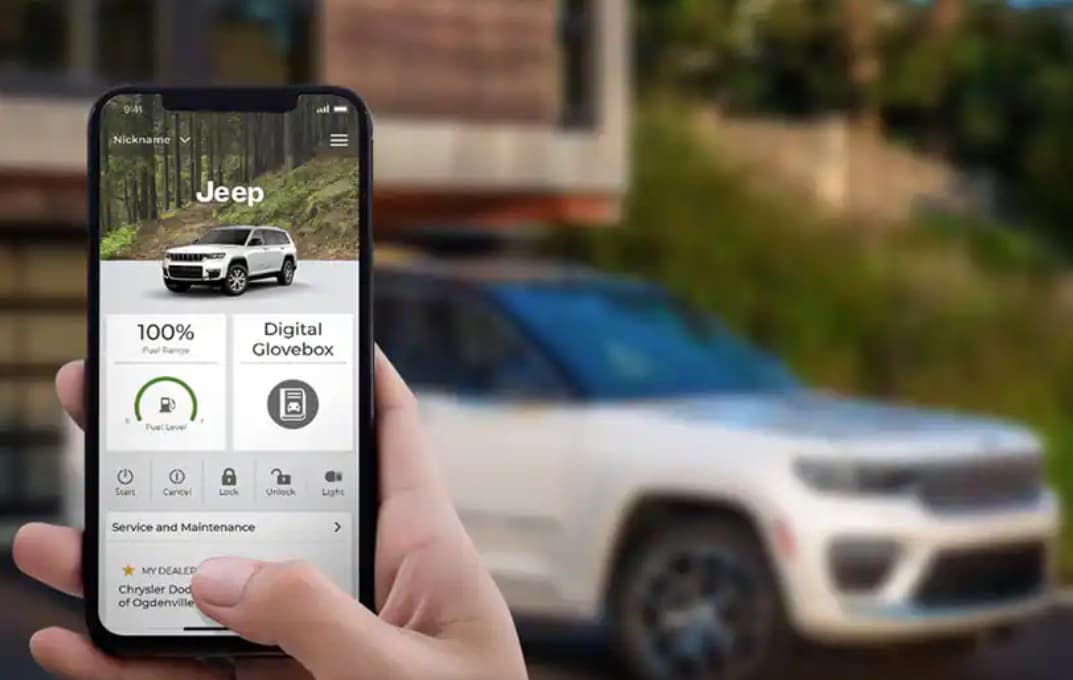
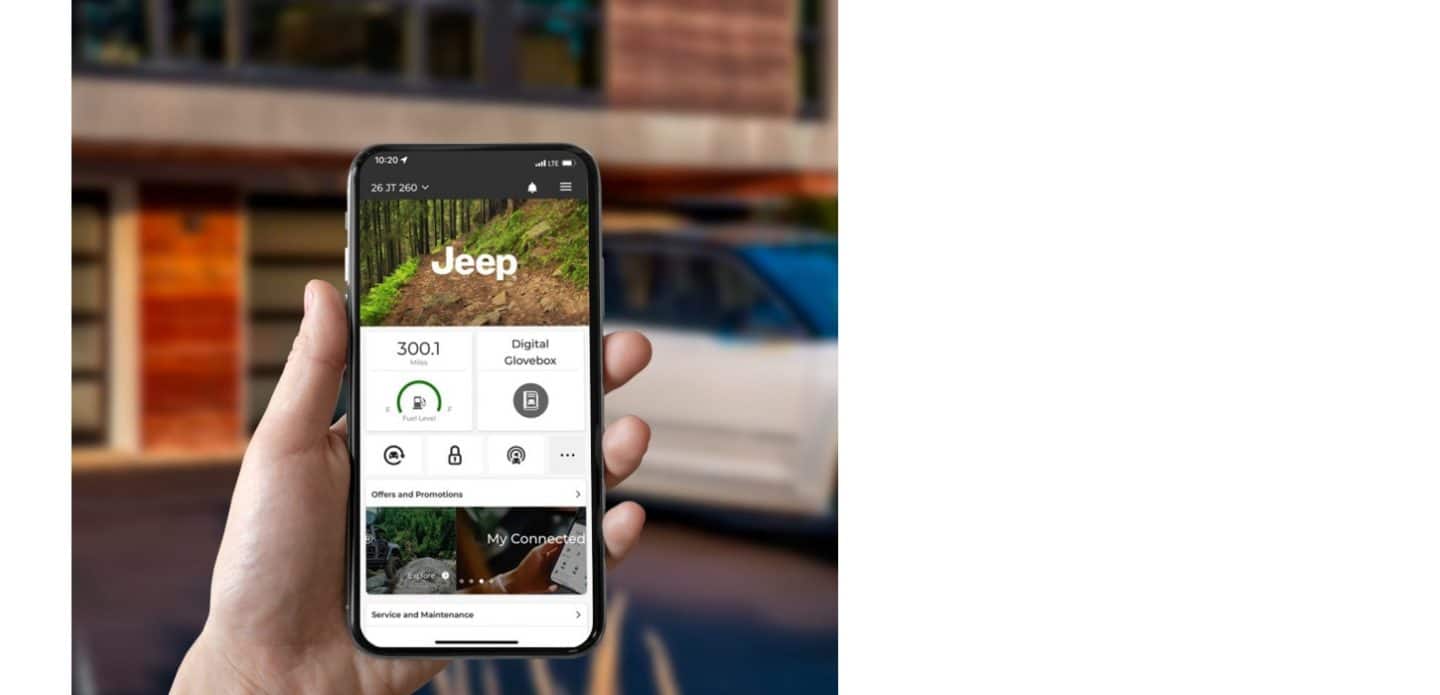
No special app is needed for basic Bluetooth pairing. For more features, like remote start or vehicle status, use the official Jeep app.
Can I Pair A Phone While Driving?
For safety, Uconnect blocks new pairings if the car is moving. Stop and put the vehicle in Park before pairing.
Pairing your phone to Uconnect opens up a smarter, safer driving experience. Once you get used to the process, it takes just a minute or two. With these steps and tips, you can enjoy all the features your Jeep offers every day.