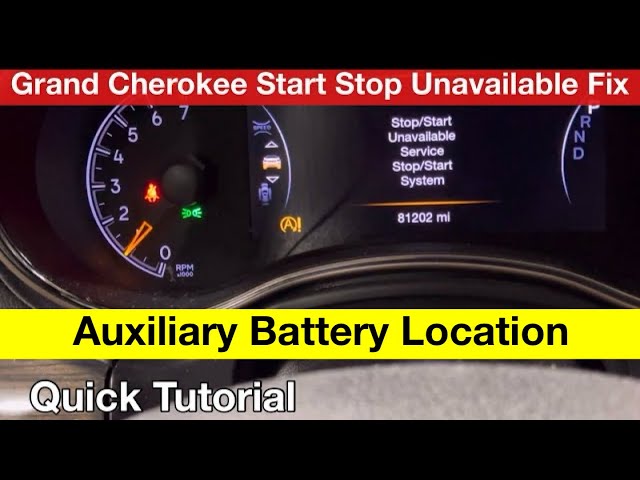
Many Jeep owners notice the Auto Start-Stop feature every time they drive. This system automatically turns off the engine when you stop at traffic lights or in traffic, then restarts it when you release the brake.
The goal is to save fuel and reduce emissions. However, some drivers find it inconvenient, unreliable, or simply want more control.
If you’re looking to reset or adjust Jeep Auto Start-Stop, this guide will help you understand your options, common solutions, and how to avoid mistakes.
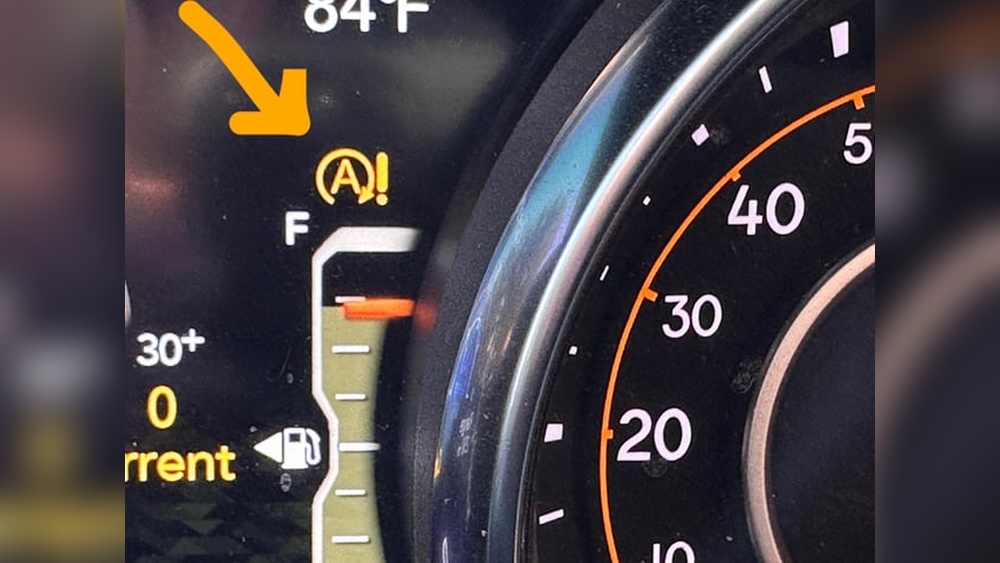
Understanding Jeep Auto Start-stop
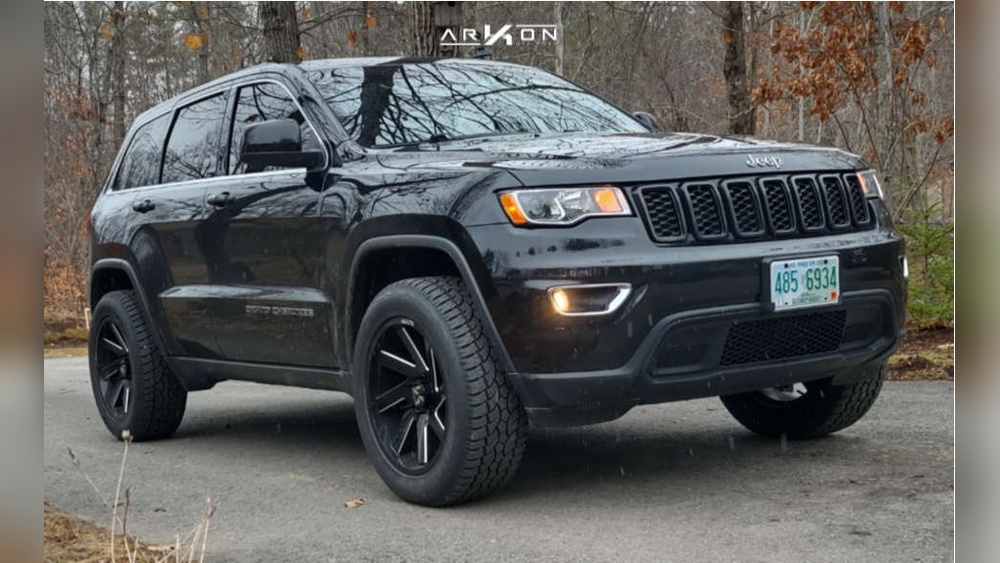
Jeep introduced Auto Start-Stop on many models, including the Cherokee, Grand Cherokee, Wrangler, and Compass. The feature is tied to the vehicle’s electronics and works with sensors that detect brake pressure, battery level, and engine temperature.
Why People Want To Reset It
- Annoyance: The system can feel jerky, especially in heavy traffic.
- Battery Stress: Frequent starts may wear out the battery faster.
- Personal Preference: Some drivers prefer full control over their engine.
How It Works
Auto Start-Stop uses sensors to decide when to shut off the engine. If certain conditions are not met (for example, battery charge is low or the AC is running hard), the system will stay off.
| Condition | System Action |
|---|---|
| Low Battery | Auto Stop disabled |
| Heavy AC Use | Auto Stop disabled |
| Seatbelt Unfastened | Auto Stop disabled |
| Brake Not Fully Pressed | Auto Stop disabled |
Methods To Reset Jeep Auto Start-stop
Resetting Auto Start-Stop means restoring it to default or turning it off temporarily. Here are practical ways:
Most Jeeps have an Auto Start-Stop button near the gear shifter. Pressing this button turns the feature off for the current drive. However, it resets each time you restart your Jeep.
- Step 1: Start your vehicle.
- Step 2: Press the Auto Start-Stop button (often marked “A” with a circle).
- Step 3: Check the dashboard for a message confirming it’s off.
Tip: This method is quick but only lasts until you turn off the engine.
2. Battery Disconnect Reset
If Auto Start-Stop is acting up, sometimes disconnecting the battery can reset the system’s memory.
- Step 1: Turn off your Jeep and wait for all electronics to stop.
- Step 2: Open the hood and disconnect the negative battery cable.
- Step 3: Wait about 10 minutes, then reconnect.
Warning: This method can reset other settings (radio, clock). Only use if you experience glitches.
3. Using Obd-ii Tools
Some advanced drivers use OBD-II scanners or programmers to reset the Auto Start-Stop system. You can buy plug-in devices that let you adjust vehicle settings.
- Step 1: Plug an OBD-II device into the port under the dashboard.
- Step 2: Follow the device’s instructions to reset or change Start-Stop settings.
| Device | Function | Cost |
|---|---|---|
| OBD-II Scanner | Diagnostics, resets | $30–$100 |
| Start-Stop Eliminator | Disables feature | $80–$150 |
| Professional Programmer | Advanced options | $200+ |
Note: This approach may void your warranty. Always check with your dealer first.
4. Software Update
Sometimes, Jeep releases software updates that fix bugs in the Start-Stop system. You can ask your dealer to update your vehicle’s software.
- Step 1: Contact your Jeep dealer or check your model’s website.
- Step 2: Schedule a service appointment for software updates.
Non-obvious insight: Many drivers miss that software updates can improve Start-Stop reliability, not just reset it.

Disabling Auto Start-stop Permanently
Jeep does not officially let you disable Auto Start-Stop forever, but third-party products exist. These devices plug into your Jeep and remember your choice, so the system stays off after every restart.
Common Solutions
- Start-Stop Eliminator: A small electronic module that connects to your Jeep’s system.
- OBD-II Programming: Adjust settings so Auto Start-Stop is always off.
| Method | Permanent? | Requires Tools? |
|---|---|---|
| Button Press | No | No |
| Eliminator Device | Yes | Yes |
| OBD-II Programming | Yes | Yes |
Non-obvious insight: Some insurance policies may not cover modifications like these. Check your policy before making changes.
Troubleshooting Common Problems
When Auto Start-Stop isn’t working as expected, try these checks:
- Battery health: If your battery is weak, Start-Stop won’t activate.
- Sensor issues: Faulty brake or seat sensors can block the system.
- Software bugs: Older software versions may cause random failures.
- Climate controls: Heavy use of AC or heating can override Start-Stop.
If you still have trouble, a professional mechanic can scan your Jeep’s codes and pinpoint the issue.

Is Resetting Right For You?
Resetting Auto Start-Stop can be simple or complex. If you only want to turn it off for one drive, use the button.
For more control, consider OBD-II devices or software updates. Remember, permanent changes may affect your warranty and insurance.
For official guidance and updates, visit the Jeep Official Site.
Frequently Asked Questions
What Models Of Jeep Have Auto Start-stop?
Most newer Jeeps, including Cherokee, Grand Cherokee, Wrangler, and Compass, have Auto Start-Stop. Check your owner’s manual to see if your model includes this feature.
Can I Permanently Disable Auto Start-stop Without Tools?
No. Jeep only allows temporary disabling through the dashboard button.
Permanent solutions require extra devices or OBD-II programming.
Will Resetting Auto Start-stop Void My Warranty?
It depends. Using third-party devices or changing software settings can void part of your warranty. Always ask your dealer before making changes.
Is Auto Start-stop Safe For My Jeep’s Battery?
The system is designed to work with special AGM batteries. If you have battery issues, Auto Start-Stop may stop working. Keeping your battery healthy is important.
How Do I Know If Auto Start-stop Has Been Reset?
After resetting, the dashboard will show a confirmation. If you use a device, check the manufacturer’s instructions.
You can also test by stopping at a light; the system should behave as you set it.
Resetting Jeep Auto Start-Stop gives you more control and can improve your driving experience. Always use reliable methods, stay informed about your vehicle’s warranty, and check for software updates.
With these steps, you’ll avoid common mistakes and make the right choice for your Jeep.