If you own a Jeep Wrangler, you know how important it is to keep your tires in top shape for both safety and performance. The Tire Pressure Monitoring System (TPMS) plays a key role by alerting you when your tire pressure is off.
But what happens when you need to program new TPMS sensors or reset them after changing your tires? That’s where things can get tricky—unless you know the right steps. In this guide, you’ll learn exactly how to program TPMS sensors on your Jeep Wrangler quickly and easily.
Whether you’re upgrading your wheels, replacing a sensor, or just want to make sure your system is working perfectly, this article will walk you through the process in simple terms. Keep reading to take full control of your Jeep’s tire safety and avoid those annoying warning lights for good.

Tpms Basics For Jeep Wrangler
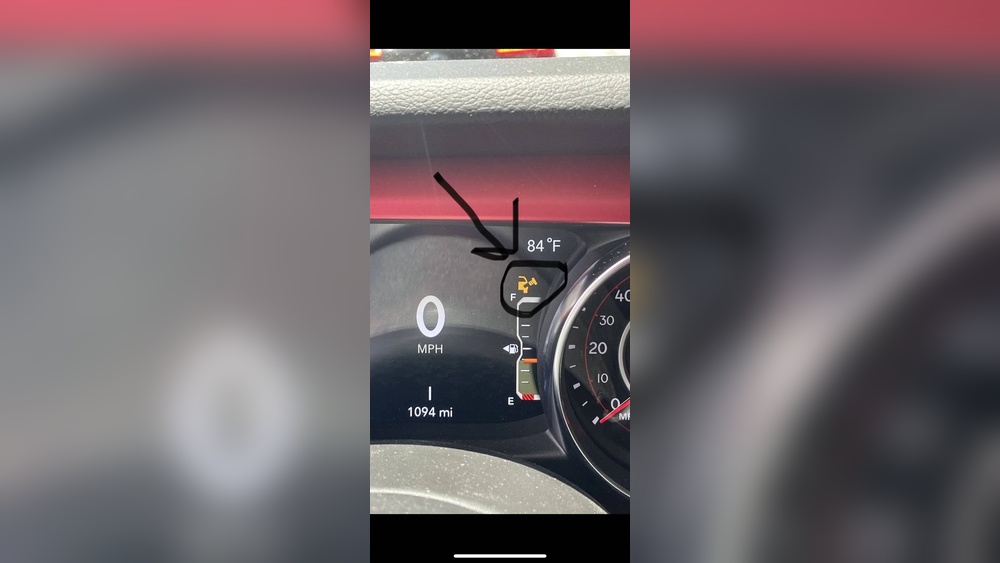
The TPMS (Tire Pressure Monitoring System) warning light on a Jeep Wrangler alerts drivers when tire pressure is low. Resetting this light is important after inflating tires or replacing sensors. Clearing the warning ensures accurate pressure monitoring and safe driving.
This section explains how to reset the TPMS warning light using simple manual methods, programming tools, and when it may be necessary to disable the warning.
Manual Reset Methods
Start by inflating all tires to the recommended pressure listed on the door placard. Include the spare tire if equipped.
Turn the ignition to the ON position without starting the engine. Press and hold the TPMS reset button until the light blinks three times. Release the button and wait for the light to turn off.
If the light stays on, drive the vehicle at 50 mph for about 10 minutes. This allows the system to recalibrate and recognize the new pressures.
Using Programming Tools
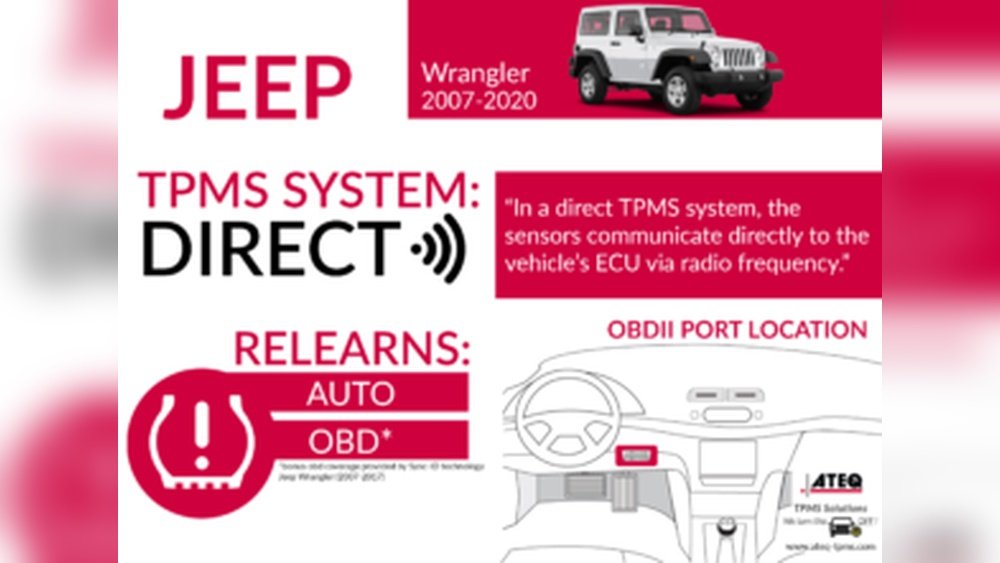
Professional TPMS programming tools connect to the Jeep’s OBDII port. These devices read sensor IDs and transmit new data to the vehicle’s computer.
To use, turn the ignition ON, then connect the tool. Follow on-screen prompts to scan and program each sensor. Confirm the tool reports success before disconnecting.
This method is fast and accurate, especially after replacing sensors or wheels. It ensures the system fully recognizes new TPMS devices.
When To Disable The Warning Light
Disabling the TPMS warning light should be a last resort. Some Jeep owners choose this if they use non-TPMS wheels or off-road tires that do not support sensors.
Disabling the light requires a special programmer or dealer assistance. It stops the warning but removes tire pressure monitoring protection.
Consider safety risks before disabling. Always aim to maintain proper tire pressure and functional sensors for safe driving.


Conclusion
Programming TPMS sensors on your Jeep Wrangler is simple with the right steps. Keep tire pressures at the recommended levels before starting. Use a compatible TPMS tool to read and transfer sensor data. Follow your vehicle’s prompts to complete the process.
Regularly check sensors to ensure proper function and safety. This helps avoid warning lights and keeps your Jeep ready for the road. Taking time to program sensors correctly saves trips to the mechanic. Enjoy safer drives with properly programmed TPMS sensors on your Wrangler.