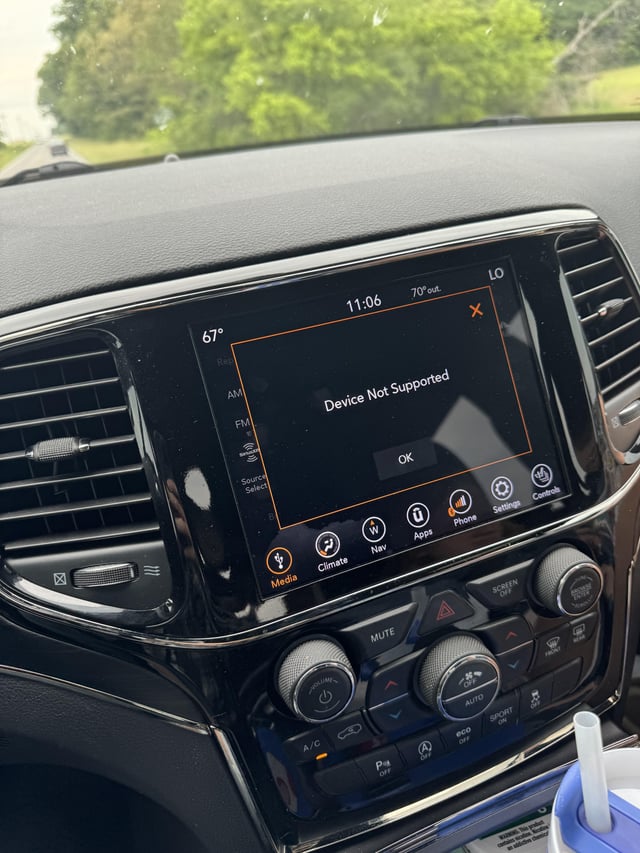
If your Jeep Uconnect system suddenly stops working, it can feel frustrating—especially if you rely on it for navigation, music, or hands-free calls. Many Jeep owners experience issues with Uconnect at some point, but the causes are often fixable. In this article, you’ll learn why your Uconnect may not be working, how to diagnose the problem, and what to do next. You’ll also find practical tips and answers to common questions that most beginners overlook.
Common Reasons Why Jeep Uconnect Stops Working
The Uconnect system is a smart technology that connects your Jeep’s entertainment, navigation, and phone. But like any tech, it can fail. Here are the most frequent reasons:
- Software glitches: Uconnect runs on computer software. Bugs can freeze the system or make it unresponsive.
- Outdated firmware: If your Uconnect version is old, it may not work well with newer phones or apps.
- Bluetooth issues: Sometimes, Bluetooth fails to connect, or devices disconnect randomly.
- Hardware problems: Faulty screens, buttons, or internal chips can cause Uconnect to malfunction.
- Weak battery or electrical faults: Low battery voltage or wiring issues can affect Uconnect performance.
- Corrupted data: If you use USB drives or SD cards, corrupted files can crash the system.
Diagnosing Your Uconnect Problem
Before you visit a dealership, try some simple checks. Most issues can be solved at home.
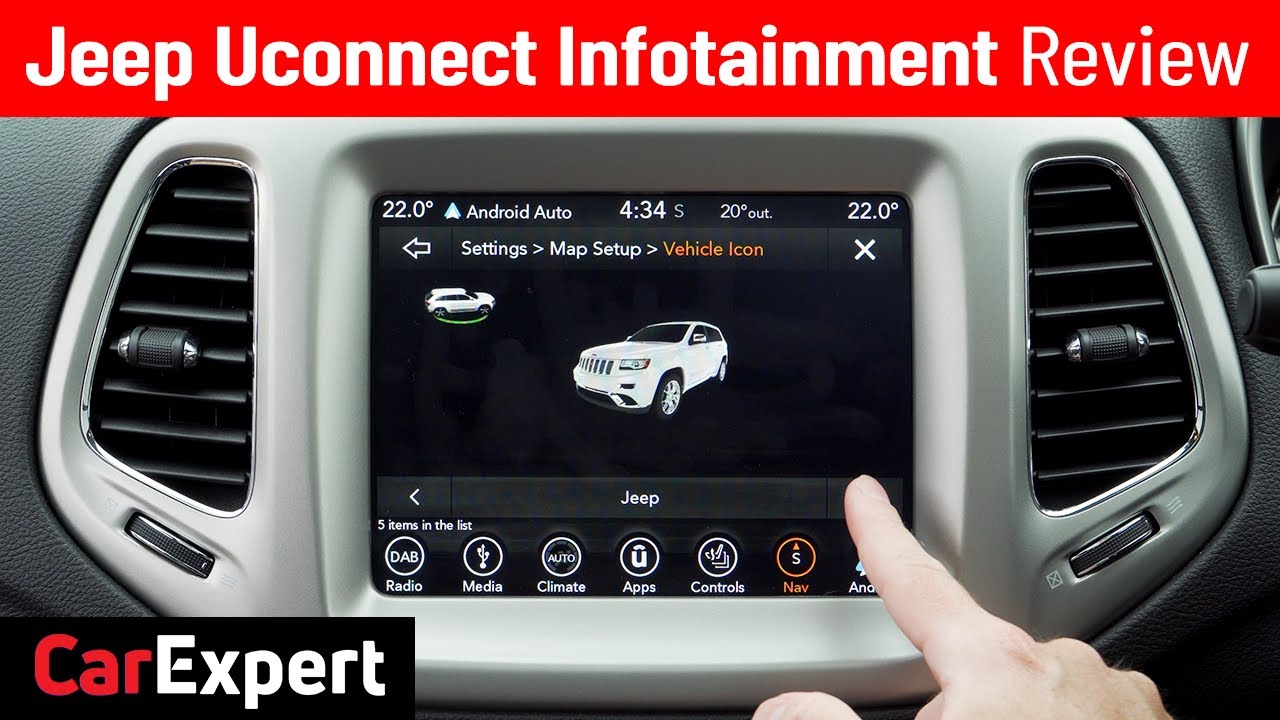
Restart The System
Turn off your Jeep, open the driver’s door, and wait for two minutes. This helps Uconnect fully reset.
Check Your Phone Connection
If your phone won’t pair, try disconnecting and reconnecting Bluetooth. Also, restart your phone.
Some phones need you to “forget” the Uconnect connection and re-pair.
Inspect For Physical Damage
Look for cracks on the screen or broken buttons. If you see damage, the problem may be hardware-related.
Update Uconnect Firmware
Jeep releases updates to fix bugs and add new features. To check your version, go to Settings > System Information.
If your firmware is outdated, download the latest update from Jeep’s official site and install it via USB.
Test Other Features
Try radio, navigation, and voice commands. If only one part fails, the problem is likely with that feature not the whole system.
How To Fix Jeep Uconnect Issues
Once you identify the problem, use these solutions:
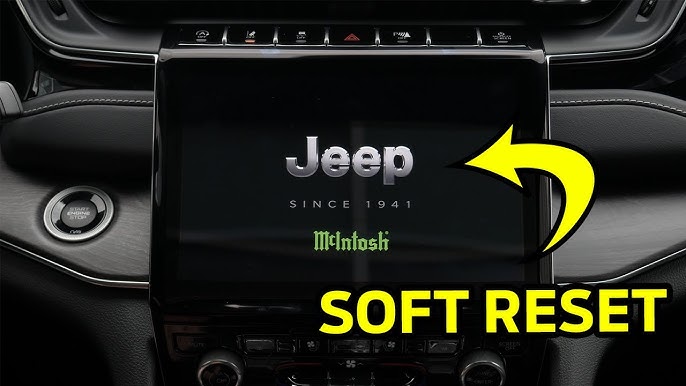
Software Reset
Hold the volume and tuner buttons for 10 seconds. This will reboot Uconnect without affecting your saved settings.
Update The System
If your Uconnect is old, update it. Use a clean USB stick with the new firmware.
Follow the instructions carefully interrupting the process can cause more issues.
Clear Bluetooth Data
Delete old pairings from your phone and Uconnect. Sometimes, too many connected devices confuse the system.
Check Battery And Fuses
If your Jeep’s battery is weak or the fuse is blown, Uconnect may not power up. Use a voltmeter to check battery health, and inspect fuses in the fuse box.
Replace Faulty Hardware
If your screen is dead or buttons don’t work, you may need professional help. Most dealerships can replace faulty parts.
Avoid Common Mistakes
- Don’t use damaged USB drives for updates—they can corrupt Uconnect.
- Avoid updating Uconnect while the engine is off; low power can cause failures.
- Always check the update file is correct for your Jeep model.
Comparing Uconnect Issues And Solutions
To make troubleshooting easier, here’s a comparison table of symptoms and recommended actions:
| Symptom | Likely Cause | Suggested Fix |
|---|---|---|
| No response from screen | Hardware failure | Check for damage, visit dealership |
| Bluetooth won’t connect | Software glitch | Restart phone/Uconnect, clear pairings |
| Navigation not working | Outdated firmware | Update Uconnect |
| System freezes | Corrupted data | Remove USB/SD, reset system |
| Volume controls fail | Electrical fault | Check fuses, battery |
Uconnect Versions And Compatibility
Different Jeep models use different Uconnect versions. Not all updates work for every version. Here’s a quick guide to compatibility:
| Jeep Model | Uconnect Version | Update Method |
|---|---|---|
| Wrangler 2018+ | Uconnect 4 | USB update |
| Grand Cherokee 2015-2020 | Uconnect 3 | USB update |
| Renegade 2016+ | Uconnect 5 | Over-the-air update |
| Older Jeeps | Uconnect 2 | Dealer update |
Data And Statistics
According to Jeep owner forums, over 30% of users report Bluetooth problems with Uconnect. Nearly 20% experience frozen screens or navigation errors. Most issues are resolved after a software update or reset.
An interesting insight: Many owners skip firmware updates because they don’t realize Uconnect needs regular maintenance—like a phone or computer. Also, using cheap USB sticks for updates is a common but avoidable mistake.
For official troubleshooting guides and firmware downloads, visit the Jeep Uconnect official site.
Practical Tips To Prevent Uconnect Problems
- Update Uconnect twice a year.
- Use high-quality USB drives for updates.
- Keep your phone’s Bluetooth software updated.
- Avoid exposing your Jeep’s screen to direct sunlight for long periods; heat can damage electronics.
- Disconnect USB devices before turning off your Jeep.
Frequently Asked Questions
Why Does My Uconnect Keep Disconnecting From My Phone?
This often happens due to outdated Bluetooth software on your phone or Uconnect. Clear old pairings and update both systems.
How Do I Reset My Jeep Uconnect?
Press and hold the volume and tuner buttons for about 10 seconds. The system will reboot but keep your settings.
Can I Update Uconnect Myself?
Yes, most updates can be done at home with a USB drive. Download the correct firmware from Jeep’s site and follow the instructions.
What Should I Do If My Uconnect Screen Is Black?
First, try a system reset. If the screen stays black, check for hardware damage or blown fuses. You may need a dealership for repairs.
Is Uconnect Covered Under Warranty?
Usually, yes. If your Jeep is still under warranty, Uconnect repairs or replacements are covered. Check your warranty documents for details.
If your Uconnect isn’t working, don’t panic. With some basic checks and regular maintenance, most problems can be fixed at home.
Staying updated and avoiding common mistakes will keep your Jeep’s tech running smoothly for years.