The modern car is more connected than ever, and the Jeep Grand Cherokee is no exception. Today, drivers expect their vehicles to work seamlessly with their smartphones, offering features like remote start, navigation, and real-time vehicle information.
If you own a Jeep Grand Cherokee or are considering buying one, you might be asking: Is there an app for the Jeep Grand Cherokee? The answer is yes, and understanding what these apps can do—and what they can’t—can make owning your Jeep even more rewarding.
Official Jeep Grand Cherokee Apps
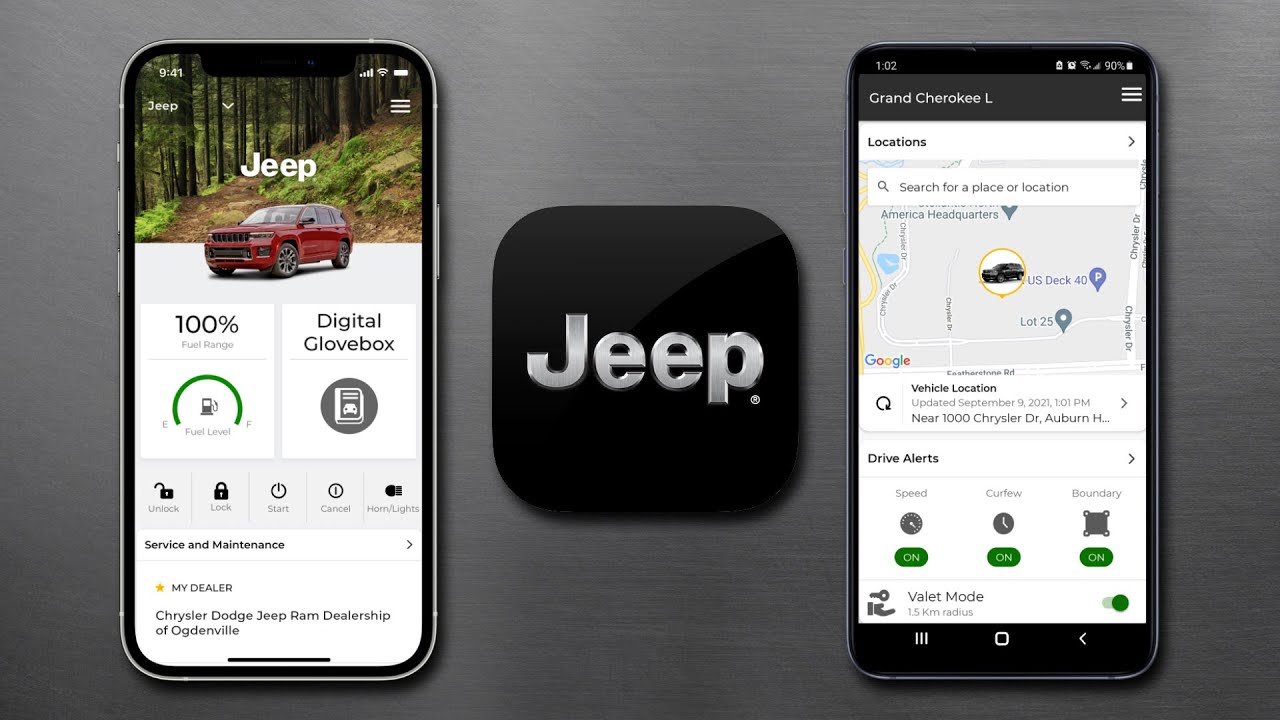
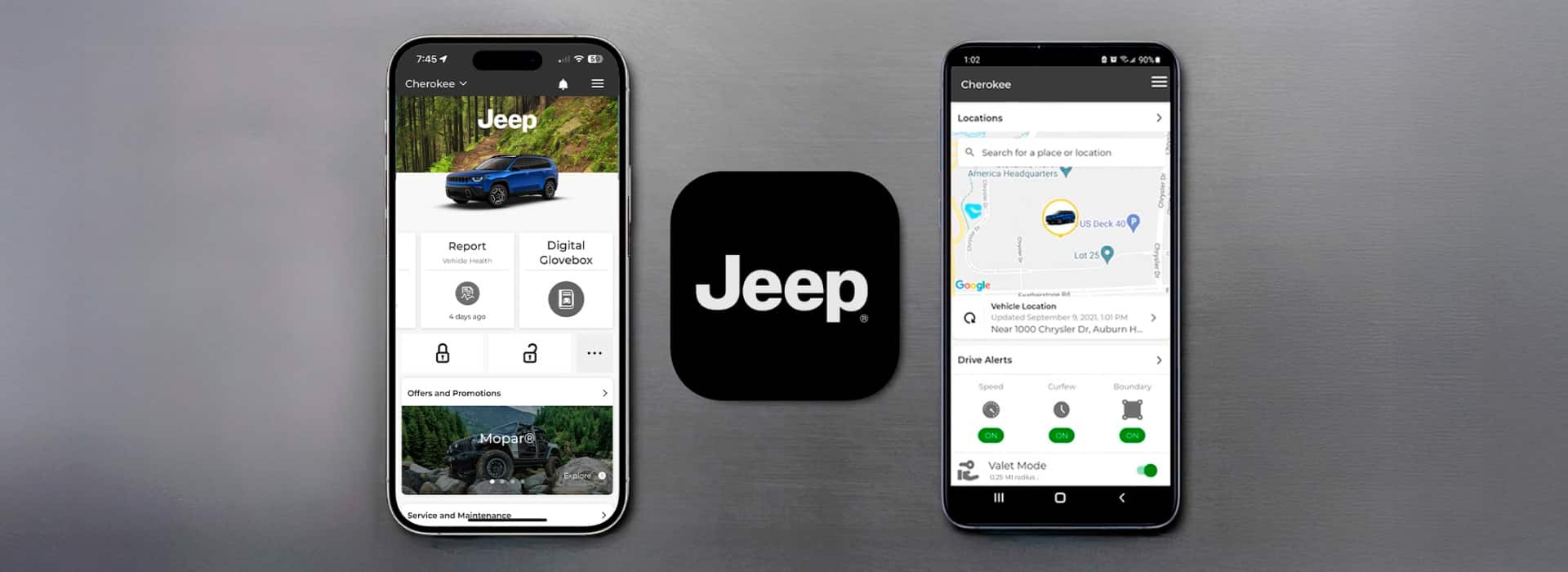
Jeep has developed several apps that work with the Grand Cherokee, making it easier for owners to manage and interact with their vehicles. The main app you’ll use is the Jeep® app (previously known as Uconnect). This app is available on both iOS and Android devices.
Key Features Of The Jeep App
- Remote start/stop: Start your Jeep from anywhere to cool or heat the cabin.
- Lock/unlock doors: Secure or access your vehicle remotely.
- Locate your vehicle: Find your parked Jeep in crowded lots.
- Vehicle health reports: Get notifications about maintenance needs.
- Send destinations to navigation: Plan trips from your phone.
These features depend on your Jeep’s model year and trim. For example, remote features require an active subscription to Jeep’s connected services.
Compatibility: Which Grand Cherokee Models Work With The App?
Not every Grand Cherokee supports all app features. Here’s a quick overview:
| Model Year | App Compatibility | Key Features Supported |
|---|---|---|
| 2018 & earlier | Limited | Basic vehicle info, some navigation |
| 2019-2021 | Moderate | Remote start, lock/unlock, location |
| 2022 & newer | Full | All features, OTA updates |
Tip: Always check your owner’s manual or the Jeep website to confirm which features your specific Grand Cherokee supports.
How To Set Up And Use The Jeep App
Getting started with the Jeep app is simple, but many owners miss a few important steps.
- Download the Jeep app from the App Store or Google Play.
- Register for a Mopar account using your email. This links your identity to your vehicle.
- Add your vehicle’s VIN (Vehicle Identification Number). You’ll find this on your dashboard or registration.
- Activate services by following prompts. Some features require dealership activation.
- Subscribe if needed. Remote features like starting or unlocking may need a paid subscription.
Insight: Many users forget the dealership activation step, which can block remote features. Ask your dealer to confirm all services are active before you leave.
Comparing Jeep App With Other Automaker Apps
How does the Jeep app compare to apps for vehicles like the Ford Explorer or Toyota Highlander? Here’s a side-by-side look:
| Feature | Jeep App | FordPass | Toyota App |
|---|---|---|---|
| Remote Start | Yes (subscription) | Yes (free) | Yes (subscription) |
| Vehicle Health | Yes | Yes | Yes |
| Navigation Send-to-Car | Yes | Yes | Yes |
| OTA Updates | 2022+ | Yes | Yes |
Non-obvious insight: While Jeep charges for some remote features after the trial period, Ford offers them free. This is something to consider when budgeting for long-term ownership.
Third-party Apps: Are They Worth It?
Besides the official app, some third-party apps claim to work with Jeep vehicles. These can offer extras like:
- Detailed fuel tracking
- Trip logging
- Maintenance reminders
- OBD-II diagnostics (using a plug-in dongle)
However, third-party apps can be risky:
- They may not support all Jeep Grand Cherokee models.
- Some ask for your Jeep credentials, which can be a security risk.
- Features may stop working after software updates.
Advice: Stick to the official app for core functions like remote start and vehicle location. Use third-party apps only for non-critical features, and never share your main account password.
Costs And Subscriptions
Most new Grand Cherokees come with a free trial (often 6-12 months) for connected services. After the trial, you’ll pay a monthly or yearly fee for remote features. As of 2024, typical costs are:
- $15-$25 per month for full connected services.
- Discounts for yearly subscriptions.
If you let your subscription lapse, you’ll still keep basic features like maintenance reminders, but lose remote start and location tracking.
Practical Tip: Set a reminder to renew before your trial ends if you rely on remote features, to avoid service interruptions.
Real-world Examples
Sarah owns a 2021 Grand Cherokee. She uses the app daily to warm up her car in winter.
When she forgot where she parked at a busy stadium, the vehicle locator helped her find it in seconds.
Another owner, Mike, didn’t activate his services at the dealership. Even though he downloaded the app, remote features didn’t work until he visited the dealer.
This is a common mistake for first-time users.
Data Security And Privacy
With apps connecting to your car, it’s natural to worry about data privacy. Jeep uses encrypted connections and two-factor authentication to protect your data. Still, always use strong passwords and avoid sharing your login.
If you sell your Grand Cherokee, remember to remove your vehicle from your Mopar account and factory reset the infotainment system.
Upgrades And Future Features
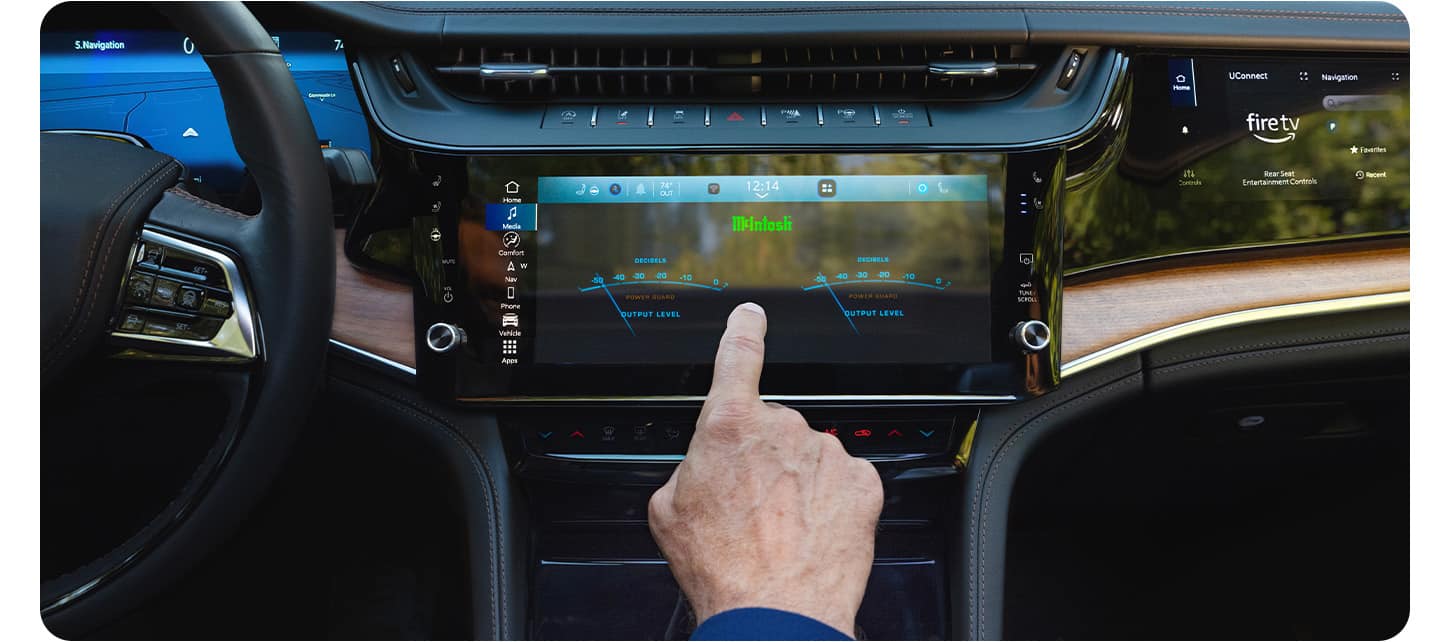
Jeep continues to add features through over-the-air (OTA) updates for newer Grand Cherokees. These may include improved navigation, voice commands, or even integration with smart home assistants. Check for updates regularly in your app or vehicle settings.
For more details, visit the official Jeep connectivity page.
Frequently Asked Questions
Is There An App For The Jeep Grand Cherokee?
Yes, the Jeep app (formerly Uconnect) offers remote start, lock/unlock, vehicle location, and more for most recent Grand Cherokee models.
Do I Need A Subscription To Use All App Features?
Some features, like remote start and vehicle location, require a paid subscription after the initial free trial.
Can I Use The App With Older Grand Cherokee Models?
Older models (before 2019) may only support limited features or none at all. Always check compatibility based on your model year.
Is The Jeep App Safe To Use?
Yes, Jeep uses encryption and account protection. For maximum security, use strong passwords and enable two-factor authentication.
Can I Use Third-party Apps With My Grand Cherokee?
You can, but stick to trusted apps for non-critical features. Never share your main Jeep account credentials with unofficial apps.
The world of connected vehicles is growing fast. With the official Jeep app, Grand Cherokee owners can enjoy more convenience and peace of mind.
Just remember to check compatibility, activate all features, and keep your account secure for the best experience.