Updating your Jeep Uconnect software is more than just a tech chore. It can improve your driving experience, boost safety, and fix annoying glitches. If you’ve ever struggled with slow navigation or Bluetooth issues, a software update can often solve these problems. But many Jeep owners feel unsure about the process—especially those who aren’t tech experts. This guide will walk you through the steps, highlight common mistakes, and share practical advice so you can update your Uconnect system with confidence.
Why Update Jeep Uconnect Software?
Uconnect software controls many features in your Jeep, from navigation to music, to hands-free calls. Updates offer:
- Bug fixes: Solve problems like freezing screens or dropped calls.
- New features: Get improved maps, better voice recognition, and extra app support.
- Security patches: Protect your data from hacking risks.
A recent survey by FCA (Fiat Chrysler Automobiles) found that 60% of Jeep drivers noticed faster performance after updating Uconnect. Regular updates can even help your resale value, as buyers prefer vehicles with the latest tech.
How To Check Your Current Uconnect Version
Before you start, you need to know your Uconnect’s current version. Here’s how:
- Turn your Jeep on and power up the Uconnect screen.
- Go to Settings or System Information.
- Look for Software Version. Write down the number.
Some Uconnect systems also show the version in the “About” section. If you’re unsure, your owner’s manual will help.
Ways To Update Uconnect Software
There are two main ways to update your Uconnect system: over-the-air (OTA) or USB drive. The best method depends on your Jeep’s model and year.
Over-the-air (ota) Updates
For newer Jeeps (usually 2018 and up), updates happen automatically.
- Your Jeep must be parked, with ignition on, and connected to Wi-Fi.
- Updates download and install without extra steps.
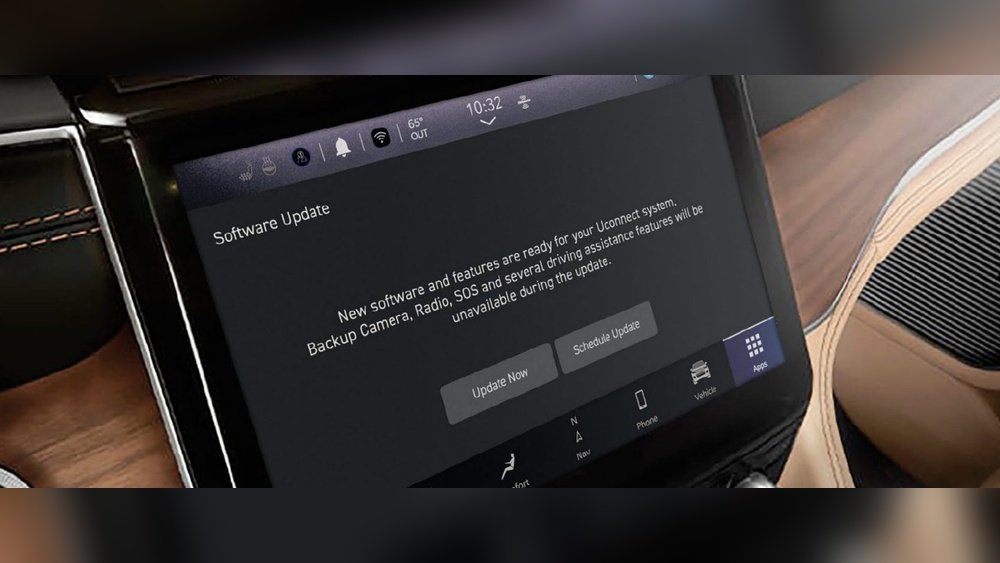
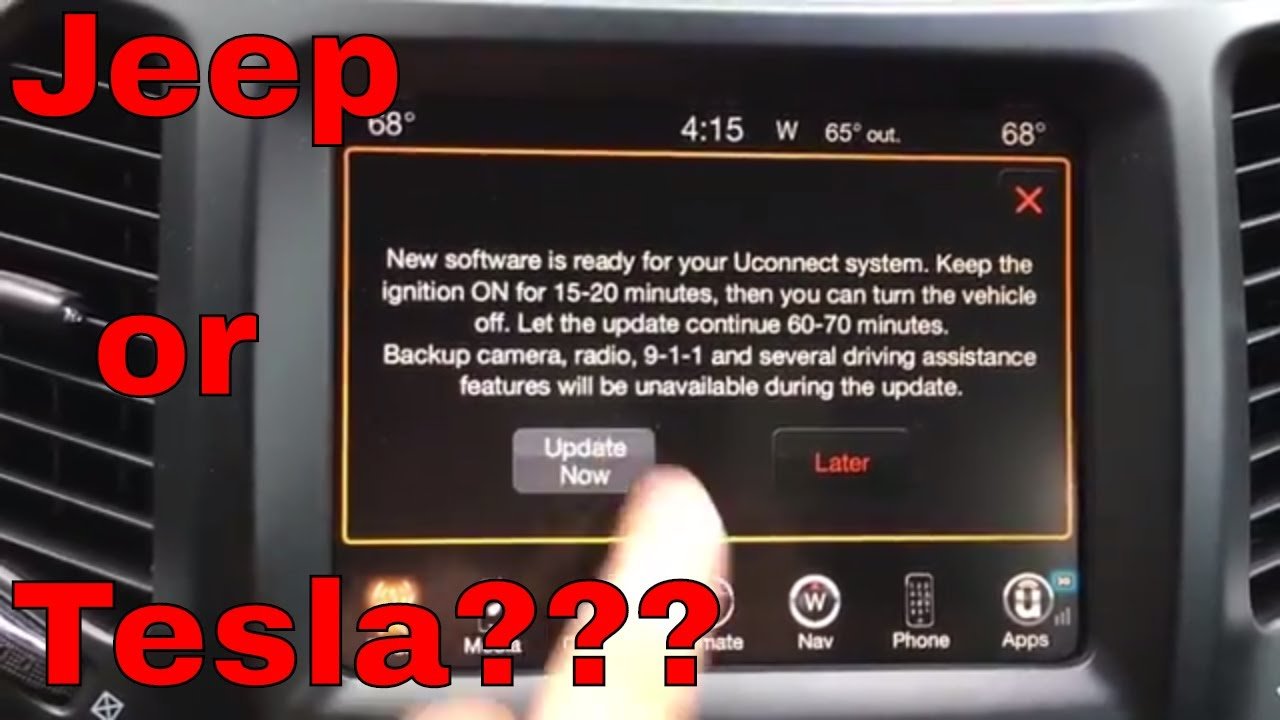
- You’ll see a message on your screen when an update is ready.
If your Jeep supports OTA, this is the easiest method. But Wi-Fi connection is needed, and the process can take up to 30 minutes.
Usb Drive Updates
Older Jeeps need manual updates using a USB drive. Here’s what to do:
- Visit the official Uconnect site and enter your VIN to check for updates.
- Download the software update file.
- Move the file to a blank USB drive (at least 4GB).
- Start your Jeep and plug the USB into the Uconnect port.
- Follow on-screen instructions to install.
This method takes about 20 40 minutes. Make sure you don’t remove the USB or turn off your Jeep during the update.
Step-by-step: Updating Uconnect With Usb
Let’s break down the USB update process for clarity:
- Get your VIN: Find it on your dashboard or registration papers.
- Check for updates: Go to DriveUconnect official site and enter your VIN.
- Download the file: The site will give you a link if an update is available.
- Prepare USB: Format your USB drive to FAT32, then copy the update file.
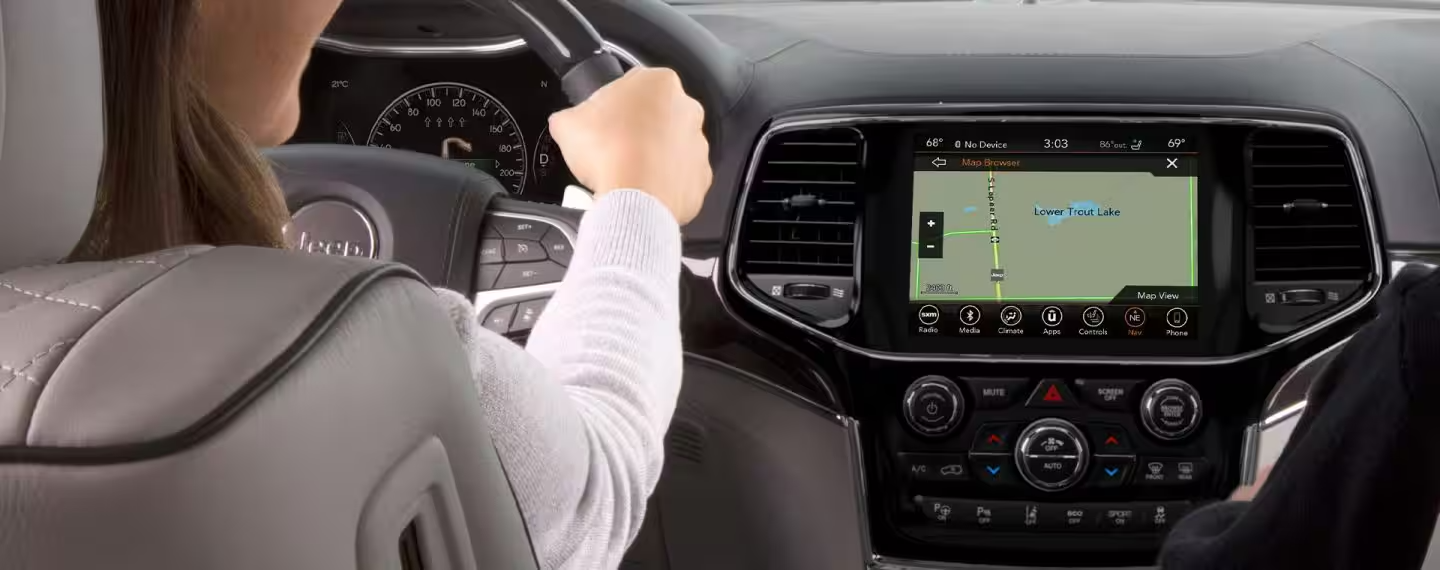
- Insert USB: Plug it into your Jeep’s USB port (usually below the dashboard).
- Follow prompts: The screen will guide you. Accept terms and start the update.
- Wait for completion: Don’t turn off the car or remove the USB. The screen will show progress.
If the update fails, restart your Jeep and try again. Sometimes, using a different USB drive helps.
Comparing Update Methods
Here’s a simple comparison of OTA and USB updates for Jeep Uconnect:
| Method | Best For | Time Needed | Requirements | Risk of Failure |
|---|---|---|---|---|
| OTA | New Jeeps (2018+) | 10–30 mins | Wi-Fi connection | Low |
| USB | Older Jeeps | 20–40 mins | USB drive, download file | Medium |
Practical Tips For Smooth Updates
Small mistakes can cause big headaches. Here are two often-overlooked tips:
- Charge your battery: Updates can drain power. Start with a full battery or keep the engine running.
- Use a quality USB drive: Cheap or damaged drives cause errors. Choose a well-known brand.
Also, formatting the USB to FAT32 is crucial. Most failed updates happen because the USB is not formatted correctly. Double-check before starting.
Common Problems And Solutions
Updating is usually simple, but issues can happen. Here’s how to handle them:
| Problem | Solution |
|---|---|
| Update won’t start | Check USB format; try a different port or drive. |
| Frozen screen | Restart the Jeep; unplug USB, wait, and try again. |
| Download error | Clear browser cache; use another computer. |
| OTA update unavailable | Connect to Wi-Fi, or switch to USB method. |
If problems continue, contact your Jeep dealer or visit the official support site.
After The Update: What To Expect
When the update finishes, your Uconnect system will restart. You may notice:
- Faster loading times
- Improved Bluetooth performance
- Updated maps and apps
Check your Software Version again to confirm the update. Sometimes, you need to re-pair your phone or reset radio presets.
Frequently Asked Questions
How Often Should I Update My Jeep Uconnect Software?
It’s best to check for updates every 6 12 months. If you notice bugs or missing features, check sooner.
Can I Update Uconnect Without Wi-fi?
Yes, you can use the USB method. Download the update file on your computer and use a USB drive.
Will Updating Uconnect Erase My Settings?
Most updates keep your presets and contacts. Rarely, you may need to re-pair devices. Backup important settings before updating.
What If My Uconnect System Doesn’t Show Any Updates?
Your software may already be up-to-date, or your Jeep may not support newer updates. Double-check your VIN and try again later.
Is It Safe To Update Uconnect Myself?
Yes, as long as you follow the instructions and don’t interrupt the process. For extra safety, use a reliable USB drive and keep your Jeep powered.
Updating your Jeep Uconnect software is a smart step for better driving and safer journeys. With clear steps, the right tools, and a bit of patience, anyone can do it—even if you’re not a tech expert. Take the time to update, and enjoy the benefits of a smoother, smarter Jeep.


















