Many Jeep owners enjoy connecting their phones to the vehicle’s infotainment system for music, calls, and navigation. But sometimes, you need to unpair your phone from Jeep—maybe you’re selling the car, switching devices, or troubleshooting Bluetooth issues. If you’re unsure how to remove your phone, you’re not alone. This guide will walk you through the process step-by-step, cover common mistakes, and answer frequent questions so you can confidently manage your Jeep’s Bluetooth connections.
Why Unpairing Your Phone Matters
Unpairing is more than just turning off Bluetooth. It removes all saved data from the Jeep’s system, including contact lists and call history. This is important if:
- You’re selling or trading your Jeep.
- You want to pair a new phone.
- You’re experiencing Bluetooth glitches.
- You’re concerned about privacy.
Many drivers overlook that simply disconnecting leaves some information stored in the vehicle. Proper unpairing keeps your data safe and helps avoid confusion when connecting new devices.
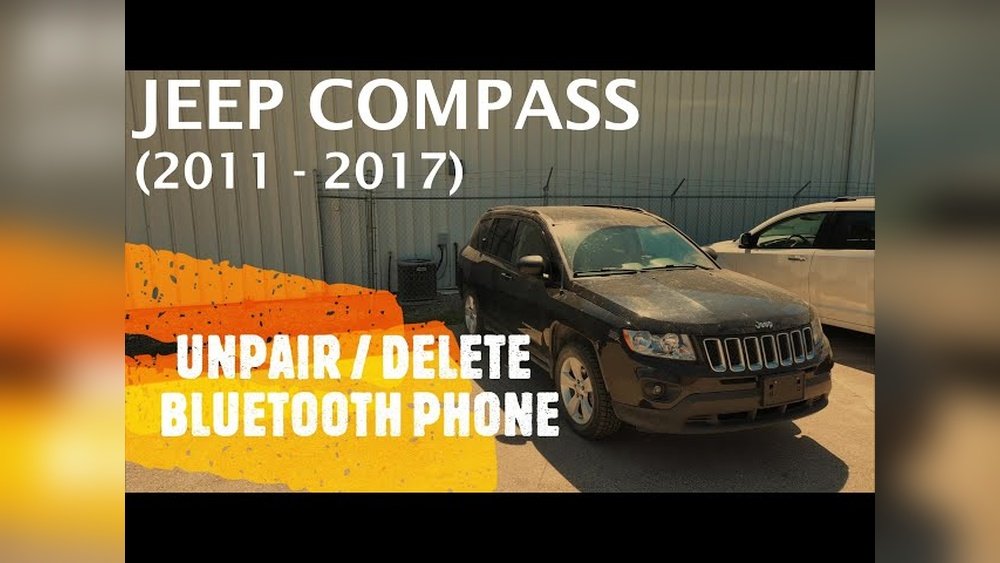
Step-by-step Guide: How To Unpair Phone From Jeep
Unpairing your phone from a Jeep is simple but varies slightly between models and years. Here’s how to do it on most modern Jeeps (2015 and newer):
- Start your Jeep and turn on the infotainment screen.
- Tap the ‘Phone’ or ‘Settings’ button, usually found on the touchscreen.
- Select ‘Bluetooth’ or ‘Paired Devices’ from the menu.
- Find your phone’s name in the list of connected devices.
- Tap your phone’s name, then choose ‘Remove’, ‘Delete’, or ‘Unpair’.
Some older models may use a knob or physical buttons instead of a touchscreen. For those, look for a ‘Menu’ or ‘Setup’ button and follow similar steps to access Bluetooth settings.
Example: Unpairing On Jeep Wrangler (2020)
- Press the ‘Settings’ icon on the Uconnect touchscreen.
- Tap ‘Bluetooth’, then ‘Paired Devices’.
- Select your phone and tap ‘Delete Device’.
- Confirm the removal.
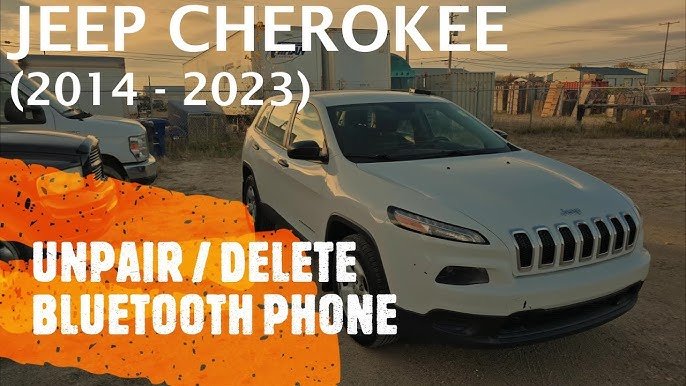
Example: Unpairing On Jeep Cherokee (2017)
- Press the ‘Phone’ button.
- Go to ‘Settings’ > ‘Bluetooth’.
- Highlight your phone and press ‘Remove’.
Comparing Jeep Bluetooth Features
Different Jeep models offer unique Bluetooth capabilities. Here’s a quick comparison:
| Model | Bluetooth Version | Max Paired Devices | Touchscreen Size |
|---|---|---|---|
| Jeep Wrangler (2020) | 5.0 | 7 | 7.0″ |
| Jeep Grand Cherokee (2021) | 5.1 | 8 | 8.4″ |
| Jeep Compass (2019) | 4.2 | 5 | 7.0″ |
Some models allow more paired devices and have larger screens, making the unpairing process easier.
Common Mistakes When Unpairing
Many Jeep owners make small errors during the unpairing process:
- Not deleting the device: Just disconnecting leaves data behind.
- Forgetting to remove from phone: Sometimes your phone still shows the Jeep as a paired device.
- Not updating after unpairing: Failing to restart the infotainment system can cause glitches.
To avoid these problems, always remove the device from both the Jeep and your phone. Restart the system if you notice any Bluetooth issues.
Data Privacy: What Gets Deleted?
Unpairing your phone from Jeep deletes:
- Contacts
- Call history
- Messages (if synced)
- Device name
However, some personal data might remain if you don’t remove the device properly. For complete privacy, clear all paired devices before selling or trading in your Jeep.
Troubleshooting: If You Can’t Unpair
Sometimes, the device won’t delete or keeps reconnecting. Here are solutions:
- Restart the Jeep’s infotainment system after trying to remove the device.
- Reset Bluetooth settings in the system menu.
- Update the Uconnect software if available.
- Remove Jeep from your phone’s Bluetooth list in your phone settings.
If problems persist, consult your Jeep’s manual or contact dealership support.
Table: Bluetooth Troubleshooting Tips
Here’s a quick guide to fixing common Bluetooth issues:
| Issue | Possible Cause | Solution |
|---|---|---|
| Device won’t unpair | Software bug | Restart system, update software |
| Phone reconnects automatically | Paired on phone side | Remove Jeep from phone’s Bluetooth list |
| Bluetooth not visible | Infotainment not in pairing mode | Activate pairing mode, check manual |
Real-world Example: Jeep Owner’s Experience
Sarah, a Jeep Grand Cherokee owner, wanted to switch phones. She removed her old phone from the Jeep, but it kept connecting.
She realized she hadn’t deleted the Jeep from her phone’s Bluetooth settings. After removing both sides and restarting the system, she paired her new phone with no issues.
This shows the importance of clearing connections from both devices.
Tips For Smooth Unpairing
- Always delete the device from the Jeep’s system, not just disconnect.
- Remove the Jeep from your phone’s Bluetooth list.
- Restart the infotainment after unpairing.
- Update software for fewer bugs.
- Clear all devices if selling your Jeep.
Table: Jeep Model Unpairing Steps
Quick steps for popular Jeep models:
| Model | Main Step | Screen/Button Location |
|---|---|---|
| Wrangler | Settings > Bluetooth > Delete Device | Touchscreen |
| Cherokee | Phone > Settings > Remove | Touchscreen |
| Compass | Menu > Bluetooth > Unpair | Physical buttons |
Frequently Asked Questions
How Do I Unpair My Phone If My Jeep Has No Touchscreen?
Go to the main menu using physical buttons. Find ‘Bluetooth’ or ‘Phone’ settings, select your device, and choose ‘Remove’ or ‘Unpair’.
Will Unpairing Delete All My Contacts From The Jeep?
Yes, when you unpair your phone, all synced contacts and call history are deleted from the Jeep’s system.
What Should I Do If My Phone Keeps Reconnecting After Unpairing?
Remove the Jeep from your phone’s Bluetooth list. Restart both devices. If needed, reset the infotainment system.
Can I Unpair All Phones At Once?
Most Jeep models allow you to clear all paired devices from the Bluetooth menu. Check your user manual for exact steps.
Where Can I Find Official Instructions For My Jeep Model?
Visit the official Jeep website or see your manual. You can also check Jeep’s Uconnect support for detailed guides.
Unpairing your phone from Jeep is quick if you follow the right steps. Doing this properly protects your privacy, prevents Bluetooth issues, and makes it easier to connect new devices.
Whether you’re selling your car or simply upgrading your phone, these tips ensure a smooth, worry-free experience.



















