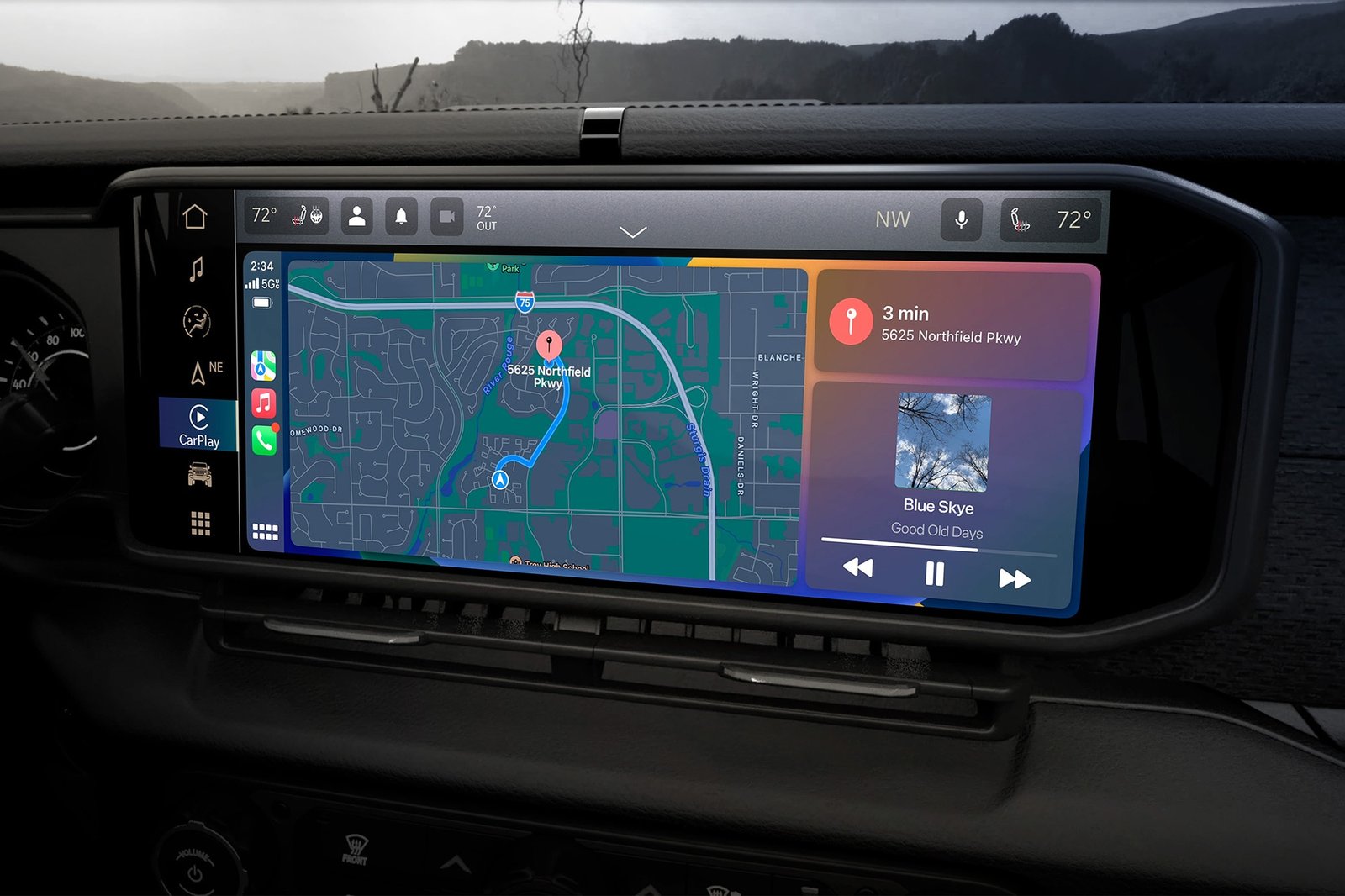
If you own a Jeep, you know how useful the navigation system can be. It helps you find new places, avoid traffic, and reach your destination smoothly. But sometimes, the system may freeze, show wrong directions, or stop responding. These issues can be annoying, especially if you rely on GPS. The good news is: you can reset your Jeep navigation system yourself. This guide explains clear steps, common mistakes, and practical tips to get your system working again.
There are several situations where a reset can help:
- System freezes: The screen does not change, or buttons stop working.
- Incorrect location: GPS shows you in the wrong place.
- Missing features: Voice guidance, maps, or routes disappear.
- Slow performance: Navigation takes too long to load or respond.
- Bluetooth issues: Cannot connect your phone or audio devices.
Resetting can solve these problems quickly. Most Jeep owners do not realize that a simple reset fixes many navigation errors.

Jeep models use different navigation systems. The most common are Uconnect (found in many Jeep vehicles since 2013) and older systems. Here are step-by-step instructions for both.
Uconnect is the main system in Jeep vehicles like Cherokee, Grand Cherokee, Wrangler, and Compass.
- Soft Reset
- Turn your Jeep on (engine running or in accessory mode).
- Press and hold the volume and tuner knobs together for about 10 seconds.
- The screen will turn off, then restart with the Jeep logo.
- Wait for the system to reboot fully (usually less than 1 minute).
- Factory Reset
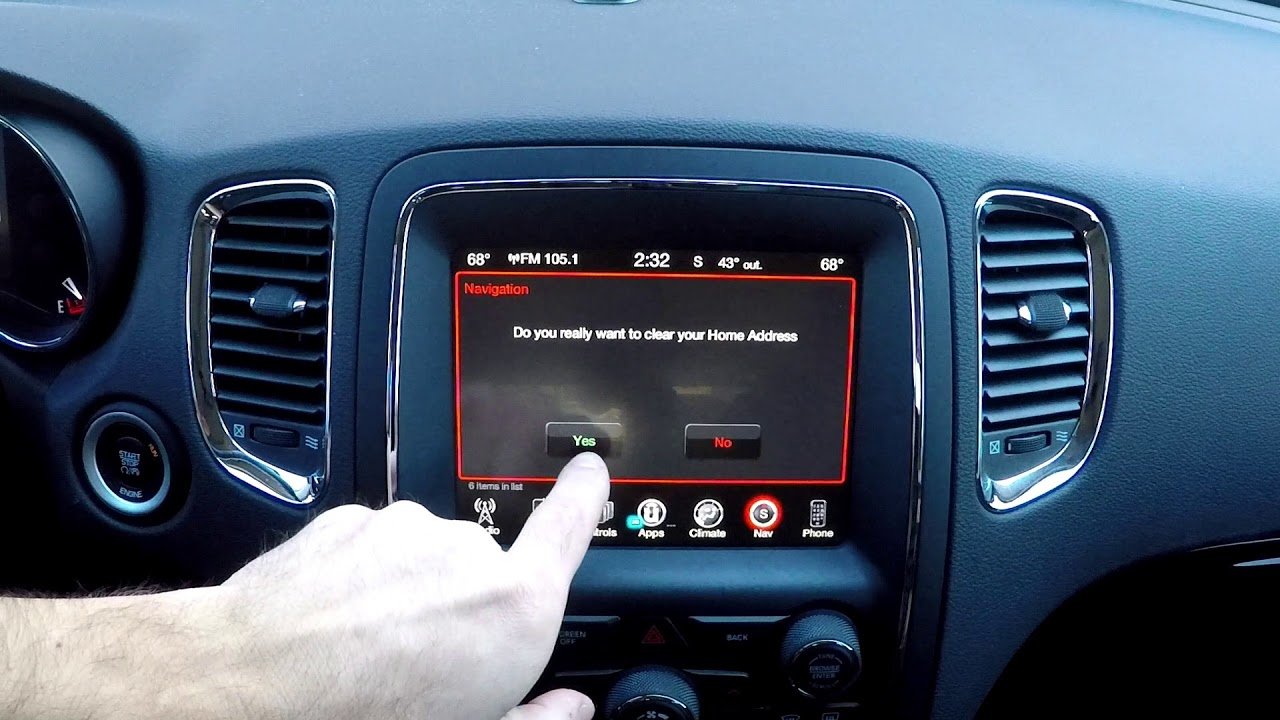
- On the Uconnect touchscreen, go to Settings.
- Select System Information or System Reset.
- Choose Restore Factory Settings.
- Confirm your choice (the system may ask for a code or PIN).
- The system will reset all settings and data.
Soft reset is safe and keeps your saved data. Factory reset removes all personal settings and saved locations.
Older Jeeps may use different screens and buttons.
- Find the Menu or Setup button near the display.
- Navigate to System Settings or Restore Defaults.
- Follow the on-screen prompts to reset.
If you cannot find the reset option, check your Jeep owner’s manual. Some models require you to remove and reconnect the battery for a hard reset.
Key Differences By Model Year
Here is a quick comparison of reset options by Jeep model year:
| Model Year | Navigation System | Reset Method |
|---|---|---|
| 2013–2024 | Uconnect | Soft/Factory Reset (Screen) |
| 2008–2012 | MyGIG/REC | Menu Button/Manual Reset |
| 2002–2007 | RAQ/RES | Battery Disconnect |
Always check your vehicle’s manual for the exact reset steps.
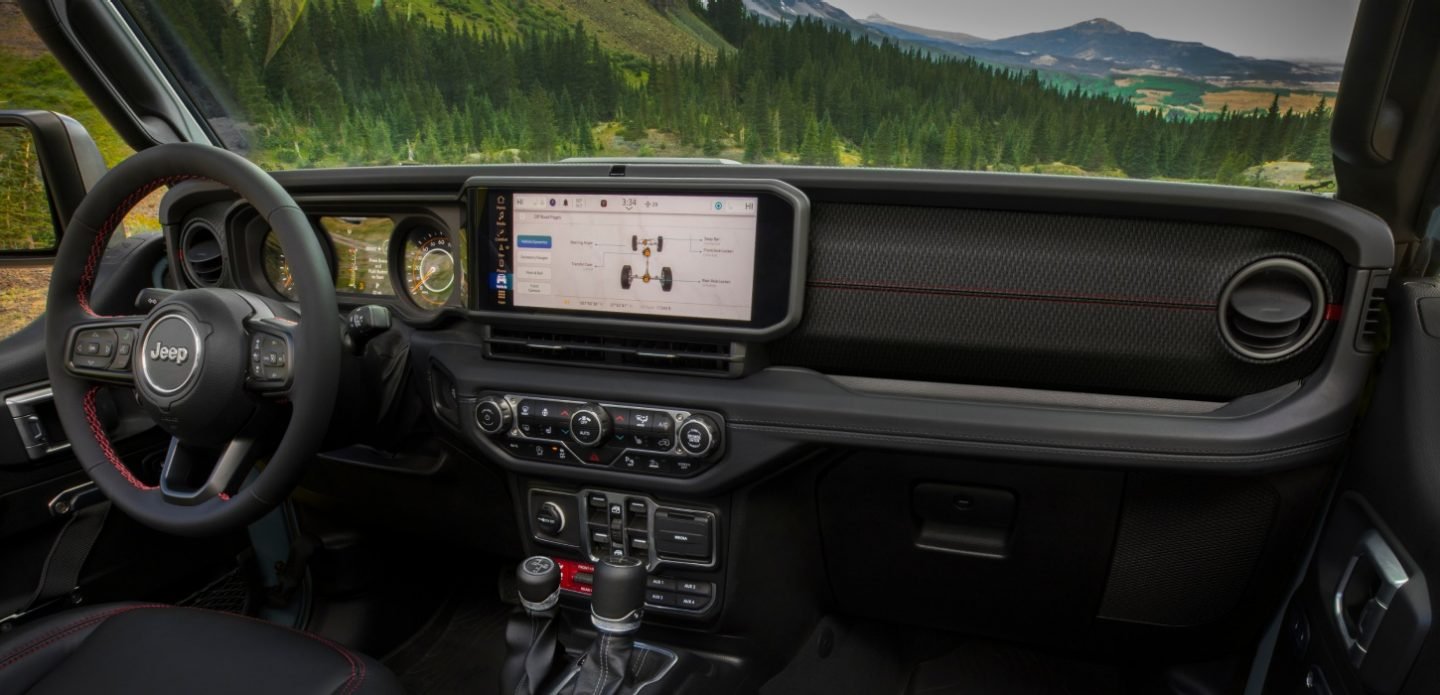
Common Mistakes When Resetting
Many Jeep owners make errors when trying to reset their navigation:
- Not holding buttons long enough: Short presses will not trigger a reset.
- Forgetting to save important data: A factory reset erases all stored addresses and settings.
- Trying to reset while driving: For safety, always reset while parked.
- Assuming all problems need a reset: Some issues, like poor GPS signal, may need different solutions.
A helpful tip: If your system does not respond after a soft reset, try a factory reset. But only do this if you are ready to set up everything again.
What To Do If Reset Does Not Work
If a reset does not fix the problem, try these steps:
- Check for software updates: Go to Settings and see if there are new updates. Updates can fix bugs and improve performance.
- Inspect GPS antenna: Sometimes, the antenna is loose or damaged. This causes wrong location data.
- Disconnect battery: For older models, disconnect the car battery for 10–15 minutes, then reconnect.
- Contact Jeep support: If nothing works, reach out to your dealer or visit the official Jeep support page.
Most navigation issues are solved with a reset, but some may need expert help.
To keep your Jeep navigation system working well:
- Update maps and software every 6–12 months.
- Do not overload the system with too many saved locations.
- Keep your screen clean and dry.
- Only use compatible USB drives for updates.
Here’s a quick look at update frequency:
| Update Type | Recommended Frequency | Effect |
|---|---|---|
| Map Updates | Every 12 months | Accurate routes |
| Software Updates | Every 6 months | Bug fixes |
Updating your system prevents many errors and improves performance.
Frequently Asked Questions
You should only reset your navigation system if there is a problem, such as freezing or wrong directions. Routine resets are not necessary.
Will I Lose All My Saved Locations After A Factory Reset?
Yes, a factory reset will erase all saved addresses, routes, and personal settings. Always back up important locations before resetting.
Can A Reset Fix Bluetooth Issues In My Jeep?
A soft reset often solves Bluetooth connection problems. If Bluetooth still does not work, try a factory reset or update the software.
If the screen does not turn back on after a reset, check your fuse box and battery connections. If the problem continues, contact a Jeep dealer.
You can get official updates and support from the Jeep website or visit Jeep Owners for instructions and downloads.
Resetting your Jeep navigation system can solve many common issues and restore smooth operation. With the steps and tips above, you can confidently fix your GPS and enjoy your travels.
Remember, keeping your system updated and knowing how to reset it will save time and prevent stress on the road.