Unlocking your Jeep with an app is a modern convenience that’s changing how drivers interact with their vehicles. Forget about fumbling for keys or worrying if you locked the doors.
With just your smartphone and the right app, you can secure or unlock your Jeep from almost anywhere.
This feature is especially useful for busy people, families, or anyone who wants extra peace of mind. Let’s explore how this works, what you need to get started, and some tips to make the most of Jeep’s remote unlocking technology.

How Jeep Remote Unlocking Works
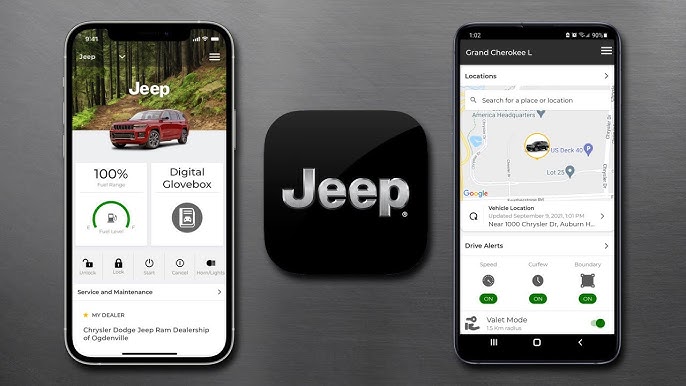
Jeep offers remote unlocking through the Uconnect app, which connects your phone to your vehicle using the internet. The app uses your Jeep’s built-in cellular system. When you press unlock, the app sends a secure signal to your Jeep, triggering the door locks. This process is quick, usually taking less than 30 seconds.
Most newer Jeep models (since 2018) support this technology. If you own a Jeep Grand Cherokee, Jeep Wrangler, or Jeep Compass from recent years, you probably have this feature. Older models may not support app unlocking, but you can check your owner’s manual or ask your dealer.
Essential Requirements
Before you use remote unlocking, make sure you have:
- A compatible Jeep model (usually 2018 or newer)
- An active Uconnect subscription
- A smartphone with the Uconnect app installed
- Internet access on your phone
If you’re missing any of these, remote unlocking won’t work. Many owners forget to activate their Uconnect subscription, which is required for app features.
| Requirement | Details |
|---|---|
| Jeep Model Year | 2018 or newer |
| Uconnect App | Latest version installed |
| Subscription | Active Uconnect Access |
| Internet | Cellular or Wi-Fi connection |
Step-by-step Guide To Unlock Your Jeep From The App
Unlocking your Jeep remotely is simple. Follow these steps:
- Download the Uconnect app from the App Store (iOS) or Google Play (Android).
- Register your account with your Jeep’s VIN (Vehicle Identification Number).
- Log in and confirm your Uconnect subscription is active.
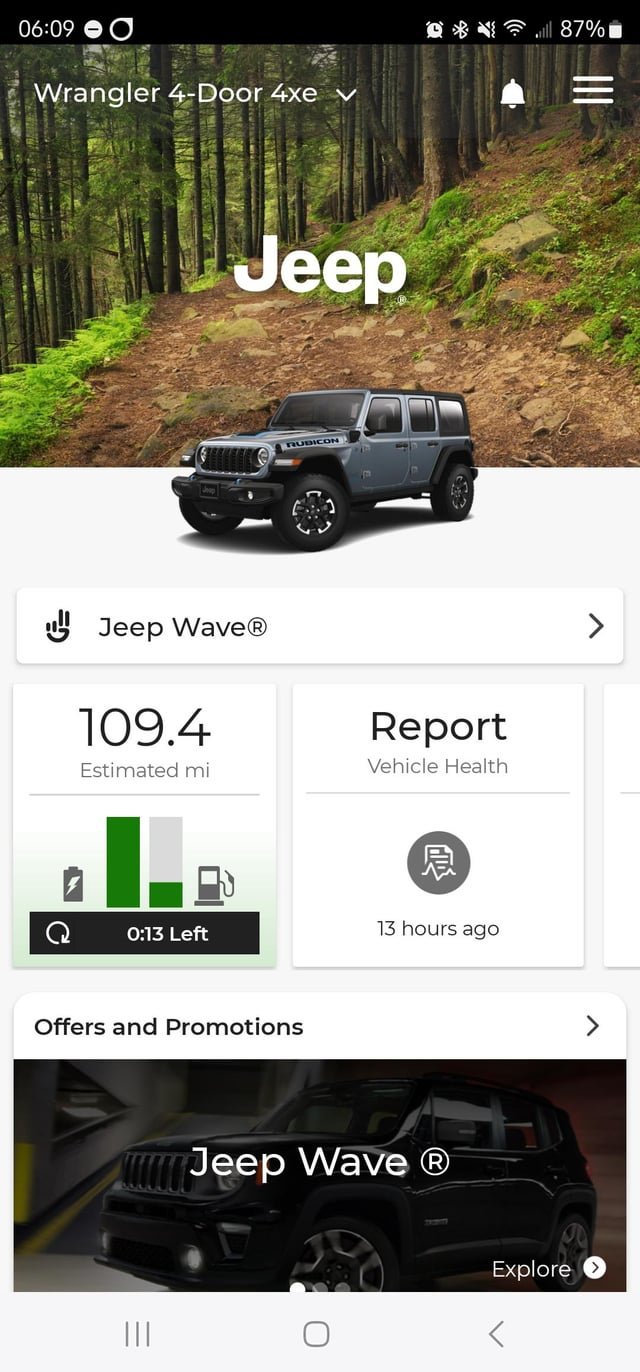
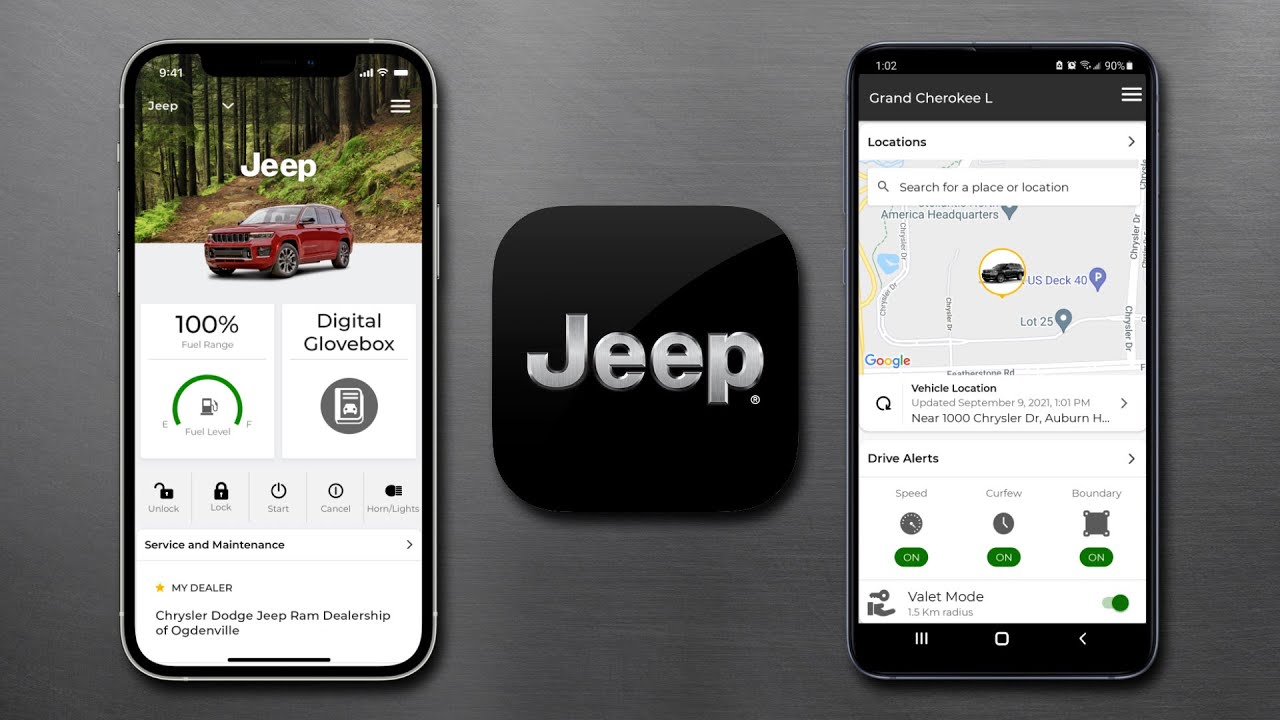
- On the home screen, find your Jeep listed.
- Tap Remote Unlock. The app may ask for your PIN or fingerprint for security.
- Wait for confirmation. The doors will unlock, and you’ll get a notification.
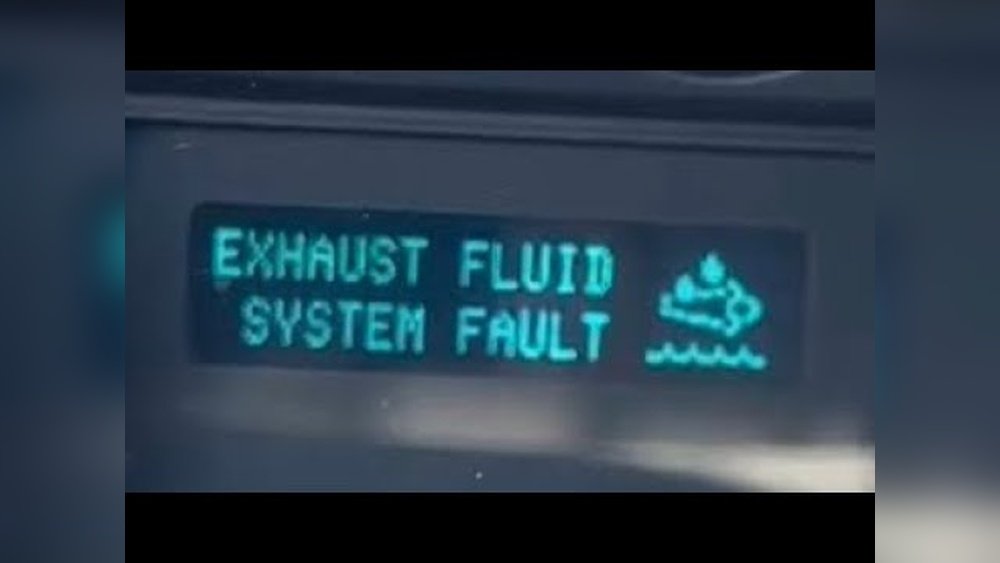
If the unlock doesn’t work, check your internet connection, app updates, and subscription status.
Example Scenario
Imagine you’re shopping, and your child is waiting in the car. You realize you locked the doors.
With the Uconnect app, you can unlock your Jeep instantly, even from inside the store. This saves time and reduces stress.
Uconnect Vs Other Remote Unlock Systems
Jeep’s Uconnect is not the only remote unlocking system. Other brands offer similar features, but Uconnect has several advantages for Jeep owners.
| Feature | Uconnect (Jeep) | OnStar (GM) | FordPass (Ford) |
|---|---|---|---|
| App Unlock | Yes | Yes | Yes |
| Subscription Cost | $20/month | $25/month | $10/month |
| Supported Models | 2018+ | 2015+ | 2017+ |
| Security | PIN/Fingerprint | PIN only | PIN/Fingerprint |
Jeep’s Uconnect offers a strong mix of convenience and security. Its use of biometric security is a bonus.
Security And Privacy Concerns
Many drivers worry about security with remote unlocking. Jeep uses encrypted signals and PIN codes to protect your vehicle. Your app can also use fingerprint or face recognition for extra safety.
If you lose your phone, change your Uconnect password right away. This prevents anyone from accessing your Jeep.
Always keep your app updated to get the latest security patches. A common mistake is ignoring app updates, which can leave your system vulnerable.
Common Problems And Solutions
Remote unlocking works well, but sometimes issues arise. Here are the most frequent problems and how to fix them:
- App won’t connect – Check your phone’s internet connection or restart the app.
- Vehicle not responding – Make sure your Jeep’s cellular system is active and you’re in an area with coverage.
- Subscription expired – Renew your Uconnect Access through the app or dealer.
- Wrong PIN entered – Reset your PIN if you forget it.
If your app keeps failing, try uninstalling and reinstalling it. This solves many software issues.
| Problem | Quick Fix |
|---|---|
| App not loading | Restart phone |
| No internet | Switch to Wi-Fi or cellular |
| Subscription inactive | Renew online or at dealership |
| PIN forgotten | Reset in app settings |
Extra Tips For A Smooth Experience
- Always keep your phone charged when traveling.
- Set up automatic app updates for security.
- Double-check your subscription renewal dates.
- Use a strong password for your app account.
One insight many beginners miss is that the Uconnect app can also lock your Jeep remotely, not just unlock. Another tip: if your Jeep is parked in an underground garage, signal delays may occur. Try moving closer to an exit or higher level for better connectivity.
Frequently Asked Questions
How Do I Know If My Jeep Supports App Unlocking?
Check your vehicle’s manual or the Jeep website. Most models from 2018 and newer support the Uconnect app for remote unlocking.
Is Remote Unlocking Safe?
Yes, Jeep uses encrypted signals and biometric security. Always keep your app updated for the best protection.
What Should I Do If I Lose My Phone?
Change your Uconnect password and contact your dealer if needed. This prevents unauthorized access to your Jeep.
Can I Unlock My Jeep From Anywhere?
You can unlock your Jeep as long as your phone has internet access and your Jeep is in an area with cellular coverage.
Is There A Cost For Using Remote Unlock?
Yes, you need an active Uconnect Access subscription. Prices vary, but typically it’s around $20 per month. See official details on Jeep Uconnect.
Unlocking your Jeep from the app is fast, secure, and convenient. Whether you’re helping a friend, letting your kids in, or simply want extra control, the Uconnect app is a smart solution.
With the right setup and careful attention to security, you can enjoy all the benefits of remote access without worry.