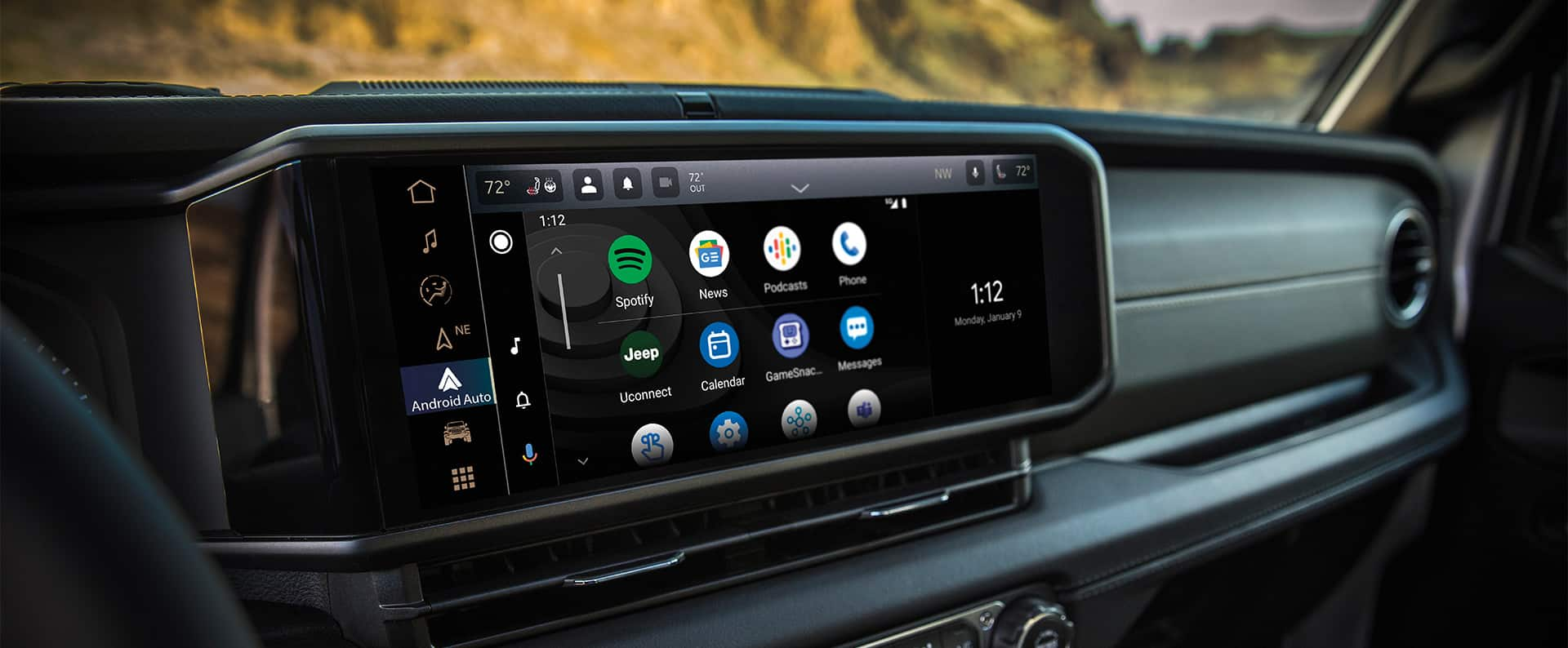
Getting into your Jeep Wrangler and seeing a blank or unresponsive screen can be frustrating. Whether you’re using the Uconnect system, navigation, or checking vehicle info, the screen is a key part of your driving experience. Many new Jeep owners are unsure how to turn on the screen, especially if they aren’t familiar with modern car technology. This guide will help you understand how to turn on the screen in your Jeep Wrangler, troubleshoot common issues, and make the most of your vehicle’s features.
Understanding The Jeep Wrangler Screen
Most recent Jeep Wrangler models (2018 and newer) use the Uconnect touchscreen. This screen controls navigation, audio, phone connectivity, climate settings, and more. Older models may have simpler displays, but the process for turning them on is similar.
The screen is usually located in the center of the dashboard. It’s designed to activate automatically when the vehicle is started, but sometimes it may stay off due to settings or technical issues.
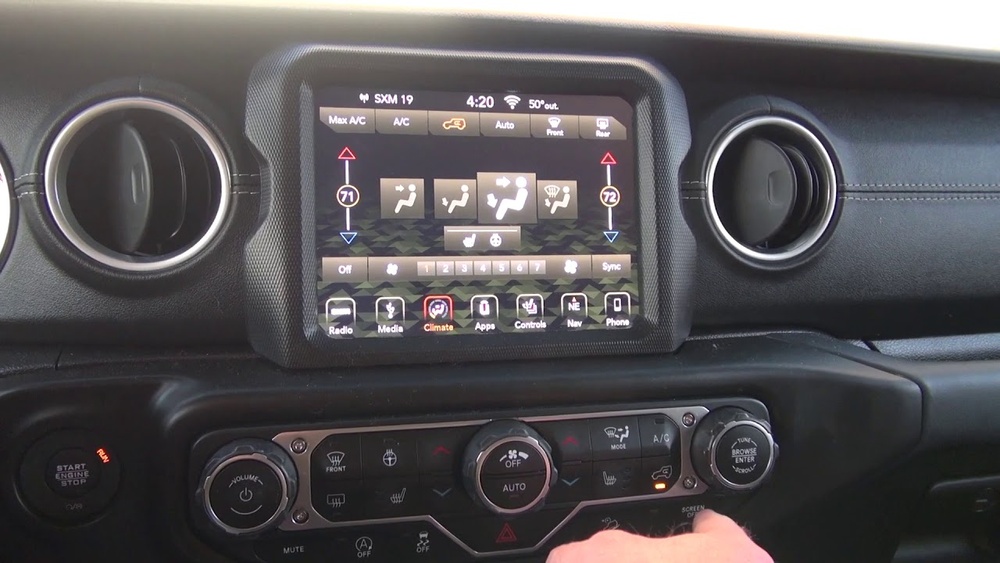
Screen Size And Model Differences
Jeep Wrangler screens come in different sizes. Here’s a comparison of the most common screen sizes:
| Model Year | Screen Size | Main Features |
|---|---|---|
| 2018–2020 | 5″, 7″, 8.4″ | Touchscreen, Uconnect, Bluetooth |
| 2021–2024 | 7″, 8.4″ | Touchscreen, Navigation, Apple CarPlay |
Knowing your screen size and model year can help you follow the right steps.
How To Turn On The Screen
Turning on the screen in a Jeep Wrangler is easy, but there are a few steps to check if it doesn’t come on automatically.
Step 1: Start The Vehicle
- Insert the key or press the Start/Stop button if your Wrangler has keyless ignition.
- Turn the ignition to the ON position.
- The screen should power on within a few seconds.
Step 2: Check Screen Settings
Some Jeep Wranglers have a power button for the screen. If the screen stays off:
- Look for a small button near the screen labeled Power or with a display icon.
- Press and hold this button for 2–3 seconds.
Step 3: Adjust Dimmer Controls
The dashboard dimmer can make the screen look off if set too low. Adjust the dimmer wheel or knob, usually found next to the headlight controls, to brighten the screen.
Step 4: Try A Soft Reset
If the screen doesn’t respond:
- Press and hold the power and volume buttons together for about 10 seconds.
- The screen should restart and turn on.
Step 5: Check Fuse And Battery
If the screen still won’t turn on, it could be an electrical issue. Here’s a quick comparison of possible causes:
| Possible Cause | Symptoms | Solution |
|---|---|---|
| Blown fuse | No power to screen | Check and replace fuse |
| Low battery | Screen flickers or stays off | Recharge or replace battery |
| Loose wiring | Intermittent screen power | Inspect and secure connections |

Common Mistakes To Avoid
Many Jeep owners make simple mistakes that can prevent the screen from turning on:
- Forgetting to turn the ignition fully ON: The screen won’t activate in accessory mode.
- Ignoring dimmer settings: A dimmed screen can look like it’s off.
- Not checking for software updates: Outdated software can cause the screen to freeze.
Two common insights beginners miss:
- Screen Lock Feature: Some newer Wranglers allow you to lock the screen for security. If locked, it won’t respond until you enter a PIN or unlock it via the settings.
- Delayed Startup: After battery replacement or software update, the screen can take up to 30 seconds to turn on. Wait before assuming it’s broken.
Troubleshooting Tips
If you’ve tried the basic steps and your screen still doesn’t turn on, here are some practical tips:
- Check for recalls: Sometimes Jeep issues software patches for screen problems. Visit the official Jeep site for updates.
- Use the owner’s manual: Look up your specific model’s screen instructions. Manuals are available online if you lost yours.
- Disconnect and reconnect the battery: This can reset the vehicle’s electronics, including the screen.
- Visit a dealership: If all else fails, professional technicians can diagnose and repair screen issues.
Making The Most Of Your Jeep Wrangler Screen
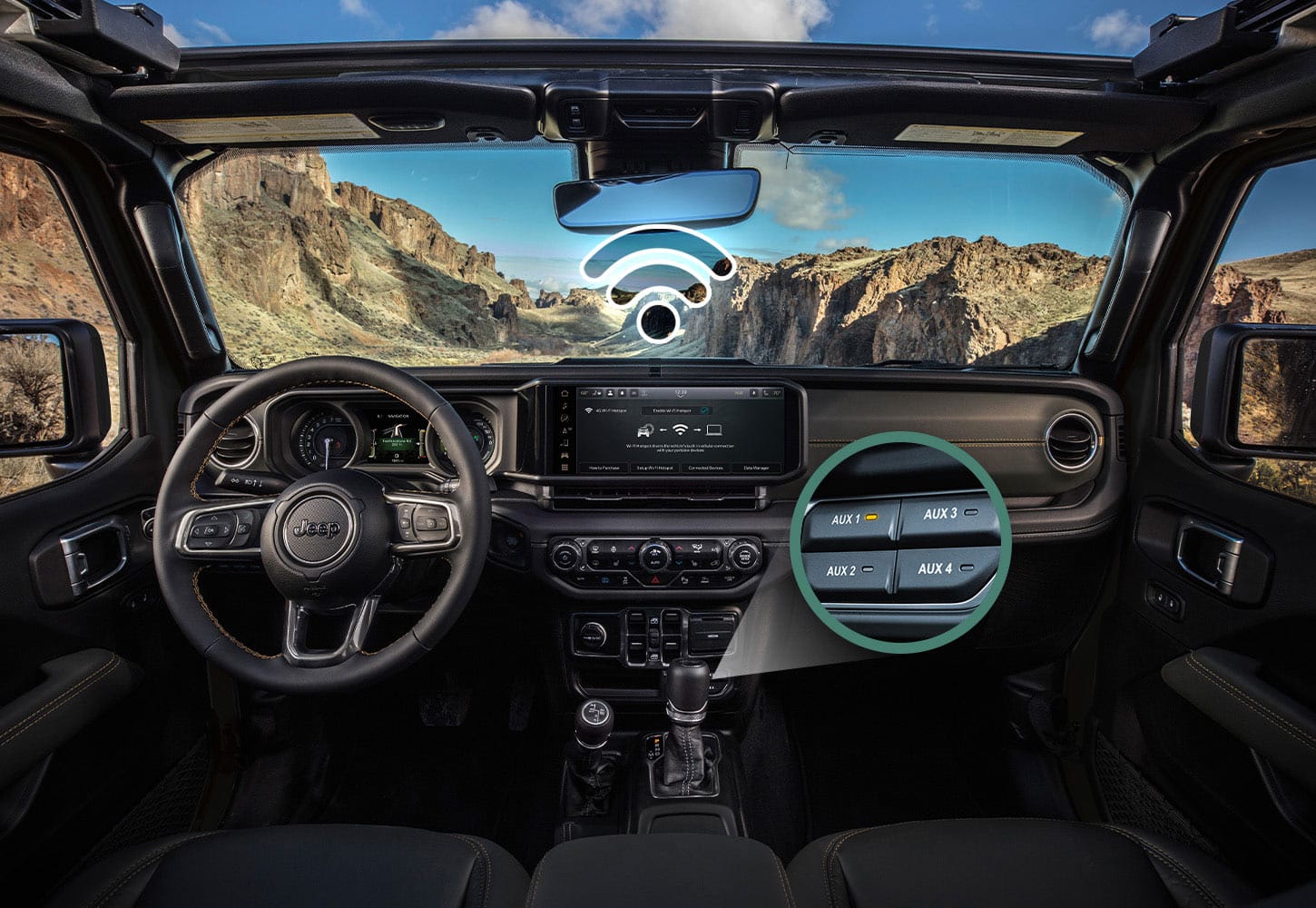
Once your screen is on, you can enjoy many features:
- Navigation: Enter destinations, use maps, and get directions.
- Entertainment: Access radio, music apps, and podcasts.
- Phone integration: Use Bluetooth, Apple CarPlay, or Android Auto for calls and messages.
- Vehicle settings: Adjust climate, lighting, and system preferences.
Most screens have a customizable home screen where you can move your favorite functions. Spend a few minutes exploring the menu to set up shortcuts and personalize your experience.
Frequently Asked Questions
How Do I Reset The Jeep Wrangler Screen?
To reset the screen, press and hold the power and volume buttons at the same time for about 10 seconds. The screen will reboot and turn on.
Why Does My Screen Stay Off After Starting The Car?
If the screen stays off, check the dashboard dimmer, fuse box, and battery. Also, make sure the ignition is fully ON, not just in accessory mode.
Can I Upgrade My Jeep Wrangler Screen?
Yes, many Wranglers allow screen upgrades. You can install a larger screen or newer Uconnect system, but it may require professional installation. Check compatibility before buying.
What Should I Do If The Screen Is Frozen?
If your screen is frozen, try a soft reset by holding the power and volume buttons. If this doesn’t work, disconnect the battery for a few minutes, then reconnect.
Is It Safe To Use Aftermarket Screens?
Aftermarket screens can offer more features, but they may not work perfectly with Jeep’s systems. Always buy from reputable brands and check reviews. For official guidance, visit Jeep’s official website.
Turning on the screen in your Jeep Wrangler is usually simple, but knowing these steps and troubleshooting tips can save you time and stress. If you follow the advice above, you’ll enjoy all the benefits your screen offers and keep your vehicle running smoothly.
Whether you’re navigating city streets or heading off-road, a working screen makes your Jeep experience better and safer.