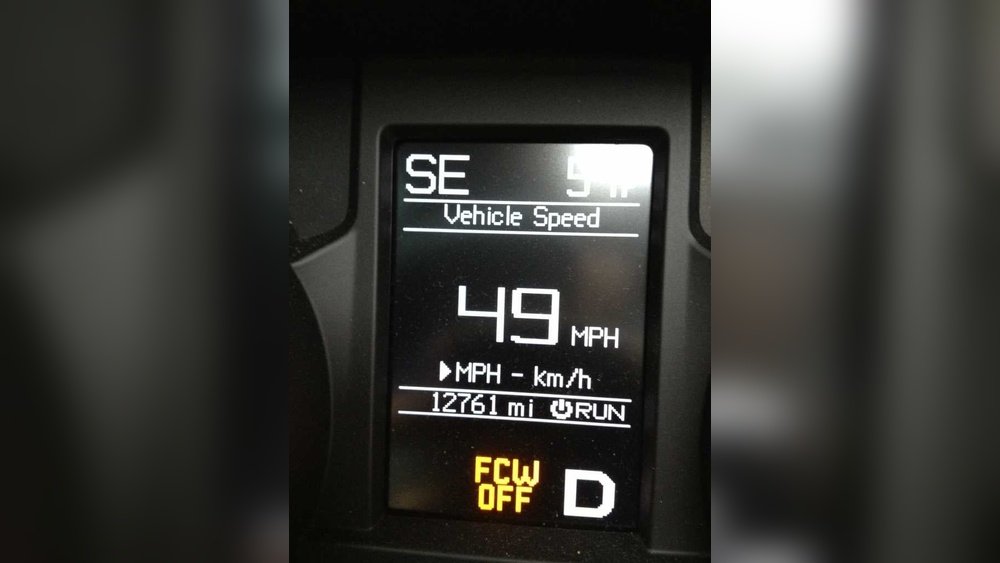
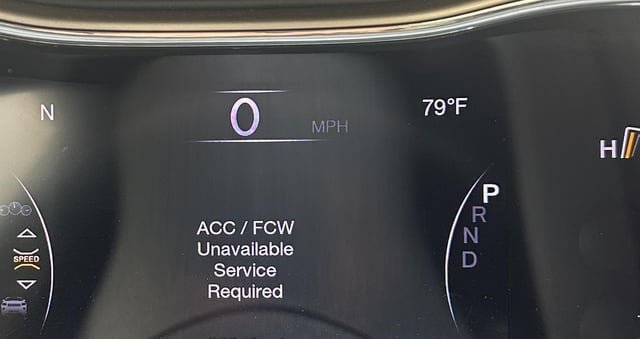
If you’re driving your Jeep Grand Cherokee and the Forward Collision Warning (FCW) system keeps alerting you at the wrong times, it can quickly become distracting. Maybe you want to turn it off temporarily or adjust how sensitive it is to avoid those annoying false alarms.
Whatever your reason, knowing exactly how to turn off FCW on your Jeep Grand Cherokee puts you back in control of your ride.
In this guide, you’ll learn simple, step-by-step instructions to disable or customize the FCW system using your vehicle’s touchscreen settings.
Plus, we’ll cover easy fixes if the system acts up or gives unwanted warnings. Keep reading to make your driving experience smoother and more comfortable.

Locate The Fcw Settings
Disabling the Forward Collision Warning (FCW) in your Jeep Grand Cherokee allows you to control the alerts for potential frontal collisions. This feature can be adjusted or turned off through the vehicle’s settings.
Managing this system helps drivers customize their safety experience and reduce unwanted warnings.
Selecting Automatic Emergency Braking
Start by accessing the Uconnect touchscreen in your Jeep Grand Cherokee. Tap the Vehicle icon or the Settings menu. Next, go to Safety & Driving Assistance.
Find the Automatic Emergency Braking option in the list. This section controls both the collision warning and braking assistance features.
You can choose how you want the system to behave from here.
Turning Off Or Adjusting Sensitivity
Within Automatic Emergency Braking, you can turn the system off completely. There is also an option to set the warning to “Warning Only.” This means you get alerts without automatic braking.
You can adjust the sensitivity to Far, Medium, or Near. This changes how early or late the system warns you about obstacles.
Choose the setting that best fits your driving style and comfort level.
Conclusion
Turning off the Forward Collision Warning in your Jeep Grand Cherokee is simple. Use the touchscreen to access Safety & Driving Assistance settings.
Choose Automatic Emergency Braking and select the option to turn it off. Keep in mind, this disables alerts for possible collisions ahead.
Regularly clean sensors to avoid false warnings. Stay aware of your surroundings while driving without FCW.
This helps maintain safety on the road. Following these steps makes managing your Jeep’s safety features easy and clear.


















