Starting a Jeep Cherokee might seem simple, but there are important details that can make a big difference. Whether you drive a new model with keyless start or an older version with a traditional key, knowing the right steps can help you avoid common problems. This guide explains how to start your Jeep Cherokee, what to do when things go wrong, and tips for keeping your vehicle in top shape.
Understanding Your Jeep Cherokee’s Start System
The Jeep Cherokee has changed a lot over the years. The way you start the engine depends on your model’s year and features. Older Cherokees use a metal key and ignition cylinder, while newer ones often come with a push-button start and a key fob. Some models also have remote start, which lets you start the car from a distance.
Here’s a quick look at how the start systems compare:
| Model Year | Start Method | Special Features |
|---|---|---|
| 1990–2013 | Key Ignition | Basic security, no remote start |
| 2014–Present | Push-Button Start | Keyless entry, remote start (some trims) |
Knowing your Cherokee’s start system helps you follow the correct steps and troubleshoot any issues.
How To Start A Jeep Cherokee With A Key
If you own an older Cherokee with a traditional key ignition, follow these steps:
- Get inside and close the driver’s door.
- Insert the key into the ignition slot, usually found on the right side of the steering column.
- Press the brake pedal fully with your right foot.
- Turn the key to the “ON” position and wait for the dashboard lights to come on. This allows the car’s electronics and fuel pump to activate.
- Turn the key further to the “START” position. Release the key once the engine starts.
- Check that all warning lights turn off and the car idles smoothly.
If your Cherokee hesitates or the engine doesn’t start, wait a few seconds before trying again. Forcing the key can damage the ignition system.
Common Mistakes With Key Start
- Not pressing the brake pedal
- Turning the key too quickly or holding it too long
- Trying to start with a weak battery
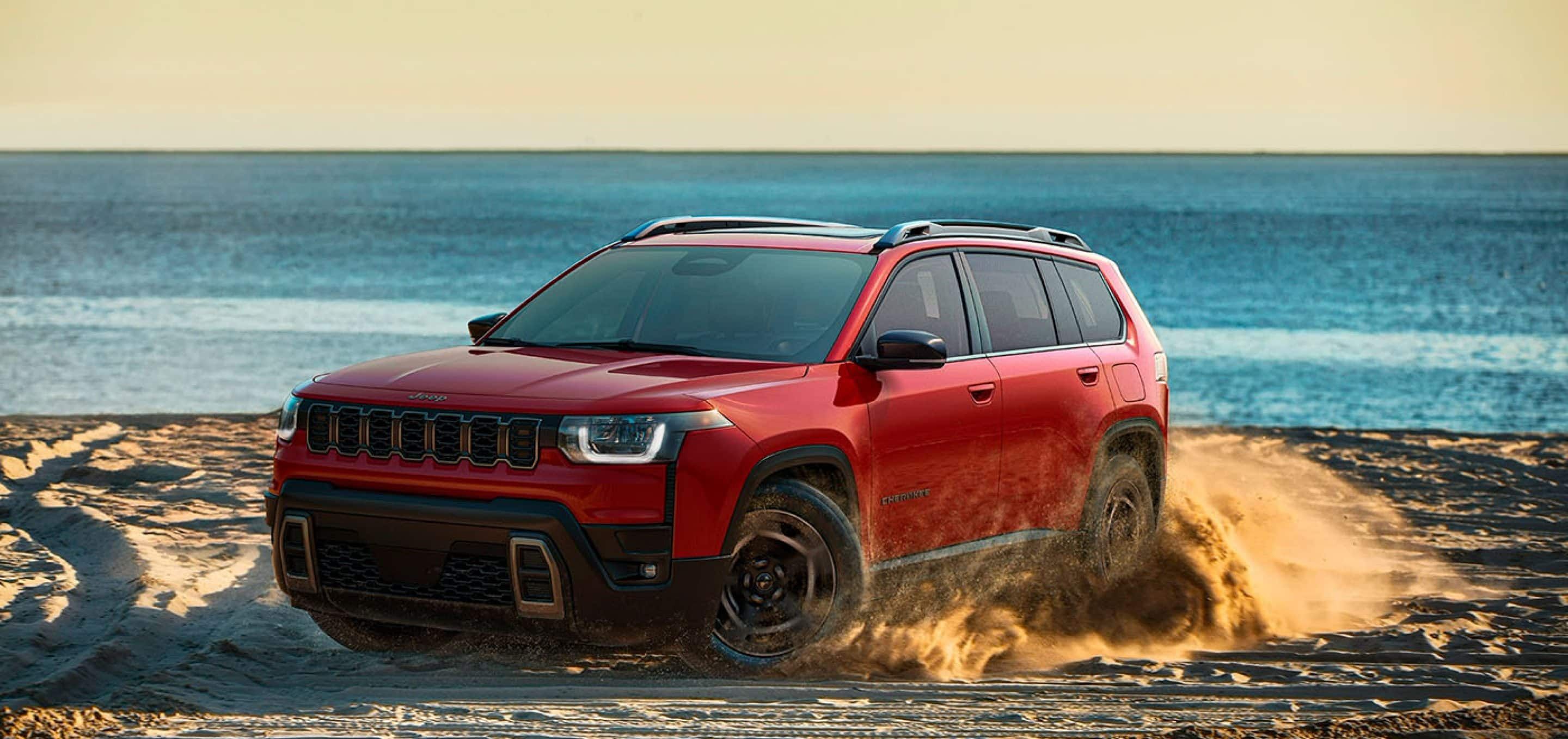
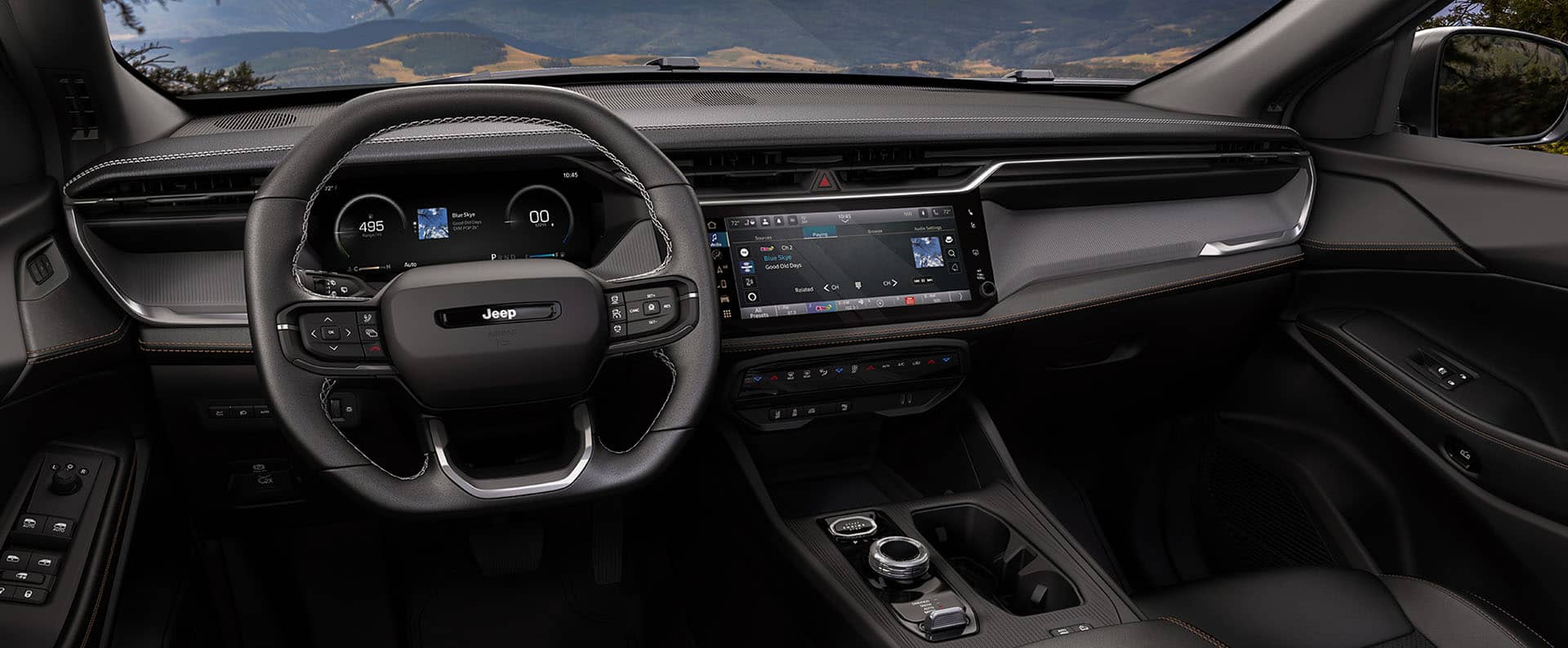
Newer Jeep Cherokee models feature push-button start. Here’s how to use this system:
- Keep your key fob inside the vehicle, usually in your pocket or bag.
- Sit in the driver’s seat and close the door.
- Firmly press the brake pedal.
- Press the “ENGINE START/STOP” button once. The engine should start, and the dashboard will light up.
- If the engine does not start, check that the key fob battery is not dead and you are pressing the brake pedal properly.
Push-button start is sensitive to the key fob’s battery. If the battery is low, hold the fob close to the start button or try using the backup slot (often located in the center console).
- Never leave your key fob in the vehicle after turning off the engine.
- Keep a spare battery for your key fob to avoid surprises.
Using Remote Start On Jeep Cherokee
Many recent Cherokee models offer remote start. This feature is great for pre-heating or cooling your car before you get in.
To use remote start:
- Press the lock button on your key fob.
- Within five seconds, press and hold the remote start button (usually a circular arrow) until the lights flash and the engine starts.
- The engine will run for about 15 minutes before shutting off automatically if you do not enter the car.
Remote start will not work if the hood is open, the check engine light is on, or the fuel is low. Always check safety conditions before using this feature.

What To Do If Your Jeep Cherokee Won’t Start
It’s frustrating when your car refuses to start. Here are some common reasons and solutions:
| Problem | Possible Cause | Quick Fix |
|---|---|---|
| No sound, no lights | Dead battery | Try jump-starting with cables |
| Clicking sound | Weak battery or starter | Charge or replace the battery |
| Engine cranks, but won’t start | Fuel or ignition issue | Check fuel level, fuses, spark plugs |
| Key not detected | Weak fob battery | Replace fob battery or use backup slot |
A non-obvious tip: If your battery is fine but your Jeep still won’t start, try shifting the gear lever to “Neutral” and then attempt to start. Sometimes, the sensor in “Park” may stick, and “Neutral” will allow the engine to turn over.
Safety And Maintenance Tips
Starting your Jeep Cherokee correctly is just one part of keeping it reliable. Here are a few practical safety and maintenance tips:
- Check your battery every six months, especially before winter.
- Keep your key fob battery fresh; change it once a year or if you notice signal problems.
- Never crank the engine for more than 10 seconds at a time—wait 30 seconds before trying again.
- If your Cherokee has a push-button start, avoid placing the key fob near electronics that may cause interference.
A less-known tip: Dust and debris can sometimes block the push-button sensor. If your button feels sticky, clean it gently with a soft, dry cloth.
For more detailed maintenance schedules, you can visit the official Jeep maintenance page.
Frequently Asked Questions
How Do I Start My Jeep Cherokee If The Key Fob Battery Is Dead?
Hold the dead key fob close to the start button or insert it into the backup slot (if equipped). Then press the brake and push the start button as usual.
Can I Remote Start My Jeep Cherokee From My Phone?
Some newer models with the Uconnect system let you use a smartphone app to start your Cherokee remotely. Check if your vehicle supports this feature.
Why Does My Cherokee’s Engine Crank But Not Start?
This usually means a problem with fuel delivery, spark plugs, or engine sensors. Make sure you have enough fuel, and check for warning lights on the dashboard.
First, check the key fob battery. Make sure your foot is firmly on the brake.
If the problem continues, try the backup slot or consult a dealer.
Is It Safe To Use Remote Start In A Closed Garage?
No. Never use remote start in a closed garage because exhaust fumes can build up and cause serious health risks.
Always run the engine in a well-ventilated area.
Starting your Jeep Cherokee can be easy and reliable with the right steps. By understanding your model’s system, following the correct procedure, and knowing how to handle common issues, you’ll drive with more confidence every day.


















