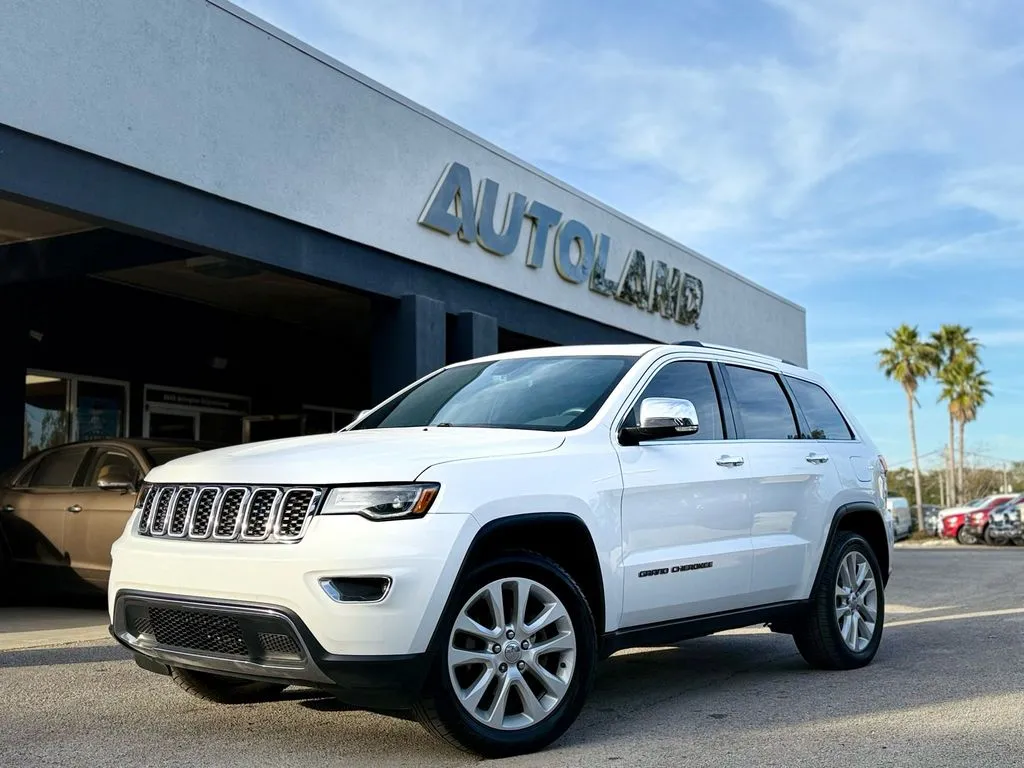
Getting into your 2017 Jeep Cherokee and starting it with a key might seem simple, but there are some important steps and details to know. The process can change depending on your vehicle’s security features and key type.
Whether you’re new to the Jeep Cherokee or just need a refresher, this guide will help you start your SUV confidently and safely.
Plus, you’ll learn about some common mistakes and useful tips that many drivers overlook.
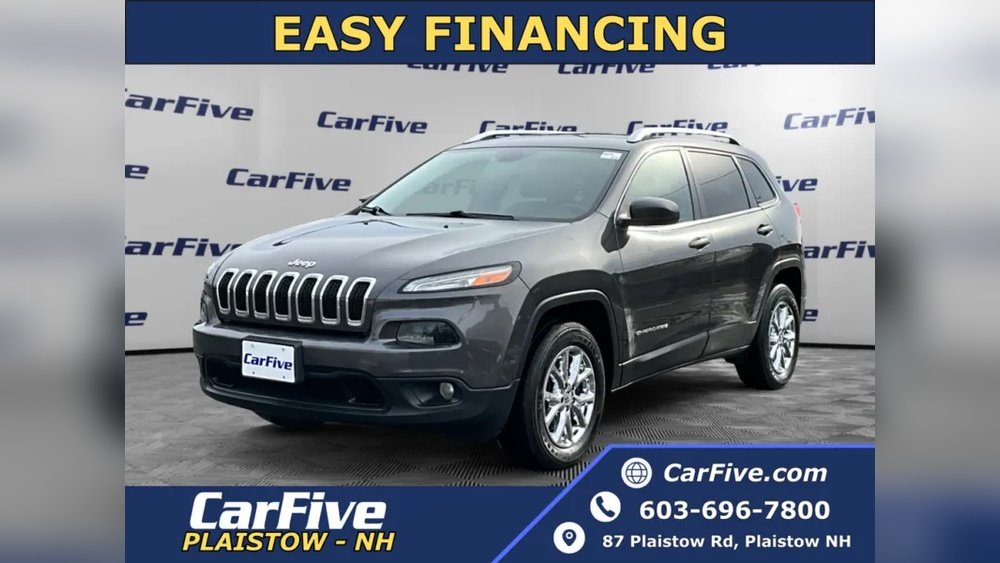
Understanding Your Jeep Cherokee Key
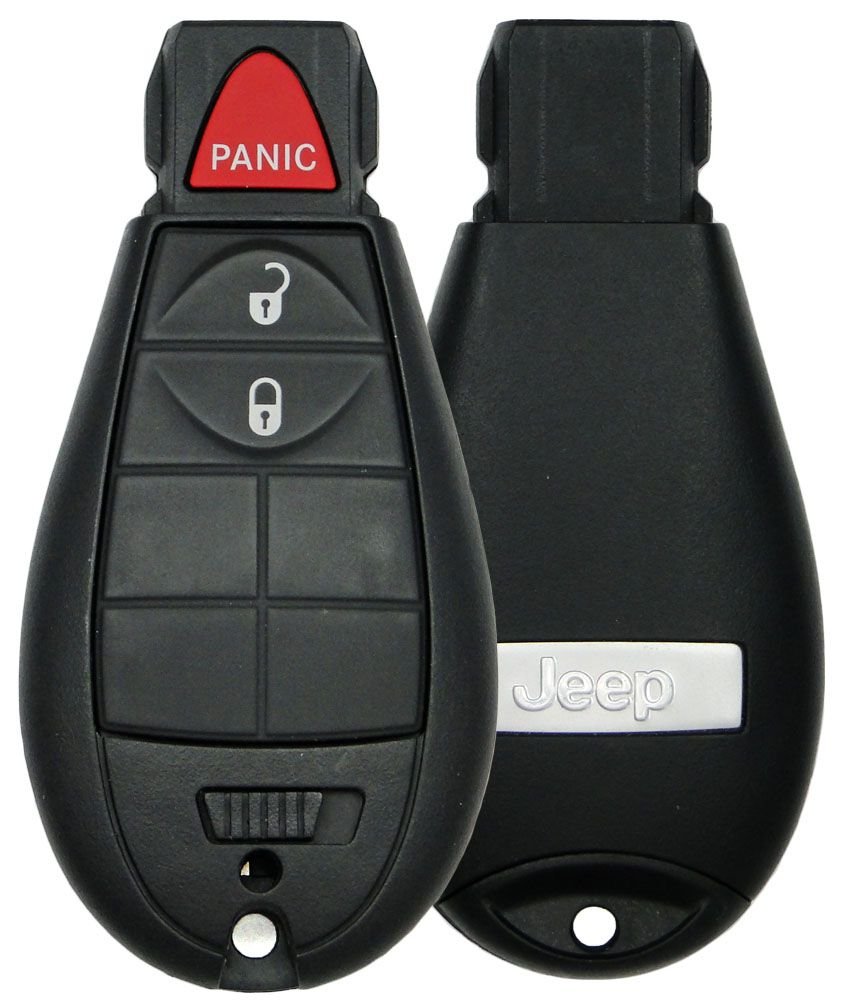
The 2017 Jeep Cherokee uses a key fob with remote entry and a built-in mechanical key. Some models also have a push-button start, but every Cherokee comes with a physical key for backup. Knowing how your key works will help you avoid starting problems.
- Remote key fob: Controls doors and ignition.
- Mechanical key: Hidden inside the fob, used if battery dies.
Key Fob Vs Mechanical Key
The key fob lets you start your Cherokee if the battery and electronics work. If the fob battery is dead, you must use the mechanical key.
Many drivers don’t realize there’s a hidden key inside the fob just press the small release button to pull it out.
Steps To Start Your 2017 Jeep Cherokee With Key
Starting your Jeep Cherokee with the key is straightforward, but following the right steps prevents errors and keeps your vehicle secure.
1. Unlock The Doors
Press the unlock button on the key fob. If the battery is dead, use the mechanical key in the driver’s side door.
Insert and turn to unlock. Some models have a covered keyhole remove the cover gently with the key tip.
2. Insert The Key
Sit in the driver’s seat. Insert the key into the ignition slot.
For models with push-button start, look for a slot near the steering column or beneath the button. If your Cherokee doesn’t have a visible slot, check your owner’s manual.
3. Turn To Start
Turn the key clockwise. The dashboard lights should come on.
Continue turning until the engine starts. Release the key once the engine is running.
4. Check For Security Lights
If you see a red security light or “Key Not Detected” message, remove the key and try again. Make sure the key is not dirty or damaged.
5. Troubleshooting Common Problems
If your Jeep won’t start:
- Try a spare key.
- Check the battery in the key fob.
- Make sure the gear is in Park.
- Look for dashboard error messages.
Practical Tips For Starting Your Cherokee
Many drivers miss these useful tips:
- Always keep a spare key fob battery in your glove box.
- Clean the key regularly to avoid dirt blocking the signal.
- If your key fob is lost, contact your dealer for replacement—don’t use cheap copies.
- The mechanical key can unlock doors, but won’t start the engine if the fob battery is dead on push-button models.
Some 2017 Jeep Cherokees have both options. Here’s a quick comparison:
| Feature | Key Start | Push-Button Start |
|---|---|---|
| Requires Physical Key | Yes | No (unless battery dead) |
| Security | Standard | Advanced (anti-theft) |
| Backup Start | Always possible | Only if fob battery works |

Data: Key Fob Battery Life & Replacement
Understanding battery life helps avoid surprises. Most Jeep Cherokee key fobs use a CR2032 battery.
| Battery Type | Average Life | Replacement Cost |
|---|---|---|
| CR2032 | 2–3 years | $5–$10 |
Example: What To Do If Key Fob Is Lost
Imagine you lose your key fob. Here’s what you should do:
- Use the spare mechanical key to unlock the doors.
- Call your Jeep dealer for a new fob.
- Provide your vehicle’s VIN for security.
- Avoid using third-party keys—they may not work properly.
Security Features And Their Impact
The 2017 Jeep Cherokee has immobilizer technology. This means only programmed keys can start the engine. If you try to start with an unprogrammed key, the engine won’t turn over. This protects your vehicle from theft, but also means you must use an official key.
Some Cherokees also have remote start. This feature can only be used with the key fob, not the mechanical key. If your fob battery is low, remote start won’t work.
Mistakes To Avoid
Many owners make these mistakes:
- Forgetting to check if the car is in Park before starting.
- Using a damaged or unprogrammed key.
- Ignoring warning lights on the dashboard.
Always pay attention to these details. They can save you time and money.
Maintenance Tips For Your Jeep Key
Keep your key working smoothly:
- Change the battery every 2–3 years.
- Store your key away from magnets and strong electronics.
- Don’t drop or crush the key fob.
For more details on key technology, check the official Jeep Owners Site.
Frequently Asked Questions
How Do I Start My Jeep Cherokee If My Key Fob Battery Is Dead?
Remove the mechanical key from the fob. Unlock the door, then insert the fob into the ignition slot if your model has one, or use the mechanical key if possible.
If your Cherokee only has push-button start, hold the fob close to the button while pressing to start.
Can I Start My Jeep Cherokee With Just The Mechanical Key?
You can unlock the doors, but for most 2017 Cherokees, you need the electronic part of the fob to start the engine. If the fob is dead, hold it near the start button or slot.
What Does The “key Not Detected” Message Mean?
This means your Jeep doesn’t sense the key fob. Check the fob battery, try holding the fob closer to the start button, or use the spare key.
How Often Should I Replace The Key Fob Battery?
Replace the battery every 2 3 years, or sooner if you notice decreased range or trouble starting the vehicle.
What Should I Do If My Jeep Cherokee Won’t Start With The Key?
Check if the car is in Park, try a spare key, replace the fob battery, and look for dashboard messages. If nothing works, contact your dealer for help.
Starting your 2017 Jeep Cherokee with a key is easy when you know the right steps. Always check your key, keep a spare battery, and follow these tips for trouble-free driving.
With good care, your Cherokee’s key will work reliably for years.