Setting the time on your Jeep Liberty might seem small, but it makes a big difference. A correct clock helps with appointments, work, and daily routines. Many Jeep Liberty owners find adjusting the clock confusing, especially if you’ve never done it before or don’t have the manual handy. Let’s walk through simple steps for every Jeep Liberty model year and explore some useful tips, common mistakes, and what to do if things don’t work as expected.
Why Setting Your Jeep Liberty Clock Matters
Driving with the wrong time can be more than a minor annoyance. It can cause missed meetings or confusion during time changes.
For example, if you rely on your Jeep’s clock for work or school, even a small error can throw off your day.
Also, a properly set clock is important for scheduled maintenance reminders and syncing with other car features. In some newer models, certain systems depend on the correct time to function well, especially if you use features like radio or navigation.
Identifying Your Jeep Liberty Radio Type
The way you set the time depends on your radio unit. Jeep Liberty models from 2002 to 2012 usually have one of these:
| Year | Common Radio Type | Time Setting Method |
|---|---|---|
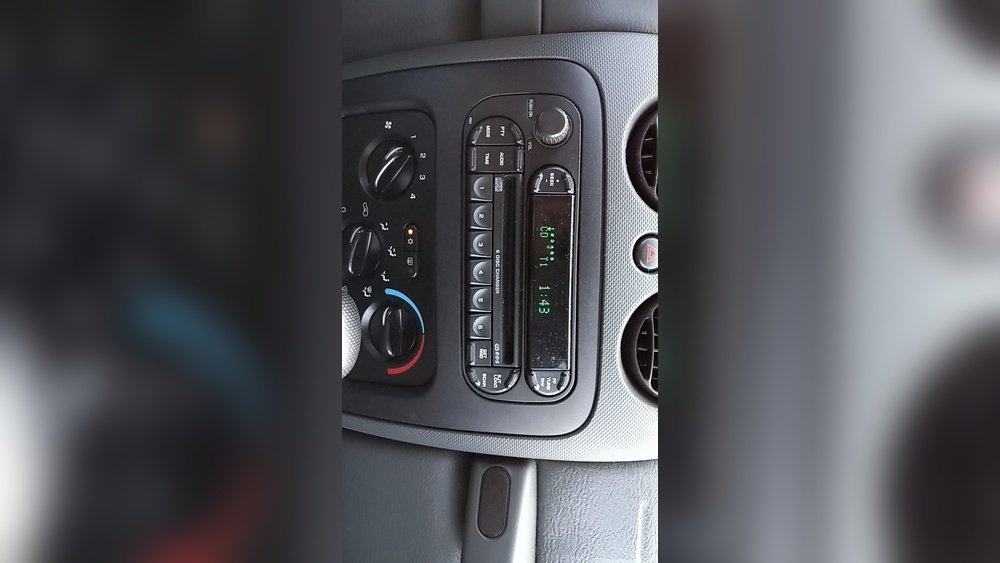
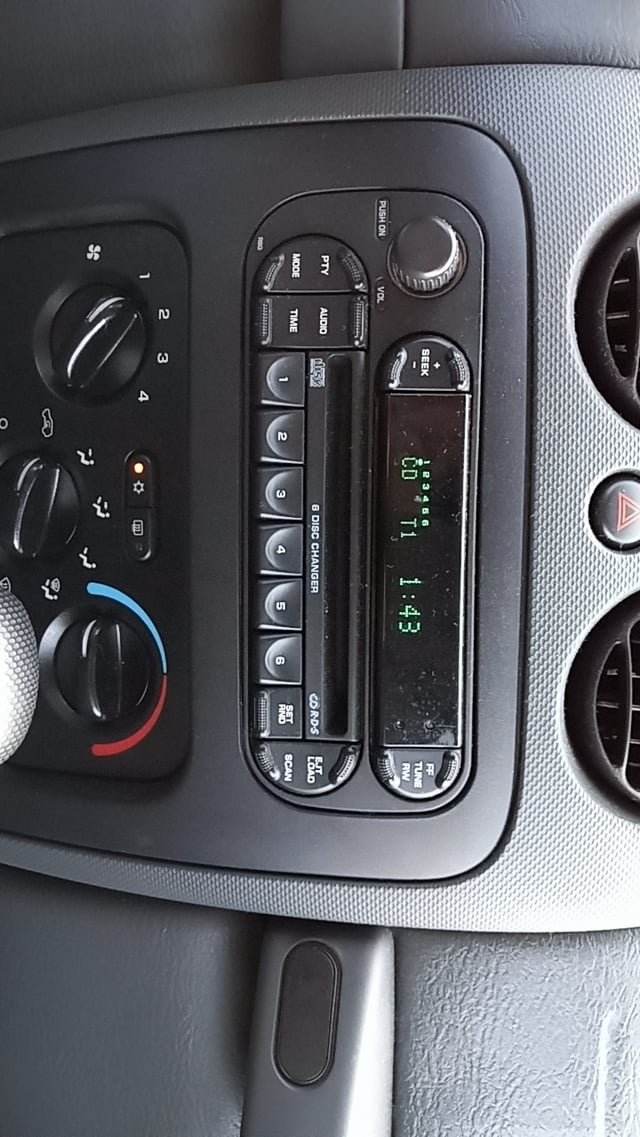
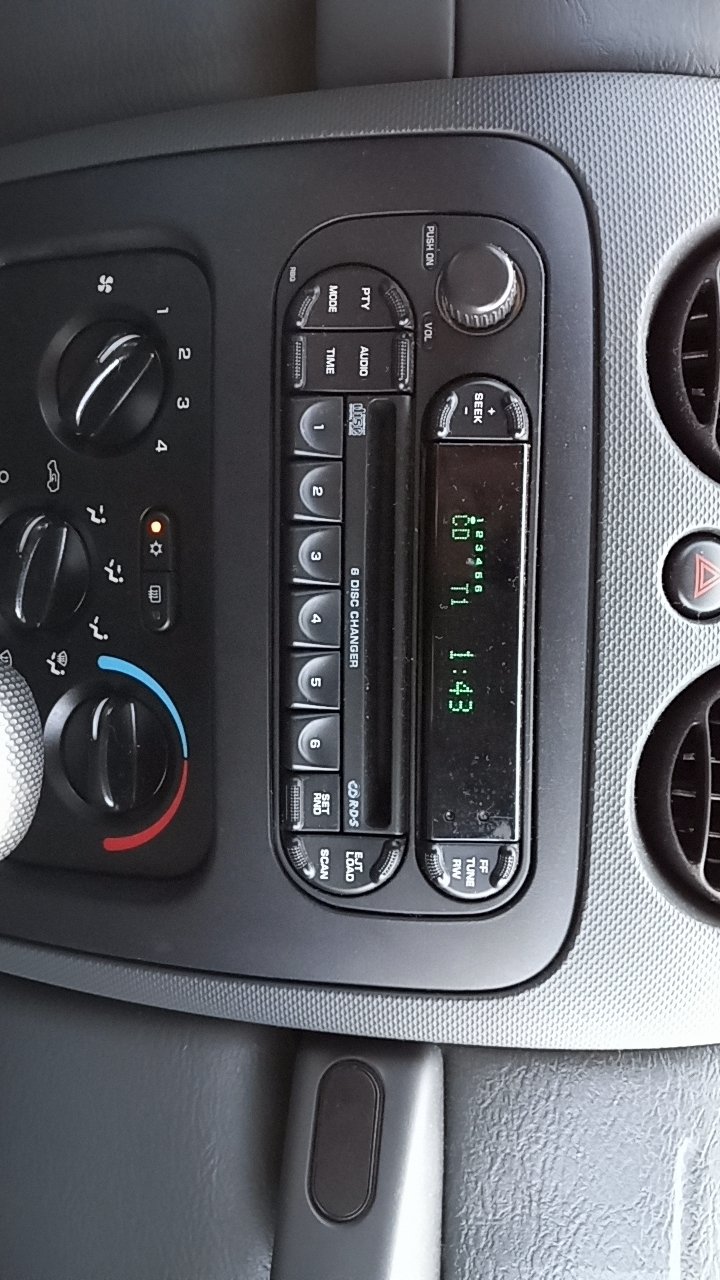
| 2002–2007 | Manual Button Radios | Physical buttons (H and M) |
| 2008–2012 | Digital Touchscreen & Knob Radios | Menu or Setup button |
Knowing your radio type makes the process easier. If you’re unsure, look for the H (Hour) and M (Minute) buttons or check if you have a digital menu.
Step-by-step: How To Set Time On Jeep Liberty
Most Jeep Libertys fall into two groups: older models (2002–2007) with basic radios, and newer models (2008–2012) with more advanced controls. Here’s how to set the time on both.
- Turn the ignition to ON or ACC – You do not need to start the engine, but the radio must be powered.
- Locate the clock buttons – Look for “Time”, “H” (Hour), and “M” (Minute) buttons. Sometimes, you may need to press and hold “Time” until the display blinks.
- Set the hour – Press and hold the “H” button to adjust the hour. Release when you reach the correct hour.
- Set the minutes – Press and hold the “M” button to adjust the minutes. Release when you reach the right minute.
- Exit setting mode – Wait a few seconds, or press “Time” again to lock in your changes.
Non-obvious tip: If your radio uses a single “Set” button, press it once for hours and twice for minutes.
For 2008–2012 Jeep Liberty (digital Or Knob Radios)
- Turn on your radio
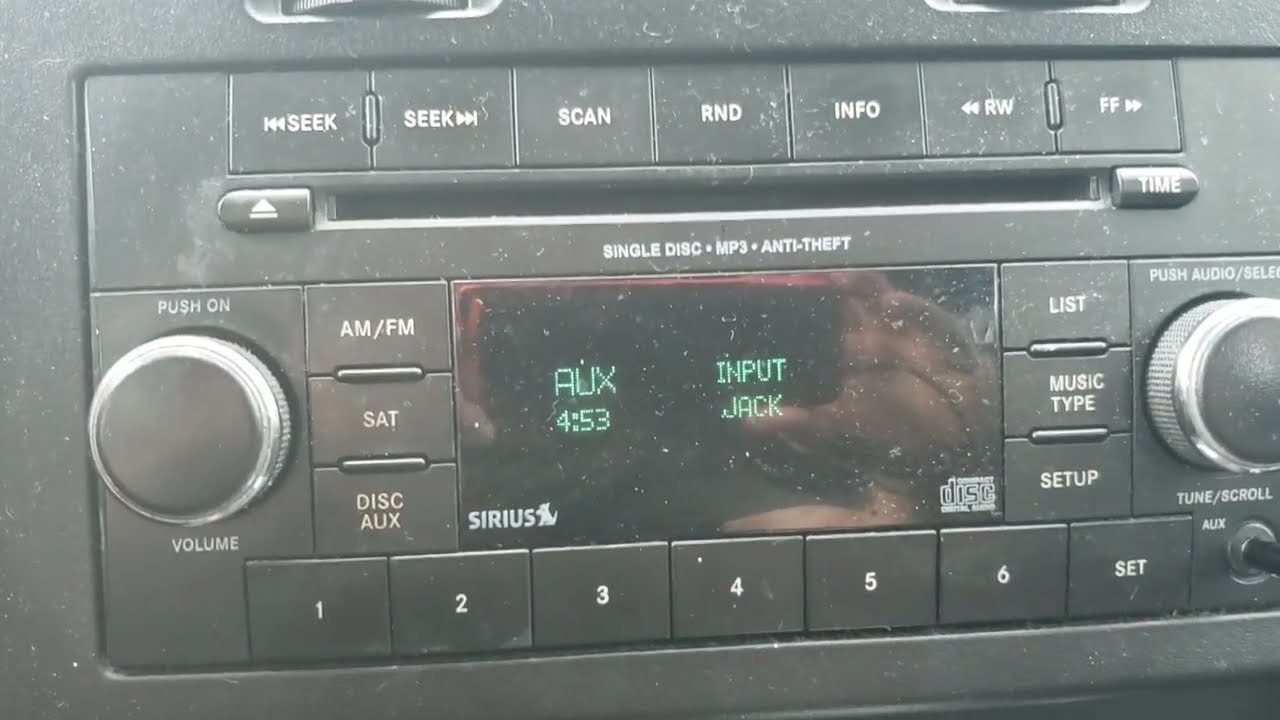
- Press the “Menu” or “Setup” button – This brings up the system menu.
- Navigate to “Clock” or “Time” setting – Use the tuning knob or arrow keys to scroll.
- Select “Set Time” – Push the knob or press enter/select.
- Adjust the hour and minutes – Turn the knob or use the buttons.
- Save your settings – Select “Done”, “OK”, or exit the menu.
Practical insight: Some digital radios adjust for Daylight Saving Time. Check for an “Auto DST” option to avoid manual changes in spring and fall.
If Your Jeep Has An Aftermarket Radio
Not all Jeep Libertys have factory radios. Aftermarket radios (like Pioneer or Kenwood) have different settings. Usually, you’ll need to:
- Press the “Menu” or “Settings” button
- Find “Clock” or “Time”
- Use the dial or touchscreen to set the time
Refer to your radio’s manual if you’re unsure.
Common Problems And How To Fix Them
Even when you follow instructions, you might hit a snag. Here’s how to solve some frequent issues:
| Problem | Possible Cause | Solution |
|---|---|---|
| Buttons not responding | Stuck buttons, electrical issue | Try turning the radio off/on; check for debris; consult a mechanic if still stuck |
| Clock resets when car starts | Weak battery or faulty wiring | Check battery health; visit a service center |
| Time drifts or changes randomly | Power loss, radio firmware issue | Check wiring; update firmware if possible |
Useful tip: If your radio resets often, your vehicle’s battery might be low or connections could be loose. Fixing these early prevents bigger electrical problems.
Quick Comparison: Factory Vs. Aftermarket Radio Time Setting
Many Jeep Liberty owners upgrade their radios. Here’s how setting the time compares:
| Feature | Factory Radio | Aftermarket Radio |
|---|---|---|
| Ease of use | Simple buttons, easy steps | Varies by brand, often menu-based |
| Time accuracy | Manual, can drift | Often syncs with radio or GPS |
| Supports Auto DST | Rare | Common |
If you want a clock that adjusts itself, an aftermarket radio may be worth the investment.
When To Seek Professional Help
If you’ve tried the steps above and your clock still won’t set or keeps resetting, it might be time for expert help. Electrical problems can affect other parts of your Jeep, not just the radio.
Visit a certified mechanic or Jeep dealer to prevent deeper issues.
Also, if your radio is part of a larger navigation or entertainment system, a professional can update the firmware or reset the whole unit safely.
Extra Tips For A Smooth Experience
- Check your manual if unsure. Some radios have unique methods.
- Change the time during daylight so you can see the display clearly.
- Be patient—holding buttons too long may reset other settings.
- Keep your battery healthy to prevent clock resets after engine start.
One more insight: Setting the clock just after a battery replacement ensures you start with the right time, so make this part of your post-service routine.
For more details, you can visit the official Jeep Owner’s Site.
Frequently Asked Questions
How Do I Set The Time On A 2006 Jeep Liberty?
Press the “Time” button, then use “H” (Hour) and “M” (Minute) to adjust. If you only have a “Set” button, press it once for hours and twice for minutes.
Why Does My Jeep Liberty Clock Keep Resetting?
This usually means your battery is weak or your radio wiring is loose. Have your battery and electrical system checked by a professional.
Can I Set The Clock While Driving?
It’s safest to set the clock while parked. Some models won’t let you change settings when the car is moving for safety reasons.
Does The Jeep Liberty Clock Adjust For Daylight Saving Time?
Most factory radios do not. Some newer or aftermarket radios have an “Auto DST” feature. Check your radio’s manual for this option.
What If My Jeep Liberty Has A Touchscreen Radio?
Use the “Menu” or “Settings” button, find “Clock,” and follow the prompts to set the time. The process is usually menu-driven.
Setting the time on your Jeep Liberty keeps your daily routine on track and can help you avoid bigger problems down the road. With these steps and tips, you’ll have the right time every drive.


















