If your Uconnect system in the 2016 Jeep Wrangler isn’t working right, it can be frustrating. Maybe your radio freezes, Bluetooth stops connecting, or the touchscreen lags. Resetting the system often solves these issues. But how do you safely reset the Uconnect in a 2016 Wrangler without causing more trouble? This guide will show you clear steps, common mistakes, and tips to get your Uconnect working like new.
When Should You Reset Uconnect?
Most drivers reset their Uconnect system when it acts up. Here are common signs:
- The screen is stuck or unresponsive
- Bluetooth won’t connect or drops calls
- Navigation isn’t loading
- Audio system glitches or won’t play
A reset is usually enough for these problems. However, if the issue comes back often, there may be a deeper problem that needs a professional.
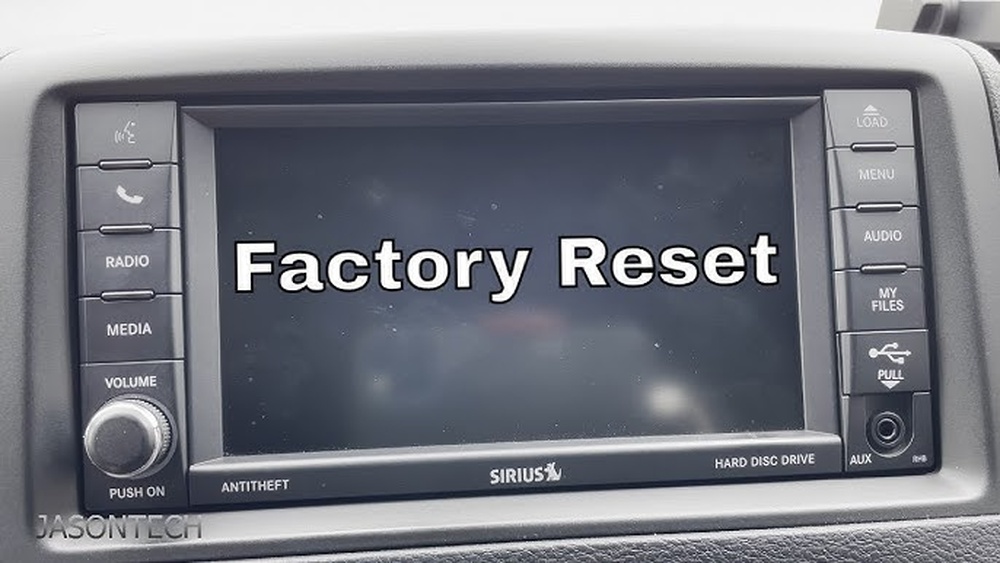
Quick Soft Reset: The Fastest Method
A soft reset is the first thing to try. It won’t erase your saved settings or paired devices. It simply restarts the system.
- Turn your Jeep Wrangler’s ignition to the “RUN” position, but don’t start the engine.
- Hold down the Volume and Tune knobs at the same time for about 10–15 seconds.
- Release both knobs when the Uconnect screen goes black, then wait for the Jeep logo to appear.
- The system will restart. Check if your problem is fixed.
This method works for most minor glitches. If the system is still buggy, try a hard reset.

Hard Reset: Factory Default
A hard reset returns the Uconnect to factory settings. This will erase all personal data, paired phones, and custom preferences. Use this if the soft reset doesn’t work.
- Go to the Uconnect touchscreen main menu.
- Tap Settings.
- Scroll and select Restore Factory Defaults.
- Confirm when prompted.
The system will restart. You’ll need to set up your preferences and re-pair your devices.
What Gets Erased?
- Phone connections
- Radio presets
- Navigation favorites
- Custom background or themes
Make sure to note any settings you want to save before resetting.
Disconnecting The Battery: The Last Resort
If the touchscreen is frozen and won’t respond, you can disconnect the Jeep’s battery for a few minutes. This forces a full system reset.
- Turn off your Wrangler and open the hood.
- Use a wrench to remove the negative (black) battery cable.
- Wait 5–10 minutes.
- Reconnect the cable and tighten it.
- Start your Jeep and see if Uconnect works.
This step is rarely needed but can help with severe software crashes.

Uconnect Version Differences
Not all 2016 Jeep Wranglers have the same Uconnect version. Your reset options may depend on the system type. Here’s a quick comparison:
| Uconnect Version | Main Features | Reset Method |
|---|---|---|
| Uconnect 430/430N | Touchscreen, Navigation, Bluetooth | Soft & Hard Reset |
| Uconnect 130/230 | Basic, No Touchscreen | Battery Disconnect Only |
| Uconnect 730N | Advanced Navigation, Voice Control | Soft & Hard Reset |
If you’re not sure of your Uconnect version, check your owner’s manual or look for system info under “Settings. ”
Common Reset Mistakes To Avoid
Drivers often make these errors when resetting their Uconnect:
- Not saving radio presets and navigation favorites before a hard reset
- Disconnecting the battery without the right tools, which can lead to accidental short circuits
- Not waiting long enough for the system to restart after a soft reset
- Reconnecting the battery too quickly, which can prevent a full reset
Being careful with these details can save you extra headaches.
What If A Reset Doesn’t Work?
Sometimes, a reset won’t fix your problem. If the screen stays black, or features still don’t work:
- Check for Uconnect software updates. You can download updates from the official Mopar site and install via USB.
- Inspect the fuses related to the radio and Uconnect. A blown fuse can cause system failure.
- If you installed aftermarket accessories, remove them. Some can interfere with Uconnect.
- Visit a Jeep dealership or certified mechanic for a diagnostic. Deeper hardware issues may need professional help.
Practical Tips For Uconnect Care
Avoid future problems with these quick tips:
- Update your Uconnect software when notified.
- Don’t overload the system with too many paired devices.
- Use only official USB drives for software updates.
- Keep your battery terminals clean to avoid electrical issues.
- Never use sharp objects to touch or clean the screen.
Small habits can keep your Uconnect system running smoothly.

Reset Steps At A Glance
Here’s a quick reference to help you choose the right reset:
| Problem | Reset Type | Time Needed |
|---|---|---|
| Minor glitches, slow response | Soft Reset | 1 minute |
| Major system freeze, lost settings | Hard Reset | 3–5 minutes |
| Complete unresponsiveness | Battery Disconnect | 10–15 minutes |
Frequently Asked Questions
How Often Should I Reset My Uconnect?
You should only reset your Uconnect when you notice problems. Regular resets are not necessary and won’t improve performance if the system is working well.
No, a factory reset will not erase pre-installed navigation maps. It only clears your personal settings and saved locations.
Can I Reset Uconnect While Driving?
It’s unsafe to reset Uconnect while driving. Always park your Jeep and keep the vehicle in a safe place before starting a reset.
What If My Uconnect Screen Stays Black After Reset?
If the screen doesn’t turn back on, check your fuses or battery connections. If those are fine, the system might need a professional repair.
Where Can I Find Official Uconnect Updates?
Official updates are available on the Mopar website. Download the update for your system and follow the instructions carefully.
A working Uconnect system makes driving more enjoyable and safe. If you follow these steps, you’ll solve most common problems without a trip to the dealership. Take your time, avoid common mistakes, and your Jeep Wrangler 2016 will be back to normal in no time.


















