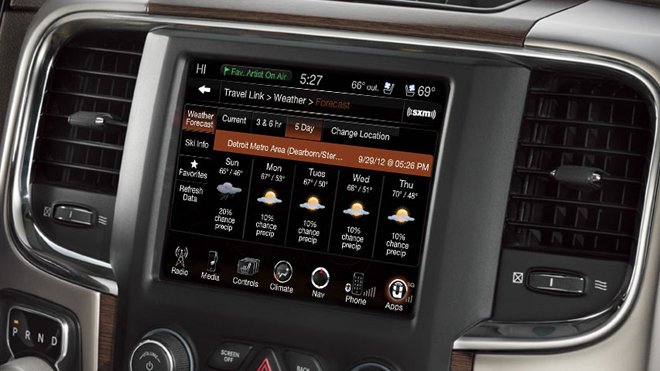
If your 2017 Jeep has a Uconnect system, you know how important it is for navigation, music, and hands-free calls. But sometimes Uconnect freezes, lags, or doesn’t respond to touch. A reset can solve many issues, but it’s not always obvious how to do it. This guide walks you through clear steps to reset Uconnect in your Jeep 2017, explains common mistakes, and includes practical tips to help you get back on the road with a working system.
Why Reset Uconnect?
The Uconnect system is basically the brain of your Jeep’s infotainment center. It controls everything from radio and Bluetooth to navigation and climate controls. Over time, glitches can happen. These include:
- Screen freezing
- Bluetooth disconnecting
- Apps not loading
- Navigation errors
Resetting Uconnect can fix these problems quickly. It’s like restarting your computer simple, but effective.

Methods To Reset Uconnect In Jeep 2017
There are a few ways to reset the Uconnect system. Not all methods work for every problem, so it’s smart to try the simplest first.
Soft Reset (quick Restart)
A soft reset is the easiest. It won’t erase saved data or settings.
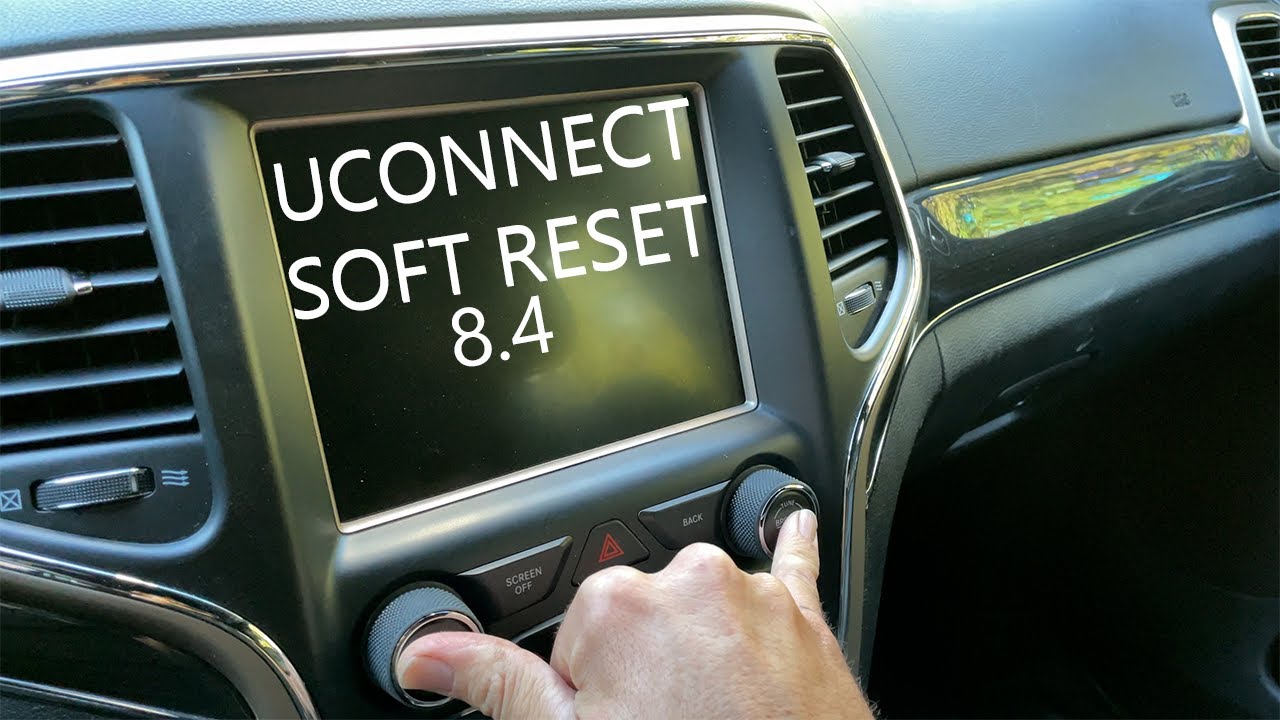
- Turn your Jeep on (engine running or in accessory mode).
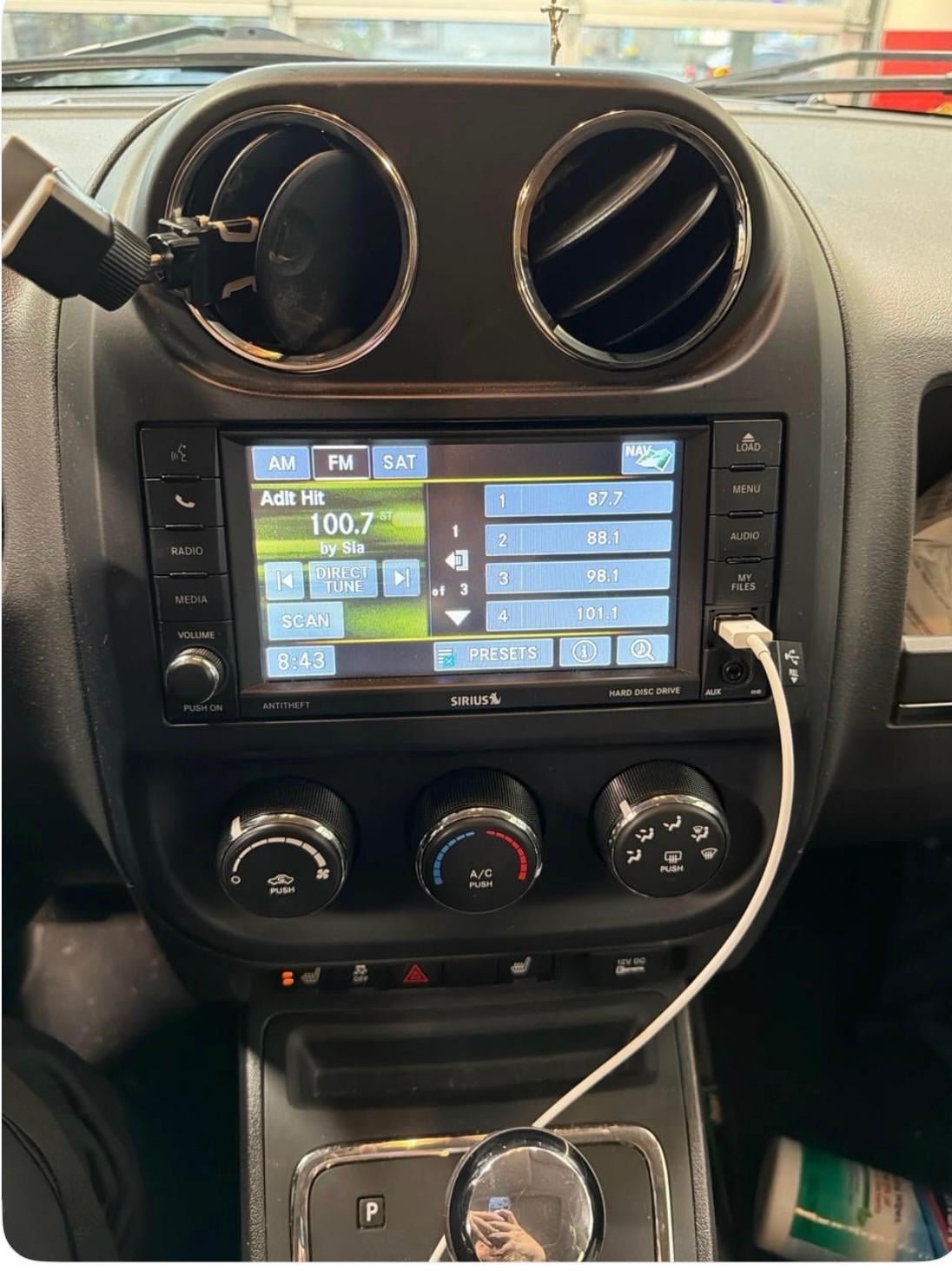
- Hold the volume and tune buttons (found on the Uconnect touchscreen) at the same time.
- Keep holding both buttons for about 10 seconds.
- The screen will go black, then reboot.
This soft reset solves most minor bugs.
Hard Reset (factory Reset)
If your system keeps having problems, you might need a hard reset. This will erase custom settings, paired phones, and saved addresses.
- Tap the Settings icon on your Uconnect touchscreen.
- Go to System Information or System Settings (names may vary).
- Select Restore Factory Defaults or Reset.
- Confirm your choice.
The system will restart and return to original factory settings.
Disconnecting The Battery
Rarely, Uconnect won’t respond to on-screen resets. Disconnecting the battery forces a full system restart.
- Turn off your Jeep and remove the key.
- Open the hood and locate the battery.
- Disconnect the negative (-) cable using a wrench.
- Wait 5–10 minutes.
- Reconnect the cable and tighten it.
This method is more extreme and should only be used if the touchscreen is completely unresponsive.
Comparison Of Reset Methods
You might wonder which method is best for your situation. Here’s a quick comparison:
| Reset Type | Effectiveness | Data Loss | Time Needed |
|---|---|---|---|
| Soft Reset | Medium | No | 1 min |
| Hard Reset | High | Yes | 3–5 min |
| Battery Disconnect | Very High | Possible | 10 min |
Common Mistakes When Resetting Uconnect
Many Jeep owners make errors when trying to reset Uconnect. Here are some to watch out for:
- Not holding buttons long enough: For a soft reset, you must hold both buttons together for at least 10 seconds.
- Not confirming a hard reset: After tapping ‘Reset,’ you need to confirm. If you don’t, nothing happens.
- Disconnecting battery incorrectly: Always remove the negative cable first. If you remove the positive cable, you risk short circuits.
What To Do After Resetting
Once your Uconnect system reboots, you’ll need to set up some features again. Here’s a quick checklist:
- Pair your phone: Go to Bluetooth settings and reconnect.
- Set radio presets: Your favorite stations may be gone.
- Update navigation: Enter addresses or destinations again.
- Check for software updates: Sometimes, updates fix bugs and add features.
Keeping your system updated can prevent future issues. If your Jeep is still under warranty, ask your dealer about free updates.
Uconnect Troubleshooting Data
How common are Uconnect issues? Surveys show:
| Issue | Frequency (%) | Resolved by Reset (%) |
|---|---|---|
| Screen Freezing | 38 | 90 |
| Bluetooth Drop | 24 | 80 |
| Navigation Errors | 18 | 85 |
| App Not Loading | 20 | 75 |
As you can see, a reset solves most problems. If your issue keeps coming back, your Jeep may need a software update or professional repair.
Practical Tips For A Smooth Reset
- Always try the soft reset before moving to harder methods.
- Back up your contacts and addresses if you use the hard reset.
- Avoid resetting while driving. It can distract you and affect safety.
- If your Jeep has push-button start, use accessory mode for resets.
- Keep your Uconnect software updated. Visit the official Uconnect website for the latest info.
If you need official instructions or want to check compatibility, visit the Jeep Uconnect support page.
Frequently Asked Questions
How Often Should I Reset Uconnect In My Jeep 2017?
You should only reset Uconnect when you notice problems. Regular resets aren’t needed unless you have frequent glitches.
Will Resetting Uconnect Erase My Music Or Contacts?
A soft reset won’t erase data. A hard reset will remove paired devices, radio stations, and custom settings.
What Should I Do If Uconnect Won’t Turn On After A Reset?
Check your Jeep’s battery and fuses. If the screen stays black, contact a Jeep dealer or certified repair center.
Can I Update Uconnect Myself After A Reset?
Yes, you can download updates from the Uconnect website and install them using a USB drive. Follow instructions carefully for your Jeep model.
Is There A Risk Of Damaging Uconnect By Resetting?
A soft reset is safe and recommended. Hard resets and battery disconnects are safe if done correctly. Don’t force buttons or disconnect cables while the Jeep is running.
Resetting your Uconnect Jeep 2017 can fix most system bugs and restore smooth operation. Following the right steps and avoiding common mistakes will save time and reduce frustration.
If problems continue, seek help from an expert. With a little care, your Jeep’s infotainment system will work like new.