If you drive a 2012 Jeep with the Uconnect system, you already know how much it helps with navigation, music, and hands-free calls. But sometimes, technology acts up—maybe your radio freezes, Bluetooth stops working, or the touchscreen lags. When this happens, a reset can often fix the problem. Resetting your Uconnect isn’t always obvious, especially in older models like 2012. This guide will show you step-by-step how to reset your Uconnect Jeep 2012, and share some important tips to avoid common mistakes.
Understanding The Uconnect System
The Uconnect system is Chrysler’s integrated infotainment solution. In 2012 Jeeps, it handles audio, navigation, voice commands, and phone functions. Different Jeep models (Wrangler, Grand Cherokee, Liberty) may have slight menu differences, but the reset process is usually similar. Uconnect systems from 2012 do not always have a dedicated reset button, so knowing the correct method is important.
Why Reset Your Uconnect?
You might need to reset your Uconnect system if you see these problems:
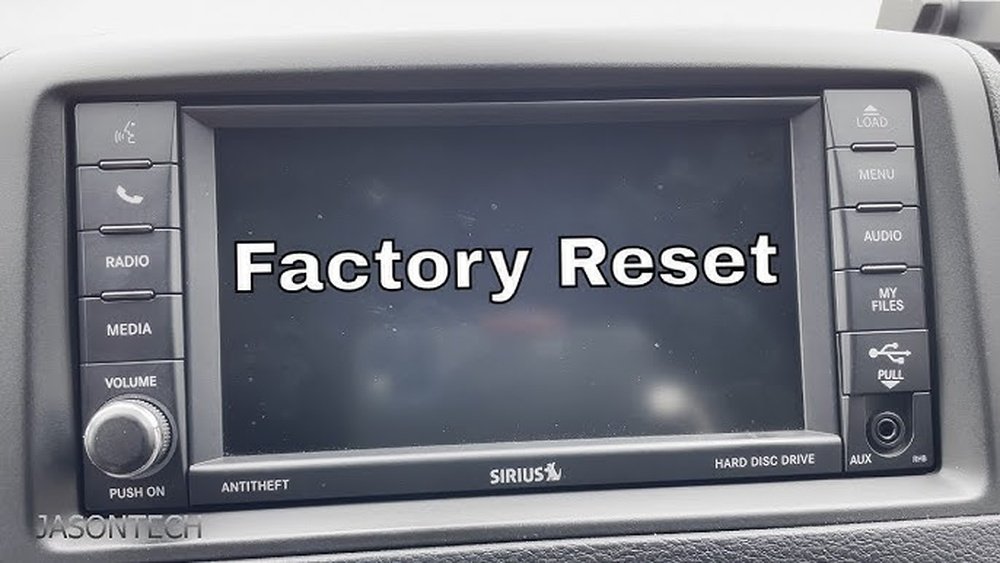
- Touchscreen freezes or becomes unresponsive
- Bluetooth pairing fails or drops calls
- Navigation system errors
- Audio problems (no sound, static)
- Software glitches after updates
A reset often restores normal function without a trip to the dealer. However, it’s important to know the difference between a soft reset and a factory reset.
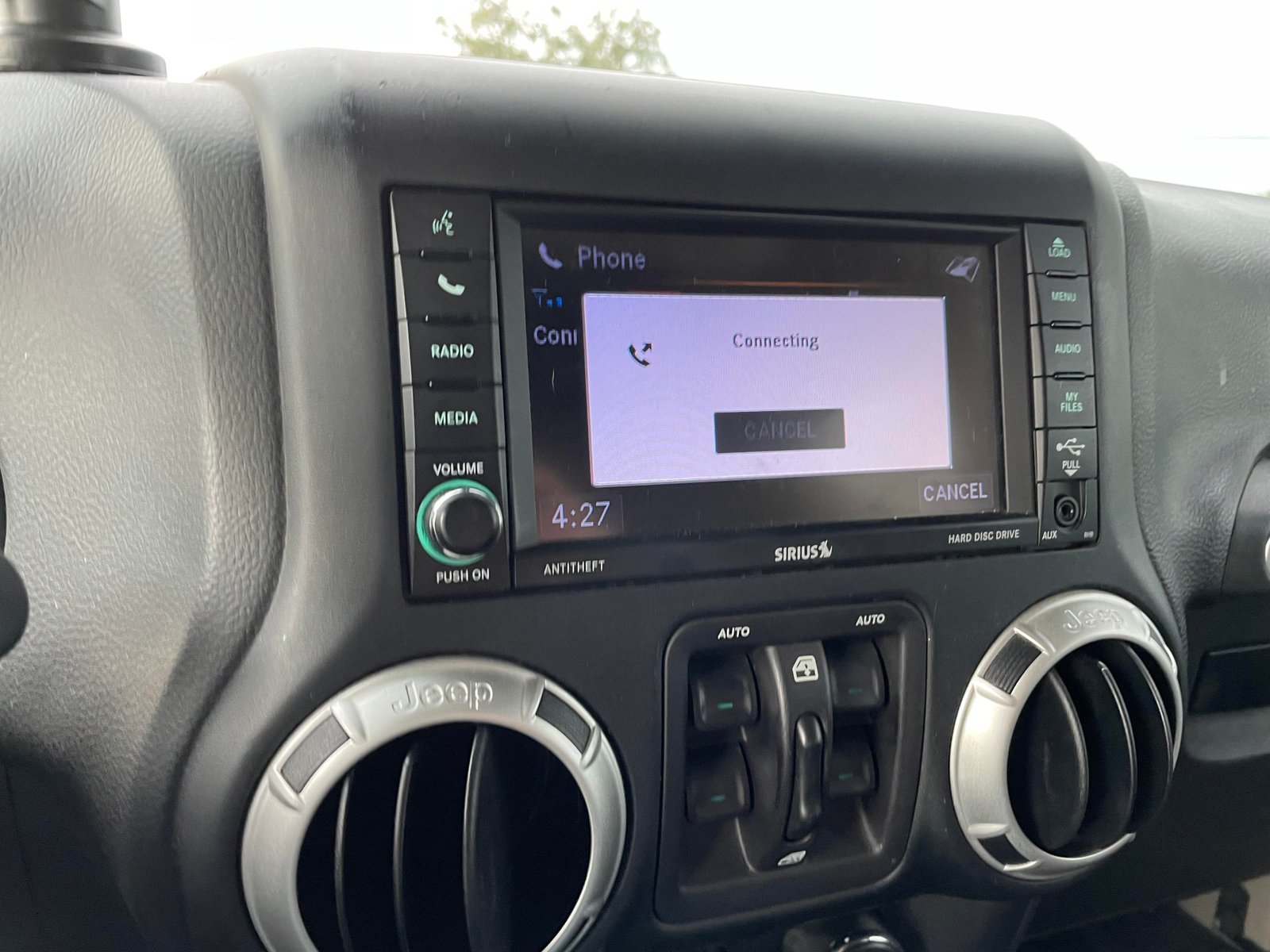
Soft Reset Vs. Factory Reset
Here’s a quick comparison to help you decide which reset you need:
| Reset Type | What It Does | When To Use | Data Loss |
|---|---|---|---|
| Soft Reset | Restarts Uconnect system | Minor glitches, frozen screen | No |
| Factory Reset | Returns system to original settings | Major issues, selling car | Yes (erases saved info) |
Soft resets are safe and quick. Factory resets remove everything—radio presets, paired devices, and personal settings.
How To Perform A Soft Reset On Uconnect Jeep 2012
Follow these steps to do a soft reset:
- Turn the ignition to “Run” (do not start the engine).
- Press and hold the volume and tuner knobs at the same time.
- Hold both knobs for about 10-15 seconds.
- The screen will go dark and then the Jeep logo will appear.
- Release the knobs when the logo shows.
Your Uconnect system should reboot and work normally. This method works for most 2012 Jeep models, including Wrangler and Grand Cherokee.
When A Soft Reset Isn’t Enough
Sometimes, a soft reset does not solve the problem. If Bluetooth still fails, the navigation is wrong, or you see error messages, you may need a factory reset.
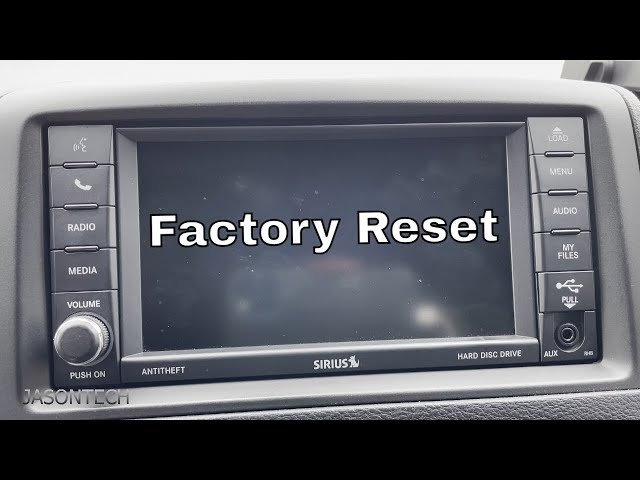
How To Perform A Factory Reset On Uconnect Jeep 2012
Older Uconnect systems may not use the same menus as newer models. Here’s the general process:
- Turn the ignition to “Run.”
- Press the “Menu” or “Settings” button on your Uconnect screen.
- Find and select “System Setup” or “Reset”.
- Choose “Restore Factory Defaults” or similar wording.
- Confirm when asked. The system will reboot and erase all personal data.
If you can’t find these options, check your Jeep’s manual or visit your dealership for help.
Common Issues And Troubleshooting Tips
Problems can happen after a reset, or sometimes a reset doesn’t work. Here’s what to watch for:
| Problem | Possible Cause | What To Do |
|---|---|---|
| System still frozen | Deeper software issue | Try disconnecting the battery for 10 minutes |
| No sound | Audio settings reset | Check audio source and volume |
| Bluetooth not pairing | Old device info remains | Delete device and pair again |
Two insights many drivers miss: First, after a reset, you may need to re-pair your phone or re-enter your radio presets. Second, some Uconnect issues are caused by outdated software—updating your system may fix problems a reset cannot.
When To Seek Professional Help
Resetting Uconnect fixes most minor problems. But if your system:
- Stays blank after multiple resets
- Shows error codes you can’t clear
- Won’t turn on at all
You should contact your local Jeep dealer. There may be a hardware issue or your Uconnect unit may need reprogramming. Trying to fix these yourself can cause more damage.
Keeping Your Uconnect System Healthy
To avoid frequent resets:
- Keep your software up to date (check Jeep’s official website for updates)
- Only pair devices that are compatible (some older phones may not work well)
- Don’t overload the system with too many paired devices
Regular maintenance helps your Uconnect system run smoothly for years.
For more details about Uconnect features and updates, visit the official Jeep Uconnect page.

Frequently Asked Questions
What Will I Lose During A Factory Reset?
You will lose radio presets, paired Bluetooth devices, and personal settings. Maps and navigation data usually stay, but it’s best to back up any important info if possible.
Does Disconnecting The Car Battery Reset Uconnect?
Yes, sometimes disconnecting the negative battery cable for 10-15 minutes will reset the system. However, this can also reset other electronics in your Jeep, so use this as a last resort.
Why Does My Uconnect Keep Freezing?
Frequent freezing can be caused by outdated software, incompatible devices, or a failing Uconnect unit. Try a soft reset first, then update your software if available.
Can I Update Uconnect Software Myself?
For many 2012 models, you can download updates from Jeep’s website and install via USB. However, some updates may require a dealer visit.
Is A Reset Safe For My Jeep’s Electronics?
A soft reset is safe and recommended for minor problems. Factory resets are also safe but erase personal data. If you’re unsure, ask a dealer before resetting.
Resetting your Uconnect Jeep 2012 system is not difficult if you follow the right steps. Start with a soft reset for simple issues, and use a factory reset only when necessary.
Remember, keeping your system updated and knowing when to ask for help will keep your Jeep’s infotainment working its best.


















