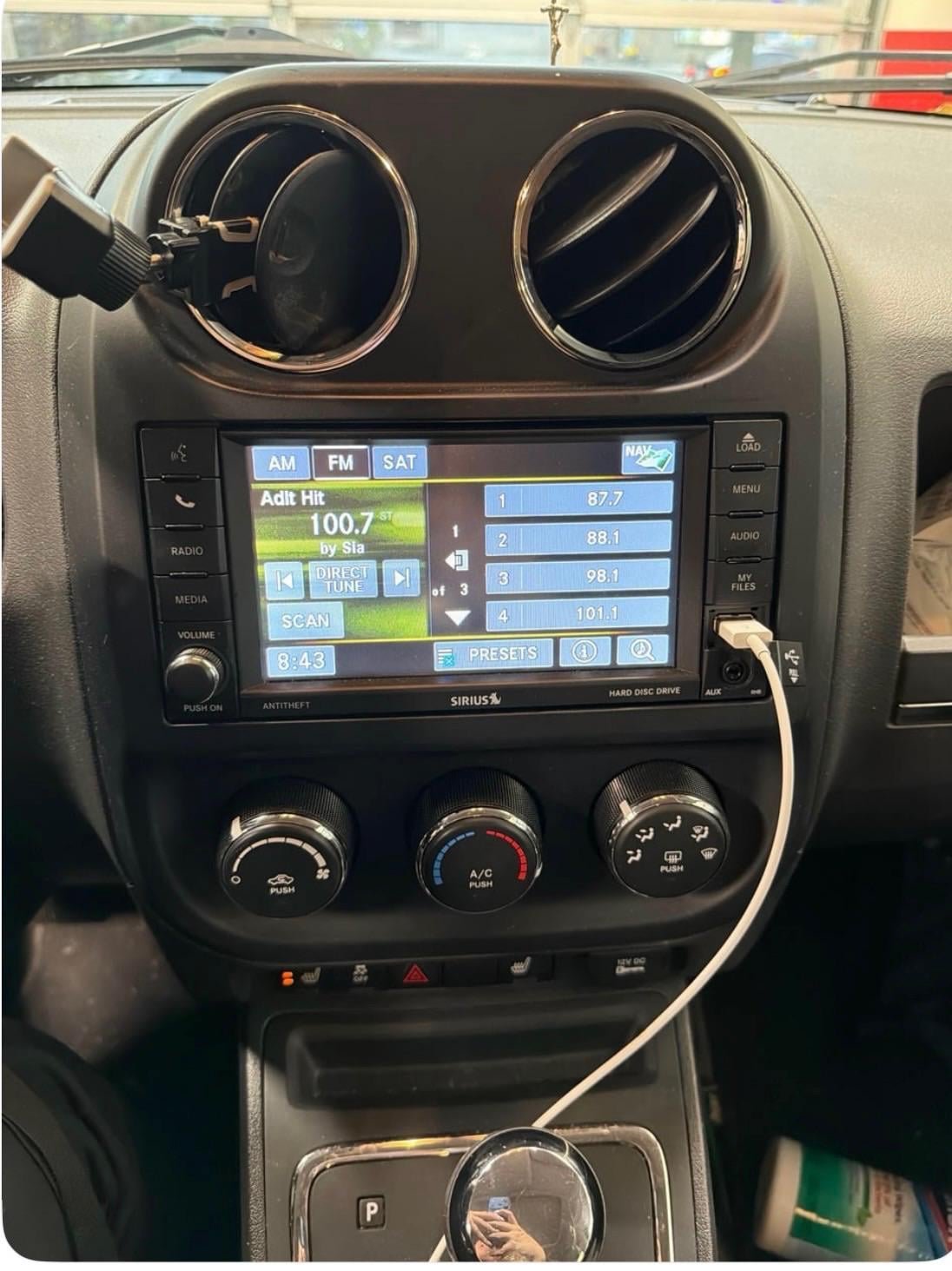
If your Jeep radio isn’t working properly, it can turn every drive into a frustrating experience. Maybe the screen is frozen, the sound won’t come on, or the Bluetooth won’t connect.
Sometimes, the radio just needs a reset to work again.
Learning how to reset your Jeep radio can save you time, money, and avoid a trip to the dealership. This guide will help you do it step by step, with practical tips and clear examples.

Whether you drive a Jeep Wrangler, Grand Cherokee, or another model, you’ll find solutions that fit your situation.
When Should You Reset Your Jeep Radio?
There are several signs your Jeep radio may need a reset:
- The screen is blank or frozen
- Buttons don’t respond
- No sound, even when turned up
- Bluetooth or navigation errors
- Trouble connecting to your phone
If you notice these issues, a reset is often the best first step. More than half of radio problems in Jeeps are fixed with a simple reset, according to customer reports.
Types Of Jeep Radios
Different Jeep models come with different radio systems. Knowing which one you have helps you pick the right reset method.
| Jeep Model | Common Radio Type | Features |
|---|---|---|
| Wrangler | Uconnect 4 | Touchscreen, Bluetooth, Navigation |
| Grand Cherokee | Uconnect 5 | Advanced touchscreen, Voice Control |
| Renegade | Uconnect 3 | Basic display, Simple controls |
If you’re not sure which radio you have, check your owner’s manual or look for the Uconnect logo on the screen.
How To Reset Your Jeep Radio
Resetting your Jeep radio can be easy if you follow the correct steps. There are two main types of resets: soft reset and hard reset.
Soft Reset: The Quick Fix
A soft reset is safe and doesn’t erase your settings. It’s useful when the radio is frozen or not responding.
- Turn the ignition on, but don’t start the engine.
- Find the power button on your radio’s touchscreen.
- Press and hold the power button for about 10 seconds.
- The screen should turn off, then restart automatically.
Most Jeep radios will reboot and start working again. This method works for Uconnect radios in Wrangler, Cherokee, and most newer Jeep models.
Hard Reset: Full Reboot
If a soft reset doesn’t work, try a hard reset. This resets the radio fully and can erase saved settings like radio presets and Bluetooth connections.
- Turn off your Jeep and open the hood.
- Locate the negative battery terminal (usually marked with a minus sign).
- Use a wrench to disconnect the negative cable.
- Wait at least 30 minutes. This clears the radio’s memory.
- Reconnect the cable and close the hood.
- Start your Jeep. The radio should reboot and ask for initial setup.
This method works for stubborn problems, such as persistent Bluetooth errors or frozen screens.
| Reset Type | Time Needed | Data Lost | Common Use |
|---|---|---|---|
| Soft Reset | 1 minute | No | Frozen screen, minor bugs |
| Hard Reset | 30 minutes | Yes | Major errors, unresponsive radio |
Resetting Older Jeep Radios
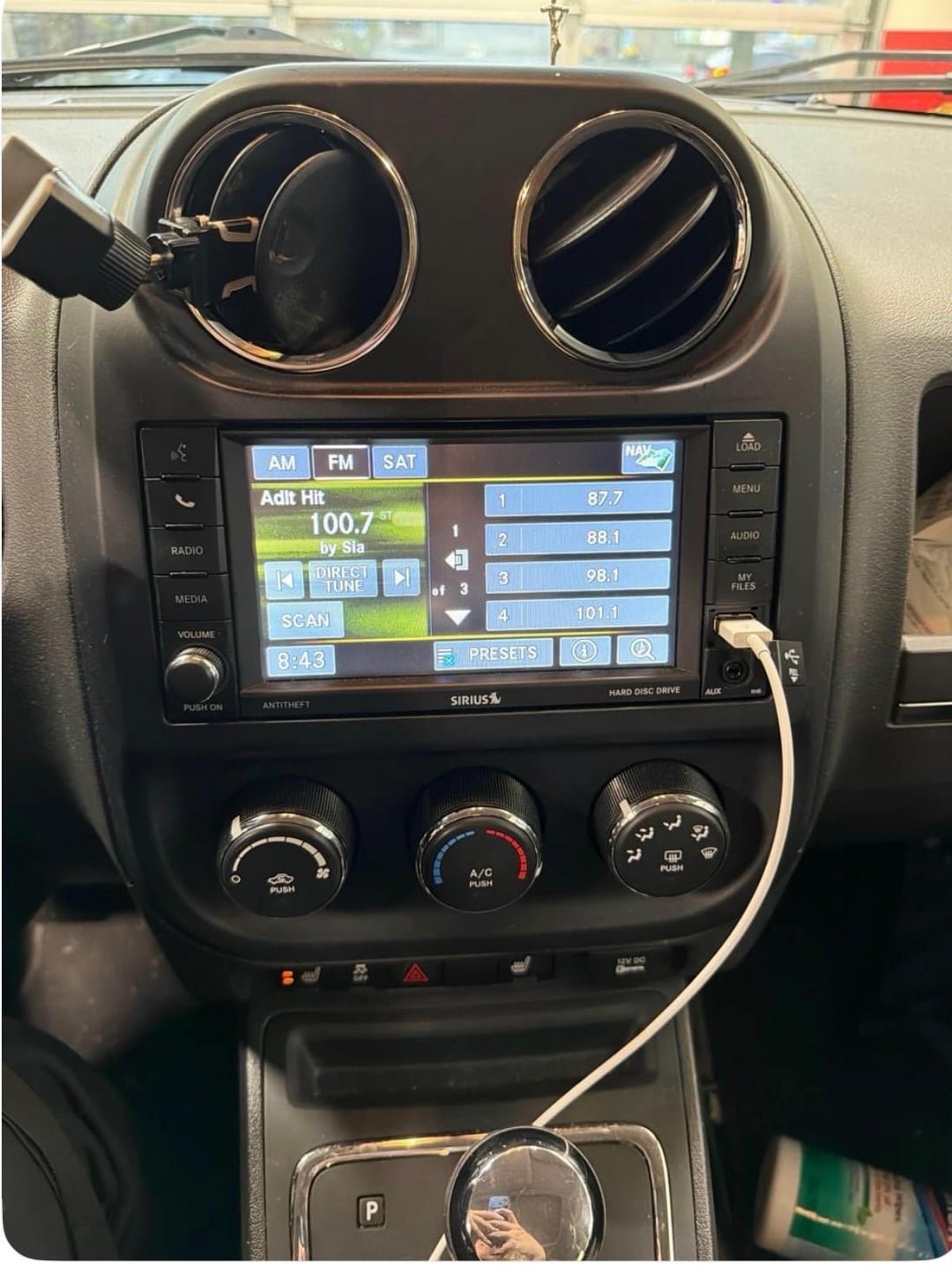
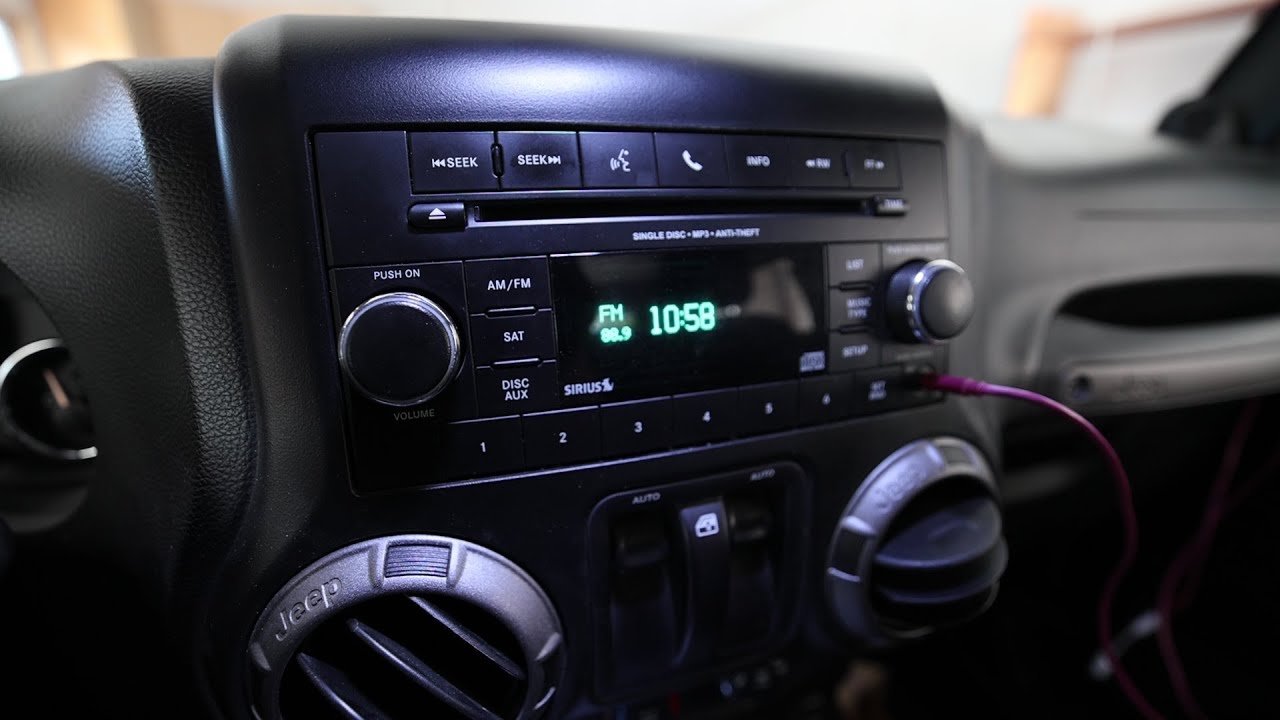
Some older Jeep models have basic radios without a touchscreen. These may need a manual reset.
- Turn off your Jeep.
- Remove the radio fuse from the fuse box (usually under the dashboard).
- Wait 10 minutes.
- Reinsert the fuse and turn on the Jeep.
Check your manual for the fuse location. Removing the fuse cuts power to the radio, forcing a restart.
Common Mistakes When Resetting Jeep Radios
Many drivers make mistakes when resetting their radios. Avoid these errors for a smoother process:
- Disconnecting the positive battery terminal (always use the negative)
- Not waiting long enough after disconnecting the battery
- Forgetting to save radio presets before a hard reset
- Using too much force when removing fuses
A soft reset solves most issues. Only use a hard reset if the radio doesn’t respond.
Practical Tips For A Successful Reset
A few smart steps can make your reset safer and easier:
- Use gloves when handling the battery terminal
- Record your favorite radio stations before a hard reset
- Update your Uconnect system after resetting for best performance
- If the radio still doesn’t work, check for software updates online or at your dealership
Most Jeep radios become faster and more reliable after a reset, especially if you fix minor bugs.
When To Visit The Dealership
If your radio won’t reset or shows error codes after a hard reset, it’s time to call a professional. Dealerships can check for deeper hardware issues or update your radio software.
A dealership visit costs more, but can fix problems that home resets can’t. Jeep owners report that about 15% of radio issues require dealership help after trying resets.
For more technical details, you can visit Jeep Uconnect.
Frequently Asked Questions
How Often Should I Reset My Jeep Radio?
You should only reset your radio if you notice problems. Regular resets are not needed.
Most Jeep owners do a reset once or twice a year.
Will I Lose My Saved Radio Stations After A Reset?
A soft reset keeps your settings. A hard reset erases saved stations, Bluetooth connections, and custom settings. Write down your favorites before a hard reset.
Is It Safe To Disconnect The Battery For A Radio Reset?
Yes, if you follow safety steps. Always disconnect the negative terminal first. Wear gloves and avoid touching metal parts. Reconnect the cable carefully.
What If My Radio Still Won’t Work After A Reset?
Try a software update or visit your dealership. Sometimes, the radio needs a new part or professional repair. Don’t keep resetting if nothing changes.
Can I Reset A Jeep Radio Without Tools?
You can do a soft reset without tools. Hard resets or fuse resets need simple tools like a wrench or screwdriver. Always check your manual for the safest method.
Resetting your Jeep radio is a simple but powerful fix for many common problems. With the right steps, you can save money and enjoy your drives again.
If you still have trouble, don’t hesitate to get help from a professional.