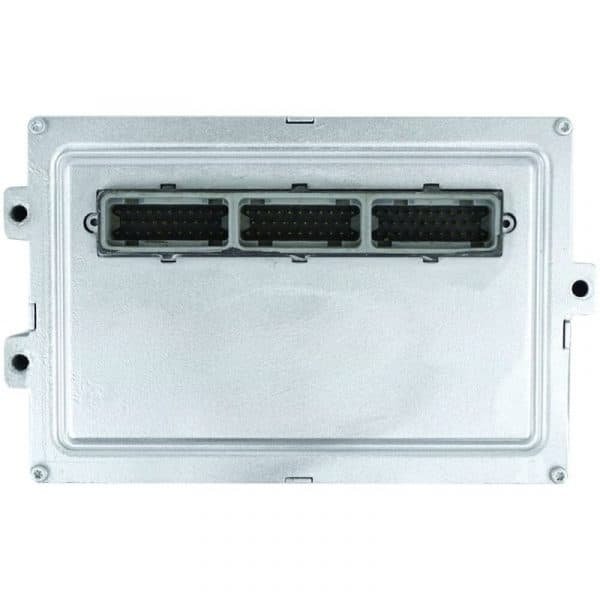
Resetting the computer in your Jeep Liberty can solve many issues, from check engine lights to odd engine behavior. Modern vehicles rely on their engine control module (ECM) to manage everything from fuel injection to emissions. If your Liberty is acting up, a reset often helps clear error codes and restore performance. Whether you’ve replaced a sensor or just want a fresh start for your vehicle’s electronics, this guide explains the process in simple terms.
Why Reset Your Jeep Liberty Computer?
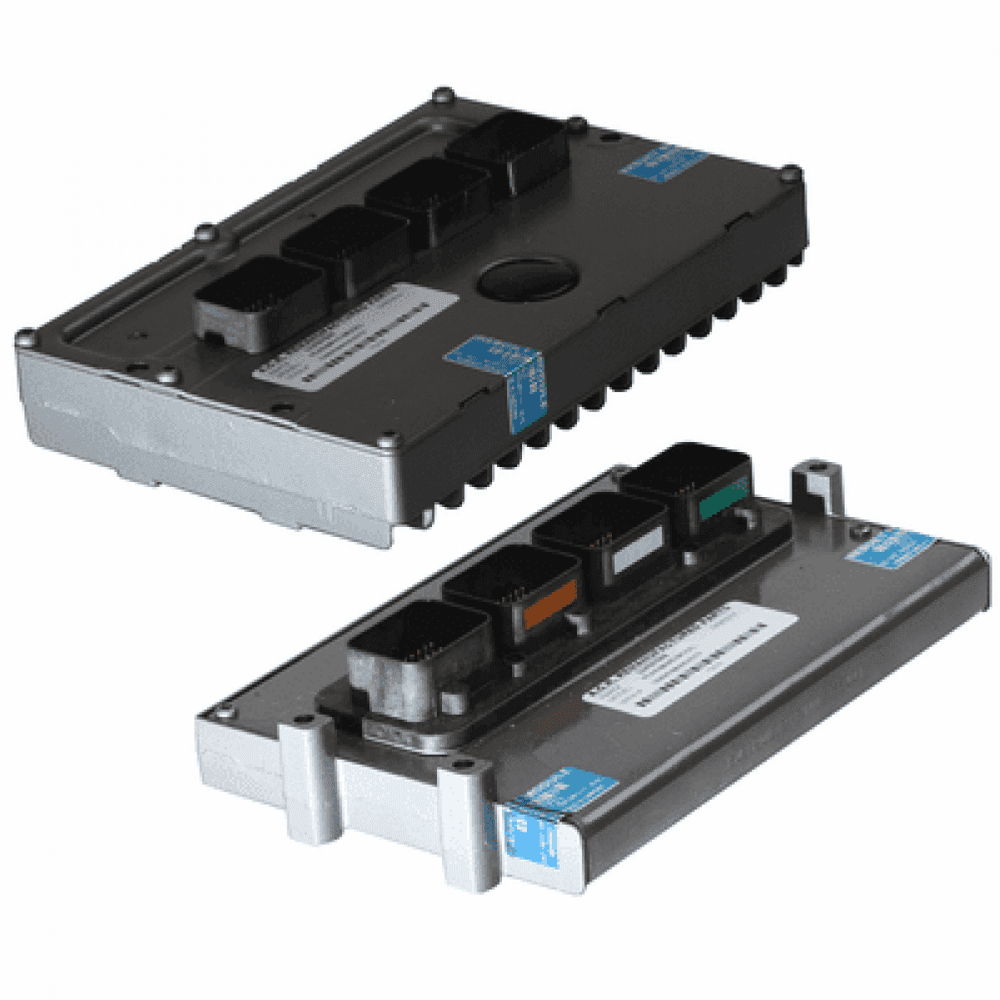
The ECM or “computer” is the brain of your Jeep. It stores error codes and adapts to your driving style. Sometimes, these codes are triggered by minor issues like a loose gas cap or temporary sensor glitch. Resetting the computer:
- Clears stored error codes
- Restores factory settings
- Helps the engine relearn idle and fuel settings
If your Jeep Liberty has a check engine light, sluggish performance, or you’ve fixed a mechanical issue, a reset can help. But, it won’t fix mechanical problems—only clears the computer’s memory.
How To Reset Jeep Liberty Computer
Resetting the ECM is simple and doesn’t require special tools. Here’s a step-by-step guide:
1. Turn Off Ignition
Make sure your Jeep Liberty is completely off.
2. Disconnect Battery Terminals
Open the hood and locate your battery. Remove the negative (-) cable first, then the positive (+) cable. Use a wrench for safety.
3. Wait 15-30 Minutes
This time allows the computer to lose all stored power. Waiting longer can help if your Jeep has persistent codes.
4. Reconnect Battery Terminals
Attach the positive cable first, then the negative. Tighten securely.
5. Start The Engine
Turn the ignition key and let the Jeep idle for a few minutes. This helps the ECM relearn idle settings.
6. Drive Normally
Take your Jeep for a drive. The ECM will adjust to your driving style and conditions.
Common Mistakes During Reset
- Not waiting long enough after disconnecting the battery.
- Reconnecting the battery cables in the wrong order.
- Forgetting to reset radio or clock settings (these may be lost).
When Should You Reset The Ecm?
There are several situations when a reset is helpful:
- After replacing sensors (like O2 or MAF sensors)
- After fixing vacuum leaks or emission problems
- When the check engine light stays on after a repair
- If your Jeep runs rough or idles poorly
Some people also reset the ECM after changing fuel types or upgrading performance parts.
Jeep Liberty Model Differences
Different year models may have slight variations. Here’s a quick comparison:
| Model Year | Battery Location | Reset Time | ECM Location |
|---|---|---|---|
| 2002-2007 | Front Left | 15-20 min | Engine Bay |
| 2008-2012 | Front Left | 20-30 min | Engine Bay |
Most Jeep Liberty models place the battery in the same area, but newer models may require a longer wait for a full reset. Always check your owner’s manual for specific advice.
Quick Comparison: Battery Reset Vs. Scan Tool Reset
There are two main ways to reset your Jeep Liberty computer: battery disconnect and using a scan tool.
| Method | Cost | Difficulty | Effectiveness |
|---|---|---|---|
| Battery Disconnect | Free | Easy | Good for most issues |
| Scan Tool | $50-$100 (tool) | Moderate | Best for advanced codes |
For most users, the battery method is enough. But if codes keep returning, a scan tool can help identify deeper problems.
https://www.youtube.com/watch?v=gZ3sLyrQgqsPractical Tips For A Successful Reset
- Write down radio presets and clock settings—they will be erased.
- Wear gloves when working with the battery for safety.
- Inspect battery terminals for corrosion before reconnecting.
- After the reset, drive in mixed conditions (city/highway) so the ECM can relearn more data.
One insight many beginners miss: after a reset, your Jeep may idle rough or shift differently for a few days. This is normal; the ECM is relearning. If problems continue, check for mechanical issues.
Another tip: resetting the ECM will not erase diagnostic trouble codes stored in some advanced modules. For deep resets, a scan tool is needed.

Signs That Your Jeep Liberty Computer Needs Reset
If you’re unsure whether a reset is needed, look for these signs:
- Check engine light won’t go away, even after fixing the issue.
- Poor fuel economy or sudden changes in mileage.
- Unusual idling or stalling.
- Transmission shifting problems.
These symptoms often point to software or sensor problems. A reset can clear false codes and restore normal operation.
What To Do If Reset Doesn’t Work
If you’ve followed all steps and your Jeep still shows issues, try these:
- Check for loose or damaged sensors.
- Inspect vacuum lines for leaks.
- Use a scan tool to read error codes.
- Visit a mechanic if problems persist.
Sometimes, the ECM itself can fail. This is rare but possible. In these cases, professional diagnosis is needed.
For more technical details, visit the official Jeep guide at Jeep Owners.
Frequently Asked Questions
How Long Should I Wait After Disconnecting The Battery?
Wait at least 15 to 30 minutes. This ensures all power drains from the ECM. Some recommend up to an hour for stubborn codes.
Will Resetting The Computer Fix All Engine Problems?
No. Resetting clears error codes but doesn’t fix mechanical issues. If your Jeep runs poorly after a reset, check for actual faults.
Can I Reset The Ecm Without Disconnecting The Battery?
Yes, using an OBD-II scan tool can reset codes directly. This is more precise but requires buying or borrowing a scan tool.
Will I Lose My Radio And Clock Settings?
Yes. Radio presets and clock settings are erased. Write them down before you reset, so you can restore them easily.
Is It Safe To Reset My Jeep Liberty Computer?
Yes, it’s safe if you follow basic steps. Make sure the ignition is off and disconnect the negative battery cable first. Avoid touching metal parts with the wrench.
Resetting your Jeep Liberty’s computer is a practical way to solve many electronic issues. With the right steps, you can restore performance and clear annoying error codes. Always remember: a reset helps only if the underlying issue has been fixed. If problems continue, seek professional help.



















