Resetting the computer on a 2014 Jeep Cherokee can solve many problems. Sometimes, the vehicle might have issues with starting, warning lights, or strange behavior. These problems often come from the engine control module (ECM) or powertrain control module (PCM). Resetting the computer can clear error codes, refresh the system, and help your Cherokee run smoothly again. If you want to try this on your own, it’s important to follow safe steps and understand what you are doing.
Why Reset The Computer?
Modern cars use computers to control almost everything. The 2014 Jeep Cherokee has several modules that manage the engine, transmission, and other features. Over time, these computers can store error codes or data that cause trouble. Here are some common reasons to reset:
- Check engine light stays on after fixing the problem.
- Strange engine behavior like rough idling or poor acceleration.
- Transmission shifting issues that aren’t mechanical.
- Battery replacement or electrical issues.
- Trying to clear stored codes before a vehicle inspection.
Resetting the computer won’t fix mechanical failures, but it can often clear small issues caused by software glitches.
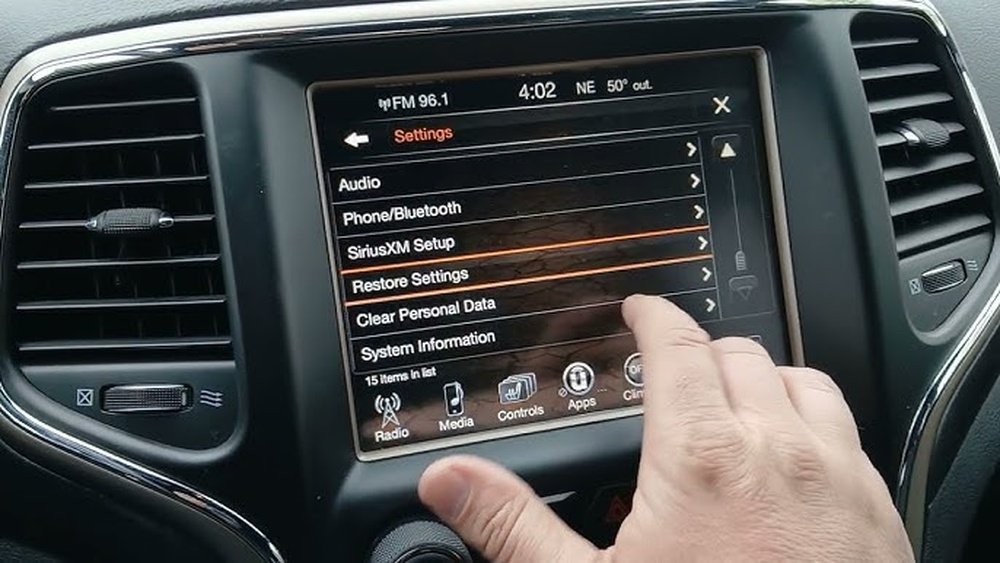
Steps To Reset The Computer On 2014 Jeep Cherokee
There are a few ways to reset the computer. The most common is a “hard reset” by disconnecting the battery. Here’s how to do it safely.
1. Prepare The Vehicle
- Park your Jeep Cherokee on a flat surface.
- Turn off the ignition and remove the key.
- Make sure the headlights and other electrical devices are off.
2. Disconnect The Battery
- Open the hood and find the battery.
- Use a wrench to loosen the negative terminal (usually black and marked with a minus sign).
- Remove the negative cable and secure it away from the battery.
- Wait at least 15 minutes. This lets all power drain from the computer.
3. Reconnect The Battery
- Attach the negative cable to the terminal.
- Tighten it securely with a wrench.
- Close the hood.
4. Start The Vehicle
- Insert the key and start the engine.
- Let it idle for a few minutes.
- The computer will relearn certain settings. Drive the car for about 20 miles to help the system recalibrate.
5. Check Warning Lights
- If the check engine light is still on, use an OBD-II scanner to check for codes.
- If codes remain, the problem may need more advanced repair.
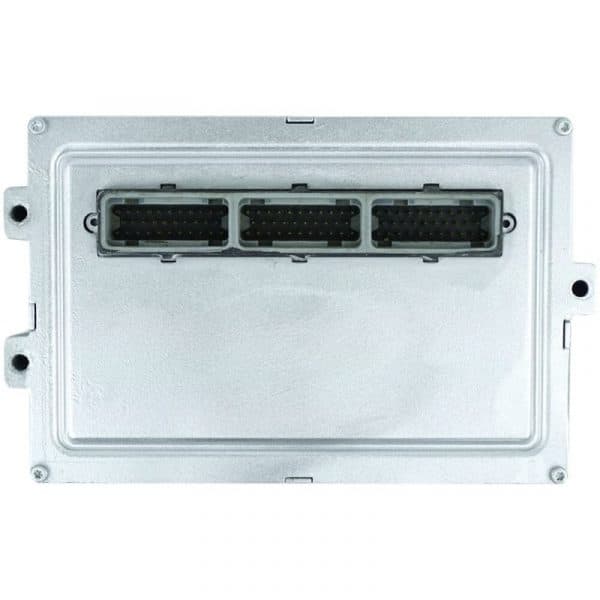
Data Table: Common Causes For Computer Reset
Here’s a comparison of symptoms that often lead Jeep owners to reset the computer.
| Symptom | Possible Cause | Reset Benefit |
|---|---|---|
| Check Engine Light | Sensor error, minor glitch | Clears error codes |
| Rough Idle | PCM learning issue | Resets idle settings |
| Transmission Issues | Software bug | Restores shift patterns |
| Battery Change | Memory loss | Relearns settings |
Using An Obd-ii Scanner
For a more advanced reset, you can use an OBD-II scanner. This device plugs into a port under the dashboard. It lets you read and clear error codes. Some scanners also offer a full system reset.
Steps:
- Plug the scanner into the OBD-II port (below the steering wheel).
- Turn the ignition to the “ON” position.
- Use the scanner menu to select “Clear Codes” or “Reset”.
- Follow instructions on the screen.
- Start the vehicle and check if the warning lights are gone.
Not all scanners have the reset function. Check the manual for your device.
This method is safer than disconnecting the battery because it targets only the computer.
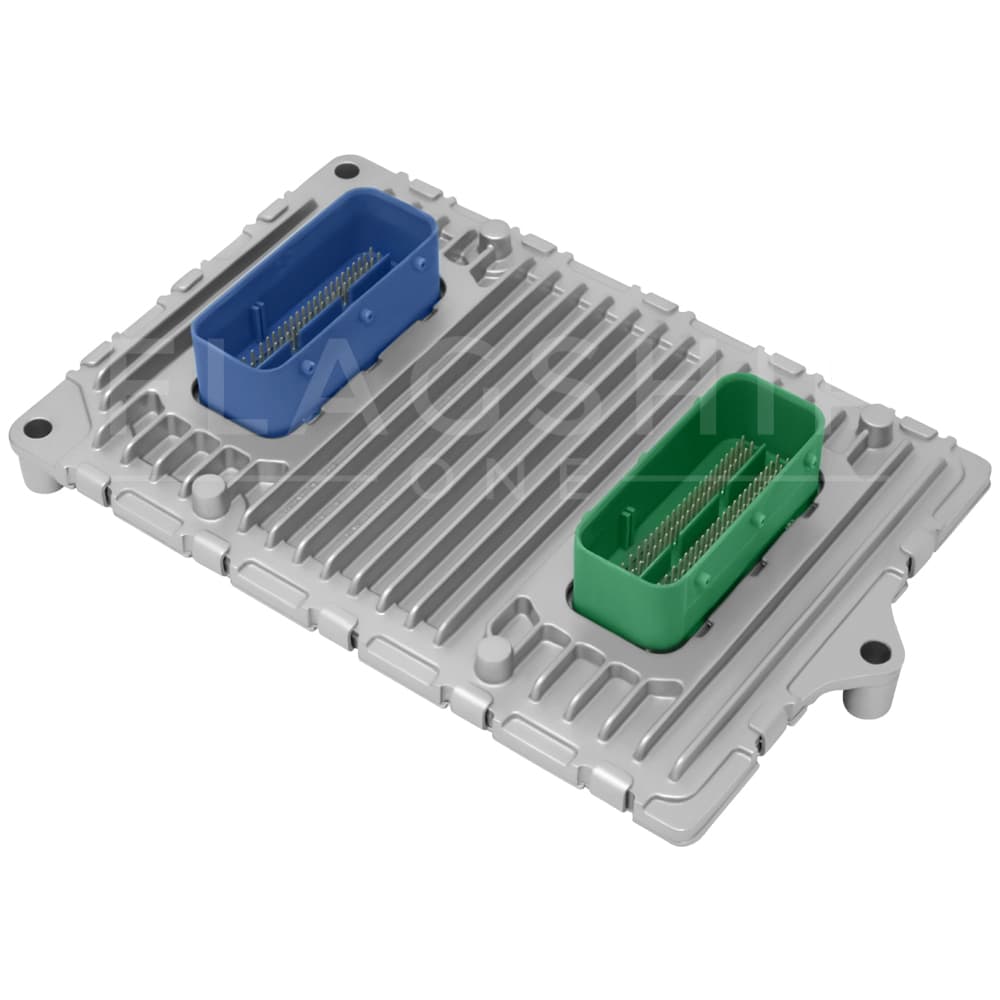
Table: Battery Disconnect Vs. Obd-ii Reset
Compare two main ways to reset your 2014 Jeep Cherokee computer.
| Method | Tools Needed | Pros | Cons |
|---|---|---|---|
| Battery Disconnect | Wrench | Easy, cheap | May lose radio presets |
| OBD-II Scanner | Scanner | Precise, keeps settings | Requires device |
Practical Tips For Resetting
- Always wear gloves when working with the battery.
- Never let the wrench touch both terminals at once.
- If the battery is old, consider replacing it before resetting the computer.
- After resetting, drive in different conditions to help the car relearn.
- Don’t reset too often; it can cause the computer to lose important data.
Many drivers forget that after a reset, the car may feel different for a short time. The computer needs to relearn things like idle speed and fuel trim.
If performance does not improve after a few days, get help from a mechanic.

Common Mistakes To Avoid
- Disconnecting only the positive terminal: Always disconnect the negative terminal first.
- Not waiting long enough: Power must drain for at least 15 minutes.
- Touching battery terminals with tools: This can cause sparks or short circuits.
- Resetting with problems unresolved: Fix any mechanical issues before resetting.
- Ignoring warning lights: If lights return after reset, there may be deeper issues.
Example: Real-world Reset Scenario
Imagine your 2014 Jeep Cherokee has the check engine light on. You replaced a sensor, but the light stays on. You decide to reset the computer:
- Disconnect the negative battery terminal, wait 20 minutes.
- Reconnect and start the car.
- Light is gone, and the engine runs smoothly.
If the light returns after a few days, use an OBD-II scanner to check for new codes. This process helps many drivers save money and time before visiting a shop.
Table: Jeep Cherokee Computer Reset Vs. Other Suvs
How does resetting a Jeep Cherokee computer compare to similar SUVs?
| Vehicle | Reset Method | Ease of Access | Common Issues |
|---|---|---|---|
| Jeep Cherokee | Battery, OBD-II | Easy | Idle, transmission |
| Ford Escape | OBD-II | Moderate | Sensors |
| Toyota RAV4 | Battery, OBD-II | Easy | Emissions |
Frequently Asked Questions
How Long Does A Computer Reset Take?
Usually, the process takes 15–20 minutes plus the time to drive and relearn settings.
Will I Lose My Radio Presets?
If you use the battery disconnect method, you may lose radio presets and clock settings.
Is It Safe To Reset The Computer Myself?
Yes, if you follow steps carefully. Wear gloves and use proper tools to avoid injury.
What If The Check Engine Light Stays On After Reset?
Use an OBD-II scanner to read codes. If codes remain, seek help from a mechanic.
Can Resetting The Computer Fix Transmission Problems?
It can fix minor software issues, but not mechanical faults. If problems continue, professional service is needed.
If you want more details about vehicle computers, visit the Engine Control Unit Wikipedia page.
Resetting the computer on your 2014 Jeep Cherokee is a practical skill. It can solve many small issues and save you trips to the shop. Just remember to follow safe steps, use proper tools, and check for deeper problems if the reset doesn’t work. With a little care, your Cherokee will run better and smarter.


















