Resetting the computer in your Jeep Compass can solve many problems, from minor electrical glitches to persistent check engine lights. Modern cars like the Jeep Compass rely on complex electronics to control everything from the engine to the dashboard lights. If your Compass is acting strange, a simple computer reset can often restore normal function. This guide covers the safest ways to reset your Jeep Compass computer, when you should do it, and what to expect. Even if you’re not a car expert, you’ll find clear steps and helpful tips to make the process easy.
Why Reset Your Jeep Compass Computer?
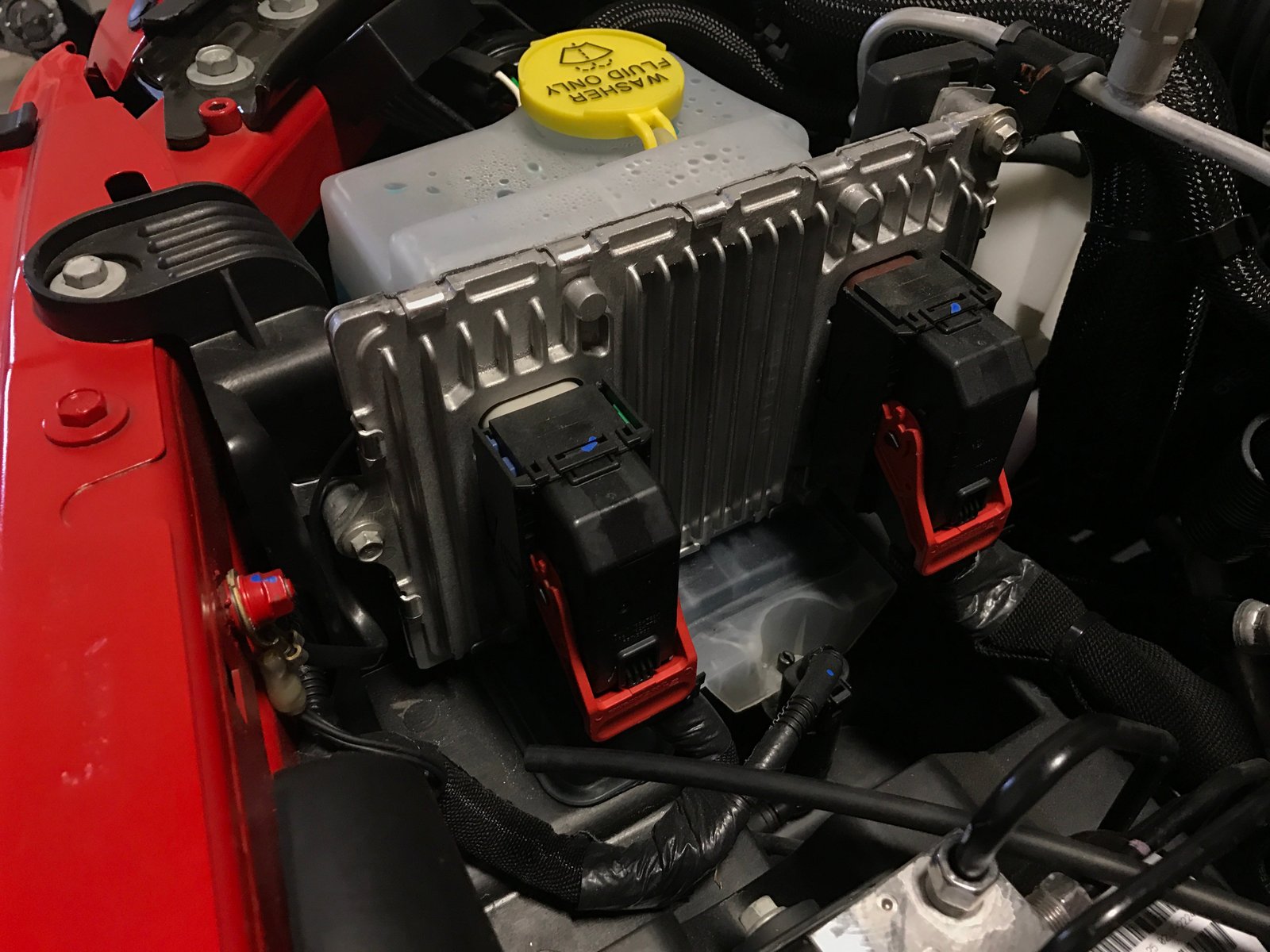
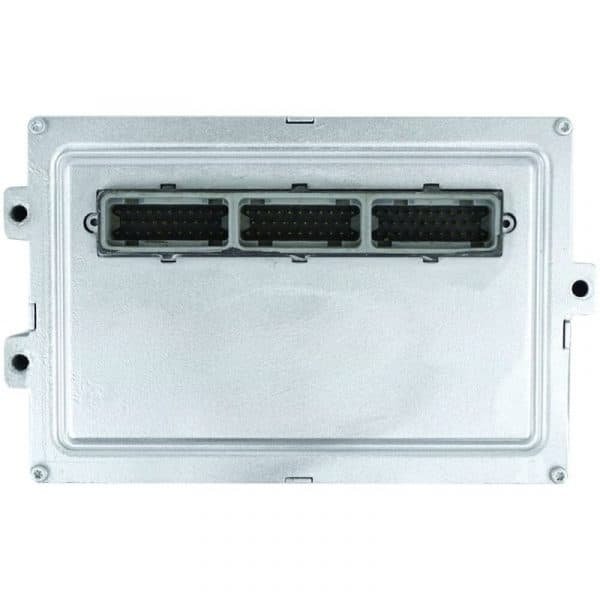
The Jeep Compass computer (often called the ECU or PCM) manages engine performance, emissions, and other key systems. Sometimes, small software errors or sensor faults cause issues like:
- Warning lights staying on
- Unusual engine behavior
- Poor fuel efficiency
- Radio or climate control glitches
Resetting the computer can clear these errors and give your car a fresh start. But it’s not a fix for serious mechanical problems.
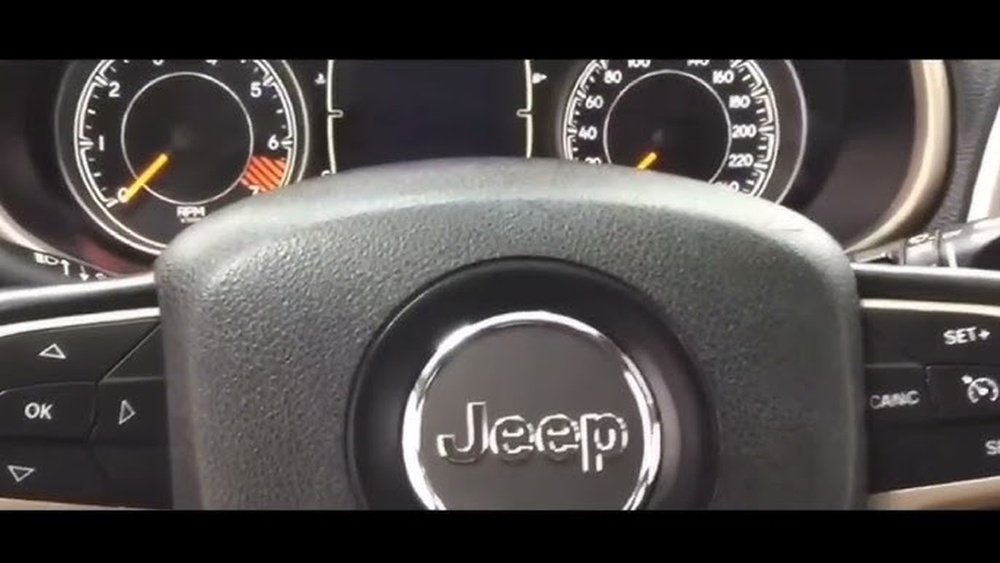
If warning lights return after a reset, you may need professional help.
Methods To Reset A Jeep Compass Computer
There are three main ways to reset your Jeep Compass computer. Choose the method based on your situation and tools.
1. Disconnecting The Battery
This is the simplest method, requiring only basic tools.
- Turn off your Jeep and remove the key.
- Open the hood and locate the battery.
- Use a wrench to loosen and remove the negative battery cable (black).
- Wait at least 15 minutes. This allows stored power in the system to drain.
- Reconnect the cable securely.
- Start your Jeep and check for any warning lights.
Many owners report that disconnecting the battery clears minor computer faults. However, this method may also reset radio presets and clock settings.
2. Using An Obd-ii Scanner
A professional OBD-II scanner can clear trouble codes directly.
- Plug the scanner into the OBD-II port (usually under the dashboard).
- Turn the ignition to ON without starting the engine.
- Follow scanner instructions to read and clear codes.
- Restart your Jeep and check for improvements.
This method is more precise, and you don’t lose radio settings. Quality scanners can cost $50 $200, but some auto shops offer free scans.
3. Fuse Pull Method
Pulling specific fuses can reset targeted systems.
- Locate your fuse box (often under the hood or inside the cabin).
- Find the fuse labeled “ECU,” “PCM,” or “ENGINE.”
- Remove the fuse for 10–15 minutes.
- Reinsert the fuse and start the vehicle.
This method resets only certain systems and is less common, but it’s useful if you want to avoid battery disconnect.
Comparison Of Reset Methods
Here is a quick comparison of the three methods:
| Method | Tools Needed | Time Required | Settings Lost |
|---|---|---|---|
| Battery Disconnect | Wrench | 15–30 min | Radio, clock |
| OBD-II Scanner | Scanner | 5–10 min | None |
| Fuse Pull | Fuse puller | 10–20 min | Depends |
Choose the method that fits your needs and the tools you have.
When Should You Reset The Computer?
Resetting the Jeep Compass computer is useful in these situations:
- After fixing engine or sensor problems
- To clear warning lights after repairs
- When troubleshooting strange electrical issues
- Before selling your vehicle for a “fresh” start
Avoid frequent resets, as they can hide persistent faults. If problems keep returning, have your Jeep checked by a certified mechanic.
Risks And Precautions
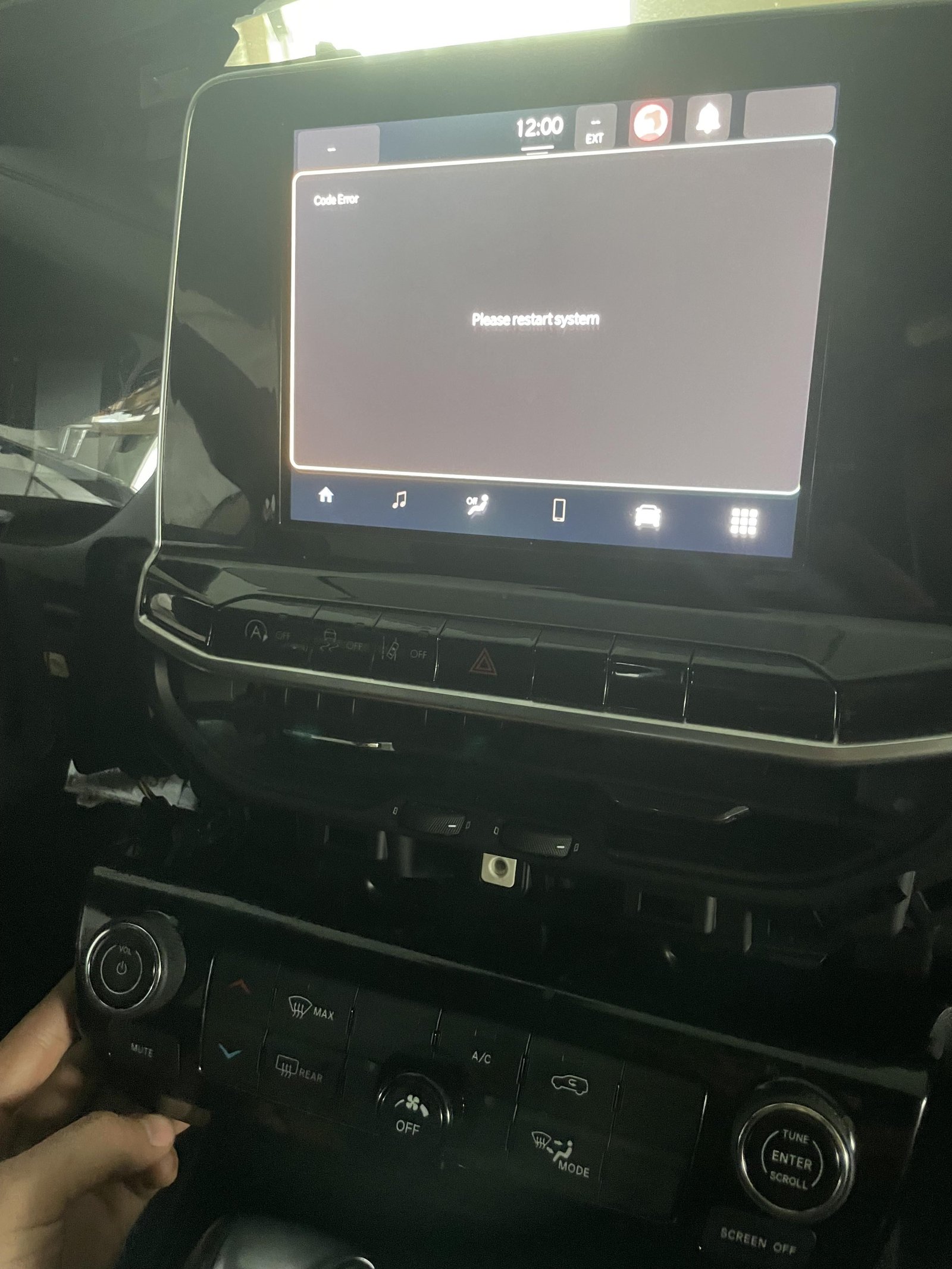
Resetting your Jeep computer is usually safe, but there are risks:
- Loss of radio presets and clock settings
- Some systems may need recalibration
- Risk of damaging the battery terminal if handled roughly
To minimize issues:
- Always disconnect the negative cable first
- Wear gloves to protect your hands
- Never touch electrical terminals with wet hands
Jeep Compass Computer: Common Problems
Many Jeep Compass owners experience issues that a reset can help:
- Check engine light that won’t turn off
- ABS warning light after minor repairs
- Slow response from climate controls
- Bluetooth or radio not pairing correctly
A reset often solves these, but deeper electrical faults may need dealer attention.
Data: Jeep Compass Reliability
According to recent data, the Jeep Compass scores a reliability rating of 3. 5 out of 5, based on owner surveys.
Electrical issues are among the top 3 complaints.
| Issue | % of Owners Reporting |
|---|---|
| Electrical Faults | 27% |
| Engine Stalls | 15% |
| Transmission Issues | 10% |
This shows why knowing how to reset the computer is valuable.
Real-world Example
Sarah, a Jeep Compass owner, noticed her radio stopped working after a battery change. The dealer quoted $100 for diagnostics.
She tried the battery disconnect method, waited 20 minutes, and her radio returned to normal. This saved her money and time.
Extra Tips For Success
- Wait at least 15 minutes when disconnecting the battery for a full reset.
- Double-check the battery cables for tightness before restarting.
- If using an OBD-II scanner, write down any error codes before clearing them.
- Keep your owner’s manual handy for fuse locations and troubleshooting.
Expert Advice
If you reset your Jeep Compass computer and issues return, it’s a sign of a deeper problem. Don’t just keep resetting get a professional diagnostic.
Persistent electrical faults can affect safety and vehicle value.
For more technical details, visit the official Jeep Compass page.
Frequently Asked Questions
What Does Resetting The Jeep Compass Computer Do?
Resetting clears temporary error codes and forces the computer to relearn settings. It can fix minor issues, but won’t solve mechanical faults.
Will Resetting Affect My Radio Or Clock?
If you disconnect the battery, you may lose radio presets and need to reset the clock. Using an OBD-II scanner usually keeps these settings.
How Often Should I Reset My Jeep Compass Computer?
Only reset after repairs or when troubleshooting. Frequent resets can hide real problems and delay proper maintenance.
Can I Use Any Obd-ii Scanner?
Most scanners work, but choose one with Jeep compatibility. Some models give more detailed codes and options.
Is It Safe To Reset The Computer Myself?
Yes, if you follow steps carefully. Always disconnect the negative battery cable first and avoid touching terminals with wet hands.
Resetting your Jeep Compass computer is a smart DIY solution for many minor issues. With clear steps and the right precautions, you can save money and avoid unnecessary trips to the dealer.
If problems persist, always seek expert help your safety and your vehicle’s reliability depend on it.


















