If your 2012 Jeep Grand Cherokee radio is not working right—maybe it’s frozen, not playing sound, or acting strangely—a radio reset can often solve the problem. You do not always need to visit a dealership or pay for repairs. With a few simple steps, you can reset the radio yourself and get back to enjoying your music and navigation. Let’s walk through how to reset your Jeep Grand Cherokee radio, what to watch out for, and what to try if a basic reset doesn’t work.
Understanding The 2012 Jeep Grand Cherokee Radio
The 2012 Grand Cherokee came with two main radio systems: the basic Uconnect 130/230 and the advanced Uconnect 430/730N with touchscreen navigation. Each one can freeze or glitch, but the reset process is similar. Sometimes, problems come from software bugs, loose connections, or even a drained battery. Before you reset, check if other car electronics work fine—this helps rule out bigger electrical issues.
When Should You Reset The Radio?
A radio reset is useful when you notice:
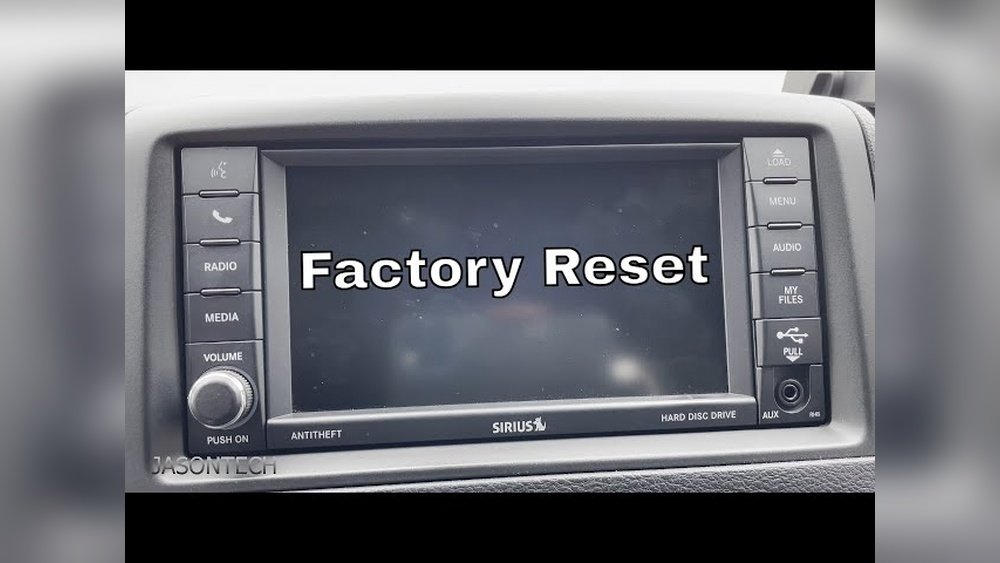
- The screen freezes or goes black
- Buttons do not respond
- No sound is coming from speakers
- Bluetooth or navigation is not working
- The radio keeps rebooting
These issues are usually software-related. A reset clears temporary errors, much like restarting a computer.

How To Reset 2012 Jeep Grand Cherokee Radio
Resetting your radio can be simple. Try these steps for your 2012 Jeep Grand Cherokee:
1. Soft Reset (uconnect Touchscreen Radios)
A soft reset is the easiest and safest way to restart your radio.
- Turn on your car (engine in Run or Accessory mode).
- Press and hold the Volume and Tuner (Browse/Enter) knobs at the same time.
- Hold both for about 10-20 seconds until the screen goes black.
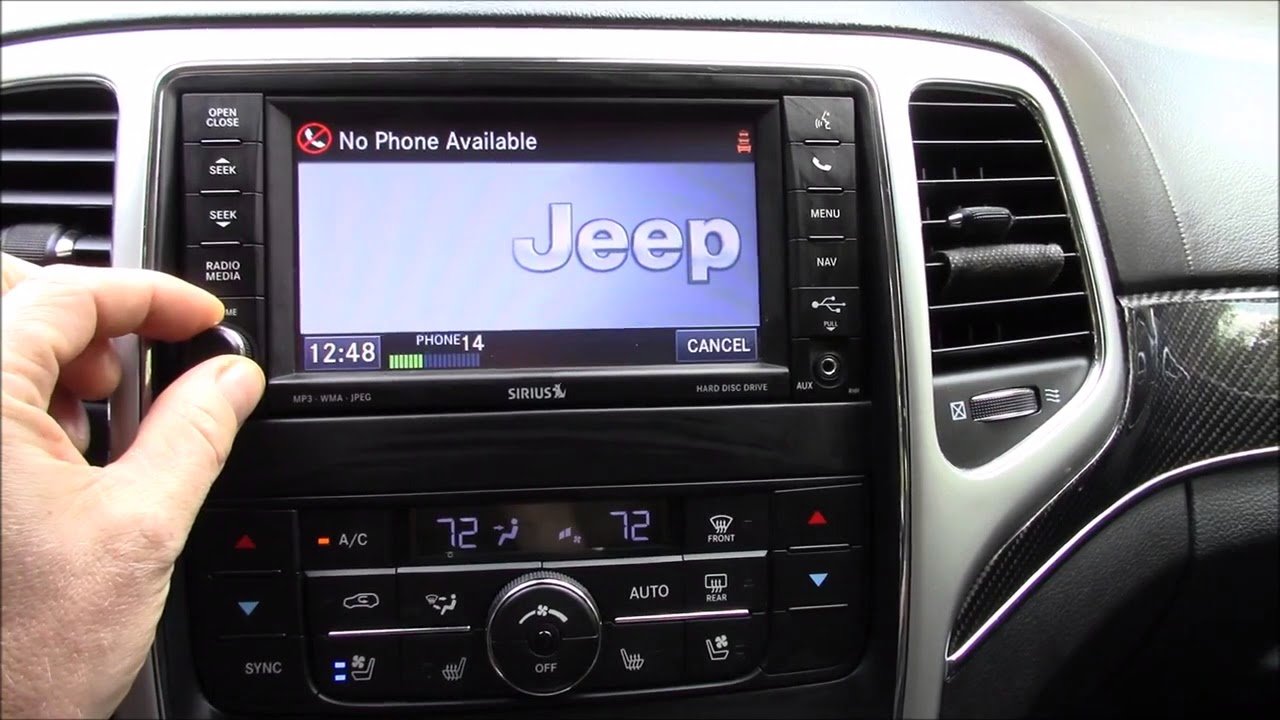
- Release the knobs. The radio will restart and the Jeep logo should appear.
This process works for most Uconnect touchscreen radios. It does not erase your saved presets or paired devices.
2. Hard Reset (battery Disconnect)
If the soft reset fails, a hard reset can help clear deeper glitches.
- Turn off the engine and remove the key.
- Open the hood and locate the battery.
- Use a wrench to loosen the negative (-) battery cable. Carefully remove it.
- Wait at least 5 minutes. This lets the radio fully power down.
- Reconnect the negative battery cable and tighten it.
- Start the vehicle and check the radio.
A hard reset may clear time and radio settings. You will need to reset the clock and re-enter your radio presets.
3. Factory Reset (uconnect 430/730n)
If you have a touchscreen system and want to erase everything:
- With the radio on, press the Menu button.
- Select System Setup.
- Scroll to Restore Factory Defaults and select it.
- Confirm when prompted.
This will return the radio to its original settings, removing paired phones, navigation points, and presets. Only use this if you want a complete fresh start.
What To Do If Reset Doesn’t Work
Sometimes, a reset is not enough. The radio may have a hardware problem or need a software update. Here are some next steps:
- Check the fuse box: A blown fuse can cut power to the radio.
- Inspect wiring behind the radio for loose connections.
- Look for software updates at the dealer or Jeep website.
- Consider professional repair if the screen stays black or buttons do not work after resets.
Common Mistakes To Avoid
- Disconnecting the wrong battery cable can cause electrical shorts. Always remove the negative (-) cable first.
- Skipping the 5-minute wait during a hard reset may not fully clear the radio’s memory.
- Forgetting to write down radio presets before a factory reset. You’ll lose saved stations and settings.
- Trying to reset with the engine running (use Accessory or On mode, not while driving).
Data Table: Reset Methods Comparison
Here’s a quick look at different reset options for your 2012 Jeep Grand Cherokee radio:
| Reset Method | Difficulty | What It Resets | When To Use |
|---|---|---|---|
| Soft Reset | Easy | Temporary glitches | Screen freeze, no sound |
| Hard Reset | Medium | Deeper issues, power loss | Buttons unresponsive, radio won’t turn on |
| Factory Reset | Advanced | All settings & data | Major software issues, selling vehicle |
Example: Real-world Reset Scenario
Imagine your radio screen goes black in winter. You try the soft reset—no luck. You disconnect the negative battery cable for 7 minutes, reconnect, and the radio powers up. You do need to set the clock again, but all functions return. This is a common fix for battery-drain-related glitches in cold weather.
Data Table: Signs Your Radio Needs Reset
Knowing when to try a reset is important. Here are signs and what they often mean:
| Symptom | Possible Cause | Recommended Reset |
|---|---|---|
| Frozen screen | Software glitch | Soft reset |
| No sound | Temporary bug | Soft or hard reset |
| Radio won’t turn on | Power loss | Hard reset, check fuses |
| Bluetooth won’t pair | Data error | Factory reset |
Non-obvious Tips Most Owners Miss
- Wait a full 5–10 minutes after disconnecting the battery. Many people reconnect too soon, but the radio needs time to fully drain stored power.
- Update your Uconnect software if you keep having problems. Older versions can cause repeat glitches—dealers or Jeep’s official website have updates.
- Always check the vehicle’s infotainment manual for your exact radio model instructions. Some details change depending on the trim and installed options.
When To Seek Professional Help
If your radio still does not work after all resets, there could be a hardware failure or a deeper electrical issue. Signs you need a specialist include:
- The radio never powers on (even after hard reset)
- Persistent error messages
- Navigation and camera functions fail together
- Burning smell or visible damage
A certified Jeep technician can test and repair or replace the unit safely.
Frequently Asked Questions
How Do I Know Which Uconnect System I Have?
Check the radio’s main screen or look in your owner’s manual. The model number is usually displayed at startup or in the settings menu.
A soft or hard reset will not erase maps, but a factory reset will remove saved addresses and points of interest.
Is Disconnecting The Battery Safe For Other Electronics?
Yes, if you only disconnect the negative cable and follow safety steps. Do not touch the positive cable or let it contact metal parts.
Can I Reset The Radio While Driving?
No. Always park and keep the vehicle in Accessory or On mode. Attempting a reset while moving is unsafe.
Where Can I Get Official Jeep Radio Updates?
You can find updates at the Mopar official site or at your Jeep dealership.
A working radio makes every drive more enjoyable. With these steps, you can fix most software problems yourself and avoid costly repairs.
Remember to take your time, follow instructions, and seek help if needed your 2012 Jeep Grand Cherokee will be back in tune soon.


















