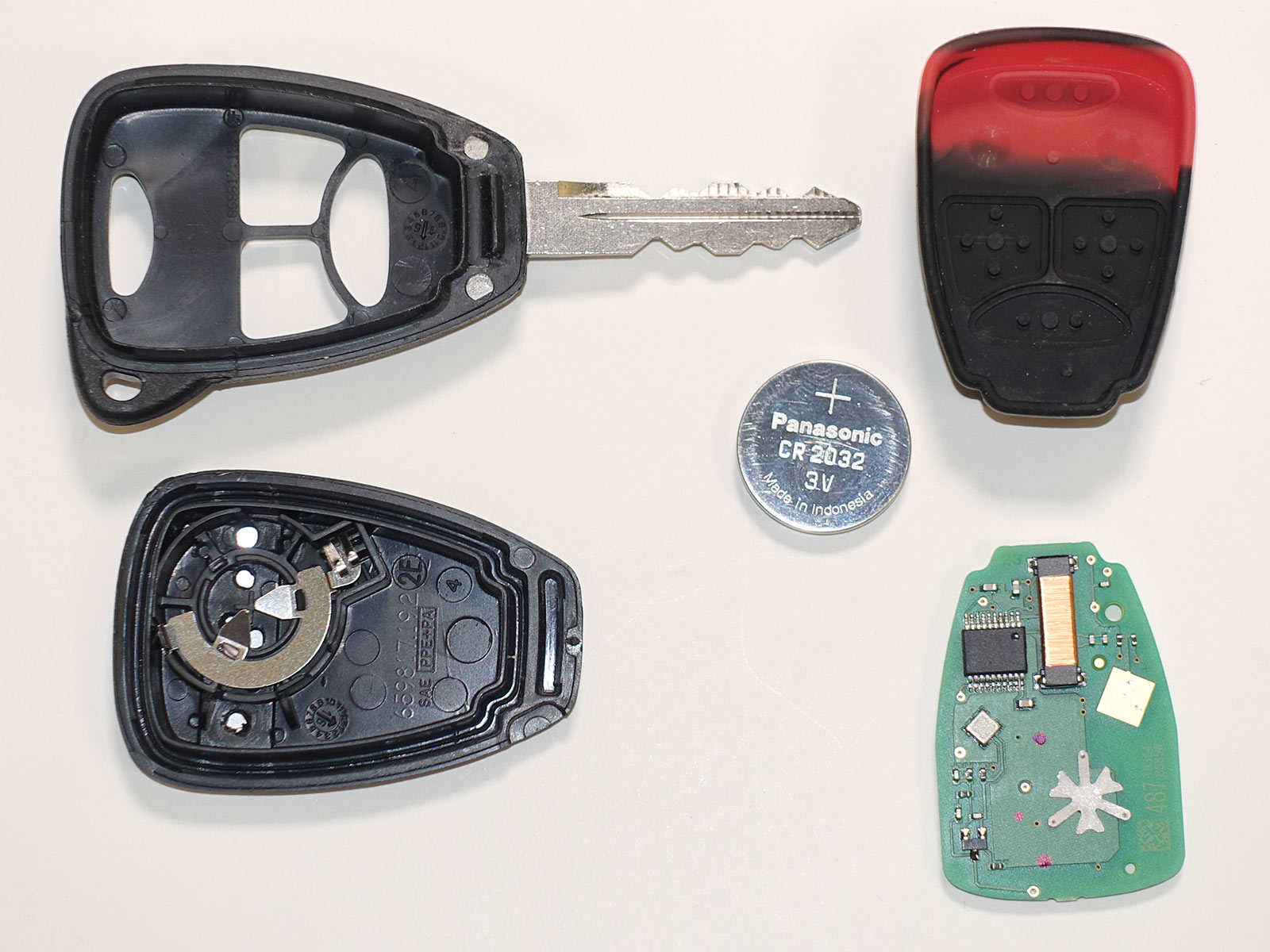
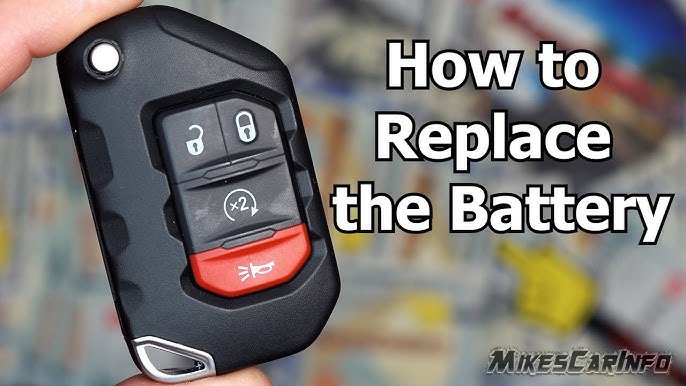
Replacing the battery in a Jeep key fob is a small task, but it can make a big difference in your daily routine. When your key fob battery gets weak, you may notice your Jeep’s remote functions become less reliable.
This includes unlocking doors, starting your engine remotely, or even sounding the alarm. Knowing how to replace the battery yourself saves time, money, and stress—especially when your Jeep is your main way to get around.
Many Jeep owners are surprised at how simple this process is, but it’s important to follow the right steps so you don’t damage your key fob or lose access to your vehicle.
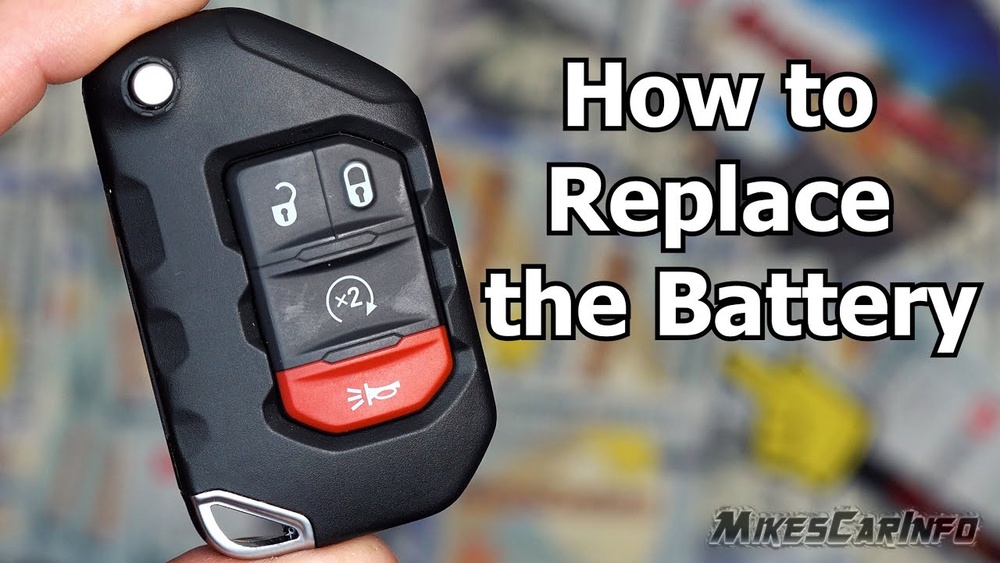
Identifying Your Jeep Key Fob
There are several types of Jeep key fobs, and each may require a different battery. Before you begin, check which model you have. Most Jeep models since 2010 use either a push-button start fob or a traditional remote fob. Here’s a quick comparison:
| Fob Type | Common Models | Battery Type |
|---|---|---|
| Push-Button Start Fob | Grand Cherokee, Cherokee, Renegade | CR2032 |
| Traditional Remote Fob | Wrangler, Patriot, Compass | CR2016 or CR2032 |
Always check your owner’s manual or open the fob to see the battery type. Using the wrong battery can cause your remote to fail.
Tools And Materials Needed
You don’t need many tools to change a Jeep key fob battery. Here is what you will need:
- A small flathead screwdriver or coin
- The correct replacement battery (usually CR2032 or CR2016)
- A clean cloth (optional, for handling batteries)
Make sure you buy a quality battery from a reliable brand. Cheap batteries may not last long or could leak inside your fob.
Step-by-step Battery Replacement
Changing your Jeep key fob battery takes only a few minutes. Follow these steps:
1. Remove The Key Fob Cover
Most Jeep fobs have a small notch or seam. Use your flathead screwdriver or coin to gently pry the cover open.
Don’t use too much force; you don’t want to crack the plastic.
2. Take Out The Old Battery
Note the battery position how it sits in the fob. Slide or lift the battery out, using the screwdriver if needed.
Avoid touching the battery terminals with your fingers, as oils can cause corrosion.
3. Insert The New Battery
Place the new battery in the same position as the old one. Check the positive (+) and negative (-) sides.
If you put the battery in backward, the fob won’t work.
4. Snap The Cover Back On
Align the cover and press it firmly until you hear a click. Make sure it’s secure so dust or moisture won’t get inside.
5. Test Your Key Fob
Try the remote functions lock/unlock, panic, or remote start. If they work, your battery change was successful.
| Step | Estimated Time | Common Mistakes |
|---|---|---|
| Open Fob | 1 min | Using too much force |
| Replace Battery | 2 min | Wrong battery orientation |
| Close Fob | 1 min | Cover not fully snapped |
| Test Fob | 1 min | Skipping this step |
Tips For A Smooth Replacement
- Check your battery type before buying. Many fobs look alike but use different batteries.
- Clean battery contacts with a dry cloth if you see dirt or corrosion.
- Don’t leave the fob open for too long; dust can enter and damage the electronics.
- If your key fob doesn’t work after replacement, try removing and reinserting the battery. If it still fails, check for internal damage.
Non-obvious Insights
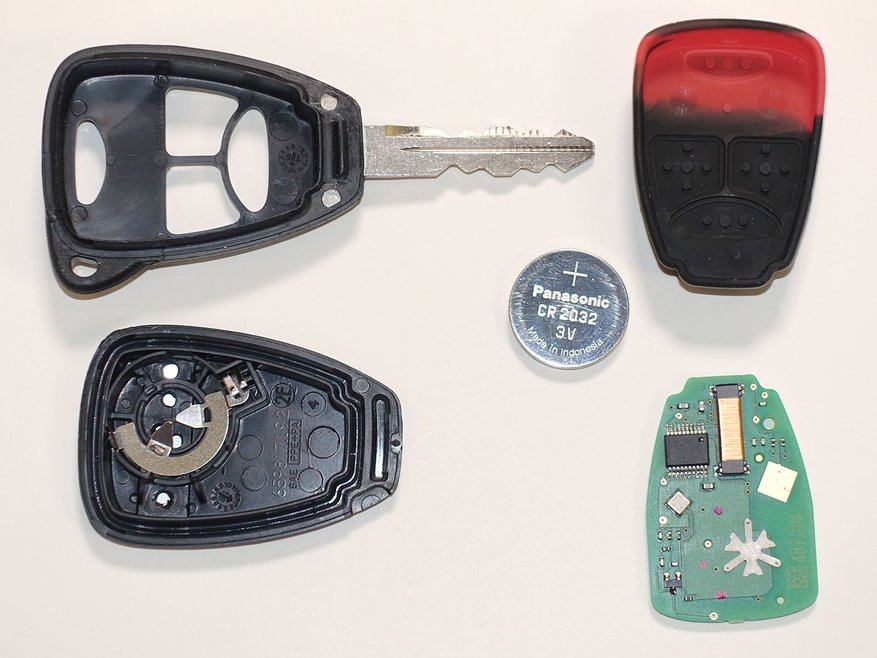
- Most Jeep key fobs have a backup physical key hidden inside. If your battery dies completely, you can use this key to unlock the door.
- The key fob may need to be re-synchronized with your Jeep after battery replacement, especially on models with advanced security. Usually, pressing the lock/unlock button several times does this automatically.
- Some Jeep models will still allow you to start the engine by placing the dead fob close to the start button, using radio frequency proximity.
Common Mistakes To Avoid
- Using a screwdriver that’s too large can crack the fob housing.
- Forgetting to note the battery orientation leads to wasted time and frustration.
- Buying cheap batteries often results in shorter life and possible leakage.
Here’s a quick comparison of battery brands:
| Brand | Average Lifespan | Price Range |
|---|---|---|
| Energizer | 2-3 years | $2-$4 |
| Duracell | 2-3 years | $2-$4 |
| Generic | 6-12 months | $1-$2 |
When To Replace Your Key Fob Battery
Most Jeep owners replace their key fob battery every 2–3 years. Signs you need a new battery include:
- Weak remote range
- Fob not responding on first press
- Dashboard warning for key fob battery
If you notice these issues, change the battery promptly. Waiting too long can leave you locked out or unable to start your Jeep.
Frequently Asked Questions
How Do I Know Which Battery My Jeep Key Fob Needs?
Check your owner’s manual or open the key fob and look at the battery. Most Jeep fobs use CR2032 or CR2016. If unsure, take the old battery to a store for comparison.
Can I Use Any Brand Of Battery?
You can use any brand, but quality matters. Brands like Energizer and Duracell last longer and are less likely to leak. Cheap brands may save money short-term but often fail early.
Will My Key Fob Need Reprogramming After Battery Replacement?
Usually, no. Most Jeep key fobs work immediately after changing the battery.
If your fob doesn’t work, press the lock/unlock button a few times. If problems persist, consult your dealer.
Can I Replace The Battery Myself Or Should I Go To A Dealer?
Most Jeep owners can replace the battery at home with simple tools. Dealers may charge $20 $50 for the same job.
If your fob is damaged or not working after battery change, visit a dealer.
What Should I Do If My Key Fob Still Doesn’t Work After Battery Replacement?
Double-check the battery orientation and contacts. Try a new battery from a trusted brand.
If it still doesn’t work, your fob may be damaged or need professional service.
Replacing your Jeep key fob battery is a quick, cost-effective task that keeps your vehicle safe and accessible. With the right battery and a few simple steps, you can avoid dealer fees and stay in control of your Jeep. For more details on key fob maintenance, visit the Wikipedia page on Remote Keyless Systems. Taking action before the battery completely dies means your remote functions stay reliable, and you avoid unnecessary stress.