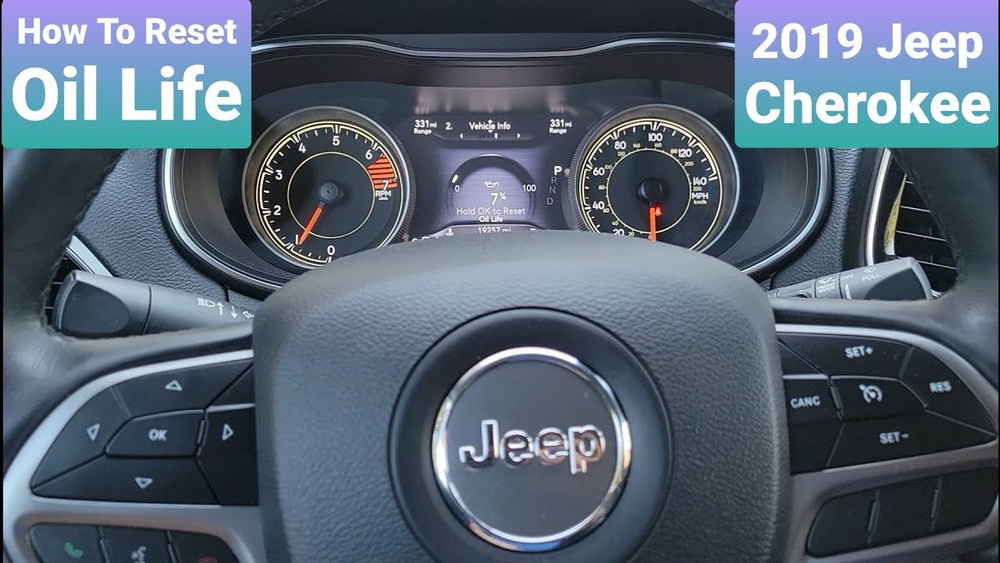
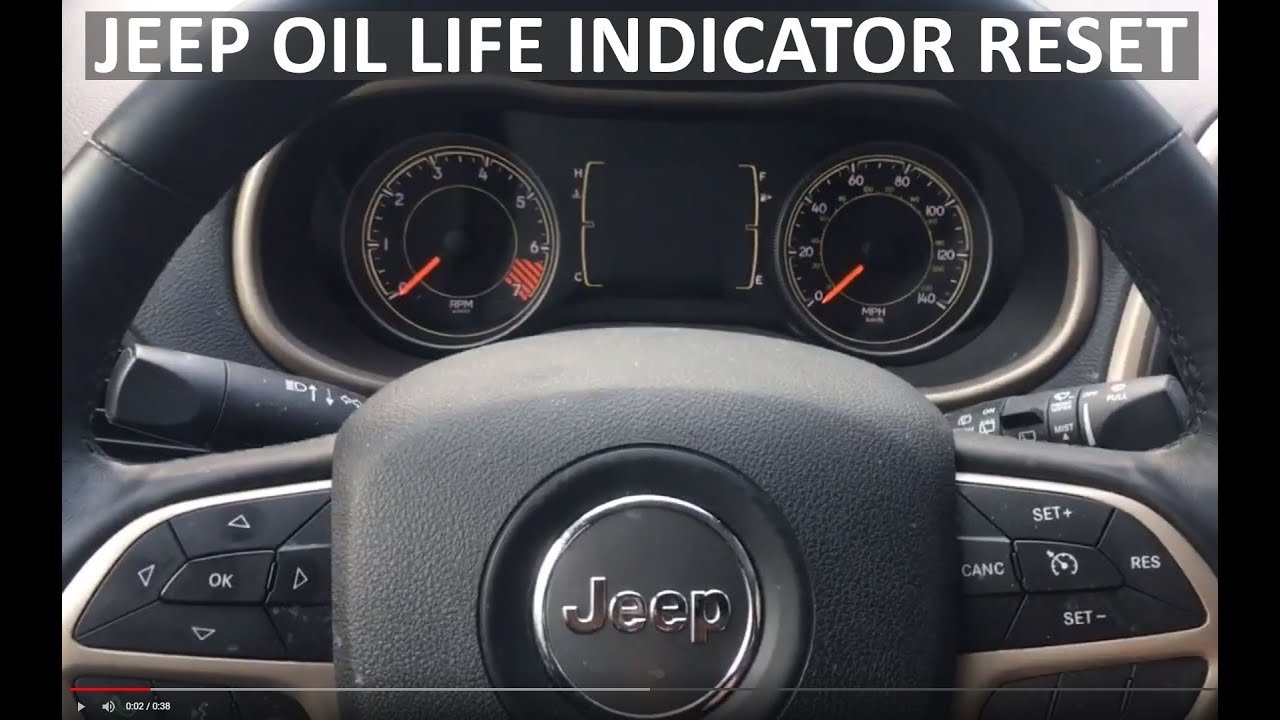
Resetting your Jeep Cherokee can solve many common problems, from error codes to radio issues. Whether you own a newer model or an older one, knowing how to safely reset your vehicle can save time and money.
This guide explains different reset methods, why they're needed, and what you should watch out for. Even if you’re not a mechanic, you’ll find practical steps and useful tips to keep your Jeep running smoothly.
Why Reset Your Jeep Cherokee?
Modern vehicles like the Jeep Cherokee rely heavily on electronic systems. Sometimes, these systems get stuck or show false errors. Common reasons to reset include:
- Check Engine Light staying on after repairs
- Radio or infotainment glitches
- Transmission issues that are not mechanical
- Battery replacement causing system errors
A reset often solves these problems without needing expensive diagnostics. However, not all issues can be fixed this way.
If a warning light comes back after resetting, it usually means there’s a real problem.
Main Reset Methods
There are several ways to reset a Jeep Cherokee. The right method depends on the issue and your model year.
1. Battery Disconnect Reset
This is the most basic reset. It works for most models and clears simple errors.
Steps:
- Turn off your Jeep.
- Open the hood and locate the battery.
- Use a wrench to disconnect the negative battery cable.
- Wait 15–20 minutes. This allows all systems to fully power down.
- Reconnect the cable and start your Jeep.
Tip: Write down radio presets and settings before disconnecting, as this method erases them.
2. Obd-ii Scanner Reset
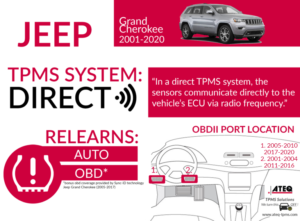
If the Check Engine Light remains on, use an OBD-II scanner. This device plugs under the dashboard and talks to your Jeep’s computer.
Steps:
- Plug the scanner into the OBD-II port under the steering wheel.
- Turn the ignition to “On” (not start).
- Follow scanner instructions to read and clear codes.
Data Table: OBD-II Scanner Features
| Feature | Basic Scanner | Advanced Scanner |
|---|---|---|
| Read Codes | Yes | Yes |
| Clear Codes | Yes | Yes |
| Live Data | No | Yes |
| Vehicle Compatibility | Most Models | All Models |
Note: Clearing codes doesn’t fix the actual issue. If the code returns, get your Jeep checked by a professional.
3. Infotainment System Reset
Radio or screen glitches are common, especially in newer Cherokees. Resetting the infotainment system is quick and safe.
Steps:
- Turn the ignition on.
- Press and hold the volume and tuner buttons together for about 10 seconds.
- The screen will go black, then restart.
Practical Insight: Many drivers don’t know this reset exists. It can fix Bluetooth, navigation, and freezing problems without visiting a dealer.
4. Transmission Reset (for Newer Models)
Sometimes, the transmission feels sluggish after a battery change. You can reset its learning process.
Steps:
- Turn the ignition to “On,” but don’t start the engine.
- Slowly press the accelerator pedal all the way down, then release it.
- Repeat this process three times.
- Start the engine and drive normally.
Expert Tip: This resets the transmission’s adaptation settings, but not the hardware. If shifting problems persist, see a mechanic.
When To Avoid Resetting
While resets solve minor issues, they can hide bigger problems if used incorrectly. Avoid resets if:
- Your Jeep shows multiple warning lights
- There are strange noises or smells
- The vehicle stalls or won’t start
Resetting should not replace real repairs. In these cases, a reset may only delay needed maintenance.
Jeep Cherokee Model Differences
Different years and trim levels may require specific reset methods. Here’s a quick comparison:
| Model Year | Battery Reset | OBD-II Scanner | Infotainment Reset |
|---|---|---|---|
| 2010–2014 | Yes | Yes | No |
| 2015–2018 | Yes | Yes | Yes |
| 2019–2024 | Yes | Yes | Yes |
Non-obvious Insight: Older models often don’t have infotainment reset options. Owners may need dealer help for screen or radio problems.

Common Mistakes To Avoid
Resetting your Jeep is simple, but mistakes can cause trouble:
- Disconnecting the battery incorrectly: Always remove the negative cable first.
- Using a cheap OBD-II scanner: Some cheap models don’t clear all codes.
- Ignoring repeated errors: If a code or warning returns, don’t keep resetting—find the real cause.
Practical Tips For A Safe Reset
- Wear gloves when working under the hood.
- Keep a code log for recurring errors.
- Check fuse boxes if resets don’t solve electrical problems.
- Always wait a few minutes after any reset before driving.
Useful Resources
For detailed official guidance, see the Jeep Owner’s Manuals.
Frequently Asked Questions
How Often Can I Reset My Jeep Cherokee?
You can reset your Jeep as often as needed, but frequent resets may hide ongoing issues. If the same problem returns, seek expert help.
Will Resetting Affect My Warranty?
A simple reset will not void your warranty. However, using third-party tools or making changes to the vehicle’s software may affect coverage.
What If The Check Engine Light Won’t Turn Off After Resetting?
If the Check Engine Light stays on, there is likely a real problem. Get your Jeep checked by a mechanic to find the cause.
Can I Reset The Jeep Cherokee Without Tools?
Yes, the battery disconnect method requires only a wrench. For more complex resets, like clearing codes, an OBD-II scanner is needed.
Is It Safe To Reset The Transmission Myself?
It’s safe if you follow the steps carefully. However, if the transmission still shifts poorly after resetting, do not drive long distances before professional inspection.
Resetting your Jeep Cherokee is a useful skill for every owner. It can clear error codes, solve minor glitches, and keep your vehicle running smoothly. Always use resets wisely, and remember: if problems return, it’s time for a deeper look.