Replacing a Jeep antenna is a simple way to improve radio reception or give your vehicle a custom look. Many Jeep owners upgrade their antennas to avoid breakage on trails, or just want a sleeker design.
If you want to do the job yourself and avoid a trip to the mechanic, you’re in the right place.
This guide covers every step, shares practical tips, and highlights key details you should know before starting.
Why Replace Your Jeep Antenna?
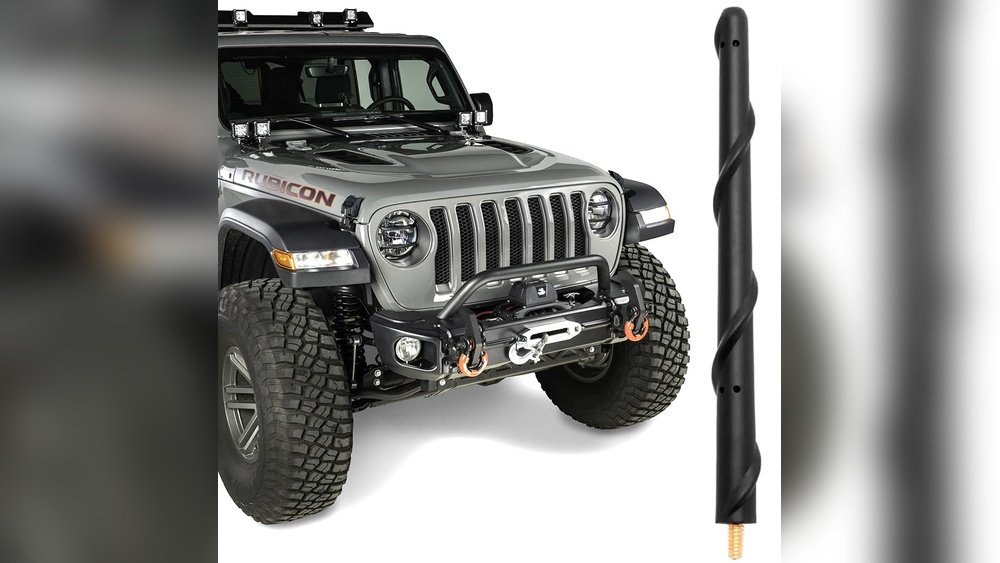
Antenna damage is common, especially for Jeeps used off-road. Branches, car washes, and even age can bend or break the factory antenna. Some people swap to a stubby antenna for style, or to reduce noise from wind. Upgrading can also boost AM/FM signal if the old antenna is corroded.
Here’s a quick comparison of when to replace your antenna:
| Situation | Replace Needed? | Reason |
|---|---|---|
| Bent or broken antenna | Yes | Signal loss, looks bad |
| Poor signal reception | Maybe | Could be the antenna or wiring |
| Switching to stubby style | Yes | Appearance, off-road safety |
| Normal wear | Optional | Prevent future issues |
Tools And Materials You Need
Before starting, gather these basic tools:
- Wrench or pliers (size depends on your Jeep model)
- New antenna (OEM or aftermarket)
- Microfiber cloth
- Threadlocker (optional, for off-roaders)
- Small brush (for cleaning threads)
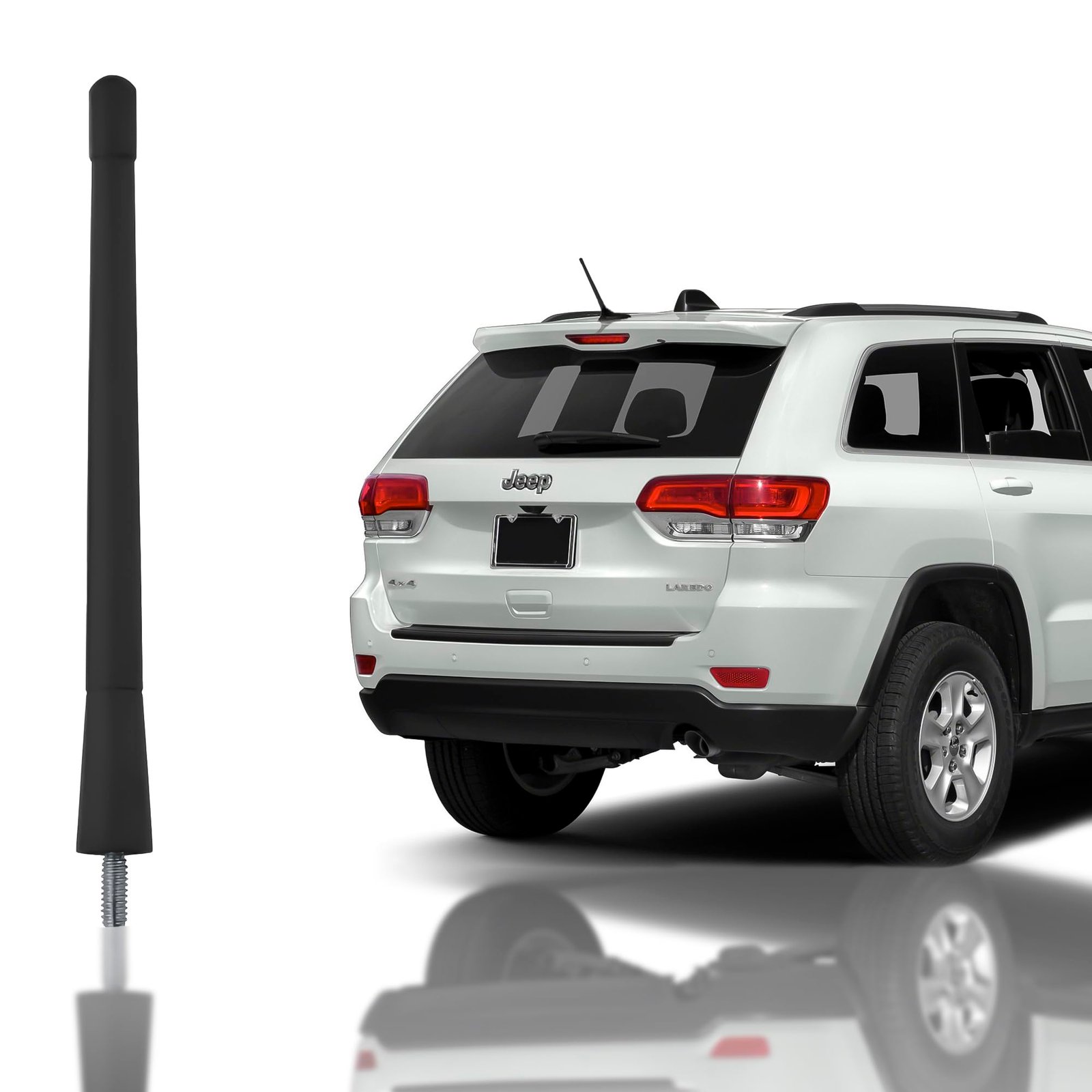
Most Jeep antennas are easy to swap with hand tools. Always check your owner’s manual for any special instructions.
Step-by-step: How To Replace A Jeep Antenna
Follow these steps for a smooth replacement:
- Turn off your Jeep and set the parking brake. This keeps you safe and avoids static shocks.
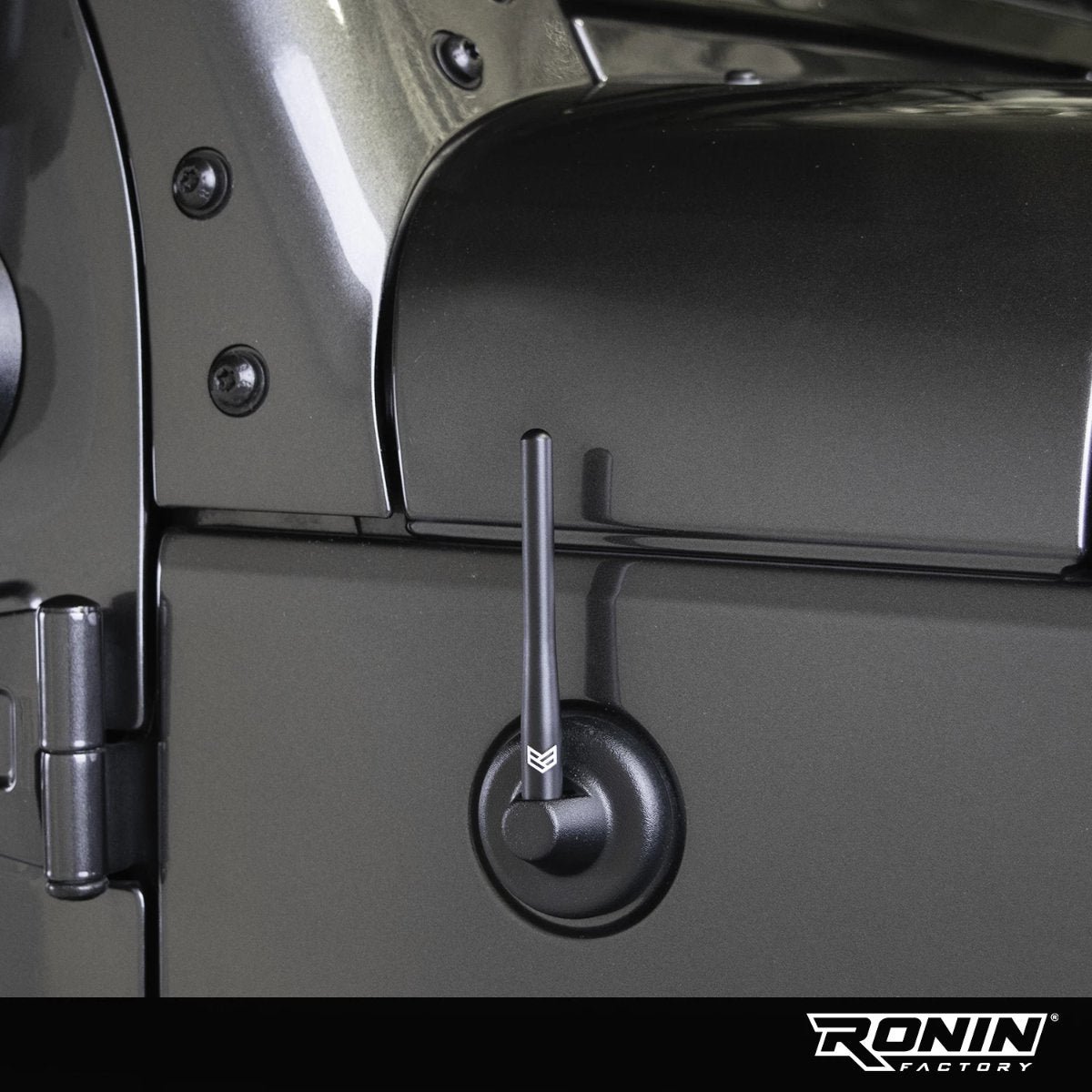
- Locate the antenna base. Most Jeep models (like Wrangler, Gladiator, Cherokee) have the antenna on the passenger side fender.
- Remove the old antenna. Use your hand to unscrew the antenna mast. If it’s stuck, use a wrench or pliers, gripping gently to avoid scratching the paint.
- Clean the antenna mount. Wipe away any dirt or rust with a cloth. Use a small brush if needed. This step helps your new antenna fit well and last longer.
- Check the threads. Look for any damage to the threads on the antenna base. Stripped threads can cause poor signal or make the new antenna loose.
- Install the new antenna. Screw the new antenna onto the base by hand. If you go off-road, add a drop of threadlocker to keep it from vibrating loose.
- Tighten securely. Do not overtighten—finger-tight is enough for most models.
- Test the radio. Turn on your Jeep and check the AM/FM stations. If you still have poor reception, check the antenna cable inside the fender.
Here’s a comparison of common Jeep antenna types:
| Antenna Type | Signal Quality | Durability | Style |
|---|---|---|---|
| Factory antenna | Good | Average | Stock look |
| Stubby antenna | Fair | High | Sleek, modern |
| Aftermarket long antenna | Excellent | Varies | Custom, classic |
Common Mistakes To Avoid
- Using the wrong size antenna – Jeep models use different thread sizes. Check your model year and buy the correct one.
- Overtightening – This can strip the threads or crack the base.
- Ignoring corrosion – If the antenna mount is rusty, clean it before installing the new antenna or you’ll have signal issues.
- Forgetting to test – Always check your radio after installation. This confirms the antenna is working and connected well.
Many new Jeep owners think all antennas are the same. In fact, signal quality often depends on the length and type. For example, stubby antennas look cool but may have weaker reception in rural areas. Consider where you drive most often before choosing.
Tips For The Best Results
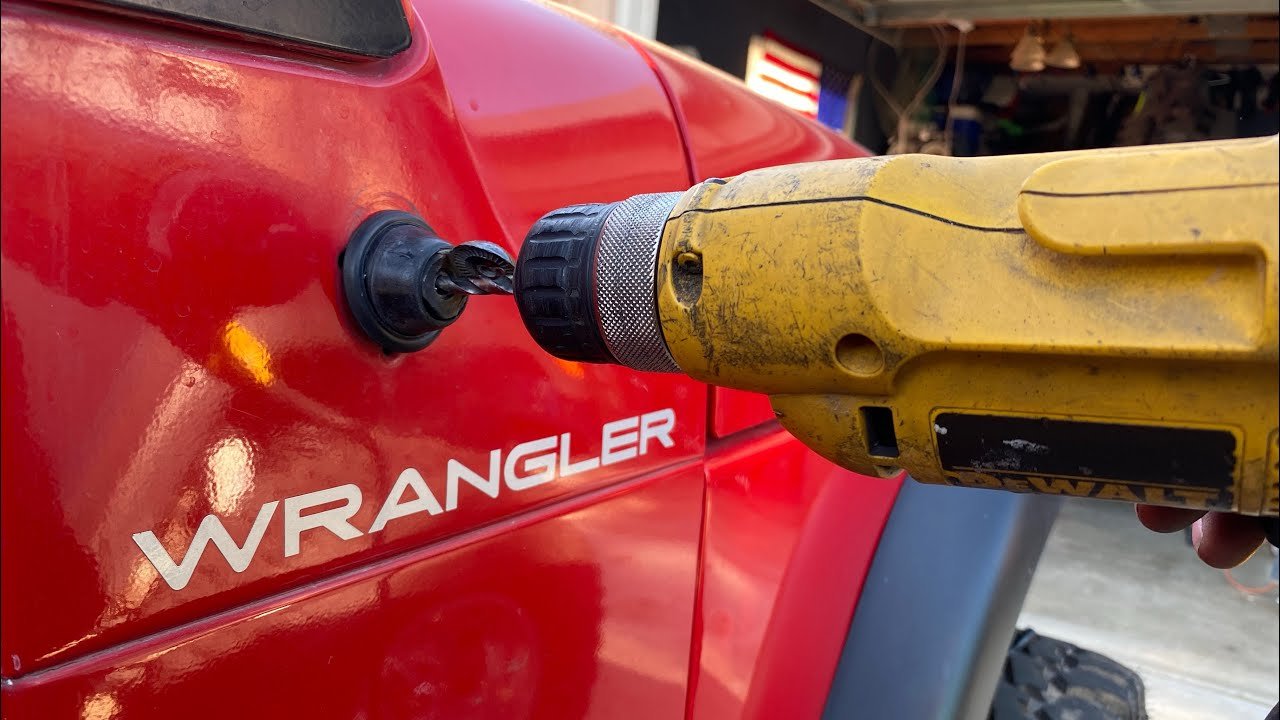
- Protect your paint: Use painter’s tape around the base to avoid scratching the fender.
- Go slow: If the old antenna is stuck, spray a little WD-40 on the threads and wait five minutes.
- Upgrade the base: For older Jeeps with a wobbly antenna mount, you can buy a new base for better signal and stability.
- Keep your old antenna: Store it in your Jeep as a backup, especially for long road trips.
Here’s a quick look at Jeep model antenna compatibility:
| Jeep Model | Typical Thread Size | Base Type |
|---|---|---|
| Wrangler JK (2007-2018) | M6 x 1.0 | Fender mount |
| Wrangler JL (2018+) | M6 x 1.0 | Fender mount |
| Gladiator JT | M6 x 1.0 | Fender mount |
| Cherokee/Grand Cherokee | Varies | Roof/fender mount |
It’s worth double-checking your thread size before buying, since aftermarket antennas often include extra adapters.
When To Call A Professional
Most Jeep antenna replacements are DIY-friendly. But if your radio still doesn’t work, or you notice broken wires inside the fender, consider a professional.
Some newer Jeeps have antennas in the windshield or shark-fin style on the roof these require special tools.
If you need a wiring diagram or want to check your Jeep’s specs, visit the official Jeep Owner’s Site for details.
Frequently Asked Questions
How Long Does It Take To Replace A Jeep Antenna?
It usually takes 5 to 15 minutes if the antenna isn’t rusted or stuck. Most people can finish the swap in less than 10 minutes.
Will A Stubby Antenna Affect My Radio Signal?
Stubby antennas look great and are less likely to break, but they may reduce AM/FM signal strength in remote areas. In cities, the difference is small.
Do I Need Any Special Tools?
Most Jeep antennas can be removed by hand or with a basic wrench or pliers. For roof antennas or models with hidden wiring, you might need a trim removal tool.
Can I Use Universal Antennas On My Jeep?
Some universal antennas fit, but always check for the correct thread size and mount type. The wrong size can cause poor connection or damage.
My New Antenna Doesn’t Work—what Should I Check?
First, make sure the antenna is screwed in tight and the threads are clean. If it still doesn’t work, check the antenna cable inside the fender for damage or loose connections.
Replacing your Jeep antenna is a quick upgrade that brings both practical and visual benefits. With the right tools and a little care, you’ll have strong radio reception and a fresh look for your Jeep in minutes.



















