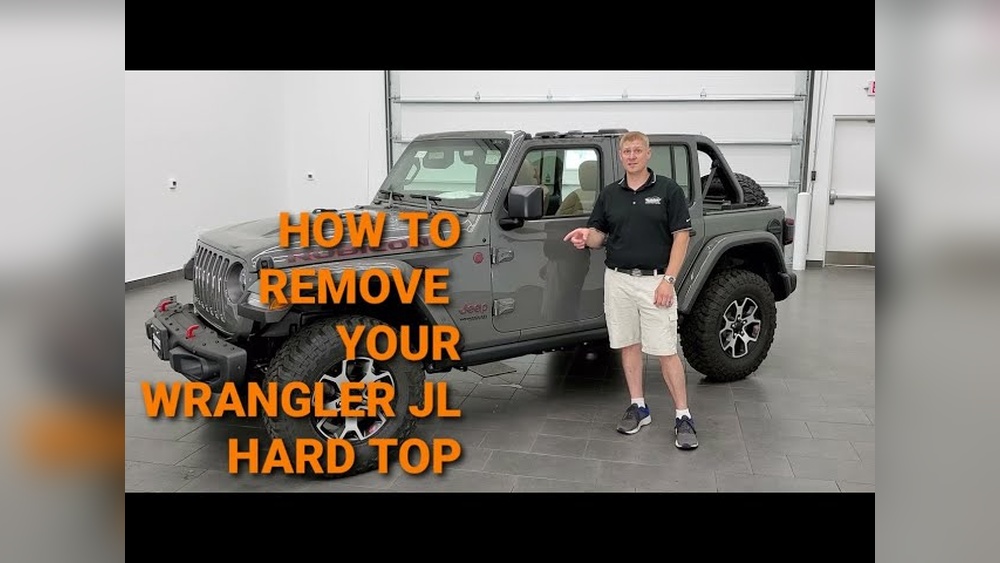
Getting rid of the antenna on your Jeep Wrangler may seem easy, but a few mistakes can cause damage or leave you with poor radio reception. Whether you want a cleaner look, plan to install a stubby antenna, or need to replace a broken one, knowing the right steps will save you time and frustration. This guide will show you how to remove the antenna safely, explain the tools you need, and offer tips to avoid common problems. You’ll also see useful data, comparisons, and answers to frequently asked questions—so you can confidently handle your Jeep’s antenna.
Why Remove Your Jeep Wrangler Antenna?
People remove the antenna for several reasons. Some want a sleeker appearance, as the stock antenna is tall and can catch on branches, garage doors, or car covers. Others want to upgrade to a stubby antenna for better off-road performance. Damage is another reason; antennas can bend or snap during trail rides. A small percentage simply prefer no antenna at all, relying on streaming or satellite radio.
Recent surveys show nearly 35% of Wrangler owners upgrade their antenna within the first year. The most common reason cited is “preventing damage during off-roading.”
Tools And Materials You’ll Need
Before you start, gather these tools:
- Wrench (typically 10mm or adjustable)
- Pliers (optional for stuck antennas)
- Microfiber cloth (to protect paint)
- Replacement antenna (if installing a new one)
- Silicone spray (for stuck threads)
Most Jeep Wrangler antennas can be unscrewed by hand, but older or corroded models may need a wrench. Always cover nearby paint with a cloth to avoid scratches.

Step-by-step: Removing The Antenna
Follow these steps for a safe and easy removal:
- Turn Off the Radio and Ignition
- Make sure your Jeep is off. This prevents electrical short or interference.
- Clean the Area Around the Antenna
- Dirt can scratch paint when removing. Wipe with a microfiber cloth.
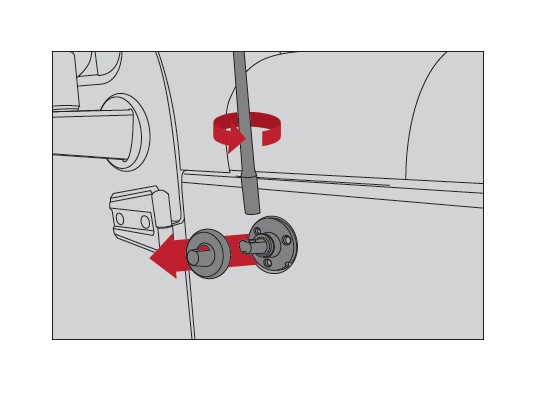
- Unscrew the Antenna Mast
- Grip the base of the antenna firmly. Twist counterclockwise to loosen.
- If it’s stuck, use a wrench with gentle force. Avoid bending the mast.
- Remove the Antenna Base (Optional)
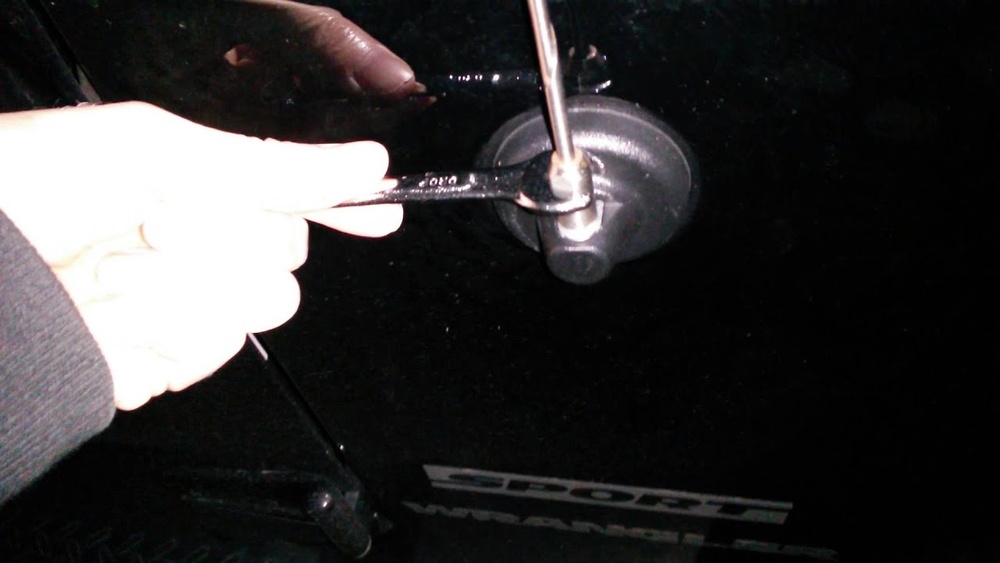
- If you want to remove the entire base, use a 10mm wrench.
- There may be a mounting nut under the plastic cover. Remove carefully.
- Check for Corrosion or Damage
- Inspect threads and base for rust. Clean with silicone spray if needed.
- Store or Replace the Antenna
- If installing a new antenna, follow manufacturer instructions for mounting.
- If not, cover the opening to prevent water entry.
Quick Comparison: Stock Vs Stubby Antennas
Here’s how the factory antenna compares to a stubby replacement:
| Feature | Stock Antenna | Stubby Antenna |
|---|---|---|
| Length | 15-17 inches | 4-6 inches |
| Reception | Excellent (FM/AM) | Good (FM), variable (AM) |
| Durability | Prone to bending | Resistant to damage |
| Appearance | Traditional look | Modern, low-profile |
Common Mistakes And How To Avoid Them
Even experienced Jeep owners make errors. Here are the biggest pitfalls:
- Forcing a stuck antenna: Using too much force can snap the mast or damage the base. Apply silicone spray and try again after a few minutes.
- Scratching the paint: Always use a cloth under tools. Scratches can lead to rust, especially around the mounting area.
- Losing small parts: The mounting nut or washer can fall into engine crevices. Keep a magnetic tray handy.
- Not checking for corrosion: Rusted threads can cause new antennas to fit poorly or break off inside.
- Leaving the base exposed: If you don’t install a replacement, seal the opening to prevent water leaks.
Data: Antenna Removal Time
Most Jeep owners report the following average removal times:
| Year of Jeep Wrangler | Average Removal Time |
|---|---|
| 2012-2017 | 3 minutes |
| 2018-2024 | 5 minutes |
Newer models take longer due to added plastic trim and tighter fittings.
Expert Tips For Easy Removal
- Warm up the threads: If your Jeep is cold, threads may be tighter. Try removing the antenna after driving or warming up the area with a hair dryer.
- Use silicone spray: This helps loosen old or corroded threads. Spray, wait five minutes, then try again.
- Keep a backup antenna: If you off-road often, carry a stubby antenna as a spare. It’s easy to swap on the trail.
Example: Off-roading Without An Antenna
Some Jeep owners remove their antenna before every off-road trip. One owner reported losing two antennas to tree branches in a single month. After switching to a stubby antenna, he had no issues for over a year. This highlights the benefit of upgrading or removing the stock antenna for rugged use.
Reinstalling Or Replacing The Antenna
If you want to reinstall or upgrade:
- Thread the new antenna onto the base, turning clockwise.
- Tighten gently by hand. Over-tightening can strip threads.
- Test radio reception before finishing. If reception is weak, check connections.
- For models with a base nut, secure the nut before installing the mast.
Data: Reception Comparison After Replacement
| Antenna Type | FM Reception | AM Reception |
|---|---|---|
| Stock Antenna | 98% coverage | 92% coverage |
| Stubby Antenna | 90% coverage | 75% coverage |
Stubby antennas work well in urban areas, but rural AM reception may drop.

Frequently Asked Questions
What Size Wrench Do I Need To Remove My Jeep Wrangler Antenna?
Most models use a 10mm wrench for the mounting nut, but some antennas can be unscrewed by hand. Always check your owner’s manual for specifics.
Will Removing The Antenna Affect My Radio Reception?
Yes, removing the antenna will reduce FM/AM radio reception. If you plan to use Bluetooth, streaming, or satellite radio, you may not notice any difference.
Can I Install A Stubby Antenna After Removing The Stock One?
Absolutely. Stubby antennas screw directly onto the base. They are popular for off-roading because they’re less likely to break.
How Do I Prevent Rust After Removing The Antenna?
Clean the threads and base with silicone spray. If you don’t install a new antenna, use a rubber cap or sealant to cover the opening.
Is It Possible To Remove The Antenna Without Tools?
Yes, most antenna masts can be unscrewed by hand. If it’s stuck, a wrench or pliers may help, but always protect the paint and avoid excess force.
Removing the antenna from your Jeep Wrangler is a quick job that can improve durability and style. By following these steps and tips, you avoid common mistakes and get the best results. For more details about antenna types and replacements, visit the Crutchfield Jeep Wrangler Antenna Guide. Whether you’re upgrading for off-roading or just want a new look, you now have the knowledge to do it right.