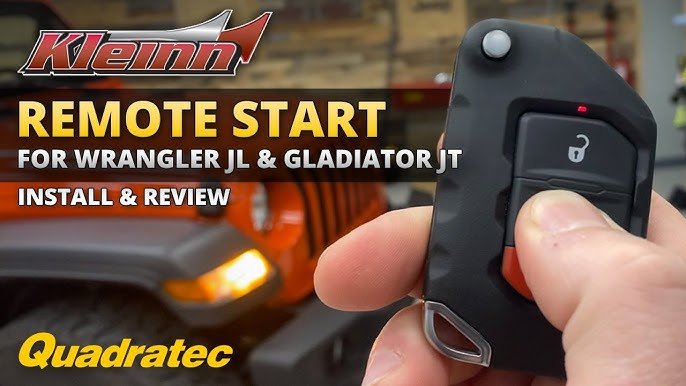
Remote starting your Jeep Gladiator is one of those modern features that makes life easier. Imagine warming up your truck on a cold morning or cooling it down before stepping inside.
This guide will show you exactly how to remote start a Jeep Gladiator, including what you need, step-by-step instructions, and tips for troubleshooting.
Whether you’re new to remote start or want to get the most from your Gladiator, you’ll find practical advice and clear explanations below.
Understanding Jeep Gladiator Remote Start
Many Jeep Gladiators come with remote start as standard or optional equipment. It allows you to start the engine without entering the vehicle. This feature is useful for preparing your Jeep for driving, especially in extreme weather.
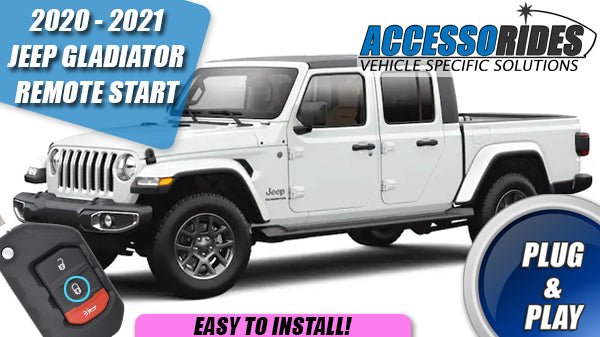
Jeep began including remote start in Gladiator models from 2020 onward. Most new trims, such as Overland and Rubicon, have it built in.
If your Gladiator doesn’t have it, you can add an aftermarket system.
Here’s a quick look at which Gladiators offer remote start:
| Model Year | Trim | Remote Start Included |
|---|---|---|
| 2020 | Sport | No |
| 2020 | Overland | Yes |
| 2021 | Rubicon | Yes |
| 2023 | Mojave | Yes |
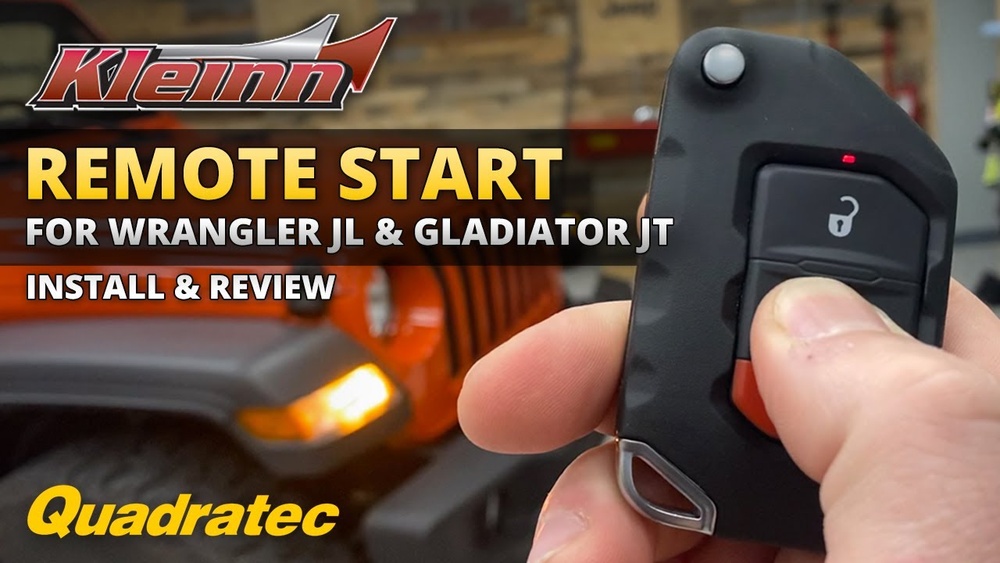
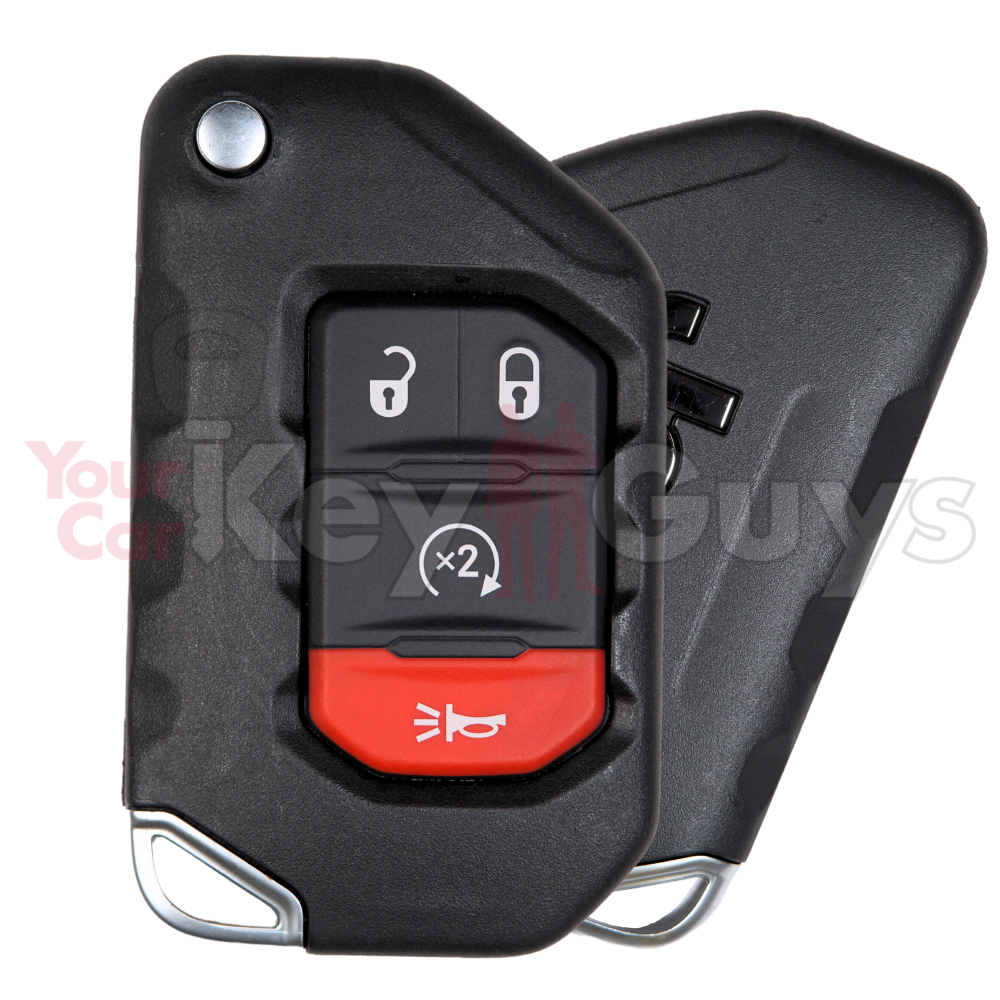
If your Jeep has remote start, you’ll find a circular arrow button on the key fob. If not, consider an upgrade from Jeep or a trusted aftermarket brand.
Steps To Remote Start Your Jeep Gladiator
Starting your Gladiator remotely is simple once you know the sequence. Here’s how:
- Check your surroundings: Make sure the vehicle is parked and no one is near the exhaust.
- Press the lock button: On your key fob, press the lock button once to secure the vehicle.
- Press the remote start button: Within five seconds, press the remote start button (a circular arrow) twice. The lights will flash, and the engine will start.
The engine will run for up to 15 minutes. If you don’t drive within that time, it will turn off automatically.
Using Uconnect App For Remote Start
Jeep Gladiator owners can also use the Uconnect app for remote start. This is handy if you’re far from your vehicle or don’t have your key fob.
- Download the Uconnect app and create an account.
- Link your Gladiator to the app using your VIN.
- Tap the remote start option in the app.
You’ll receive notifications when the engine starts and when it shuts off.
| Remote Start Method | Distance Range | Requires Subscription |
|---|---|---|
| Key Fob | Up to 300 ft | No |
| Uconnect App | Unlimited (internet-based) | Yes |
Common Problems And Solutions
Sometimes remote start doesn’t work as expected. Here are some frequent issues:
- Low battery: If your key fob battery is weak, remote start may fail.
- Check engine light: Remote start won’t work if the engine warning light is on.
- Unclosed hood or doors: Ensure all doors and the hood are fully closed.
- Manual transmission: Remote start is not available for manual Gladiators.
If you’re unsure, check your owner’s manual or visit your dealership.
Practical Tips For Reliable Remote Start
- Replace your key fob battery every two years.
- Don’t use remote start in enclosed spaces, like garages.
- If you add aftermarket systems, use certified installers to avoid warranty problems.
One non-obvious insight: Aftermarket remote starters can void warranties if not installed properly. Always ask your dealer about warranty coverage before making changes.
Benefits Of Remote Start
Remote start isn’t just about comfort—it’s also about safety and convenience. Here are some benefits:
- Climate control: Preheat or cool the cabin before driving.
- Defrost windows: Start early to clear ice in winter.
- Security: Vehicle stays locked during remote start.
Another insight: When you use remote start, the Jeep won’t unlock until you press unlock on your key fob. This helps prevent theft, even if the engine is running.
Comparing Jeep Gladiator Remote Start To Other Trucks
How does the Gladiator’s remote start feature compare to similar pickups?
| Truck Model | Remote Start Standard? | Mobile App Support |
|---|---|---|
| Jeep Gladiator | Optional/Standard | Uconnect |
| Ford Ranger | Optional | FordPass |
| Toyota Tacoma | Optional | No |
| Chevrolet Colorado | Optional | MyChevy |
The Gladiator stands out for its app integration and reliable range.
Frequently Asked Questions
How Do I Know If My Jeep Gladiator Has Remote Start?
Check for the circular arrow button on your key fob. If you see it, your Jeep has remote start. You can also check your owner’s manual or ask your dealer.
Can I Add Remote Start If My Gladiator Doesn’t Have It?
Yes, you can add it. Go for Jeep’s official kit or a trusted aftermarket system.
Always use certified installers to protect your warranty.
Is Remote Start Safe For My Engine?
It’s safe if used correctly. Avoid excessive idling and follow manufacturer guidelines.
Remote start is designed to work with your Gladiator’s systems.
What Should I Do If Remote Start Stops Working?
First, check the key fob battery and make sure all doors and the hood are closed. If problems continue, look for warning lights or contact your dealership.
Can I Use Remote Start From Anywhere?
With the Uconnect app, you can start your Gladiator from almost anywhere, as long as you have internet access. Key fob range is limited to about 300 feet.
Remote start is a feature that brings comfort and convenience to your Jeep Gladiator experience. If you follow the steps and tips above, you’ll enjoy all its benefits. For more details on Jeep technology, visit the official Jeep Owners Site.