Getting your 2006 Jeep Grand Cherokee into 4WD is simple if you know the system your vehicle uses. Many people buy a Jeep for its off-road capability, but sometimes the instructions are not clear. This guide will show you how to use 4WD correctly, explain the different systems, and help you avoid mistakes. Whether you want better traction in snow, mud, or rough terrain, these steps will keep your Jeep running smoothly and safely.
Understanding Your Jeep’s 4wd System
The 2006 Jeep Grand Cherokee comes with several 4WD options, including Quadra-Trac I, Quadra-Trac II, and Quadra-Drive II. Each system works a bit differently, so you need to know which one your vehicle has.
Quadra-Trac I is a full-time system. It manages power automatically without driver input. Quadra-Trac II and Quadra-Drive II allow you to choose between 4WD High and 4WD Low modes, giving you more control.
You can find your system by checking your owner’s manual or looking at the badge on the tailgate.
| 4WD System | Operation Type | Best Use |
|---|---|---|
| Quadra-Trac I | Automatic | Daily driving, light off-road |
| Quadra-Trac II | Manual selection | Heavy snow, mud, deep sand |
| Quadra-Drive II | Manual selection | Extreme off-road, rock crawling |
Steps To Engage 4wd In A 2006 Jeep Grand Cherokee
Quadra-trac I
If you have Quadra-Trac I, there’s nothing extra you need to do. The system stays in 4WD all the time, adjusting power as needed. Just drive as usual.
Quadra-trac Ii And Quadra-drive Ii
For these systems, you can switch between 4WD High and 4WD Low. Here’s how:
- Stop your Jeep and keep your foot on the brake.
- Shift the gear lever to Neutral (N). This is important—never switch modes in Drive or Reverse.
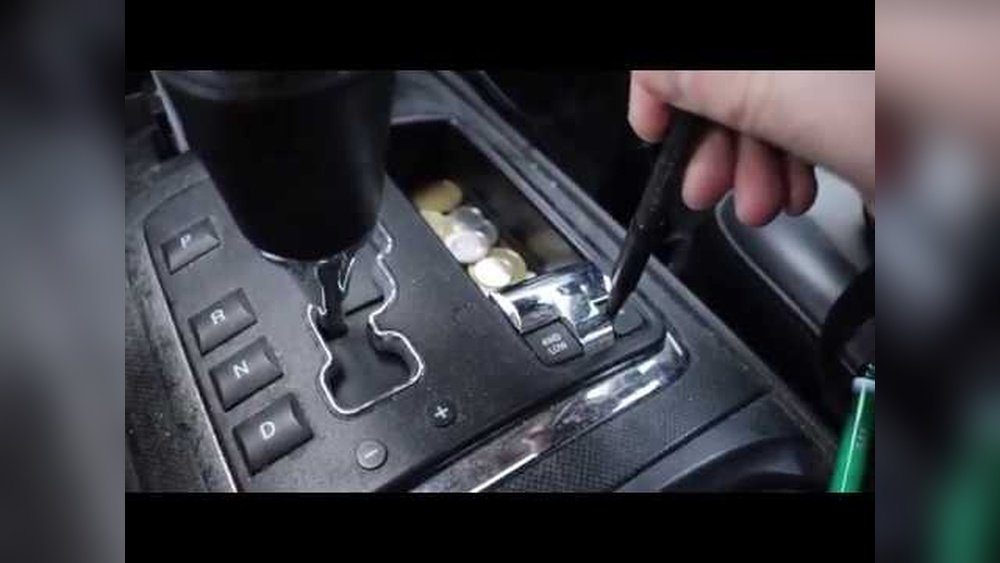
- Move the transfer case lever (usually next to the main gear shifter) to 4WD High or 4WD Low.
- 4WD High: Use for slippery roads, snow, rain, or light off-road.
- 4WD Low: Use for deep mud, sand, steep hills, or very rough terrain.
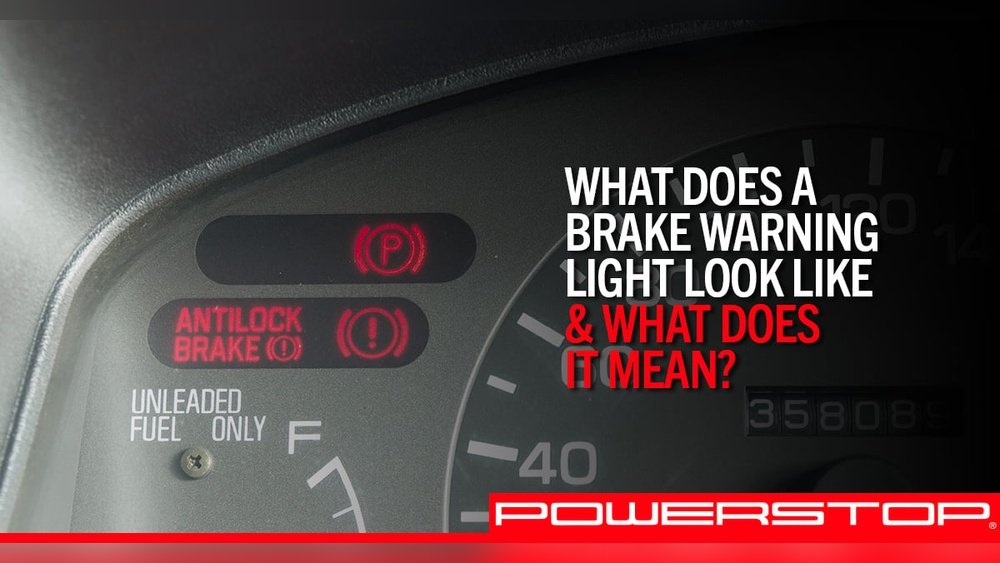
- Wait for the 4WD indicator light on your dashboard to turn on. This means the mode is active.
- Shift back to Drive and continue driving.
Switching Back To 2wd (if Possible)
Most 2006 Grand Cherokees with 4WD systems stay in 4WD by default. If your Jeep has a Selectable 4WD system, repeat the steps above and move the transfer case lever back to 2WD.

When And Why To Use 4wd
Using 4WD improves traction in tough situations. Here are examples:
- Snow and ice: 4WD helps prevent slipping.
- Mud and sand: 4WD gives more power to all wheels.
- Steep hills: 4WD Low is best for climbing or descending.
- Off-road: Use 4WD Low for rocks or uneven ground.
However, don’t use 4WD Low on dry pavement. It can damage the system and tires.
| Condition | Recommended Mode | Reason |
|---|---|---|
| Snow/Ice | 4WD High | Better traction |
| Deep Mud/Sand | 4WD Low | Maximum torque |
| Rocky Terrain | 4WD Low | Slow, controlled movement |
Common Mistakes To Avoid
- Shifting into 4WD Low while driving: Always stop and shift to Neutral first.
- Using 4WD Low on dry roads: Can cause drivetrain damage.
- Ignoring indicator lights: If the 4WD light does not come on, the mode isn’t engaged.
- Forgetting tire checks: Uneven tires can cause 4WD problems.
- Not knowing your system: Quadra-Trac I needs no action, but other systems do.
Many beginners miss that 4WD Low is not for speed. Driving fast in this mode can wear out parts quickly.

Practical Tips For Safe 4wd Use
- Check your tires regularly. Good tread is key for traction.
- Practice shifting in a safe place before using 4WD in bad conditions.
- Listen for noises. Grinding or clunking sounds mean something is wrong.
- Keep your speed low in 4WD Low. It’s made for slow, careful driving.
- Use 4WD High for most slippery conditions. Reserve Low for serious off-road or emergencies.
One insight many people miss: Using 4WD does not make you invincible. You still need to drive carefully in bad weather.
Troubleshooting 4wd Issues
If your 4WD won’t engage:
- Check if you are in Neutral.
- Look for warning lights on the dashboard.
- Try shifting again after stopping completely.
- If it still doesn’t work, check the owner’s manual or visit a mechanic.
Another tip: Sometimes, the transfer case lever gets stuck if you don’t shift smoothly. Gentle but firm pressure helps.

Frequently Asked Questions
How Do I Know If My Jeep Is In 4wd?
Look for the 4WD indicator light on your dashboard. If it’s on, your system is active.
Can I Switch To 4wd While Driving?
You can switch to 4WD High at low speeds, but 4WD Low needs the Jeep to be stopped and in Neutral.
Is 4wd Always On In My 2006 Grand Cherokee?
If you have Quadra-Trac I, yes. For other systems, you choose when to activate 4WD.
What’s The Difference Between 4wd High And Low?
4WD High is for slippery roads at normal speeds. 4WD Low is for tough off-road at low speeds.
Where Can I Find More Details About Jeep 4wd Systems?
Visit the official Jeep site for deep technical info: Jeep Grand Cherokee.
When you know how to use your Jeep’s 4WD system, you get the most from your vehicle. Remember these steps and tips, and your 2006 Grand Cherokee will handle nearly any road or trail. With the right mode for the right conditions, you stay safe and enjoy your drive.