Mirroring your iPhone to the Jeep Grand Cherokee opens a world of convenience. From navigation to music, hands-free calling to podcasts, having your phone’s screen on your car’s display can enhance every drive.
But many Jeep owners are unsure about the steps, compatibility, or the best methods. This guide explains everything you need to know to mirror your iPhone screen to your Jeep Grand Cherokee, even if you’re new to car tech.
Understanding Screen Mirroring In Your Jeep
Screen mirroring lets you duplicate your iPhone display on your car’s infotainment system. This feature can help you use navigation apps, play videos, or access other content directly from your phone. The most common way to mirror your iPhone is through Apple CarPlay, but there are other options if your vehicle does not support it.
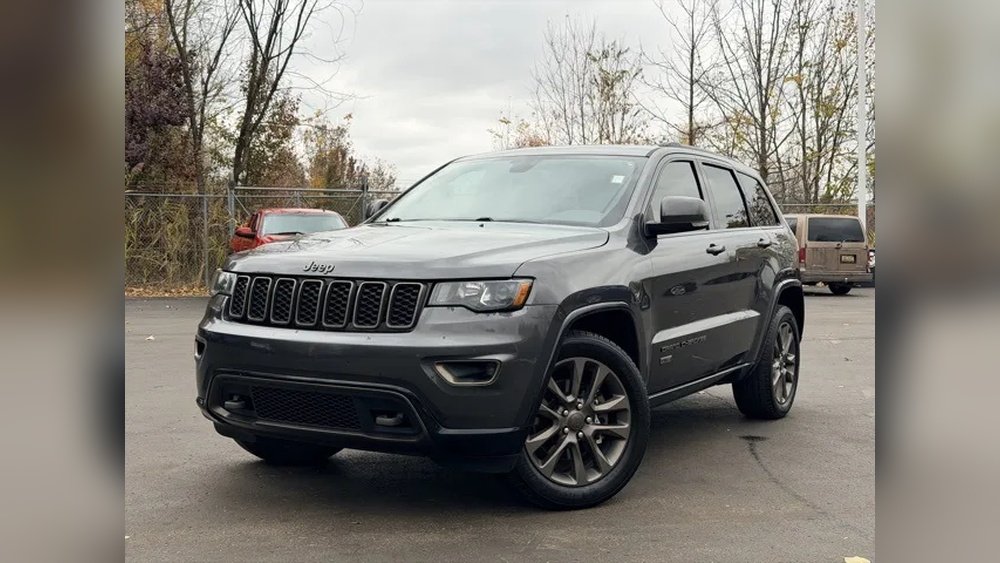
Jeep Grand Cherokee Infotainment Systems
Jeep Grand Cherokee models from 2018 onward often come with the Uconnect system. Uconnect is Jeep’s infotainment platform, and it can support Apple CarPlay, Android Auto, Bluetooth, and more.
Here’s a quick look at Uconnect compatibility by model year:
| Model Year | Standard Infotainment | Apple CarPlay Support |
|---|---|---|
| 2017 & earlier | Uconnect 4 | No |
| 2018–2020 | Uconnect 4/4C | Yes (select trims) |
| 2021+ | Uconnect 5 | Yes (all trims) |
If your Jeep is from 2018 or newer, you likely have built-in Apple CarPlay.
Method 1: Using Apple Carplay
Apple CarPlay is the easiest and most reliable way to mirror your iPhone’s main functions to your Jeep’s screen. It provides access to maps, calls, messages, and music in a safe, car-friendly interface.
Steps To Connect With Apple Carplay
- Check Compatibility: Confirm your Jeep supports CarPlay (see the table above or check your owner’s manual).
- Use the Right Cable: Use an official Lightning to USB cable. Some models support wireless CarPlay, but wired is more stable.
- Connect Your iPhone: Plug the cable into your iPhone and the Jeep’s USB port (often below the center console).
- Allow CarPlay Access: On your iPhone, you may see a pop-up asking for permission. Tap ‘Allow’.
- Select CarPlay on Uconnect: Your Jeep’s screen should show the CarPlay logo. Tap it to start.
- Enjoy Mirroring: Your main apps (Maps, Messages, Music, Podcasts, etc.) Now appear on the infotainment display.
Key Carplay Features
| Feature | Benefit |
|---|---|
| Navigation | Use Apple Maps, Google Maps, or Waze |
| Hands-Free Calls | Make and answer calls safely |
| Music & Podcasts | Listen to Spotify, Apple Music, and more |
| Text Messaging | Send and receive texts using Siri |
Pro Tip: If CarPlay isn’t working, try a different cable or restart both your phone and the car’s infotainment system.
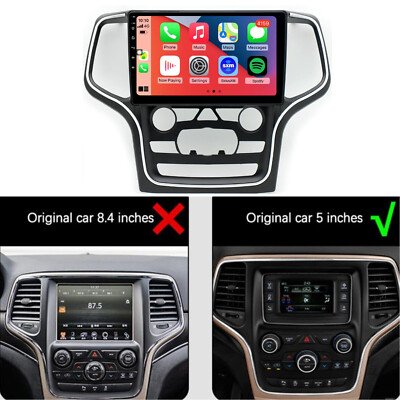
Method 2: Wireless Carplay
Some newer Jeep Grand Cherokees support wireless CarPlay. This means you can connect your phone without plugging in a cable.
How To Set Up Wireless Carplay
- Enable Bluetooth and Wi-Fi on your iPhone.
- Start the Car and make sure the Uconnect system is on.
- Go to Phone Settings on the infotainment screen.
- Pair Your iPhone using Bluetooth.
- Follow On-Screen Prompts to complete the wireless CarPlay setup.
Wireless CarPlay gives you more freedom and less clutter in the car. However, it may use more battery than a wired connection.
Method 3: Using Third-party Devices
If your Jeep Grand Cherokee does not support CarPlay, you can use third-party screen mirroring devices. These devices connect to your car’s USB or HDMI port and use apps or AirPlay to mirror your iPhone screen.
Popular Devices
- CarPlay Dongles: Plug into the USB port and enable CarPlay-like features.
- HDMI Adapters: Use Apple’s Lightning Digital AV Adapter to connect to the car’s HDMI input (if available).
- Wireless Mirroring Devices: Such as CarLinkit or similar brands.
Comparison: Built-in Vs. Third-party Solutions
| Aspect | Built-in CarPlay | Third-Party Device |
|---|---|---|
| Reliability | High | Varies |
| Setup Time | Quick | May require installation |
| Cost | Free (with car) | $50–$200+ |
| App Support | Official apps only | Full screen mirroring |
Note: Some third-party devices may void your car’s warranty or cause compatibility issues.
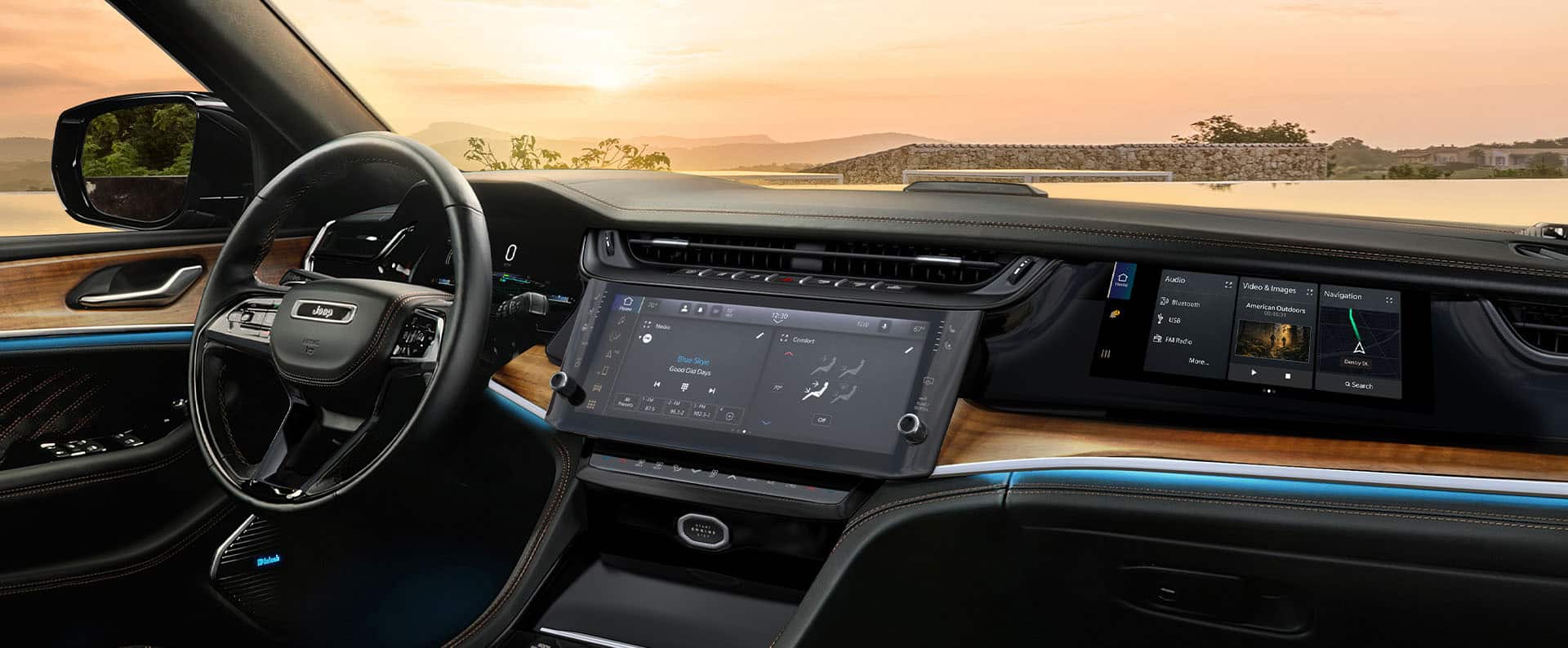
Common Problems And Solutions
While most users can set up screen mirroring quickly, some run into issues. Here are two non-obvious insights:
- Software Updates Matter: Both your iPhone and the Uconnect system need up-to-date software for best compatibility. Check for updates regularly.
- USB Port Limitations: Some Jeeps have multiple USB ports, but only certain ones support data transfer for CarPlay. Look for ports labeled with a smartphone or CarPlay icon.
If you experience lag or connection drops, try restarting both devices or replacing cables. If problems persist, consult your dealer.
Safety And Legal Considerations
Remember, not all features are available while driving. Video playback is usually disabled when the car is in motion for safety reasons.
Always follow local laws regarding phone use in vehicles.
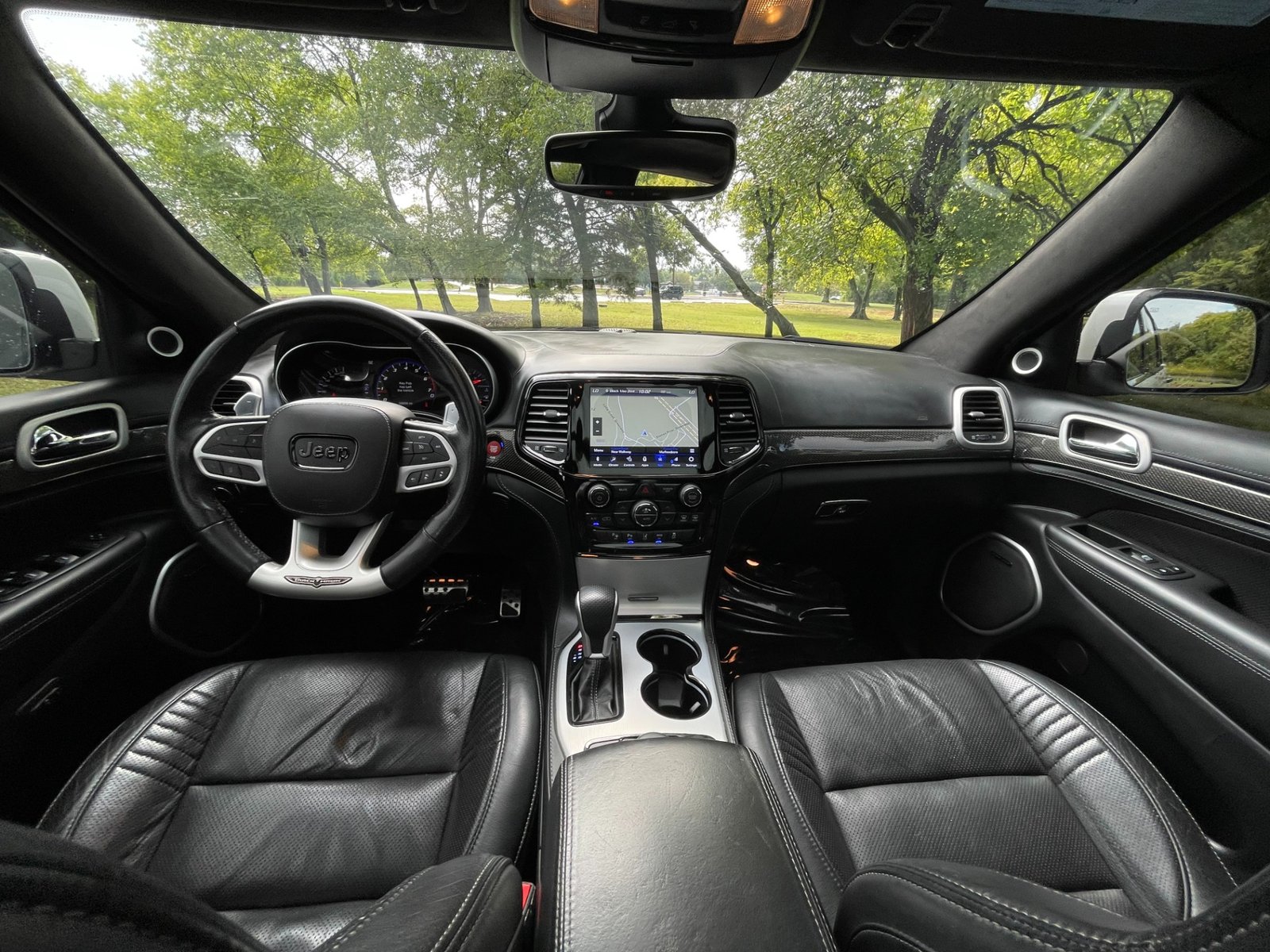
Frequently Asked Questions
What Iphone Models Support Carplay?
All iPhones from the iPhone 5 and newer support Apple CarPlay, as long as they run iOS 7.1 or above.
Can I Watch Youtube Or Netflix On My Jeep’s Screen?
No, Apple CarPlay does not support video streaming apps while driving for safety. Some third-party devices may allow it when parked, but this is restricted while the vehicle is moving.
My Jeep Does Not Show The Carplay Option. What Should I Do?
Check if your Uconnect system is compatible and updated. Try a different USB port or cable. If it still doesn’t work, contact your Jeep dealership.
Is Screen Mirroring Safe For My Iphone And Car?
Yes, using official methods like CarPlay is safe. Avoid unauthorized apps or devices that may risk your vehicle’s warranty.
Where Can I Learn More About Carplay And Uconnect Updates?
Visit the official Jeep Uconnect page for the latest support and features.
Mirroring your iPhone to your Jeep Grand Cherokee is easier than ever, especially with CarPlay. With the right setup, you can enjoy seamless navigation, music, and communication on every journey.
Remember to keep both your devices updated and always follow safety recommendations while using your car’s infotainment system.


















