Many Jeep owners want to add more technology to their vehicles. One of the most popular upgrades is the Uconnect system. Uconnect gives you features like navigation, Bluetooth, hands-free calling, and even remote start. But the process of installing Uconnect can be confusing, especially if you are not a tech expert. This guide will walk you through every step and provide practical advice so you can install Uconnect in your Jeep with confidence.
Understanding Uconnect And Its Benefits
Uconnect is more than just a touchscreen. It’s a complete system that connects your Jeep to your smartphone, navigation, and entertainment. With Uconnect, you get:
- Navigation with live traffic updates
- Bluetooth for hands-free calls and music streaming
- Voice commands for safer driving
- Climate control and vehicle settings on the screen
- App integration like Apple CarPlay and Android Auto
Many newer Jeeps come with Uconnect, but older models often lack it. Upgrading gives your Jeep a modern feel and makes driving more enjoyable.
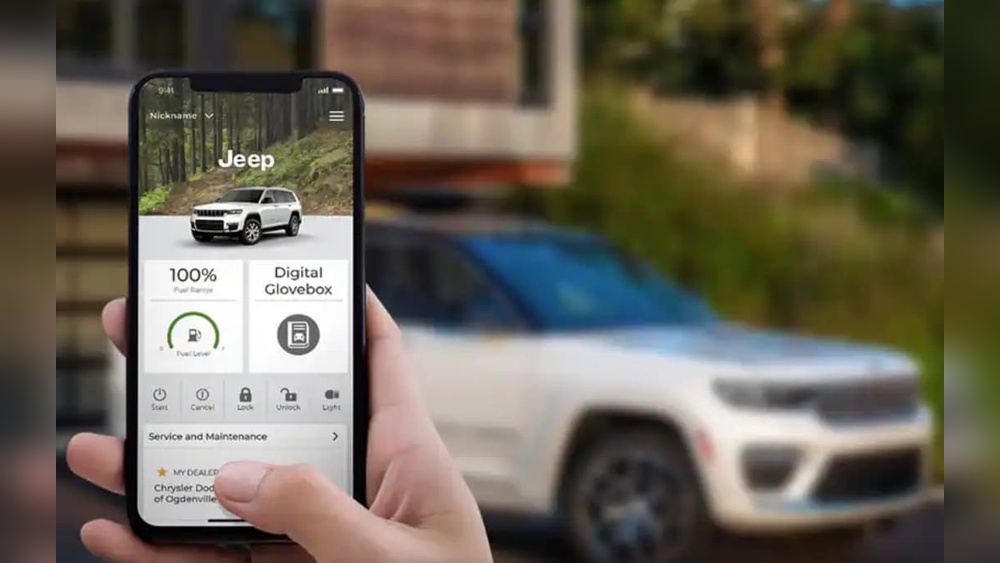
Some insurance companies even offer discounts for vehicles with hands-free tech.
Checking Jeep Compatibility
Before you install, you must check if your Jeep can support Uconnect. Not all models are compatible, especially very old ones. Here’s how to check:
- Year and Model: Most Jeeps from 2011 and later can use Uconnect, but options vary.
- Existing Hardware: Some Jeeps need extra hardware, like a new radio or touchscreen.
- VIN Lookup: Enter your Vehicle Identification Number (VIN) on the official Jeep website to confirm compatibility.
Here’s a quick comparison of Jeep models and typical Uconnect support:
| Jeep Model | Year Range | Uconnect Option |
|---|---|---|
| Wrangler | 2012–Present | Available |
| Grand Cherokee | 2011–Present | Available |
| Cherokee | 2014–Present | Available |
| Patriot/Compass | 2011–2017 | Limited |
| Liberty | 2011–2012 | Limited |
If your Jeep is older than 2011, installing Uconnect is possible but may need extra parts or a professional installer.
What You Need Before Installing
Preparation is key to a smooth installation. Gather these items before you begin:
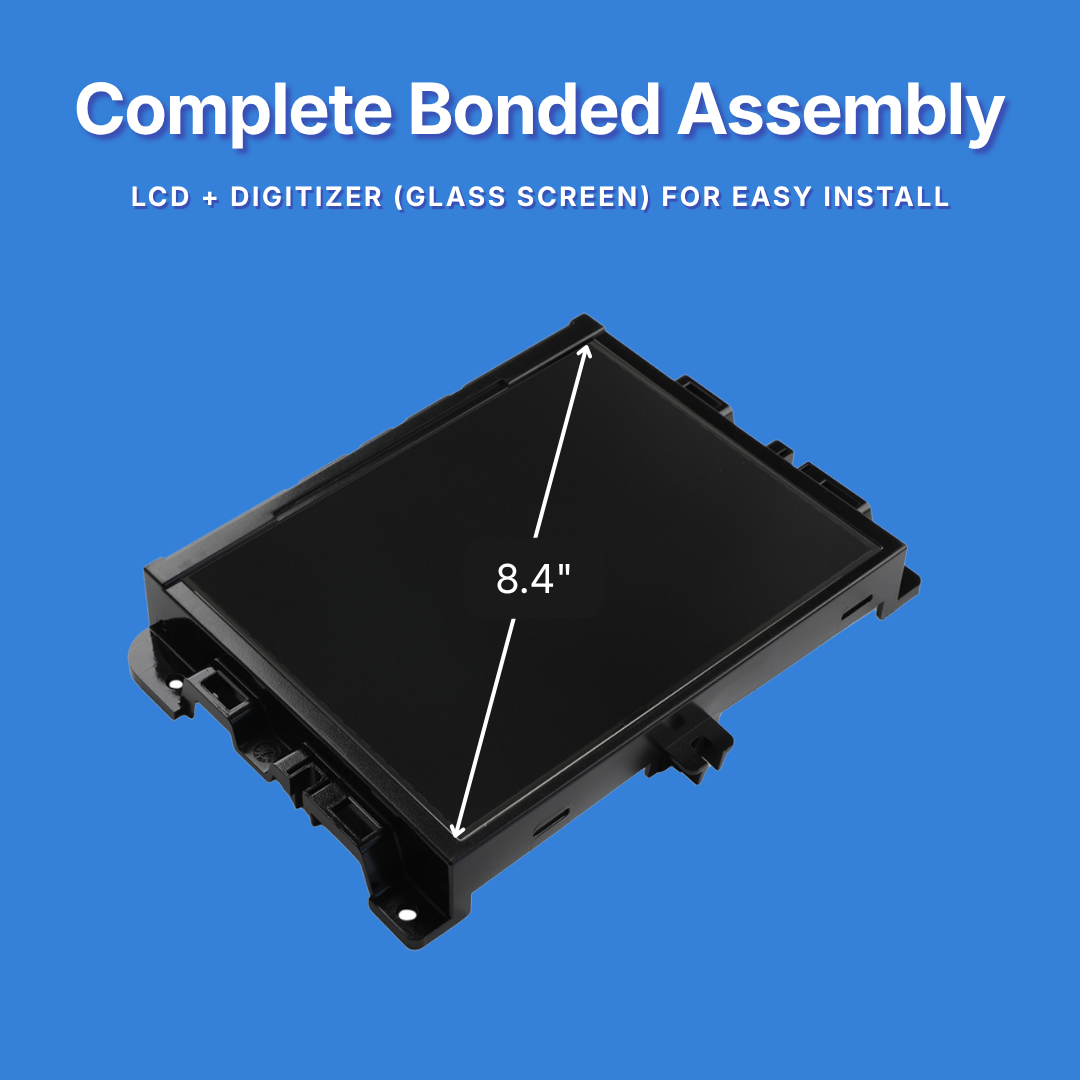
- Uconnect system kit (screen, radio unit, wiring harness)
- Basic tools: Screwdrivers, panel popper, socket wrench
- Trim removal tools (plastic is safer for your dash)
- Owner’s manual for your Jeep
- Software update files (if upgrading an existing Uconnect)
Buying a genuine Uconnect kit is important for best results. Aftermarket kits may be cheaper but often lack some features or have compatibility issues.
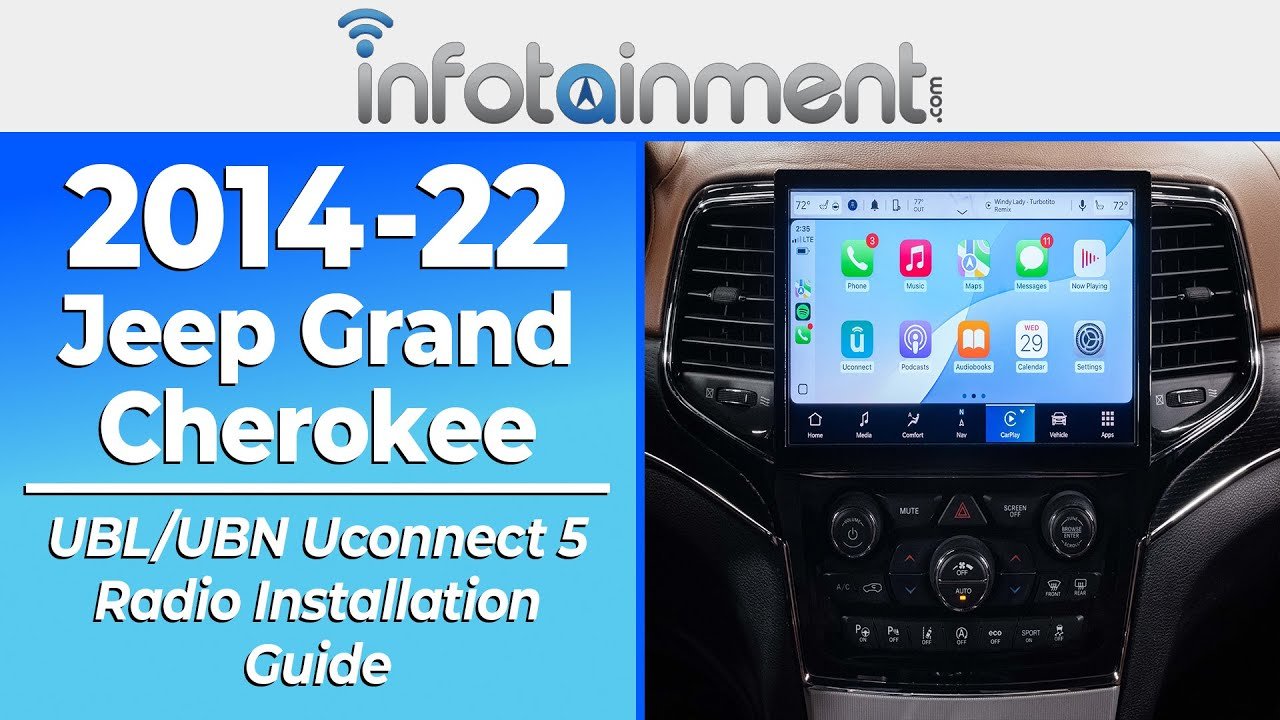
Step-by-step Installation Guide
Installing Uconnect can take 2–4 hours if you have basic DIY skills. Here’s a clear process:
- Disconnect the battery. This prevents accidental shocks or short circuits.
- Remove the dash panel. Use trim tools to gently pop out the dashboard around the radio.
- Unplug the old radio unit. Carefully disconnect all wires and antenna cables.
- Install the new Uconnect unit. Connect the wiring harness and plug in all cables. Double-check connections.
- Secure the unit and replace the dash. Slide the Uconnect unit into place and reattach the dashboard.
- Reconnect the battery and start your Jeep. The Uconnect system should power on. Follow on-screen steps for first-time setup.
- Update software (if needed). Some units need a software update. Download the latest file from the Jeep website, put it on a USB drive, and follow the prompts on your screen.
If you get stuck, check your Jeep’s manual or watch official Uconnect installation videos. Some small details, like wiring color codes, can vary by Jeep model.
Common Mistakes And How To Avoid Them
Many beginners make simple mistakes that cause problems. Avoid these:
- Forgetting to disconnect the battery: Can blow a fuse or damage electronics.
- Forcing trim panels: This can crack your dashboard. Always use plastic tools.
- Wrong wiring connections: Mixing up cables can cause the unit to not work or short out.
- Skipping software updates: Some features won’t work until you update.
It’s smart to keep all removed screws and panels organized in a small container to avoid losing them.
When To Seek Professional Help
If your Jeep is older, or if the wiring looks confusing, consider a professional installer. They can handle complex electrical systems and ensure your warranty stays valid.
Professional installs usually cost $200 $400, depending on the Jeep model and local rates.
Here’s a quick cost comparison between DIY and professional installation:
| Installation Method | Cost Range | Time Required |
|---|---|---|
| DIY | $400–$800 (parts only) | 2–4 hours |
| Professional | $600–$1,200 (parts + labor) | 2–6 hours |
If you’re not comfortable with car electronics, paying for professional help can save you time and stress.
Extra Tips For A Smooth Uconnect Experience
- Register your Uconnect system online to get software updates and support.
- Set up emergency contacts in the system for extra safety.
- Learn the voice commands to keep your hands on the wheel.
- Test all features (navigation, Bluetooth, apps) before finishing.
- Keep your software updated to avoid glitches.
Many users don’t realize that Uconnect can drain the battery if left on for too long when the engine is off. Always turn off the system before leaving your Jeep for long periods.
Frequently Asked Questions
How Do I Know If My Jeep Already Has Uconnect?
Check your dashboard for a touchscreen with the Uconnect logo when you start your Jeep. If you see it, your vehicle already has the system. You can also check your owner’s manual.
Can I Install Uconnect Myself, Or Do I Need A Professional?
Many Jeep owners install Uconnect themselves with basic tools. However, if your Jeep is older or needs special wiring, a professional is safer.
Is It Possible To Add Uconnect To Very Old Jeeps?
Yes, but it often requires extra parts and wiring adapters. Some models need a new dashboard bezel to fit the screen. Check with a Jeep dealer for details.
Will Installing Uconnect Affect My Jeep’s Warranty?
If you use genuine parts and follow instructions, it usually does not affect the warranty. However, damage from improper installation may void certain parts of your warranty.
Where Can I Get Help If I Have Trouble Installing Uconnect?
You can find official guides and support on the Jeep Uconnect website. Forums and Jeep owner groups are also helpful for tips and troubleshooting.
Upgrading your Jeep with Uconnect brings modern tech and safety to your drive. With careful planning and the right tools, most owners can complete the installation in a few hours.
Take your time, follow the steps, and enjoy the new features on every journey.