Getting Uconnect in your Jeep can completely change your driving experience. With hands-free calling, navigation, music streaming, and even climate control, Uconnect brings modern tech into your vehicle. But if your Jeep doesn’t have Uconnect from the factory, you might think it’s out of reach. The good news? Many Jeep owners can install Uconnect themselves or with a little help. This guide explains everything you need to know about installing Uconnect in a Jeep, including what to expect, step-by-step instructions, and common pitfalls to avoid.
Understanding Uconnect And Its Benefits
Uconnect is more than just a radio. It’s a full system that connects your phone, navigation, entertainment, and even vehicle controls into one easy-to-use touchscreen. Some of the main benefits include:
- Hands-free calling and texting for safer driving.
- Navigation with real-time traffic updates.
- Media streaming from your phone or apps.
- Vehicle controls like climate, seat heating, and more in some models.
Not all Uconnect systems are equal. Older Jeeps may have basic Uconnect, while newer models offer advanced features.
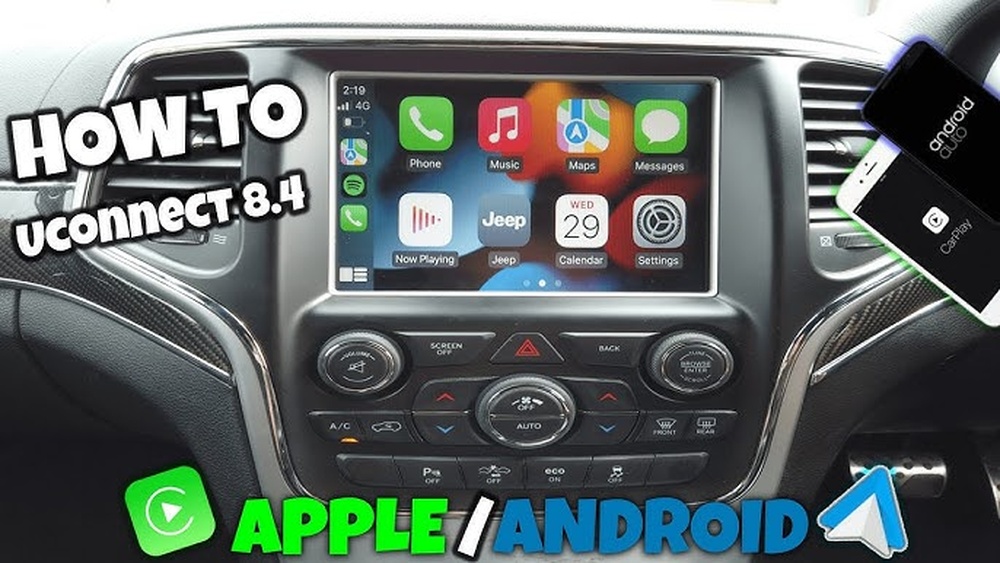
Before you start, it’s important to know which version fits your Jeep.
Can You Add Uconnect To Any Jeep?
Many Jeep models from 2011 and newer support Uconnect upgrades. However, the process depends on your Jeep’s year and trim. Here’s a quick comparison:
| Model Year | Factory Uconnect Compatibility | Upgrade Difficulty |
|---|---|---|
| 2018 and newer | High | Easy |
| 2014-2017 | Medium | Moderate |
| 2011-2013 | Low | Challenging |
| Pre-2011 | Rare | Very Difficult |
Most Jeep Wranglers, Cherokees, and Grand Cherokees from the past decade can be upgraded. Always check your vehicle’s wiring and dash space before buying a kit.

Choosing The Right Uconnect System
Picking the right Uconnect unit is the first step. There are two main choices:
- OEM Uconnect upgrade: This means using an original Jeep Uconnect unit designed for your model. It fits perfectly and keeps a factory look.
- Aftermarket systems: These look similar and often offer extra features, like Apple CarPlay or Android Auto, but may need more wiring or adapters.
Here’s a look at how they compare:
| System Type | Integration | Features | Price Range |
|---|---|---|---|
| OEM Uconnect | Perfect fit | Standard Jeep features | $800-$2,000 |
| Aftermarket | May need adapters | Extra apps & functions | $400-$1,200 |
OEM units are best for those who want a clean, factory look and reliable performance. Aftermarket options can be less expensive and offer more features but may require custom installation.
Tools And Parts Needed
Before you start, gather these items:
- Uconnect head unit (OEM or aftermarket)
- Wiring harness adapter (specific to your Jeep)
- Dash trim removal tools
- Screwdrivers (Phillips and flat)
- Optional microphone kit (for hands-free features)
- Software activation code (sometimes needed for OEM)
Some Uconnect systems need dealer activation. This may cost extra and require a trip to the Jeep dealership. Always check with your seller.
Step-by-step Installation Guide
1. Disconnect The Battery
Safety first. Disconnect the negative battery cable before you touch anything behind the dash.
2. Remove The Old Radio
Carefully use your trim tools to remove the dash panel. Unscrew the old radio and unplug the wiring harness and antenna.
3. Prepare The New Uconnect Unit
Match the harness adapter to your Jeep’s wiring. Plug in the harness, antenna, and microphone (if needed) to the new Uconnect unit.
4. Secure The Unit
Slide the new Uconnect into the dash. Screw it in securely, then reinstall the dash panel.
5. Reconnect The Battery And Test
Reconnect the battery. Turn on your Jeep and test all Uconnect functions, including Bluetooth, radio, and navigation.
6. Software Activation (if Required)
Some OEM units need dealer activation. If your screen shows a lock code or error, visit your Jeep dealer with your VIN and proof of purchase.
Pro tip: Take photos as you remove parts. This helps you remember where everything goes during reassembly.
Common Installation Mistakes To Avoid
- Buying the wrong unit: Make sure your Uconnect is made for your Jeep’s year and model.
- Skipping the wiring adapter: The harness makes installation easier and avoids damaging factory wires.
- Forgetting the microphone: Hands-free calling will not work without it.
- Not updating software: Some new head units need a software update to work with your Jeep’s features.
- Ignoring dealer activation: Some features (like navigation) require dealer support.
Many beginners miss the need for a special anti-theft code for OEM units. Always ask the seller for this code, or you’ll be stuck with a locked system.
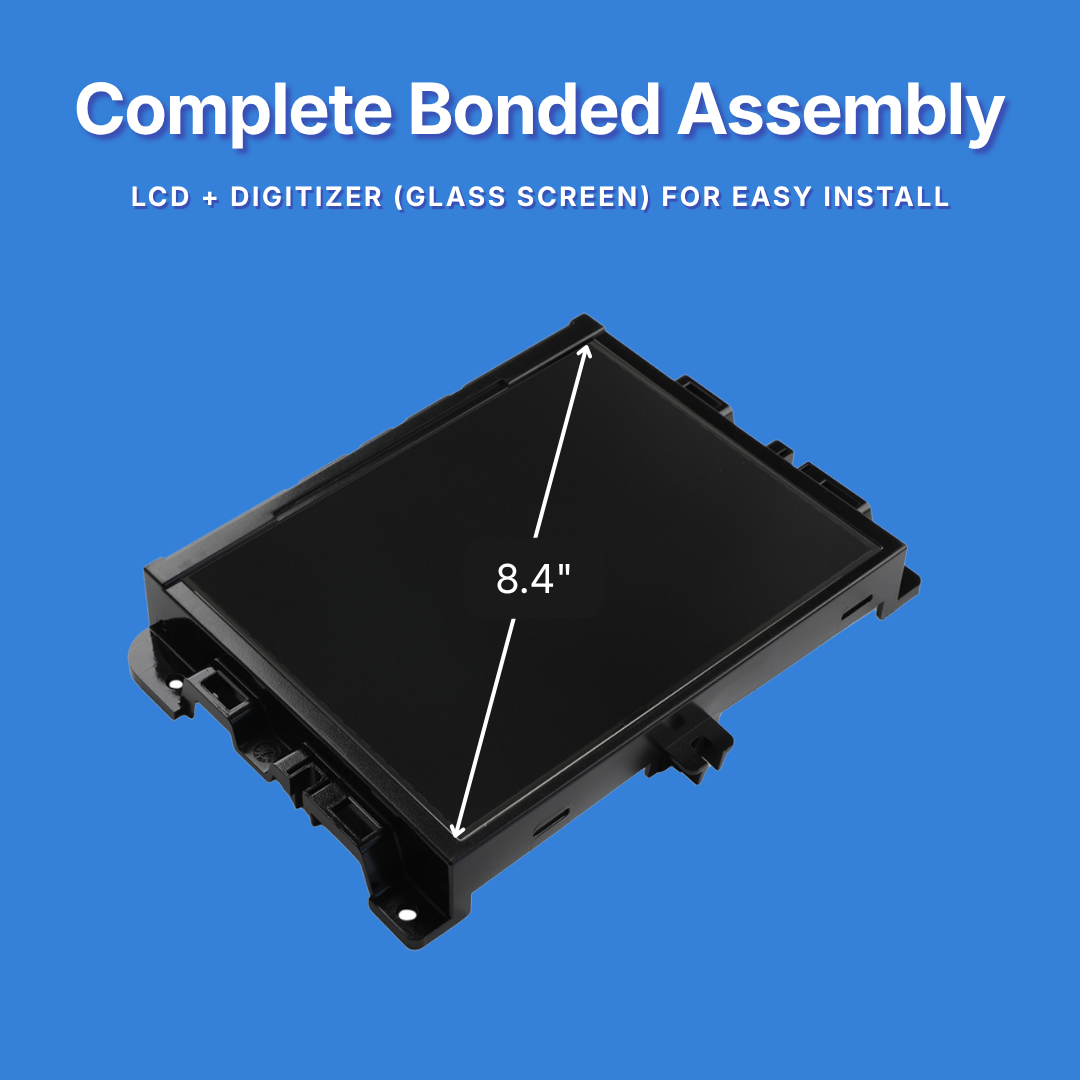
Is Diy Or Professional Installation Better?
If you are comfortable with basic car tools and wiring, DIY installation is possible. However, some Jeeps have complex electronics or security systems. In these cases, professional installation is wise.
| DIY Installation | Professional Installation |
|---|---|
| Less expensive Learn new skills Flexible timing | Guaranteed results Saves time Expert troubleshooting |
| Risk of mistakes May need dealer help | Higher cost Need to schedule visit |
For newer Jeeps with advanced electronics, or if you want all features to work perfectly, consider a pro.
Final Thoughts
Installing Uconnect in your Jeep can add real value, making your drives safer and more enjoyable. With the right unit and careful installation, most Jeep owners can upgrade their vehicle’s tech at home. Remember to double-check compatibility, use the correct adapters, and keep all activation codes handy. If the process feels overwhelming, a professional installer or your local Jeep dealer can help.
For more details on Uconnect and Jeep electronics, you can visit the official Jeep Uconnect page.
Frequently Asked Questions
How Much Does It Cost To Install Uconnect In A Jeep?
The price depends on the system type and labor. OEM Uconnect units cost between $800 and $2,000, while aftermarket kits start around $400. Professional installation usually adds $100-$300.
Can I Install Uconnect In A Jeep Wrangler Myself?
Yes, if you have basic tools and follow the instructions. Models after 2011 are easier to upgrade.
Make sure you use the right harness and get any needed activation codes.
Does Uconnect Require A Monthly Subscription?
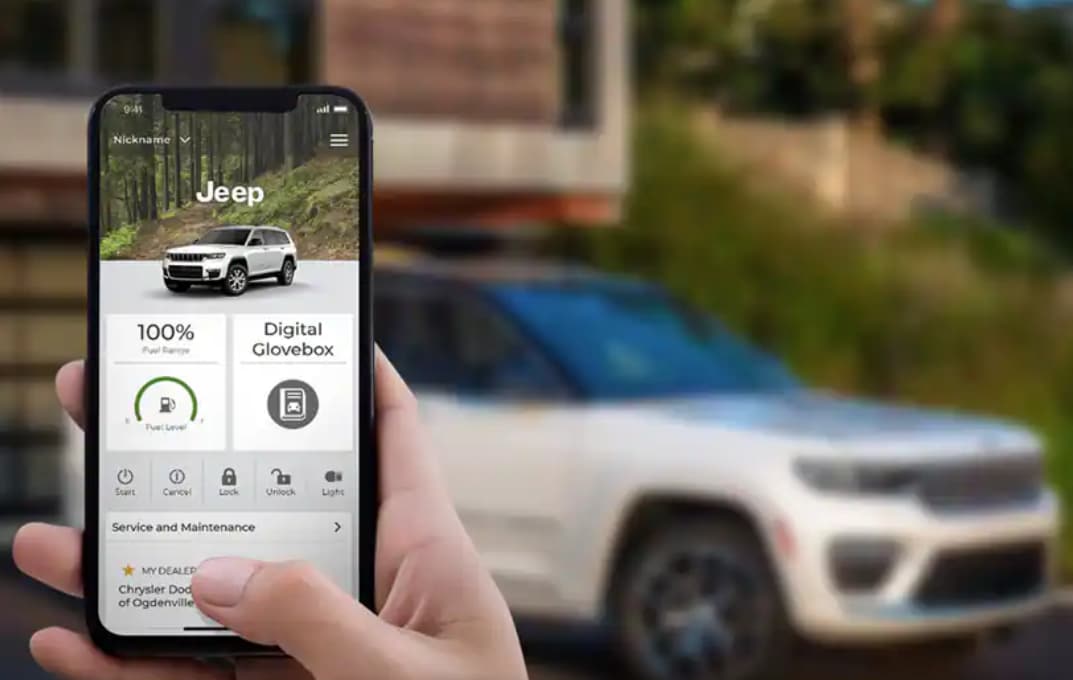
Basic Uconnect functions, like Bluetooth and radio, are free. Advanced services (navigation updates, Wi-Fi, remote start) may require a subscription.
Check the official Jeep site for current details.
Will Uconnect Work With Apple Carplay Or Android Auto?
Some newer Uconnect systems support Apple CarPlay and Android Auto. Older models may not. If this feature is important to you, choose a compatible unit before buying.
What Should I Do If My New Uconnect System Is Locked?
If your system asks for a code or stays locked, contact your seller or a Jeep dealer. They can unlock it with your vehicle identification number (VIN) and proof of purchase.


















