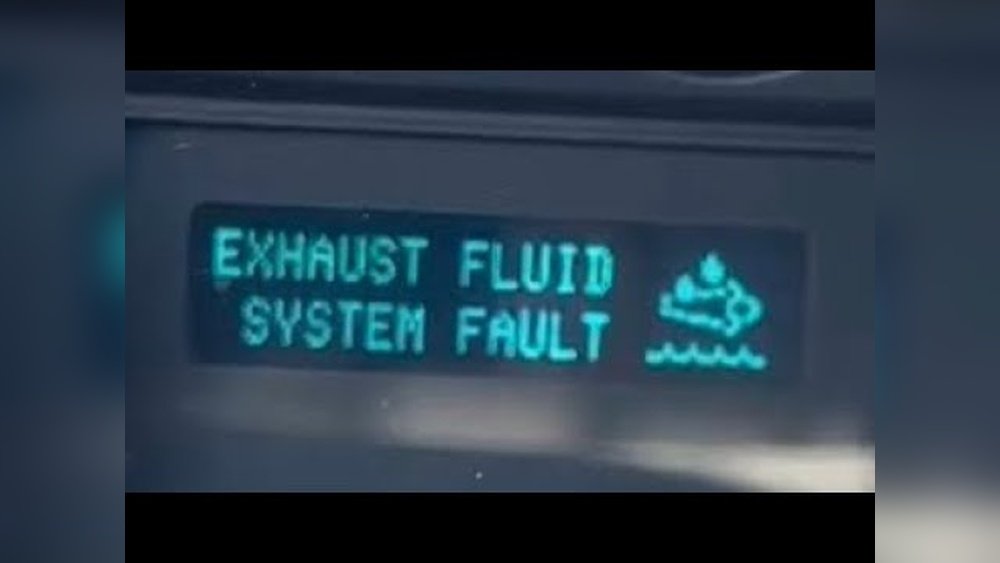
Connecting your Uconnect app to your Jeep unlocks a world of convenience and control. Imagine starting your engine from your phone, finding your Jeep in a crowded parking lot, or checking vehicle health—all from your pocket.
Jeep owners often hear about Uconnect, but many feel unsure about setup, compatibility, and using its features. This guide will walk you through the process step-by-step, highlighting key details, common mistakes, and practical tips to make your Uconnect experience smooth.
What Is Uconnect And Why Use It?
Uconnect is Jeep’s official infotainment system. It connects your smartphone to your Jeep, letting you use remote start, lock/unlock, navigation, and more. The Uconnect app brings these features to your phone, making your Jeep smarter and easier to manage.

Why should you care? According to Jeep, over 80% of drivers who connect their vehicle to Uconnect use remote features every week. Features like vehicle health reports, emergency assistance, and live navigation updates are especially useful for busy drivers.
Checking Uconnect Compatibility
Before you start, check if your Jeep supports the Uconnect app. Not all models have this feature. Here’s a quick comparison:
| Jeep Model | Year | Uconnect App Support |
|---|---|---|
| Wrangler | 2018-present | Yes |
| Grand Cherokee | 2016-present | Yes |
| Renegade | 2019-present | Yes |
| Compass | 2017-present | Yes |
| Patriot | Before 2017 | No |
If your Jeep is not listed or is older than these years, contact your dealer or check your user manual.
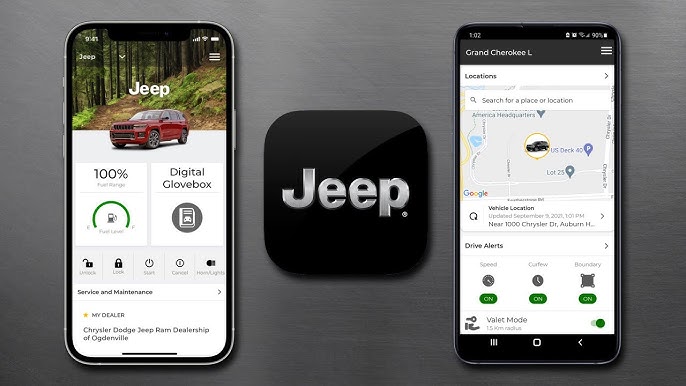
Setting Up The Uconnect App
Connecting the Uconnect app to your Jeep takes less than 15 minutes if you follow these steps:
- Download the Uconnect App
- Find it in the Apple App Store or Google Play Store.
- Make sure your phone meets minimum requirements (usually iOS 12+ or Android 8+).
- Create a Uconnect Account
- Open the app and tap “Sign Up.”
- Enter your name, email, and Jeep VIN (Vehicle Identification Number).
- The VIN is found on your windshield or driver’s door.
- Verify Your Jeep
- Uconnect may ask you to verify ownership. You’ll get a code by email or text.
- Enter this code in the app.
- Activate Services
- Some features require a subscription. Basic features are free, but things like remote start or Wi-Fi hotspot may cost extra.
- Choose your package and add payment info if needed.
- Pair Your Phone with Jeep
- Turn on your Jeep.
- Make sure Bluetooth is enabled on your phone.
- On the Jeep’s screen, go to “Settings” > “Bluetooth” and select your phone.
- Confirm pairing code.
- Link the App to Your Jeep
- Open the app and follow prompts to connect.
- If all steps are correct, you’ll see your Jeep’s details in the app.
Here’s a quick summary of the steps:
| Step | Time Needed | Required Info |
|---|---|---|
| Download App | 2 mins | Smartphone |
| Create Account | 3 mins | Email, VIN |
| Verify Jeep | 2 mins | Verification code |
| Activate Services | 3 mins | Payment info (if needed) |
| Pair Phone | 3 mins | Bluetooth, Jeep settings |
Using Uconnect Features
Once connected, your Uconnect app offers several features. Here are the most popular:
- Remote Start: Start your Jeep to warm it up or cool it down.
- Lock/Unlock Doors: Secure your Jeep from anywhere.
- Vehicle Locator: Find your Jeep in large parking lots.
- Send Navigation: Send addresses from your phone to your Jeep’s system.
- Vehicle Health: Get alerts for low tire pressure, oil changes, and more.
Many users miss the Send & Go feature, which sends directions from your phone straight to your Jeep’s GPS. Another hidden benefit is Stolen Vehicle Assistance—if your Jeep is stolen, Uconnect can help police track it.
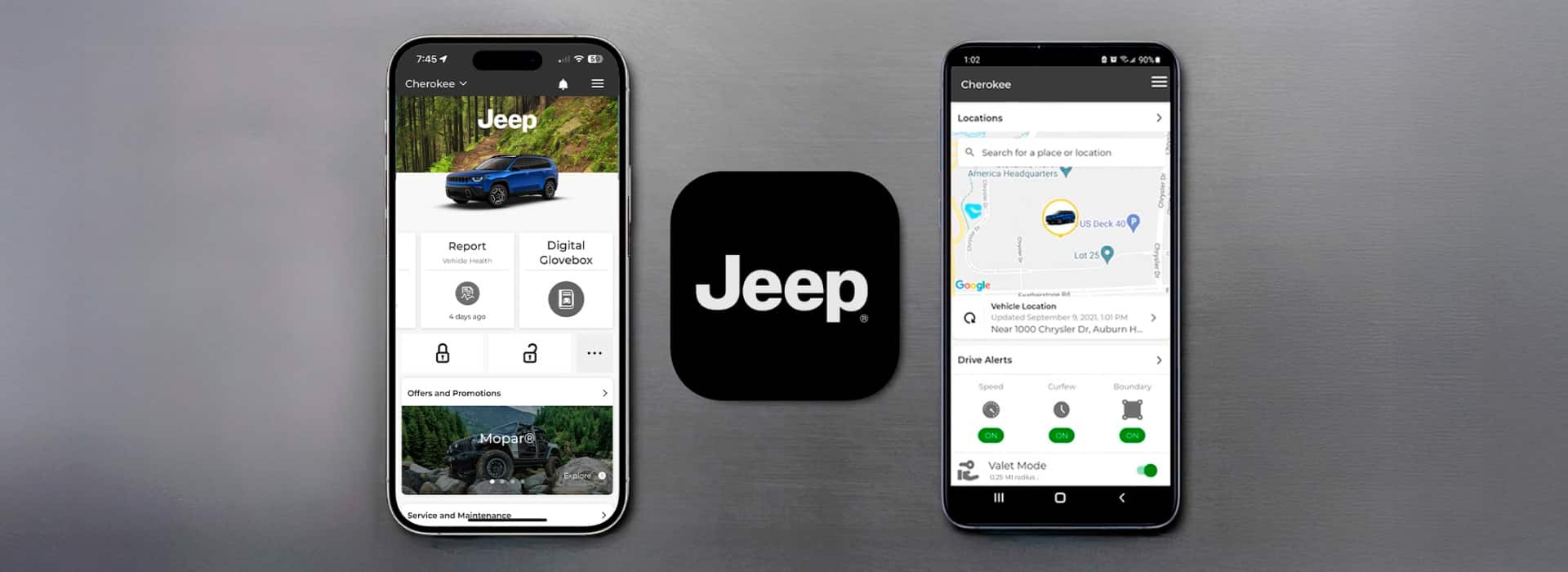
Troubleshooting Common Issues
Problems can happen during setup. Here are the most frequent ones and how to fix them:
- App Won’t Connect
- Check your phone’s internet connection.
- Restart your phone and Jeep.
- Make sure your VIN is correct.
- Bluetooth Pairing Fails
- Delete old Bluetooth profiles.
- Try pairing with the Jeep in “Park.”
- Update your phone’s software.
- Missing Features
- Some services need a paid subscription.
- Check your package in the app.
- App Crashes
- Update the app.
- Clear the cache or reinstall.
If you need extra help, visit the official Jeep Uconnect page for guides and support.
Comparison: Uconnect Vs Other Car Apps
Many car brands offer apps, but Uconnect stands out for Jeep owners. Here’s a comparison:
| Feature | Uconnect (Jeep) | OnStar (GM) | Blue Link (Hyundai) |
|---|---|---|---|
| Remote Start | Yes | Yes | Yes |
| Vehicle Locator | Yes | Yes | Yes |
| Send Navigation | Yes | No | Yes |
| Stolen Vehicle Assistance | Yes | Yes | No |
| Wi-Fi Hotspot | Paid | Paid | Paid |
Uconnect is strong in navigation integration and security features, making it a solid choice for Jeep owners.

Frequently Asked Questions
How Do I Find My Jeep’s Vin?
The VIN is usually on the driver’s side dashboard, visible through the windshield, or on the driver’s door frame. You can also find it in your registration papers.
Can I Use Uconnect Without A Subscription?
Basic features like vehicle info and Bluetooth are free. Remote start, Wi-Fi, and some alerts need a paid plan.
Does Uconnect Work Outside The Us?
Uconnect works in Canada and some other countries, but features may vary. Always check coverage before traveling.
What If My Jeep Is Not Compatible?
If your Jeep doesn’t support Uconnect, you can use basic Bluetooth for calls and music. For advanced features, you might need to upgrade your vehicle or infotainment system.
Is The Uconnect App Safe And Private?
Yes. Uconnect uses encryption for data and offers privacy controls. You can review privacy details on the Jeep website or inside the app.
Connecting your Uconnect app to your Jeep is simple if you follow these steps and tips. With Uconnect, your Jeep becomes easier to manage and more secure.
Always check compatibility, and don’t forget to explore hidden features like Send & Go and Stolen Vehicle Assistance.
Now, take control of your Jeep and enjoy a smarter driving experience.