Connecting your phone to a Jeep Wrangler can boost your driving experience. You get hands-free calls, music streaming, navigation, and even voice commands.
Whether your Wrangler is brand new or a few years old, the process is straightforward once you understand the steps. This guide shows you how to connect your phone to a Jeep Wrangler, covers common issues, and provides extra tips most beginners miss.
Understanding Jeep Wrangler Connectivity
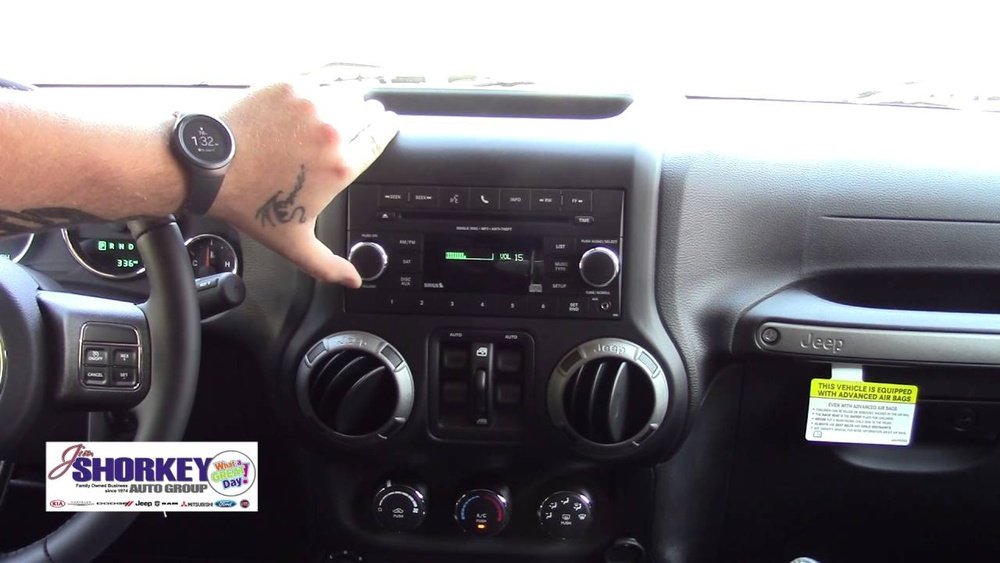
The Jeep Wrangler uses different systems depending on the model year. Most Wranglers from 2011 onwards offer Uconnect, Jeep’s infotainment platform. Older models may have simpler Bluetooth radios. Knowing your Wrangler’s system helps you choose the right connection method.
| Model Year | Connectivity | Main Features |
|---|---|---|
| 2011-2017 | Uconnect 3/Bluetooth | Calls, music, basic voice |
| 2018-2024 | Uconnect 4/4C/Apple CarPlay/Android Auto | Advanced apps, navigation, voice |
| 2007-2010 | Basic Bluetooth | Calls only |
Before starting, check your Wrangler’s manual or screen to see which system you have. This will help you follow the right steps.
Step-by-step: Connecting Your Phone Via Bluetooth
Pairing your phone to your Jeep Wrangler’s Bluetooth is the most common method. Here’s how to do it efficiently:
- Turn on Bluetooth on your phone. Most phones have this in Settings under “Bluetooth.”
- Start your Jeep and enable the infotainment system.
- On the Uconnect screen, tap “Phone.” If no phone is paired, select “Add Device.”
- Search for devices on your phone. Select “Uconnect” (or the system name).
- Confirm the pairing code shown on both the Jeep screen and your phone.
- Allow access to contacts and media if prompted.
- Wait for the connection to finish. You’ll see a confirmation message.
| Step | Action | Common Mistake |
|---|---|---|
| 1 | Enable Bluetooth | Forgetting to turn Bluetooth on |
| 4 | Choose Uconnect | Picking the wrong device name |
| 5 | Confirm code | Ignoring mismatch prompts |
A non-obvious tip: If the system asks for a PIN, the default is usually 0000 or 1234. Many drivers miss this and get stuck.
Using Apple Carplay And Android Auto
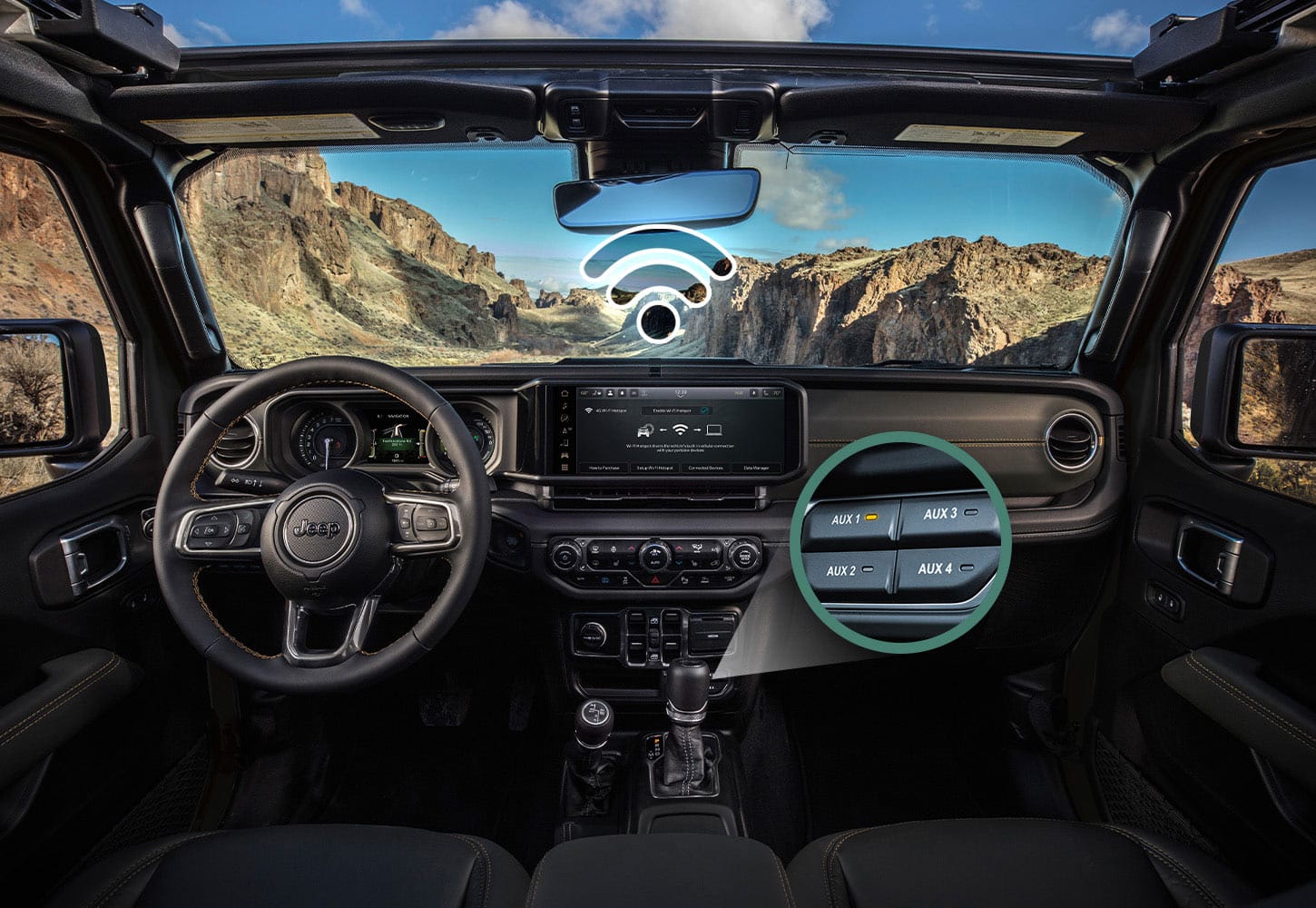
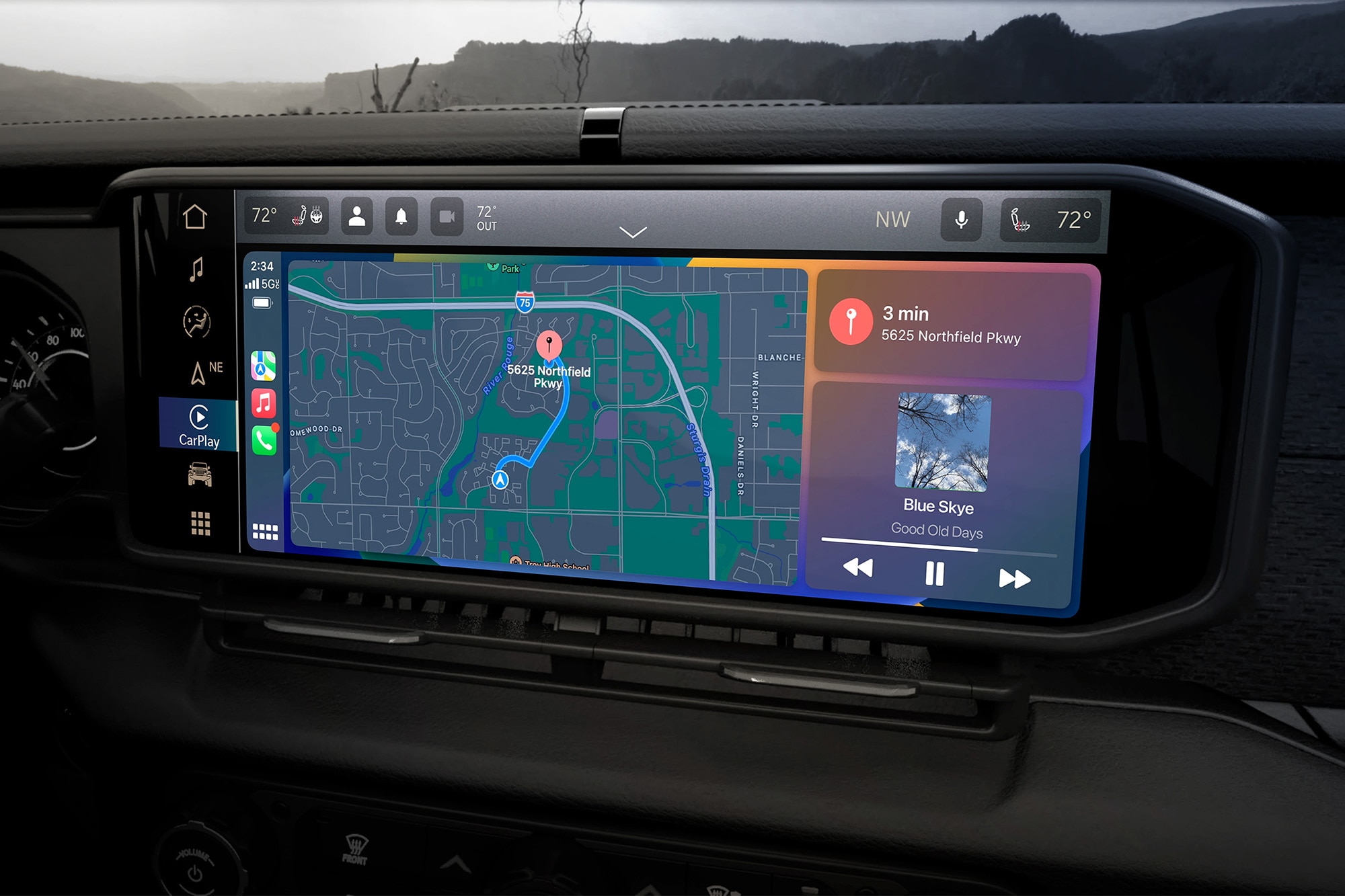
If your Wrangler is 2018 or newer, you likely have Apple CarPlay or Android Auto. These systems let you use apps like Maps, Spotify, and WhatsApp right on your Wrangler’s screen.
To connect:
- Plug your phone into the USB port with a quality cable (cheap cables often fail).
- Your Wrangler’s screen will prompt you to start CarPlay or Android Auto.
- Follow the on-screen instructions.
- Accept permissions on your phone.
You can now use navigation, music, and messaging safely while driving.
Solving Common Connection Issues
Many people face problems with pairing. Here’s how to troubleshoot:
- Bluetooth won’t connect: Restart both your phone and the Jeep’s system.
- Old devices stuck in system: Delete unused phones from Uconnect’s paired list.
- Music doesn’t play: Check if “Media” is enabled on your phone’s Bluetooth settings.
- CarPlay/Android Auto not showing: Try a different USB cable or port.
A surprising fact: Many issues come from outdated phone software. Update your phone and your Jeep’s Uconnect system for best results.
Quick Troubleshooting Checklist
- Ensure your phone’s software is up-to-date.
- Remove extra paired devices to avoid confusion.
- Use short, high-quality USB cables for wired connections.
- Check your Jeep’s settings for privacy restrictions.

Extra Tips For A Smooth Experience
- Set up voice commands: Uconnect lets you call contacts or play music using your voice. This keeps your hands on the wheel.
- Enable auto-connect: Your phone can connect automatically when you enter the car if you set “auto-connect” in Bluetooth settings.
- Limit distractions: Only connect apps you need. Too many notifications can make driving unsafe.
- Try Uconnect app: This app offers remote controls and extra features for newer Wranglers. Learn more at Jeep Uconnect.
- Privacy tip: If selling your Jeep, always remove your phone and erase data from the system.
Comparing Connection Methods
Here’s a quick look at the main differences between Bluetooth and wired systems like CarPlay/Android Auto:
| Connection | Features | Ease of Use | Best For |
|---|---|---|---|
| Bluetooth | Calls, music, basic voice | Simple | Older Wranglers |
| CarPlay/Android Auto | Apps, navigation, advanced voice | Very easy | Newer Wranglers |
Two insights beginners often miss:
- You can pair multiple phones, but only one connects at a time.
- If your phone won’t connect, try deleting and re-pairing—it solves many problems.
Frequently Asked Questions
How Many Phones Can I Connect To My Jeep Wrangler?
Most Wrangler systems let you pair up to eight phones. Only one can be active for calls and media at a time.
Yes, you can hear navigation instructions from apps like Google Maps through Bluetooth, but you won’t see maps on the Jeep screen unless you use CarPlay or Android Auto.
Why Does My Music Stop When I Get A Call?
Bluetooth pauses music during calls so you can hear clearly. Music resumes when the call ends.
Is It Safe To Use Phone Apps While Driving?
Only use apps that help driving, like navigation or hands-free calls. Avoid texting or browsing. Safety comes first.
What Should I Do If My Phone Won’t Connect?
Restart your phone and Jeep system. Delete old pairings and try again.
If it still fails, update your phone and infotainment software.
Connecting your phone to your Jeep Wrangler makes driving easier and safer. With the right steps and troubleshooting, you can enjoy music, calls, and apps without distraction.
Remember these tips, and your Wrangler will become your perfect road companion.



















