Connecting your phone to a Jeep Wrangler can make your drives safer and more enjoyable. Whether you want to play music, make hands-free calls, or use navigation apps, knowing how to set up your phone is essential.
Jeep Wranglers come with different systems, so the process can vary. This guide will walk you through each step, share helpful tips, and explain what to do if things don’t work as expected.
You’ll also find answers to common questions and useful data to help you get connected quickly.
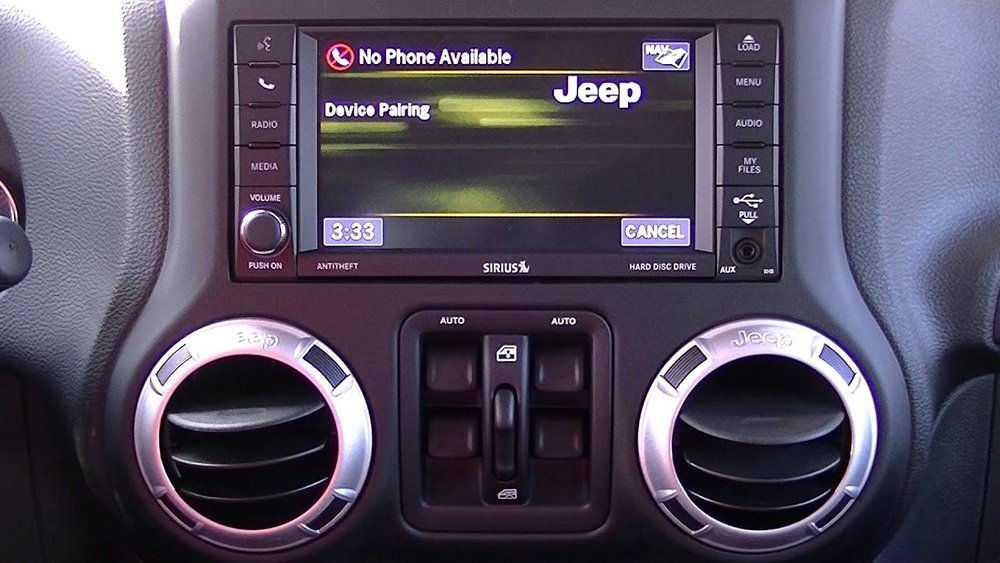
Understanding Jeep Wrangler Connectivity Options
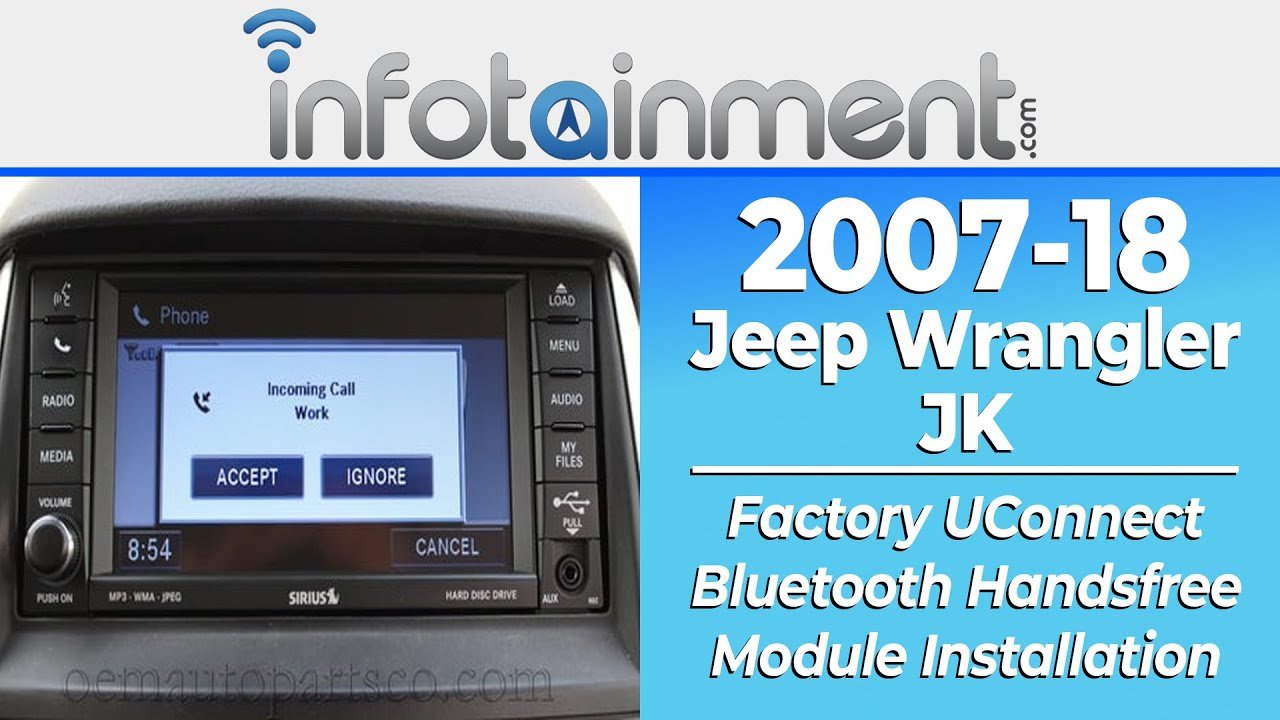
Most modern Jeep Wranglers (2018 and newer) include Uconnect systems. Uconnect offers Bluetooth, USB, and sometimes Apple CarPlay or Android Auto. Older Wranglers may only have basic Bluetooth or an auxiliary port. Here’s a quick comparison of connectivity options:
| Year/Model | Bluetooth | USB | Apple CarPlay | Android Auto | Aux Port |
|---|---|---|---|---|---|
| 2018+ Wrangler JL | Yes | Yes | Yes (some trims) | Yes (some trims) | Yes |
| 2012–2017 Wrangler JK | Yes | Yes | No | No | Yes |
| Pre-2012 Wrangler | Optional | No | No | No | Yes |
Knowing your Wrangler’s model year helps you choose the best way to connect your phone.
Step-by-step: Connecting Your Phone Via Bluetooth
Bluetooth is the most common way to connect. Here’s how to do it:
- Turn on Bluetooth on your phone. Go to Settings and switch Bluetooth to “On.”
- On your Jeep’s Uconnect screen, tap “Phone” or “Settings.”
- Select “Add Device” or “Pair New Device.”
- Your Jeep will show a list of nearby devices. Select your phone’s name.
- A pairing code appears. Confirm the code matches on both your phone and Jeep screen.
- Tap “Pair” on your phone and “Yes” on your Jeep.
- Once paired, your contacts and call history may sync. You can now make calls or play music wirelessly.
If the pairing fails, try turning Bluetooth off and on, or restart your devices. Sometimes, deleting old devices from the Jeep system helps.
Bluetooth Connection Speed Data
The average Bluetooth pairing time in a Jeep Wrangler is 30–60 seconds. Newer Uconnect systems are faster. Here’s a comparison:
| Uconnect Version | Average Pairing Time |
|---|---|
| Uconnect 5 | ~30 seconds |
| Uconnect 4 | ~45 seconds |
| Older Uconnect | ~60 seconds |
Connecting Your Phone Using Usb, Apple Carplay, Or Android Auto
If your Jeep Wrangler has Apple CarPlay or Android Auto, connecting is simple and offers more features.
- Plug your phone into the Jeep’s USB port using your charging cable.
- Your Uconnect screen should show “Apple CarPlay” or “Android Auto.” Tap to begin.
- Follow the prompts on your phone and Jeep. Allow permissions for contacts, messages, and apps.
- Now, you can use navigation, music, and voice commands directly from your Jeep’s screen.
CarPlay and Android Auto may not be available in all trims. If nothing happens when you plug in, check your phone’s settings or try a different cable.
Usb Vs Bluetooth: Audio Quality
| Connection Method | Audio Quality | Lag/Delay |
|---|---|---|
| USB | Excellent | Minimal |
| Bluetooth | Good | Some Delay |
| Aux Port | Very Good | None |
For the best audio quality, use USB or Aux. Bluetooth is good for calls and basic music.
Common Issues And Practical Solutions
Sometimes, connecting your phone doesn’t go smoothly. Here are the most frequent problems and how to fix them:
- Bluetooth won’t connect: Restart your phone and Jeep, delete old devices from Uconnect, and try pairing again.
- CarPlay/Android Auto not working: Use the original cable, check your phone’s software, and make sure the USB port is clean.
- Audio not playing: Check volume settings on both devices, select the correct source (Bluetooth, USB, Aux) on Uconnect.
- Contacts not syncing: Allow Uconnect to access your contacts when pairing. If you missed this, unpair and try again.
Many drivers forget to update their phone’s software. Keeping your device updated helps with compatibility.
Also, try pairing when the Jeep is parked for safety and easier troubleshooting.
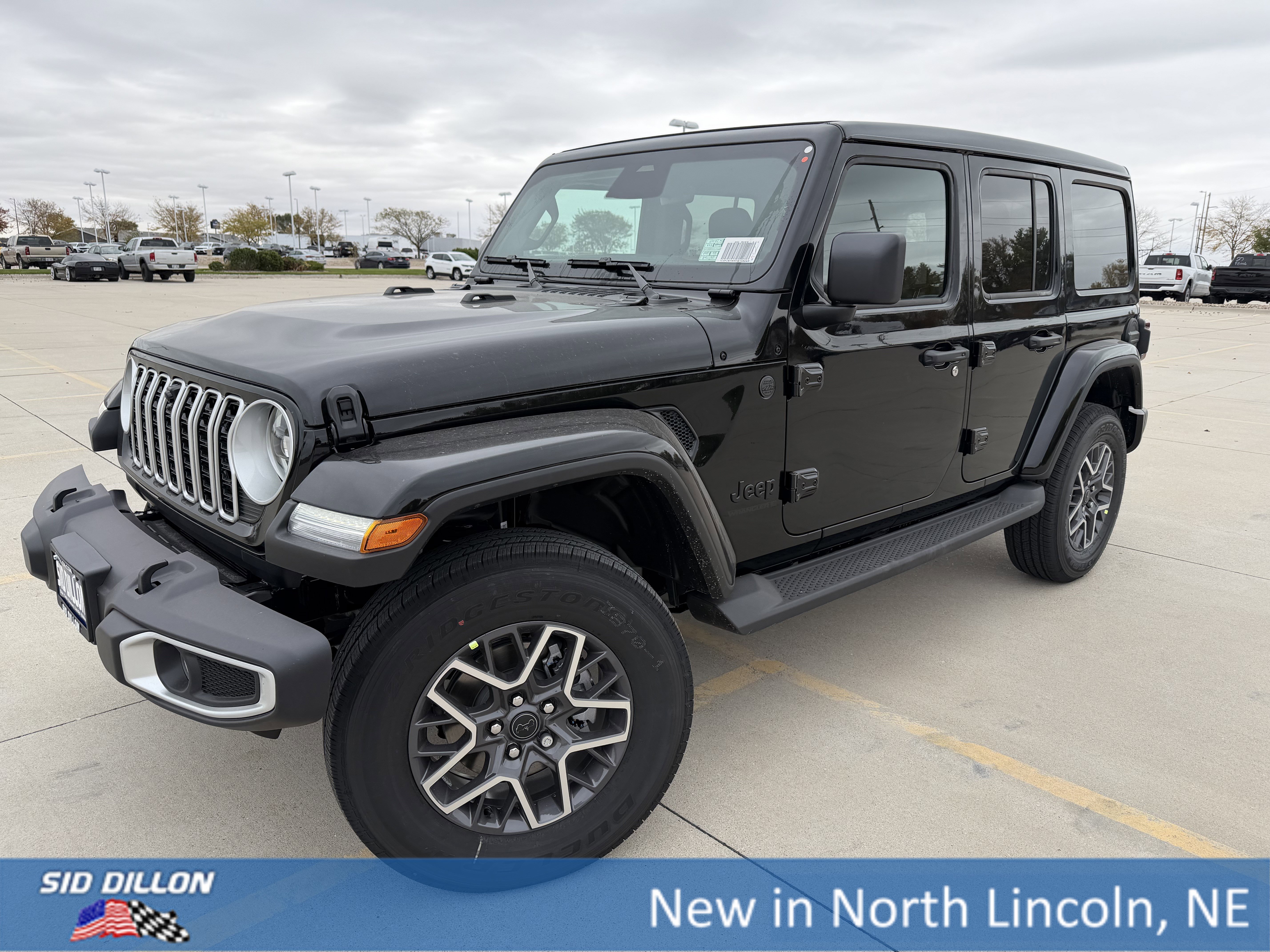
Real-world Example: Pairing A Phone In A 2022 Jeep Wrangler
Let’s look at a real scenario. Sarah, a new Wrangler owner, wanted to connect her iPhone for music and navigation. She:
- Turned on Bluetooth on her phone.
- Selected “Add Device” on Uconnect.
- Paired her phone, confirming the code.
- Plugged in her phone via USB, and CarPlay appeared.
- Allowed all permissions.
Sarah noticed CarPlay didn’t launch when using a cheap cable. Switching to the original Apple cable fixed the problem.
This shows that cable quality matters for USB connections.
Tips For A Smooth Connection
- Always use original cables for USB connections.
- Delete unused devices from Uconnect for faster pairing.
- Update your phone and Uconnect software regularly.
- Pair your phone when parked, not while driving.
- For older Wranglers, consider Bluetooth adapters for better connectivity.
Most beginners miss that Uconnect’s memory can fill up with old devices, slowing down new pairings. Clearing this list makes connecting easier.
Also, many drivers don’t realize that cheap USB cables may only charge, not transfer data.
Frequently Asked Questions
How Do I Know If My Jeep Wrangler Has Apple Carplay Or Android Auto?
Check your Uconnect screen for the CarPlay or Android Auto icons after plugging in your phone. Most 2018+ Wranglers support these features, but some trims do not.
What Should I Do If My Phone Won’t Pair Via Bluetooth?
First, restart both your phone and your Jeep. Remove any old devices from the Uconnect list and try pairing again.
If it still fails, update your phone’s software.
Can I Use Voice Commands With My Connected Phone?
Yes, when your phone is connected via Bluetooth or CarPlay/Android Auto, you can use voice commands for calling, texting, and navigation. Press the voice button on your steering wheel to start.
Is It Possible To Connect Multiple Phones?
You can pair several phones, but only one can be active for calls and media at a time. To switch, select the desired phone from the Uconnect device list.
Where Can I Find More Details About Jeep Wrangler Connectivity?
For full details and troubleshooting, visit the official Jeep Uconnect page.
Connecting your phone to your Jeep Wrangler makes driving safer and more fun. With these steps and tips, you’ll be ready to enjoy music, calls, and navigation with ease.
If something doesn’t work, try the practical solutions above, and remember to use quality cables and keep your devices updated.
Safe travels!



















