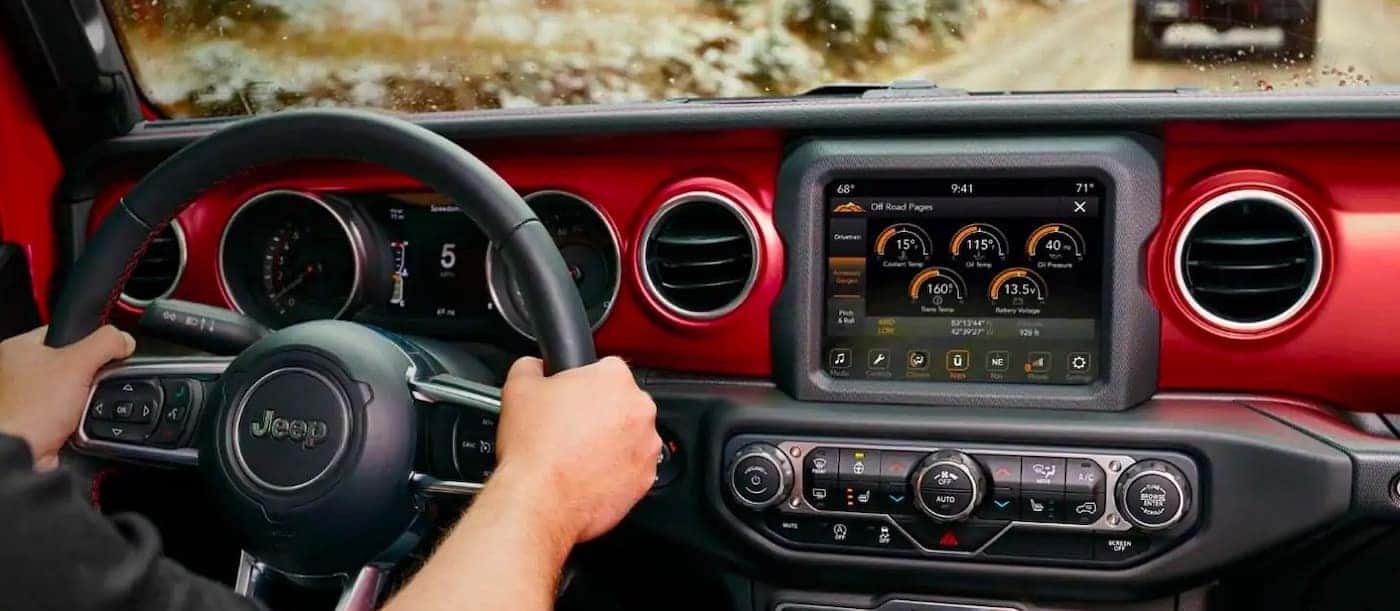
Connecting your phone or another device to your Jeep Wrangler’s Bluetooth system unlocks hands-free calls, streaming music, and more convenience on the road. But the process can feel tricky if you’re new to car tech or you drive an older model.
With the right steps, you’ll be enjoying wireless features in just a few minutes. This guide covers everything you need, whether you drive a recent Wrangler or a previous generation.
Jeep Wrangler Bluetooth Basics
Most modern Jeep Wranglers, especially models from 2011 onward, come with built-in Bluetooth. The Uconnect system is standard in many trims, letting you link your phone for calling, audio, and apps. Older Wranglers may need a Bluetooth adapter, but the process is similar once installed.
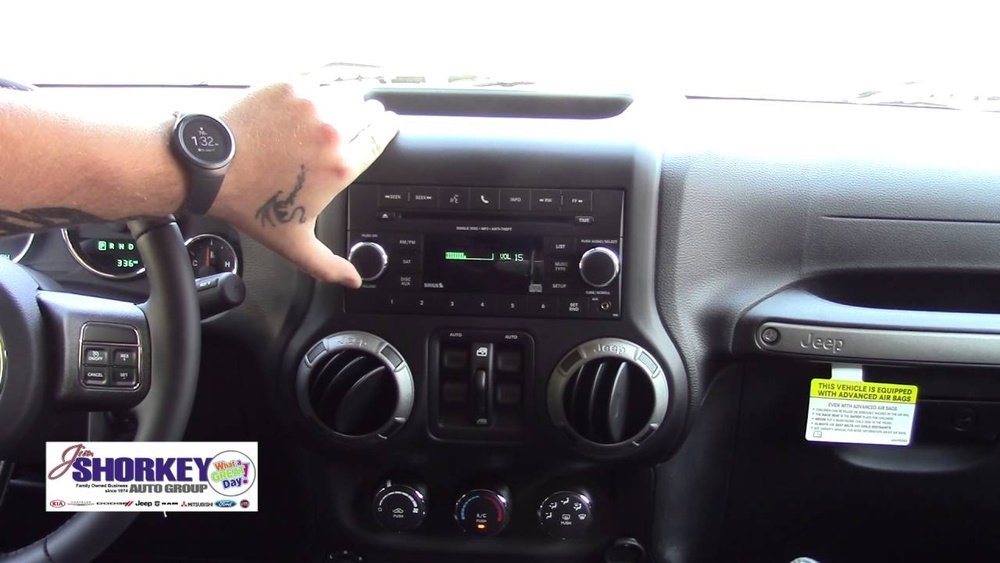
Knowing your Wrangler’s year and trim helps, as some features differ. Here’s a quick overview of Bluetooth support by model year:
| Model Year | Bluetooth Built-In? | System |
|---|---|---|
| 2011-2014 | Yes (most trims) | Uconnect |
| 2015-2017 | Yes | Uconnect 3/5/8.4 |
| 2018-present | Yes | Uconnect 4/4C/5 |
| Pre-2011 | No | Add-on required |
Tip: If you aren’t sure about your Wrangler’s Bluetooth, check your owner’s manual or look for a Uconnect logo on your dashboard screen.
Step-by-step: Connecting Bluetooth
Connecting is easy once you know where to start. Follow these steps for most Jeep Wrangler models:
- Start your Wrangler and make sure the infotainment system is on.
- Enable Bluetooth on your phone. Go to Settings > Bluetooth and turn it on.
- On your Jeep’s screen, tap Phone or Settings (depends on model).
- Select Pair Device or Add Device.
- Your Wrangler’s system will show a device name (like “Uconnect” or “Jeep Wrangler”).
- On your phone, select the Wrangler’s Bluetooth name from the available devices.
- Enter the PIN if prompted. Usually, the screen shows a 4-digit code.
- Confirm pairing on both your phone and Jeep.
- Wait for your phone to connect. You’ll see a confirmation on the Jeep’s screen.
If you have an older Wrangler (pre-2011) and use an adapter, follow the adapter’s instructions, but the pairing steps are mostly the same.
Common Pairing Issues
Sometimes the connection doesn’t work right away. Here are a few problems and solutions:
- Phone not found: Make sure Bluetooth is visible on your phone. Restart Bluetooth if needed.
- Wrong PIN: Double-check the code on both screens. If it fails, try pairing again.
- Already paired: If your phone won’t connect, delete the pairing from both devices and try again.
Features You Unlock With Bluetooth
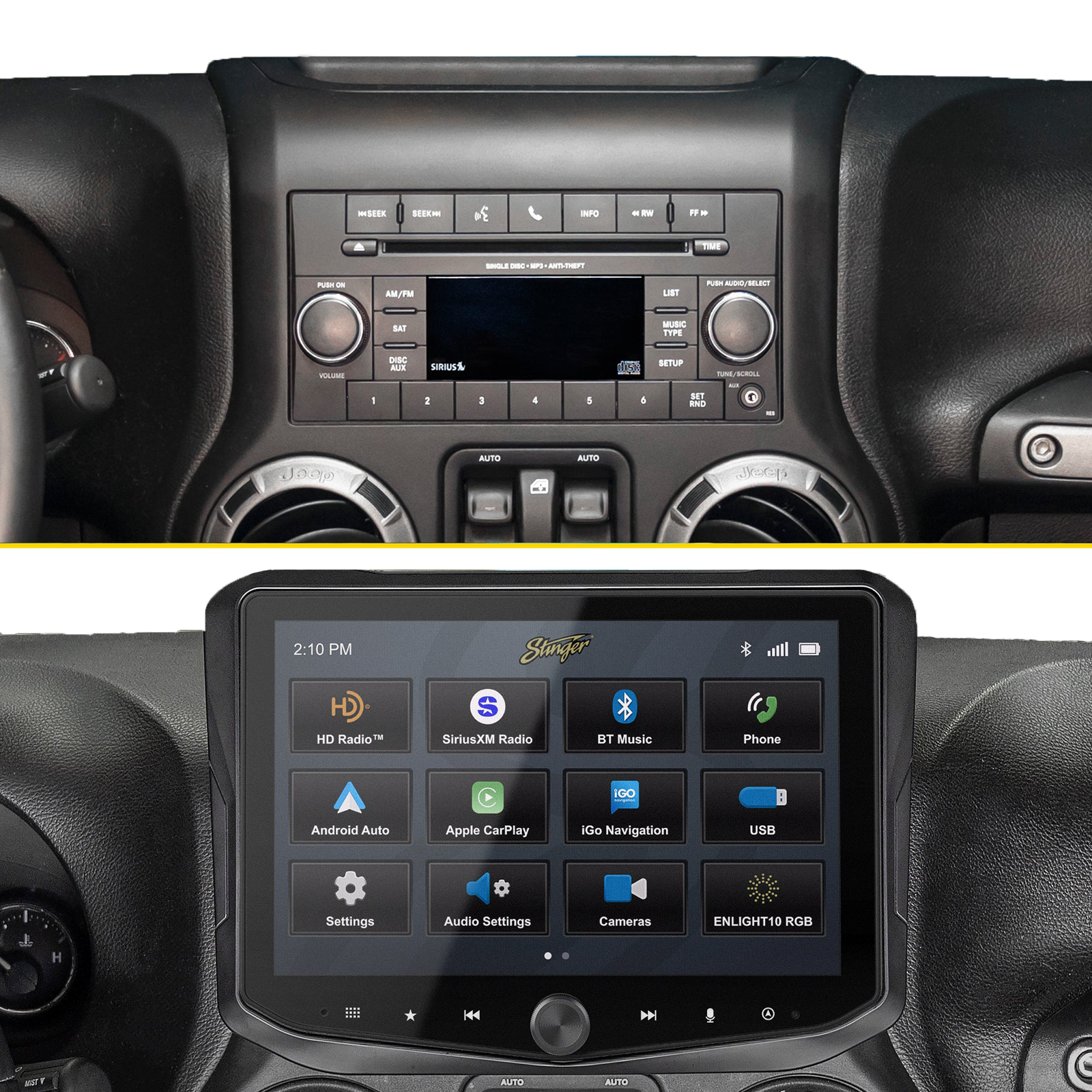
Pairing your phone isn’t just for calls. Here are the main Bluetooth features in a Jeep Wrangler:
- Hands-free calling: Answer and make calls safely.
- Streaming music: Listen to Spotify, Apple Music, or any audio app.
- Voice commands: Use Siri, Google Assistant, or Uconnect voice features.
- Text messaging: Some systems support reading incoming texts aloud.
Insight: Many owners don’t realize you can sync multiple phones. The Uconnect system supports up to 7 paired devices, but only one can be active at a time.
Bluetooth Performance Compared
Not all Bluetooth systems are equal. Here’s a comparison of Uconnect features across recent Wrangler models:
| Uconnect Version | Bluetooth Audio | Voice Command | App Integration | Pairing Limit |
|---|---|---|---|---|
| Uconnect 3 | Yes | Basic | Limited | 7 devices |
| Uconnect 4 | Yes | Advanced | Apple CarPlay/Android Auto | 7 devices |
| Uconnect 5 | Yes | Enhanced | More apps | 7 devices |
Older systems may be slower or have fewer features. If your Wrangler’s Bluetooth feels laggy, check for software updates or try resetting the system.
Practical Tips For Reliable Connection
Bluetooth can be sensitive to interference or settings. Here’s how to make your connection more stable:
- Keep your phone’s Bluetooth software updated.
- Don’t place devices on metal surfaces, which can block signals.
- If you switch phones often, remove old pairings to prevent confusion.
- For music, check volume settings on both your phone and the Jeep.
- If your Wrangler has a removable hardtop, close it for better audio quality.
Non-obvious insight: Many users think only the driver’s phone can be paired. In fact, passengers can connect their devices too—just switch the active device in Uconnect.
Troubleshooting Bluetooth Problems
Even with the right steps, some issues happen. Here’s how to fix common Bluetooth problems:
- No audio: Make sure your phone’s media audio is enabled. Sometimes only call audio is active.
- Dropped connection: Move devices closer together. Restart both the phone and Jeep system.
- Echo or noise: Lower the volume or change the microphone position. External factors like open windows can cause audio issues.
If problems continue, try resetting the Uconnect system. Hold down the power button for 10 seconds, or check your manual for the exact steps.
Upgrading Your Wrangler’s Bluetooth
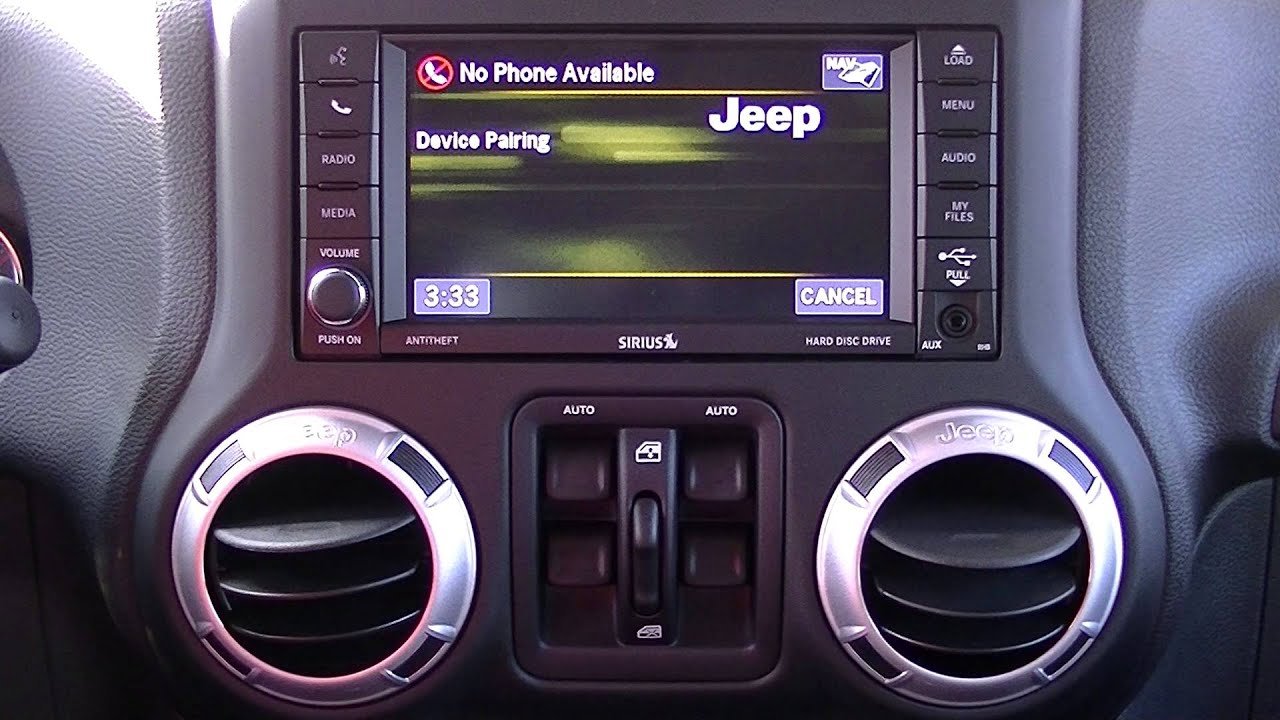
If your Jeep is older or you want more features, upgrading is possible. Aftermarket Bluetooth adapters or new head units can add wireless support.
Choose a model that fits your Wrangler’s year and dash layout.
Before buying, compare these factors:
| Adapter Type | Works With | Audio Quality | Installation Difficulty |
|---|---|---|---|
| Plug-in Adapter | Any Wrangler | Good | Easy (plug & play) |
| Replacement Head Unit | 2007-2017 | Excellent | Medium (needs tools) |
| OEM Uconnect Upgrade | 2011-2018 | Excellent | Medium |
Tip: Choose adapters with aptX or AAC support for better music quality. Avoid cheap models—bad adapters can cause connection drops.
Frequently Asked Questions
How Many Devices Can I Pair With My Jeep Wrangler?
You can pair up to 7 devices with the Uconnect system. Only one device is active at a time, but you can switch between them.
Can I Use Bluetooth Audio In All Wrangler Models?
Most Wranglers from 2011 onward have Bluetooth audio. For older models, you need an adapter or a new stereo system.
What Should I Do If My Bluetooth Keeps Disconnecting?
Try removing old pairings, updating software, and restarting both your phone and the Jeep system. Interference from other devices can also cause drops.
Is Bluetooth Connection Secure In My Jeep?
Yes, Bluetooth uses encrypted signals. Always use the PIN shown on your screen, and avoid pairing with unknown devices.
Where Can I Find Official Support For Jeep Wrangler Bluetooth?
Check the official Jeep Uconnect guide for detailed instructions: Jeep Uconnect.
Connecting Bluetooth in your Jeep Wrangler is simple when you follow these steps. You’ll gain safer calling, richer music, and more control on every drive.
With the right setup and a few practical tips, your Wrangler’s tech will keep you connected wherever you go.