Owning a Jeep is more than just driving—it’s about adventure, freedom, and staying connected wherever you go. The Jeep app promises to make that experience even better by putting many handy features right on your phone. But with so many car apps offering free and paid services, it’s natural to ask: How much does the Jeep app cost? This guide breaks down what you get for free, what requires payment, and whether the extra cost is worth it for you.
What Is The Jeep App?
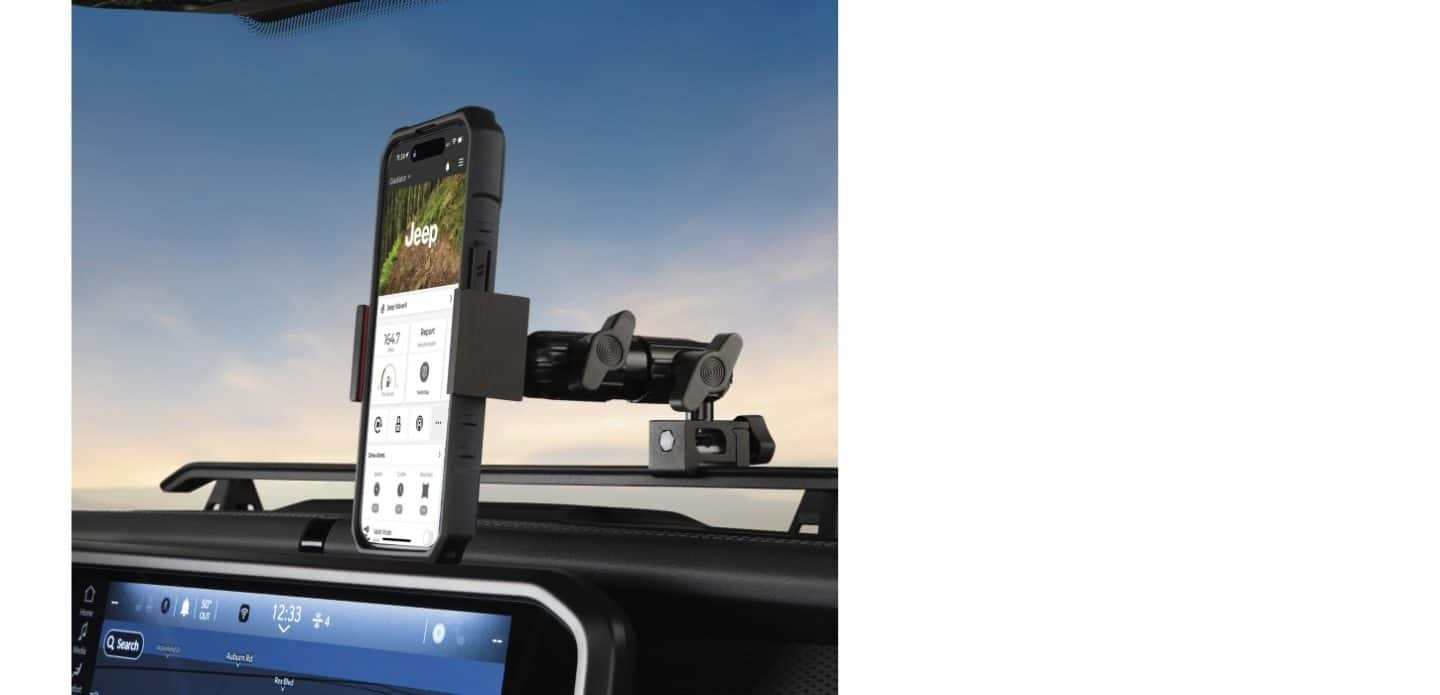
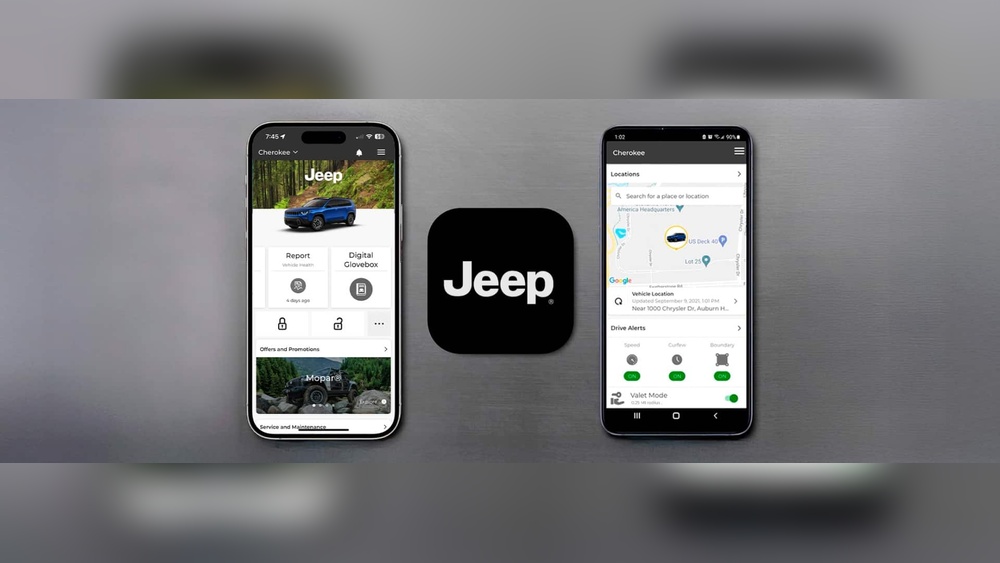
The Jeep app (officially called “Jeep Connect” or “Jeep Mobile App” in some regions) is designed to link your smartphone with your Jeep vehicle. It offers remote controls, vehicle health reports, navigation help, and more. Some features are available for free, but many require a subscription.
Jeep App: Free Vs Paid Features
Not everything inside the Jeep app costs money. Here’s a breakdown:
| Feature | Free | Paid (Subscription) |
|---|---|---|
| View Vehicle Info | Yes | No |
| Service Reminders | Yes | No |
| Remote Start/Lock/Unlock | No | Yes |
| Send Destination to Navigation | No | Yes |
| Stolen Vehicle Assistance | No | Yes |
| Vehicle Health Report | Yes | No |
Many owners are surprised to learn that remote features like starting your car or unlocking it from your phone are not included for free. Only basic info and reminders are free for most users.
How Much Does The Jeep App Subscription Cost?
Jeep’s connected services come in tiers. The most common subscription is called Uconnect Access or Jeep Connect in North America. Pricing can vary by model year, but here are the typical costs:
| Subscription Plan | Monthly Cost | Yearly Cost |
|---|---|---|
| Jeep Connect | $14.99 | $149.99 |
| Uconnect Access (older vehicles) | $19.99 | $199.99 |
| Trial Period | Free (12 months) | Free (first year for new cars) |
You may get a free trial if you buy a new Jeep—usually for 12 months. After that, you’ll need to pay if you want to keep using remote and premium services.
What Do You Get For Your Money?
Paying for the Jeep app subscription unlocks extra features:
- Remote Start, Lock, and Unlock: Start your Jeep or lock/unlock it from anywhere using your phone.
- Vehicle Finder: See your Jeep’s location on a map.
- Send & Go: Send addresses from your phone directly to your car’s navigation.
- Stolen Vehicle Assistance: Helps recover your Jeep if it’s stolen.
- SOS/Emergency Assistance: Contact help quickly from the app.
- Wi-Fi Hotspot: Some plans let you turn your Jeep into a mobile Wi-Fi zone (extra cost may apply).
These add convenience and peace of mind, especially if you often forget where you parked or want to warm up your car in winter.
Is The Jeep App Subscription Worth It?
Deciding if the price is fair depends on your needs:
- If you only want to check service reminders or basic vehicle health, you can use the app for free.
- If you want to control your Jeep remotely, or need extra security, the subscription is necessary.
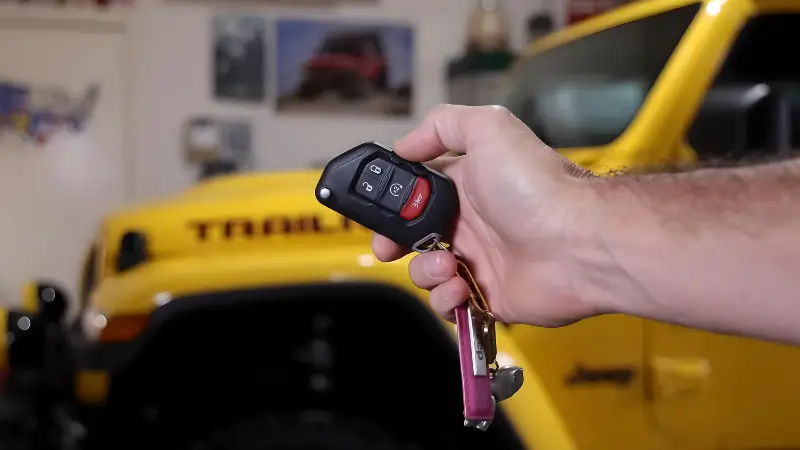
One non-obvious tip: many owners don’t realize the app can help you if you lose your key fob—remote unlock works even then, as long as your phone has internet.
Another insight: if you travel a lot, features like Send & Go and vehicle location can save time and reduce stress.
Jeep App Vs. Other Automaker Apps
How does the Jeep app compare to similar apps from other brands? Here’s a quick comparison:
| Brand | Monthly Cost | Remote Start Included? | Free Trial? |
|---|---|---|---|
| Jeep | $14.99 | Yes (with subscription) | 12 months (new cars) |
| FordPass | $0 | Yes (select models) | Always free |
| Chevrolet MyChevrolet | $24.99 | Yes | 30 days |
| Toyota Remote Connect | $8 | Yes | 12 months |
Jeep’s app is not the cheapest, but it’s competitive especially if you get the free trial with a new vehicle.
Common Mistakes When Using Or Buying The Jeep App
- Assuming all features are free: Many buyers think everything is included. Only some basic features are free.
- Not activating the free trial: You must set up your account soon after buying a new Jeep to use the free year.
- Letting the trial expire: Once it ends, remote features stop working until you pay.
- Not checking compatibility: Some older models may not support the latest app features.
How To Subscribe Or Cancel
To subscribe, open the Jeep app and go to the “Account” or “Connected Services” section. You can pick monthly or yearly billing.
If you want to cancel, you can do it from the app or by contacting Jeep customer support.
A helpful tip: If you’re not sure you’ll use the features, set a calendar reminder for when your free trial is ending. That way, you can decide before being charged.

Frequently Asked Questions
What Happens When My Jeep App Free Trial Ends?
You lose access to paid features like remote start and vehicle location. Basic info remains available.
You can subscribe anytime to regain full access.
Can I Use The Jeep App On Older Models?
Some older Jeeps (before 2018) may not support all features, especially remote controls. Check your car’s manual or the Jeep website to confirm compatibility.
Is The Jeep App Available Outside The Us?
Yes, but features and costs can vary by country. Some services may be limited or have different names.
Always check local Jeep resources for accurate info.
Are There Discounts For Long-term Subscriptions?
Jeep sometimes offers a lower rate if you pay yearly instead of monthly. Promotions may also be available for existing customers. Check the app or Jeep’s official site for details.
Does The App Work If My Phone Doesn’t Have Internet?
No, your phone needs a data connection for remote features. However, some basic info may update when you reconnect.
Staying connected with your Jeep has many benefits, but it’s important to know what you’re paying for. The Jeep app’s free version offers basic help, but the real power comes with a subscription.
Whether you choose to pay depends on your lifestyle and how much you value convenience and security.
Always review the features, costs, and your own habits before subscribing so you get the most out of your Jeep experience.