Every day, cars get smarter. Your Jeep is no exception.
Modern Jeeps use software for navigation, entertainment, and even safety. Updating your Jeep software keeps your vehicle running smoothly and ensures you get the newest features.
If you’re not sure how to update your Jeep’s software, this guide will walk you through everything you need to know.
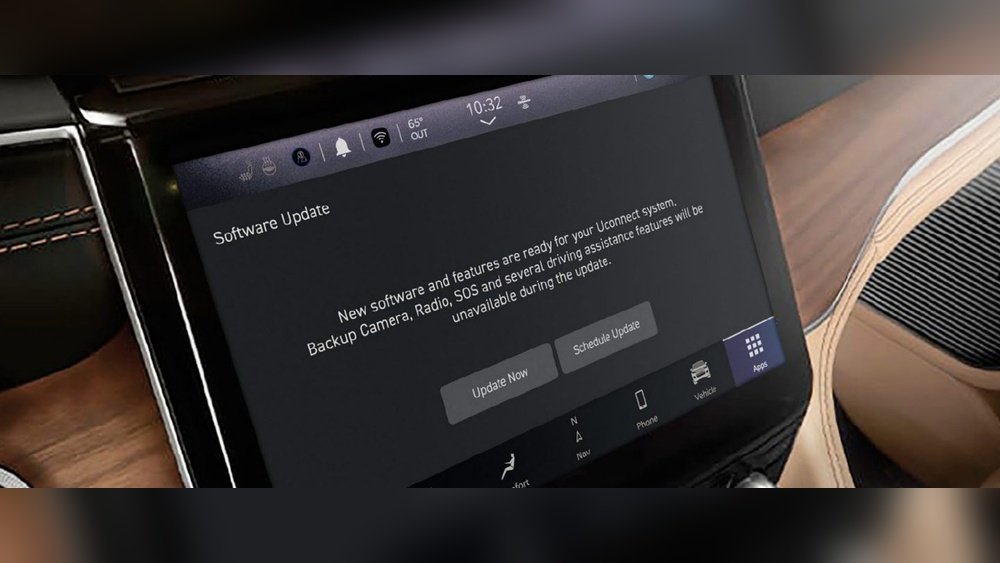
Why Update Your Jeep Software?
Jeep software updates can fix bugs, improve security, and add new features. Outdated software may cause glitches or miss important improvements.
For example, a 2023 Jeep Grand Cherokee received updates that improved its navigation accuracy and added new Bluetooth options.
Staying current means your Jeep performs better and remains safer.
Key benefits of updating:
- Enhanced navigation and connectivity
- Improved security
- Reduced risk of system crashes
- Access to new features
Types Of Jeep Software Updates
Not all updates are the same. Some affect the infotainment system, while others update safety controls or engine management. Here’s a breakdown:
| Update Type | Main Function | How Often |
|---|---|---|
| Infotainment | Navigation, audio, apps | 3-6 months |
| Uconnect | System controls, connectivity | 6-12 months |
| ECU/PCM | Engine, safety, performance | Yearly or as needed |
Many drivers miss that the ECU (Engine Control Unit) and PCM (Powertrain Control Module) updates can affect fuel efficiency and emission controls. These are usually handled by dealerships but can have a big impact.
How To Update Jeep Software: Step-by-step
Updating your Jeep software is easier than it sounds. Most updates fall into two categories: over-the-air (OTA) and manual. Here’s how each works.
Over-the-air Updates
Some newer Jeeps (2018 and up) support OTA updates. These happen automatically, or you can trigger them.
- Make sure your Jeep is parked and has a strong Wi-Fi connection.
- Turn on the ignition and access the Uconnect screen.
- Go to Settings > System Information > Check for Updates.
- If an update is available, follow on-screen prompts. The system may restart.
Important: Do not turn off your Jeep or disconnect Wi-Fi during the update. This can cause errors.
Manual Updates
Older Jeeps or certain updates require manual installation. You’ll need a USB drive and access to the official Jeep website.
- Find your Jeep model and year at Jeep Official Website.
- Download the correct software update file.
- Copy the update file to a USB drive (minimum 8GB, formatted to FAT32).
- Start your Jeep and plug in the USB drive to the main USB port.
- The Uconnect system should prompt you to install the update. Confirm and wait. The process can take 30–60 minutes.
Tip: Always check the file size and version number before installing. Installing the wrong version can cause system errors.
Comparison: Ota Vs. Manual Updates
Here’s a quick look at the differences:
| Method | Ease of Use | Time Needed | Risk of Error |
|---|---|---|---|
| OTA | Very easy | 10–20 minutes | Low |
| Manual | Moderate | 30–60 minutes | Medium |
Common Mistakes And How To Avoid Them
Updating Jeep software can be straightforward, but some mistakes are easy to make:
- Interrupting the update: Never turn off your vehicle or disconnect power during an update.
- Wrong file version: Download updates only from the official Jeep site.
- Using a faulty USB drive: Cheap or old USB drives can corrupt files. Use a quality drive.
- Skipping backup: If possible, back up your settings before updating.
Many users miss the importance of checking compatibility. For example, a 2017 Jeep Wrangler may not support certain Uconnect updates designed for newer models.
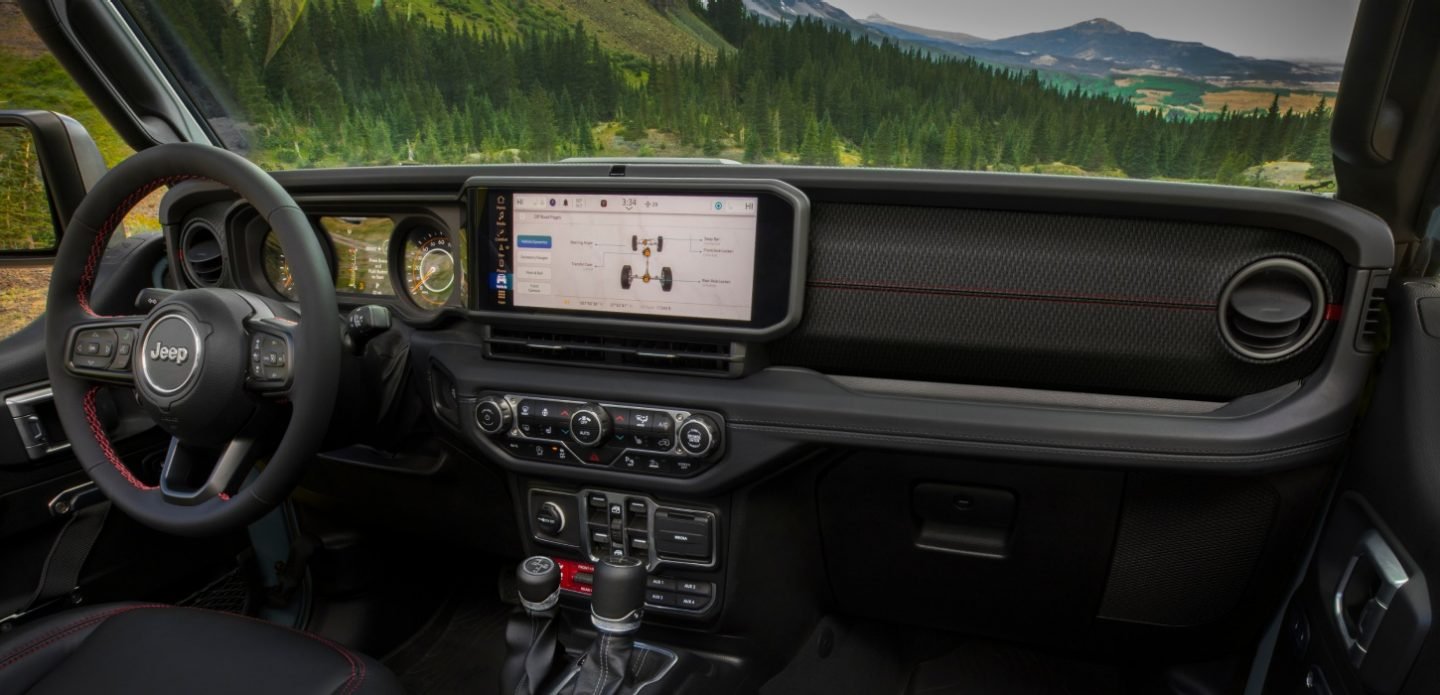
How To Know If Your Jeep Needs An Update
You may notice signs that your software is outdated:
- Slow response from the touchscreen
- Bluetooth issues (devices won’t connect)
- Navigation errors (wrong routes or missing maps)
- Missing features compared to newer Jeeps
If you see these problems, check for updates. Some dealers send email reminders, but it’s good to check yourself every few months.
Dealer Vs. Diy Updates
Some updates require a visit to the dealership, especially for ECU/PCM. Dealers have special tools and can check for hidden issues.
However, many infotainment and Uconnect updates can be done at home.
| Update Type | DIY Possible? | Dealer Required? |
|---|---|---|
| Infotainment/Uconnect | Yes | No |
| ECU/PCM | No | Yes |
| Security Patch | Sometimes | Recommended |
For complex updates or issues, visit your dealer. They can also check for recalls or upgrades you might miss.
Practical Tips For A Smooth Update
- Use a reliable Wi-Fi connection for OTA updates.
- Keep your vehicle running during the update.
- Use a high-quality USB drive for manual updates.
- Always read instructions before starting.
- If unsure, ask your dealer for help.
As a calm expert, I recommend checking for updates at least twice a year. Even if your Jeep seems fine, updates can prevent future issues.
Frequently Asked Questions
How Often Should I Update My Jeep Software?
Most Jeep software updates come every 3 6 months. Check for updates twice a year, especially if you use navigation or Bluetooth features often.
Can I Update All Jeep Software Myself?
You can update infotainment and Uconnect systems at home. For ECU/PCM or security patches, a dealer visit is usually needed.
What Happens If I Interrupt An Update?
Interrupting an update can corrupt your software. This may cause system errors or require professional repair. Always keep your Jeep running during updates.
Where Can I Find Official Jeep Software Updates?
Go to the Jeep Official Website for downloads and instructions.
Does Updating Software Void My Jeep Warranty?
No, official updates do not void your warranty. Using unofficial files or modifying system software may cause issues.
Updating your Jeep’s software helps you stay safe, enjoy new features, and keep your vehicle running smoothly. With these steps and tips, you can handle updates confidently whether at home or with your dealer.
Stay current, and your Jeep will be ready for any adventure.