If you own a Jeep Compass, you may wonder how to use its 4 wheel drive system. This feature helps you drive safely on slippery roads, rough terrain, or snowy conditions.
Many people think 4WD is always active, but in most Jeep Compass models, you need to engage it yourself. Understanding how to put your Jeep Compass in 4 wheel drive can make your driving experience smoother and safer, especially in tough situations.
Understanding Jeep Compass 4 Wheel Drive Systems
The Jeep Compass uses a system called Active Drive. This is different from traditional 4WD setups. Instead of a manual lever, the Compass uses electronic controls to switch between modes. Most Compass models come with a Selec-Terrain dial, which lets you choose between different driving modes like Auto, Snow, Sand, and Mud. Some trims, like the Trailhawk, offer even more advanced features.
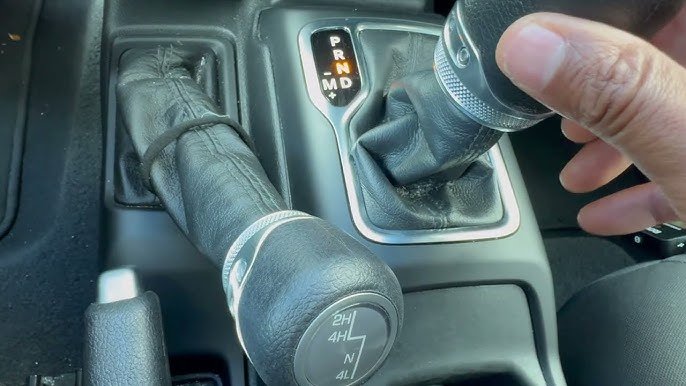
Knowing the basics of your Jeep’s system is important. Unlike older Jeeps, there’s no physical shift lever.
The switch is electronic, making it easier for drivers but sometimes confusing for beginners.
Four Key Steps To Engage 4 Wheel Drive
You need to cover all four main items to correctly put your Jeep Compass in 4 wheel drive. Let’s break them down:
1. Locate The Selec-terrain Dial
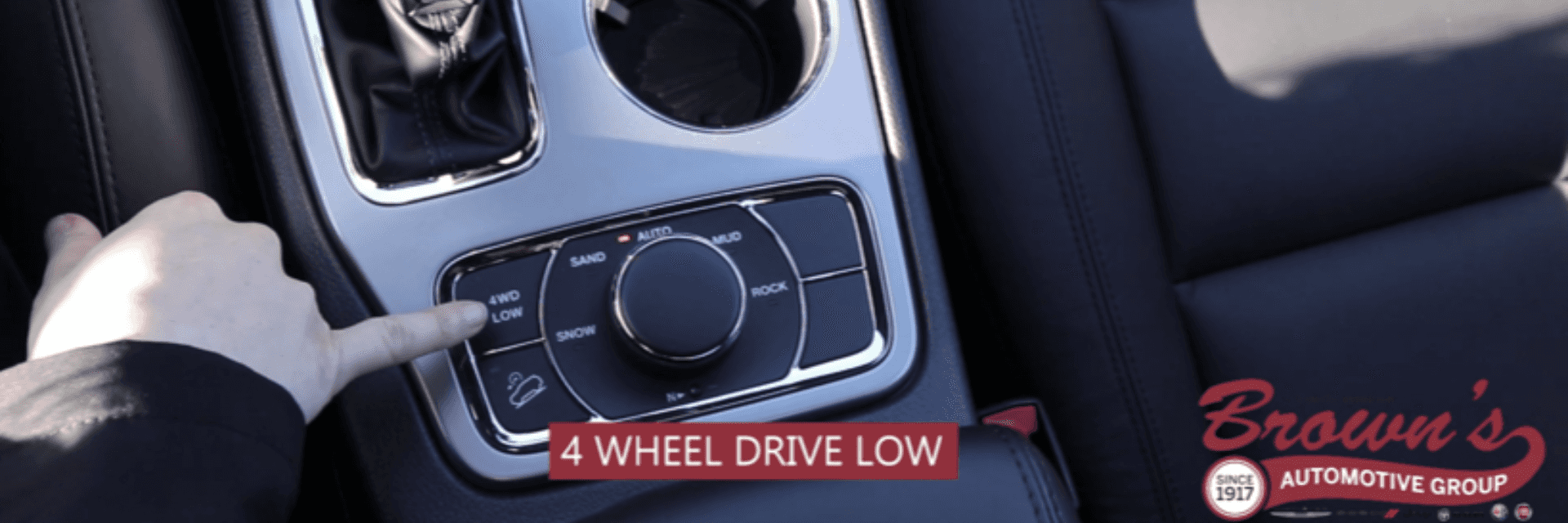
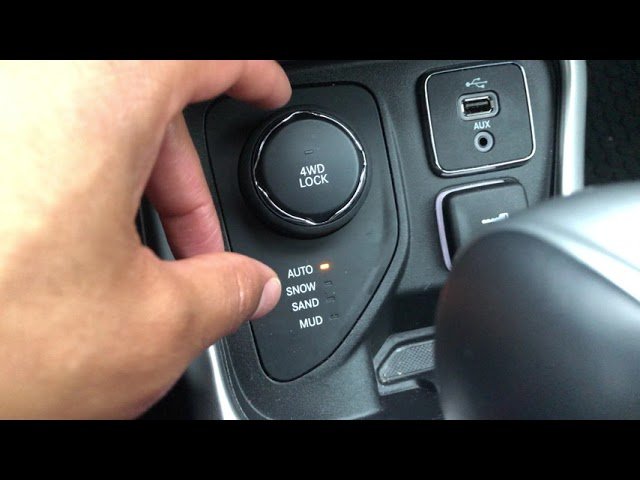
First, find the Selec-Terrain dial. It’s usually near the gear shifter, on the center console. It looks like a small round knob with labeled driving modes. If your Compass doesn’t have this dial, it’s likely an older model or a basic trim without advanced 4WD options.
Tip: If you’re unsure, check your owner’s manual or look for a knob labeled with terrain modes.
2. Choose The Appropriate Mode
Turn the dial to select the best mode for your situation:
- Auto: The default setting. The system decides when to send power to all wheels.
- Snow: Designed for icy or snowy roads. It changes throttle response and traction control for better grip.
- Sand: Helps with loose surfaces like sand or gravel.
- Mud: Useful for muddy or wet terrain.
Example: If you’re driving in winter, select Snow mode. For off-road adventures, pick Mud or Sand.
3. Confirm Activation On The Dashboard
Once you select a mode, check your dashboard display. You’ll see a notification or icon showing which mode is active. This confirmation is important—sometimes the system takes a few seconds to switch.
Non-obvious insight: Some drivers miss the dashboard confirmation, leading them to think 4WD is on when it’s not. Always look for the mode indicator.
4. Drive At Appropriate Speeds
After activating 4WD, drive at speeds recommended for each mode. For example, Snow and Mud modes work best at lower speeds. High speeds can reduce traction and may damage the system.
Common mistake: Switching modes while moving too fast. For best results, slow down before turning the dial.
Comparison Of Jeep Compass 4wd Modes
Here’s a side-by-side view of the main driving modes:
| Mode | Best Used For | Throttle Response | Traction Control |
|---|---|---|---|
| Auto | Normal roads | Standard | Automatic |
| Snow | Icy, snowy roads | Smoother | Enhanced |
| Sand | Loose surfaces | More aggressive | Optimized for grip |
| Mud | Muddy terrain | Strong | Reduced wheel spin |
Practical Tips For Using 4 Wheel Drive
- Don’t use 4WD on dry pavement. It can cause extra wear and lower fuel efficiency.
- Switch modes only when needed. Using the wrong mode can make driving harder.
- Check tire condition. Good tires are essential for traction, especially in 4WD.
- Read your manual. Each model year may have small differences in the system.
Data: Jeep Compass 4wd Vs. 2wd
How does the Compass perform in 4WD compared to 2WD? Here’s a quick look:
| Feature | 4 Wheel Drive | 2 Wheel Drive |
|---|---|---|
| Traction | High | Moderate |
| Fuel Efficiency (mpg) | 22–28 | 25–31 |
| Handling in snow | Excellent | Fair |
| Off-road ability | Strong | Limited |
Common Mistakes When Using 4 Wheel Drive
- Ignoring dashboard warnings. Always check for alerts when switching modes.
- Switching modes at high speed. This can stress the system.
- Not using the right mode. Picking Auto in deep snow or mud can reduce performance.
- Assuming 4WD means invincible. You still need to drive carefully.
Example: Real-world Use
Imagine you’re driving in a snowstorm. You turn the Selec-Terrain dial to Snow. The dashboard confirms the mode. You drive slowly, feeling more control as the system adjusts for slippery roads. If you try the same route in Auto or 2WD, you might slip or lose traction. This shows how picking the right mode makes a big difference.
Jeep Compass Trailhawk: Extra Features
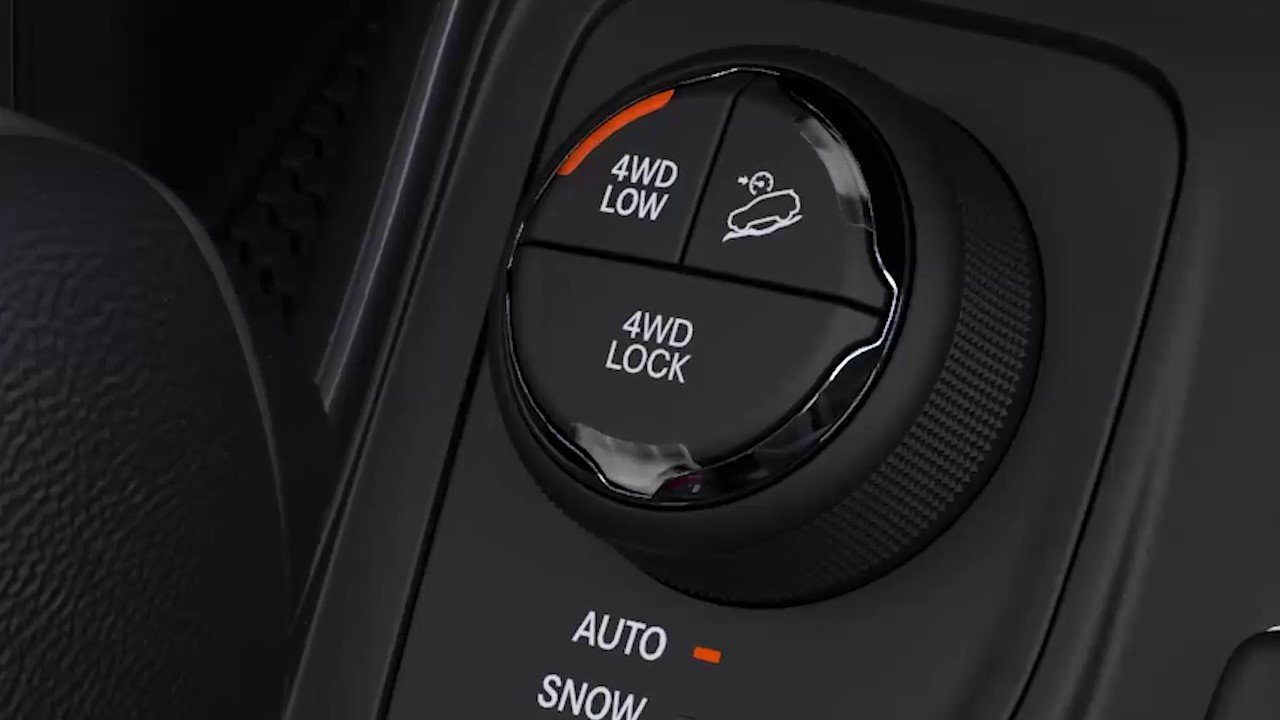
The Trailhawk trim has a 4WD Lock feature. This locks power to all wheels for tough conditions. It also has a Rock mode, useful for rocky trails. Other trims don’t have these options, so always check your model’s features.
| Trim | Selec-Terrain Modes | 4WD Lock | Rock Mode |
|---|---|---|---|
| Sport/Latitude | Auto, Snow, Sand, Mud | No | No |
| Trailhawk | All + Rock | Yes | Yes |
Frequently Asked Questions
What Happens If I Use The Wrong Mode?
Using the wrong mode can reduce traction and make driving harder. For example, using Sand mode on icy roads can cause slipping.
Can I Switch Modes While Driving?
Yes, but you should slow down first. Changing modes at high speed can damage the system or reduce effectiveness.
Does 4 Wheel Drive Improve Fuel Efficiency?
No, it usually lowers fuel efficiency. 4WD uses more power, so expect fewer miles per gallon.
Is 4wd Always Active In The Jeep Compass?
No. In most models, 4WD is automatic but only engages when needed. The Selec-Terrain dial lets you control when to use special modes.
Where Can I Find More Details?
You can find more information from the official Jeep site: Jeep Compass Official.
Driving a Jeep Compass with 4 wheel drive is simple once you know the steps. Using the right mode for your situation keeps you safer and makes your vehicle last longer.
Remember to check your dashboard, drive at safe speeds, and always use the proper mode for the terrain.
With these tips, you’ll get the most from your Compass every time you hit the road.



















