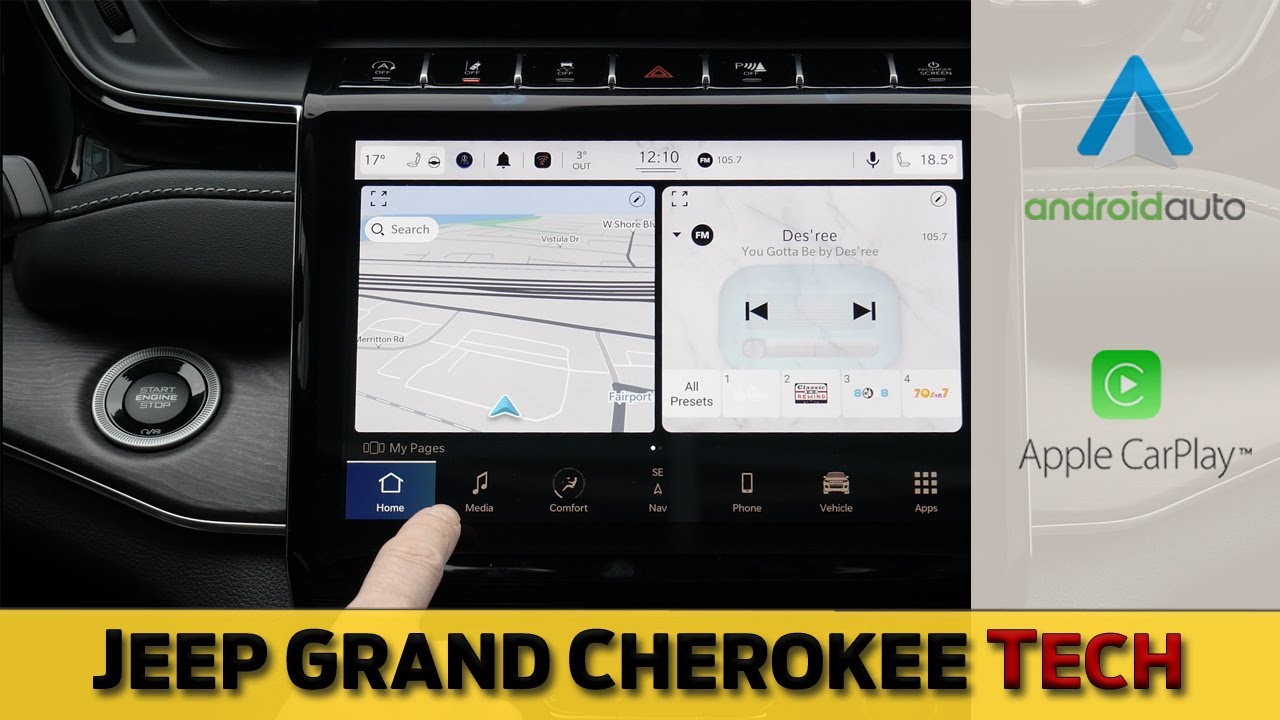
The Jeep Cherokee is a popular SUV known for its rugged style and reliable performance. Many buyers want to know if it includes a navigation system, and how this feature works in different Cherokee models.
Navigation is important for daily commuting, road trips, and exploring new places. Let's dive into the details of navigation in the Jeep Cherokee, including which trims offer it, how the system works, and what alternatives exist.
The Jeep Cherokee has several trims, and not all of them come with built-in navigation. Understanding which versions have navigation helps you make a smart purchase.
In many Cherokee models, navigation is optional rather than standard. For example, entry-level trims like the Latitude usually come with the Uconnect infotainment system, but navigation is not included unless you upgrade.
Higher trims such as Limited and Trailhawk often offer navigation as part of a package or as a standard feature. The Uconnect 8.4 NAV system is the most common factory navigation in the Cherokee lineup.
Here’s a quick comparison of navigation availability by trim:
| Trim | Navigation Standard? | Navigation Available? |
|---|---|---|
| Latitude | No | Optional |
| Latitude Plus | No | Optional |
| Limited | No | Optional/Package |
| Trailhawk | No | Optional/Package |
| High Altitude | Yes | Standard |
Always check the exact features of your chosen model year. For example, the 2021 Cherokee High Altitude trim comes with navigation standard, but others may require a tech package.
Jeep uses the Uconnect system for navigation and infotainment. The Uconnect 8.4 NAV is the primary navigation unit in most Cherokees. It combines touchscreen controls, voice commands, and real-time information.
- Touchscreen maps: Easy-to-read displays with pinch-to-zoom.
- Voice guidance: Turn-by-turn directions.
- Traffic alerts: Real-time updates on traffic and road conditions.
- Points of Interest: Find gas stations, restaurants, and hotels.
- Route planning: Choose fastest, shortest, or alternate routes.
The system updates maps periodically, but you may need to visit a dealer for software updates. Some users miss this step, resulting in outdated maps.
Smartphone Integration
Even if your Cherokee doesn’t have built-in navigation, you can use Apple CarPlay or Android Auto. These systems allow you to connect your phone and use navigation apps like Google Maps or Waze directly on the Uconnect screen.
Here’s a comparison of built-in vs smartphone navigation:
| Feature | Uconnect Navigation | Smartphone Navigation |
|---|---|---|
| Offline Maps | Yes | Limited/No |
| Traffic Updates | Yes | Yes |
| Voice Commands | Yes | Yes |
| Map Updates | Dealer visit needed | Automatic |
| Integration | Built-in | Requires phone |
Smartphone navigation is often more updated and flexible, but built-in navigation works even without a data connection.
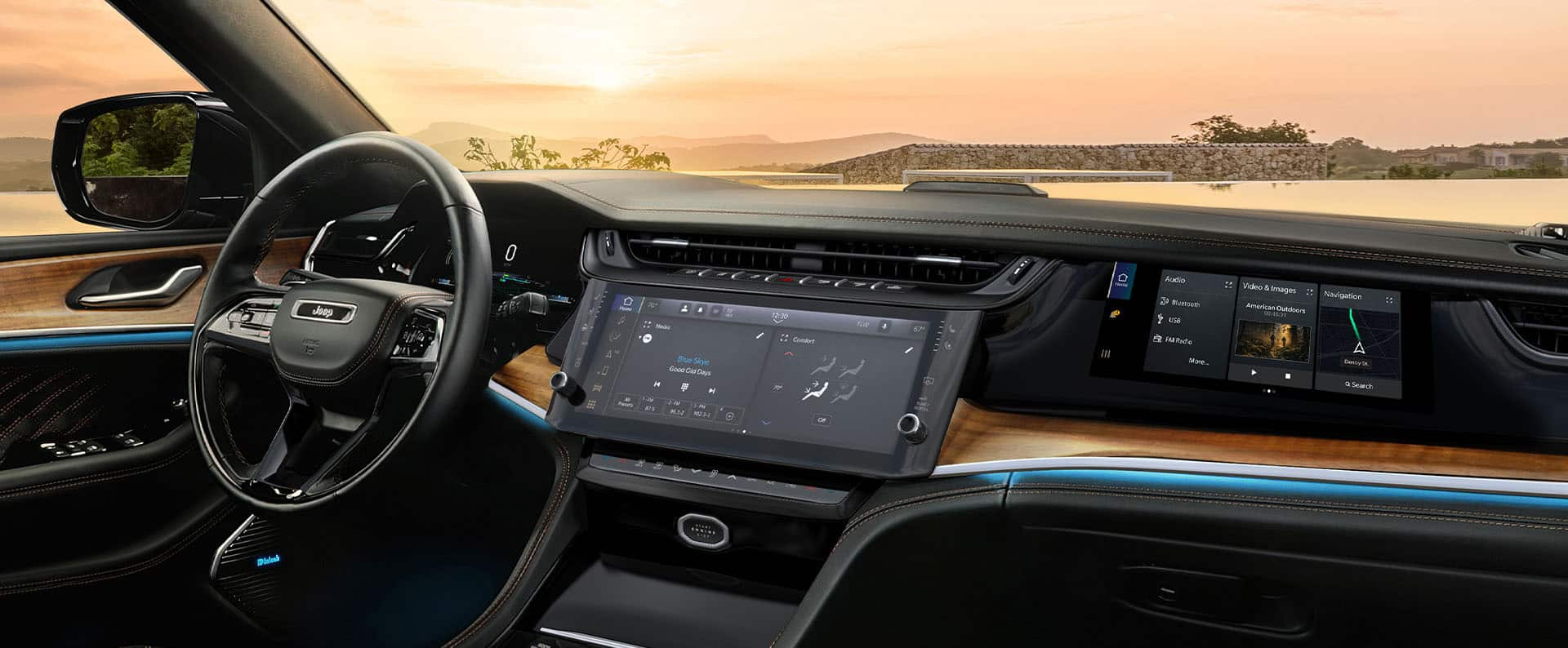
When choosing a Jeep Cherokee, consider these points about navigation:
- Check trim features: Not all trims have navigation; verify before buying.
- Ask about packages: Navigation may be part of a tech or luxury package.
- Test the system: Try the Uconnect navigation in person to see if it meets your needs.
- Consider phone integration: If you use Google Maps or Waze, built-in navigation may not be essential.
- Check map update policy: Some dealers charge for map updates, while others include them in maintenance.
A common mistake is assuming all Cherokees have navigation. This can lead to disappointment after purchase.
Always review the window sticker or ask the dealer for a feature list.
Non-obvious Insights
Many buyers overlook two important facts:
- Used Cherokee models may not have navigation even if they look high-end. Always check the infotainment screen—some have the same size, but only certain versions support navigation.
- Resale value improves with navigation. SUVs with built-in navigation often sell for higher prices, especially in markets where tech features matter.

If your Cherokee lacks built-in navigation, you have several options:
- Smartphone apps: Connect via CarPlay or Android Auto.
- Portable GPS units: Devices like Garmin or TomTom can be mounted in your vehicle.
- Aftermarket systems: Some companies offer Uconnect upgrades with navigation.
Most people prefer smartphone navigation for its up-to-date maps and free usage. However, built-in systems are reliable when traveling in areas with poor cell signal.
Frequently Asked Questions
No, not all Cherokees come with navigation. Lower trims require upgrades or packages. Always check your vehicle’s features before buying.
Yes, it’s possible to upgrade the Uconnect system at a dealer or install an aftermarket navigation unit. Costs vary, so ask your dealer for details.
Uconnect is reliable and works offline. Google Maps updates automatically and has more features, but needs a phone connection. Each has benefits depending on your needs.
You need to visit a Jeep dealer or use the official Uconnect website. Some updates are free, while others may require payment.
Keeping maps updated is important for accurate directions.
The 8. 4 NAV version includes built-in navigation, while the standard 8.
4 is only an infotainment system without navigation. Check your vehicle’s system label or ask the dealer.
If you want more details on Jeep technology and navigation, visit the official Jeep site: Jeep Cherokee Official Site.
Choosing a Jeep Cherokee with navigation depends on your driving style, budget, and need for reliable directions. Take time to review features, test systems, and explore alternatives to get the best experience from your SUV.