If you drive a 2020 Jeep Grand Cherokee, you’re probably wondering if it supports Apple CarPlay. Smartphone integration is a must for many drivers today.
It makes navigation, music, messaging, and calling much easier and safer. Let’s look at whether the 2020 Grand Cherokee has Apple CarPlay, how it works, and why it matters for your everyday driving.
Does The 2020 Jeep Grand Cherokee Have Apple Carplay?
Yes, the 2020 Jeep Grand Cherokee comes standard with Apple CarPlay on most trim levels. This feature lets you connect your iPhone directly to the vehicle’s Uconnect infotainment system. Once connected, you can use apps, voice commands, and touch controls right from the car’s screen.

Which Trims Get Apple Carplay?
Not every Grand Cherokee trim is the same. Here’s which 2020 trims support Apple CarPlay:
- Laredo: Standard
- Limited: Standard
- Trailhawk: Standard
- Overland: Standard
- Summit: Standard
- SRT: Standard
- Trackhawk: Standard
So, unless you have a rare fleet or base model with no infotainment screen, your 2020 Grand Cherokee almost certainly has Apple CarPlay.
How Apple Carplay Works In The Grand Cherokee
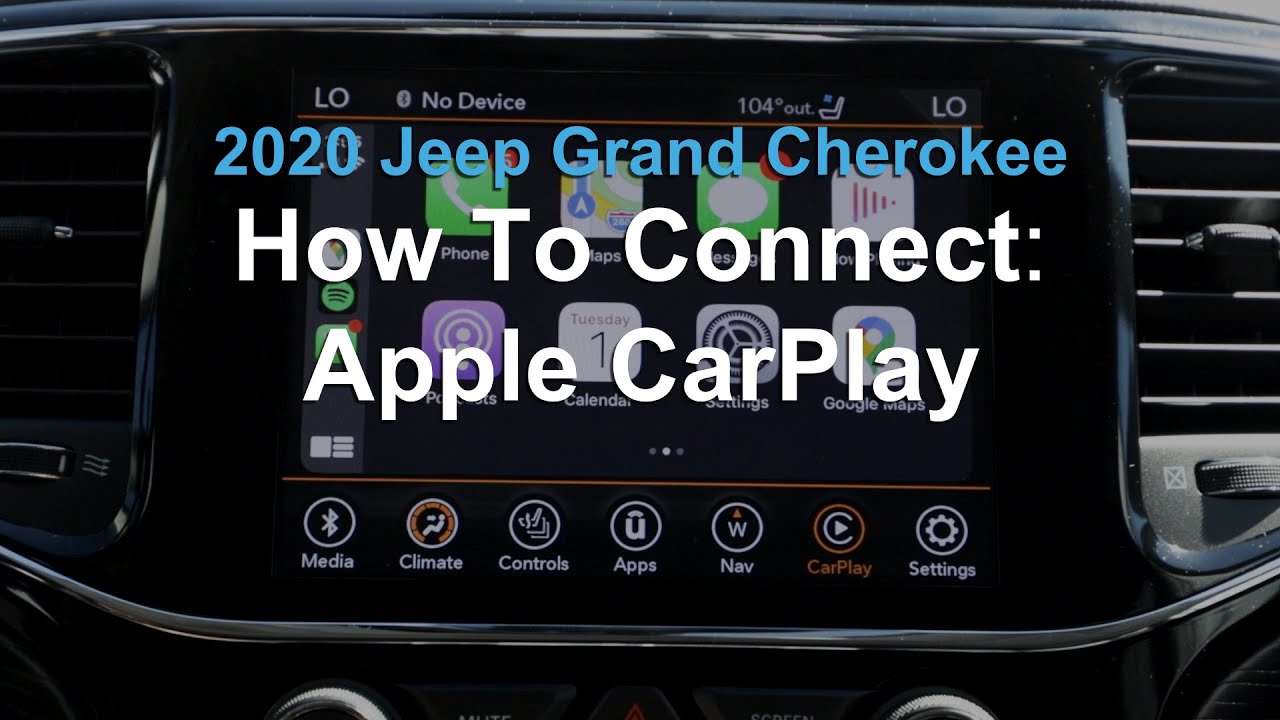
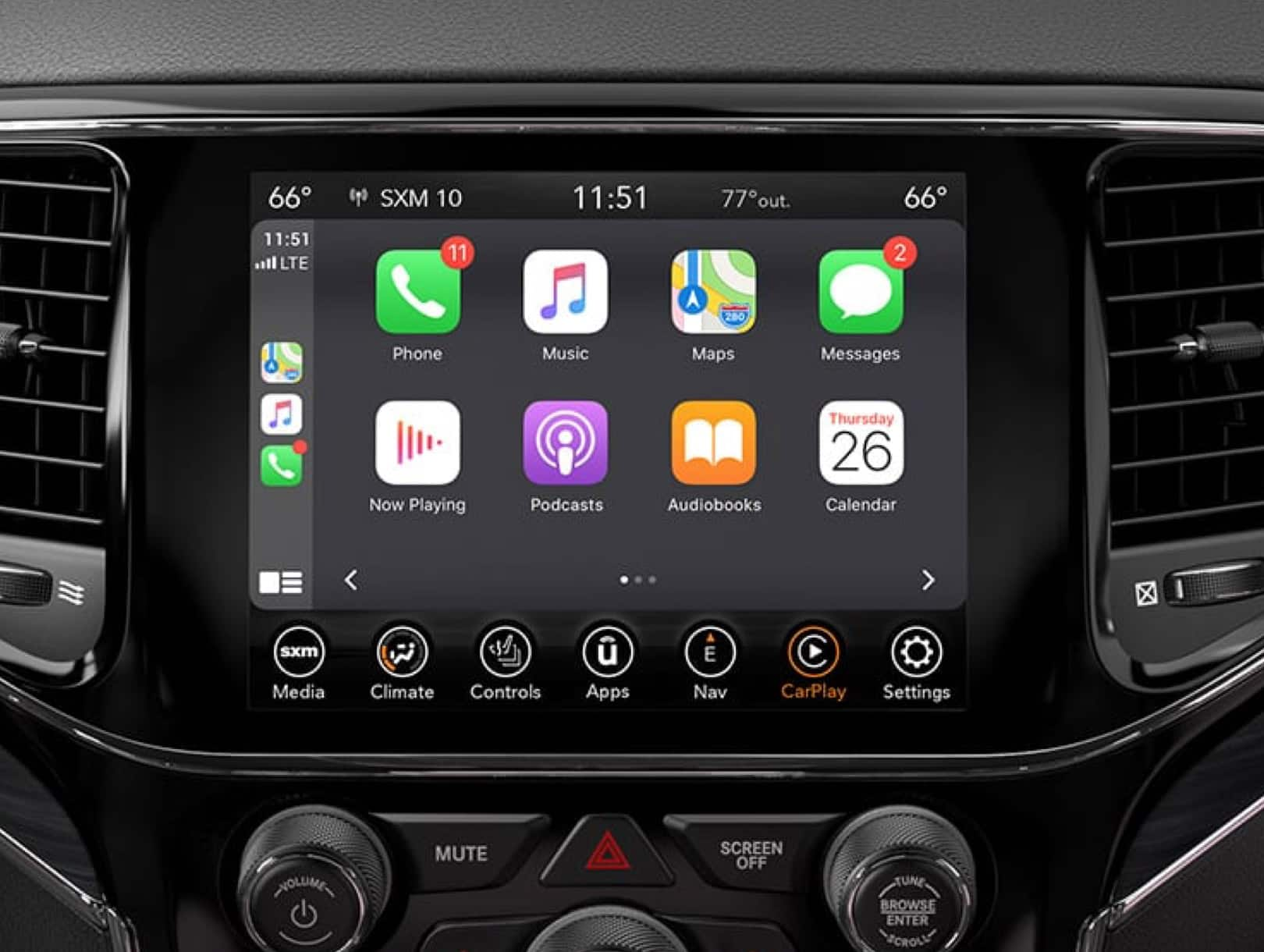
Apple CarPlay connects your iPhone to the Uconnect system. You need a compatible iPhone (iPhone 5 or newer) and a USB cable. Once plugged in, the CarPlay interface appears on the touchscreen. You can control:
- Navigation: Use Apple Maps, Google Maps, or Waze.
- Music: Access Apple Music, Spotify, Pandora, and more.
- Messaging: Send texts with Siri.
- Calls: Make hands-free phone calls.
The system responds to touch, steering wheel buttons, and voice commands. This reduces distractions while driving.
Comparison: Apple Carplay Vs Android Auto
Many drivers ask how Apple CarPlay compares to Android Auto. Here’s a quick look:
| Feature | Apple CarPlay | Android Auto |
|---|---|---|
| Navigation | Apple Maps, Google Maps, Waze | Google Maps, Waze |
| Voice Control | Siri | Google Assistant |
| Compatible Devices | iPhone 5+ | Android 5.0+ |
| Music Apps | Apple Music, Spotify | Google Play Music, Spotify |
Both systems offer similar features. The main difference is which phone you use.
Key Features Of Apple Carplay In 2020 Grand Cherokee
The Uconnect 4C NAV system includes:
- 8.4-inch touchscreen: Clear, easy-to-use interface.
- Voice commands: Control apps hands-free.
- Bluetooth: Stream music wirelessly.
- USB ports: Charge your devices.
This setup makes it easy to use CarPlay and other features without hassle.
Setting Up Apple Carplay: Step-by-step
Connecting Apple CarPlay is simple:
- Plug your iPhone into the Grand Cherokee’s USB port.
- The Uconnect screen shows the CarPlay icon.
- Tap the icon to launch Apple CarPlay.
- Follow any prompts on your phone.
- Use Siri or the touchscreen to access apps.
Most users find setup takes less than a minute. If your iPhone doesn’t connect, check that your cable and iOS version are compatible.
Data Table: Grand Cherokee Infotainment Features
Here’s a quick overview of infotainment features by trim:
| Trim | Touchscreen Size | Apple CarPlay | Android Auto | Navigation |
|---|---|---|---|---|
| Laredo | 7.0″ | Yes | Yes | Optional |
| Limited | 8.4″ | Yes | Yes | Standard |
| Summit | 8.4″ | Yes | Yes | Standard |
Higher trims get larger screens and more features, but Apple CarPlay is standard across the board.
Why Apple Carplay Matters For Drivers
Apple CarPlay makes driving safer and more convenient. You can:
- Get turn-by-turn directions without touching your phone.
- Listen to your favorite music or podcasts.
- Reply to texts using your voice.
- Make calls with hands-free controls.
According to a 2022 survey, over 60% of new car buyers see smartphone integration as a top priority. The Grand Cherokee’s CarPlay support helps keep it competitive.
Common Problems And Solutions
Some drivers report issues like CarPlay not connecting or laggy screens. Here are practical tips:
- Make sure your iPhone has the latest iOS update.
- Use a certified USB cable.
- Restart your phone and vehicle.
- If CarPlay doesn’t appear, check your phone’s settings under “CarPlay.”
An overlooked tip: Sometimes, a dirty USB port causes connection issues. Clean it gently if needed.
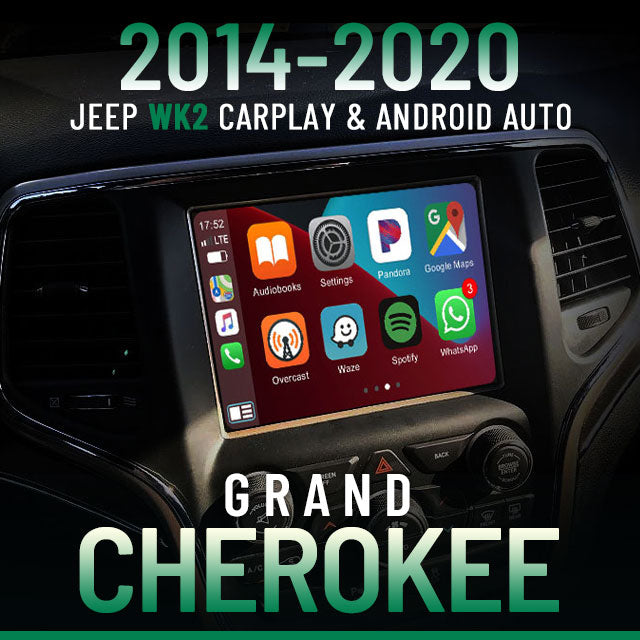
Non-obvious Insights
- Personalization: You can rearrange CarPlay apps from your iPhone settings, so your favorites appear first.
- Do Not Disturb: Apple CarPlay supports “Do Not Disturb While Driving,” blocking notifications to reduce distractions.
Most users don’t realize you can control CarPlay music from steering wheel buttons, not just the touchscreen.
Comparison Table: Grand Cherokee Vs Competitors (2020)
Let’s see how the Grand Cherokee stacks up against rivals:
| Model | Apple CarPlay | Android Auto | Touchscreen Size |
|---|---|---|---|
| Jeep Grand Cherokee | Yes | Yes | 7.0″–8.4″ |
| Ford Explorer | Yes | Yes | 8.0″ |
| Toyota Highlander | Yes | Yes | 8.0″ |
The Grand Cherokee matches its competitors in smartphone integration.