Many Jeep owners enjoy using their vehicles’ technology, especially the built-in screens found in modern models. These displays, usually called Uconnect screens, are designed for navigation, music, and vehicle settings. But a common question is: can you actually watch movies on a Jeep screen? The answer isn’t simple—it depends on your Jeep model, local laws, and how you want to watch. This article explains your options, potential risks, and what you need to know for a safe and enjoyable experience.
Jeep Screens: What They Can (and Can’t) Do
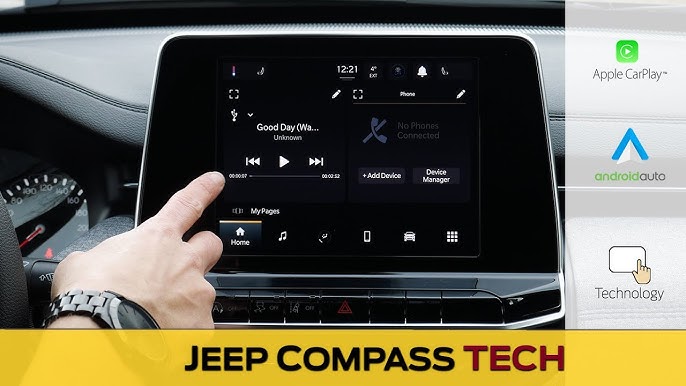
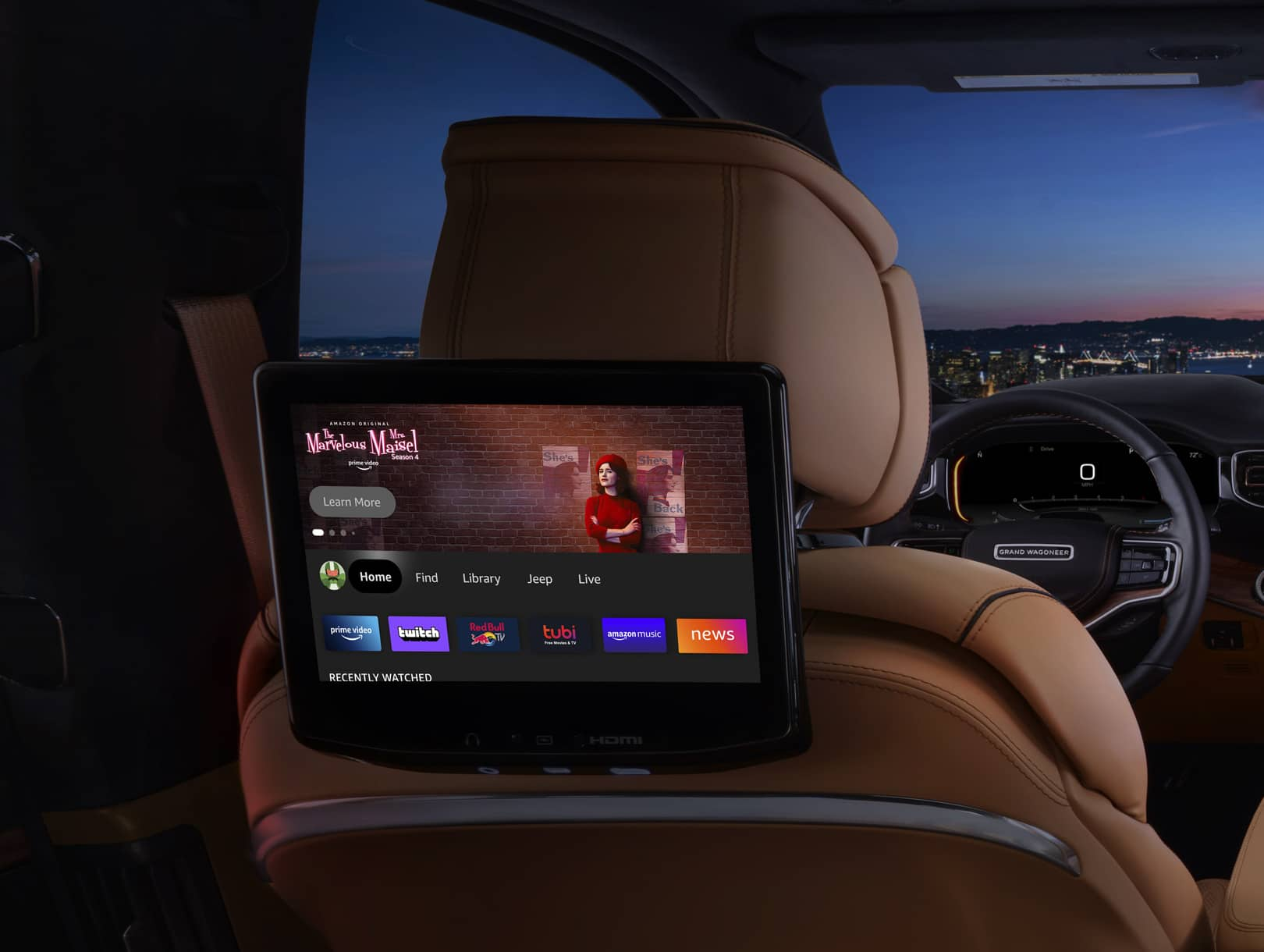
Most new Jeeps come with a Uconnect infotainment system. These systems have touchscreens that control audio, climate, phone calls, and navigation. Some higher-end Jeeps, like the Grand Cherokee and Wagoneer, offer even larger displays and rear-seat entertainment options.
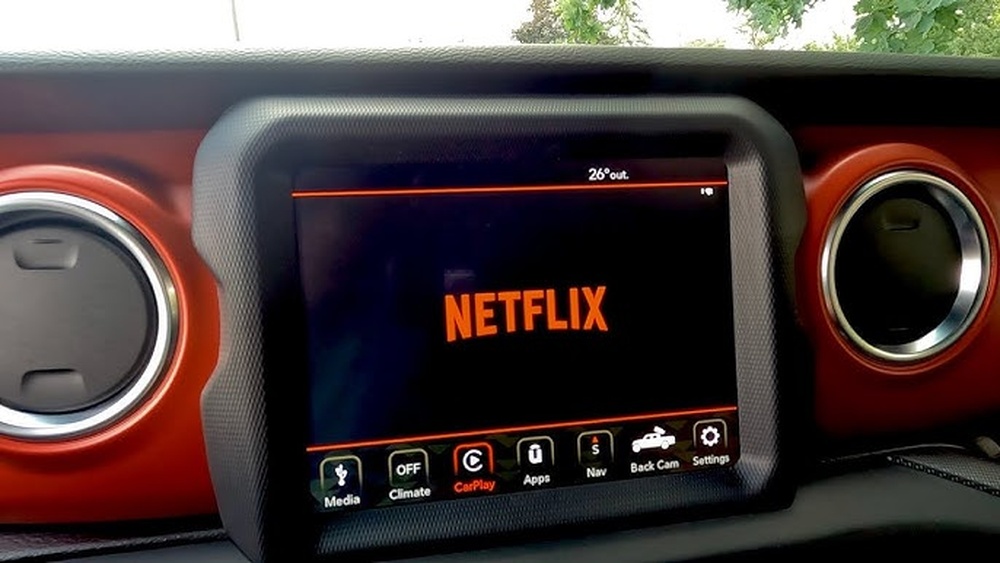
However, watching movies on the main dashboard screen is restricted while driving. This is for safety—drivers shouldn’t be distracted by videos. When the vehicle is in motion, video playback is usually disabled automatically.
Typical Features By Model
Here’s a quick look at what you can expect from different Jeep models:
| Jeep Model | Screen Size | Movie Playback (Front) | Rear Entertainment |
|---|---|---|---|
| Wrangler | 7-8.4 inches | No (when driving) | No |
| Grand Cherokee | 8.4-10.1 inches | No (when driving) | Optional |
| Wagoneer | 10.1-10.25 inches | No (when driving) | Yes |
Most Jeep screens are not designed for movies while the car is moving. Only some rear-seat passengers can watch movies, and even then, only if the vehicle has a special rear entertainment system.
Ways To Watch Movies In A Jeep
Even with restrictions, there are ways to watch movies in a Jeep—if you follow safety rules and local laws. Here are the main options:
1. Rear-seat Entertainment Systems
Some Jeeps, especially luxury models, offer factory-installed rear screens. These can play DVDs, Blu-rays, or stream from devices like a phone or tablet. Passengers in the back can enjoy movies on long trips, while the driver stays focused on the road.
2. Usb Or Sd Card Playback
Certain Uconnect systems allow you to plug in a USB drive or SD card to view photos or videos. However, video playback will only work when the Jeep is in “Park.” As soon as you shift into “Drive,” the video stops automatically.
3. Smartphone Mirroring (apple Carplay/android Auto)
Some owners try to use Apple CarPlay or Android Auto to play movies from their phones. But both systems block video playback while the vehicle is moving. This is true for most modern cars, not just Jeep.
4. Aftermarket Solutions
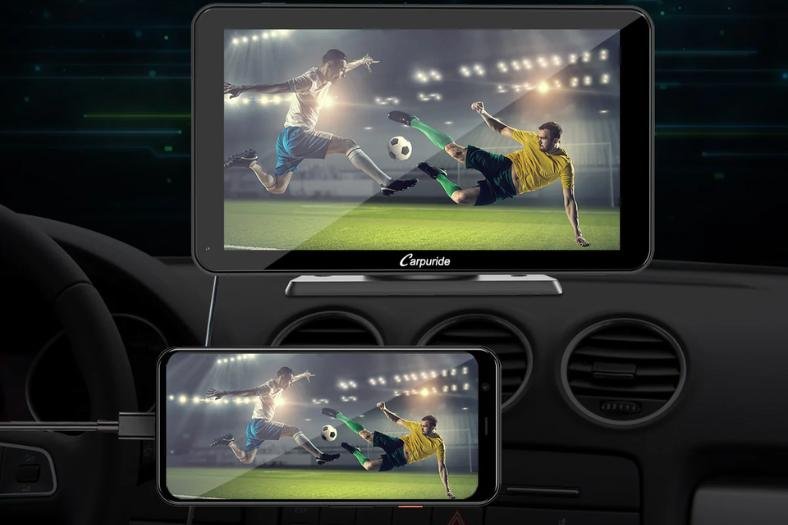
A few companies sell unlock modules or “video in motion” devices that bypass factory restrictions. These let you play videos on the main screen, even while driving. But this method is risky:
- It can void your Jeep warranty
- It may break local laws
- It could cause distracted driving accidents
5. Portable Devices
The safest and easiest way is to use a tablet or portable DVD player for passengers. These devices are not connected to the Jeep’s system, so there’s no risk of interference or breaking rules.
Is It Legal To Watch Movies In A Jeep?
In the United States, federal and state laws control in-car video playback. Laws are strict: drivers cannot watch videos on the dashboard screen while the car is moving. Some states even ban any screen visible to the driver that shows video (except for GPS).
If you use an unlock module to bypass restrictions and are caught, you could face:
- Fines
- Points on your license
- Insurance problems if there’s an accident
Always check your local laws before trying any video playback feature.
How To Play Movies (when Allowed)
Suppose you want to use your Jeep’s screen to watch movies while parked. Here’s a basic step-by-step guide:
- Make sure your Jeep is in “Park.”
- Insert a USB drive or SD card with compatible video files (MP4 is common).
- Select “Media” or “Source” on your Uconnect screen.
- Choose your device and pick a video file.
- Play the movie. Video will stop if you shift into “Drive.”
For rear-seat screens, you may also:
- Insert a DVD or Blu-ray (if supported)
- Connect a streaming device (like Amazon Fire Stick, if there’s an HDMI port)
Not all Jeeps have the same features. Check your owner’s manual for details.
Common Issues And Solutions
Video doesn’t play: Check if the file format is supported. Uconnect usually plays MP4, but not all video types.
No sound: Make sure the audio is not muted. Some systems play video sound only through headphones.
Screen goes blank after shifting gears: This is normal—it’s a safety feature.
Rear screen not working: Make sure the system is turned on and the right input (DVD, HDMI, USB) is selected.
Jeep Vs Other Brands: Movie Playback
How does Jeep compare to other brands for in-car movies? Here’s a quick comparison:
| Brand | Front Screen Video | Rear Entertainment |
|---|---|---|
| Jeep | No (while driving) | Optional in some models |
| Ford | No (while driving) | Available in SUVs |
| Toyota | No (while driving) | Available in minivans/SUVs |
| Tesla | Yes (while parked) | No built-in rear screens |
Most automakers follow the same rules: no front seat movies while driving, but rear passengers can watch in some models.
Safety And Practical Advice
Watching movies in a Jeep is possible, but only under safe and legal conditions. Here are some tips:
- Use video features only when the car is fully stopped
- For long trips, consider factory rear entertainment or portable devices
- Never try to bypass safety features—driver distraction is dangerous
- Know your local laws to avoid fines or legal trouble
Two things many people miss: even when parked, leaving the engine on for a long time can drain your battery, and using a portable device is often easier than trying to hack the Jeep system.
If you want the best experience for your family or passengers, choose a model with a factory rear entertainment system, or invest in high-quality portable screens with long battery life.
For more details on in-car entertainment laws, see this Wikipedia guide.
Frequently Asked Questions
Can I Play Netflix On My Jeep Screen?
No, you can’t play Netflix directly on the main Jeep screen. Streaming services are blocked for safety reasons, except possibly on factory rear entertainment systems.
Does Watching Movies Void My Jeep Warranty?
Using the built-in features as intended does not void your warranty. Using unlock modules or hacking the system to bypass restrictions can risk your warranty.
Are There Any Jeep Apps For Movies?
No official Jeep or Uconnect apps allow movie streaming on the main screen. Rear entertainment apps may exist for certain models.
What Video File Types Does Uconnect Support?
Most Uconnect systems support MP4 video files, but some may also support AVI or WMV. Check your manual for the full list.
Is It Safe To Use An Aftermarket Unlock Device?
No. Unlock devices can cause distractions, break the law, and may affect your vehicle’s electronics and warranty.
Stick to legal, safe options for watching movies.
Jeep screens offer entertainment, but always put safety first. With the right setup and awareness of the rules, you can enjoy movies on the road responsibly.