Driving a Jeep with advanced safety features feels different than older models. One feature you might notice is the Keep Hands On Steering Wheel alert. This message pops up if your vehicle thinks you’re not holding the steering wheel enough while using driver-assist systems, like Adaptive Cruise Control or Lane Keep Assist. For many Jeep owners, this warning can become annoying, especially if you’re driving carefully. You might wonder if you can turn it off, or at least reduce how often it appears. Let’s explore what this alert really is, why it exists, and how you can adjust or disable it safely.
Understanding The “keep Hands On Steering Wheel” Alert
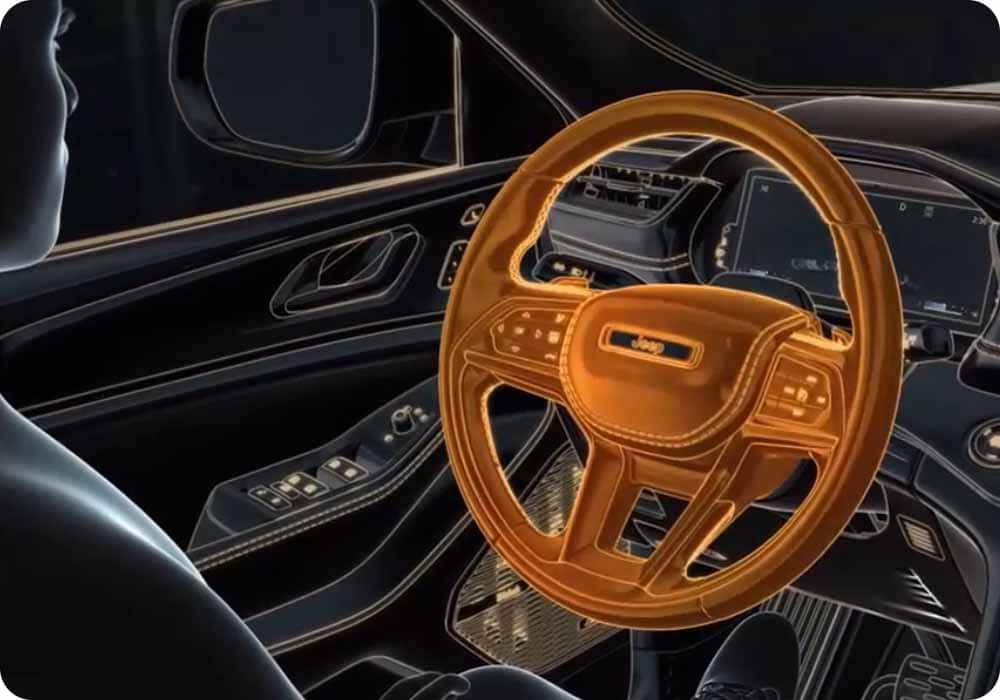
Modern Jeeps, such as the Grand Cherokee, Wrangler, and Gladiator, have sensors in the steering wheel. These sensors check if your hands are touching the wheel during driver assistance features. If the sensors don’t detect your hands for a certain time (usually 15–60 seconds), the alert appears. This system helps prevent distracted driving and keeps you responsible for control.
Why Does Jeep Use This Feature?
The main reason is safety. Jeep, like other automakers, wants to make sure drivers are ready to take over even when the car helps with steering or speed. Statistics from the National Highway Traffic Safety Administration show that over 3,000 deaths each year in the US are caused by distracted driving. Hands-on detection lowers that risk.
How Does The System Detect Your Hands?
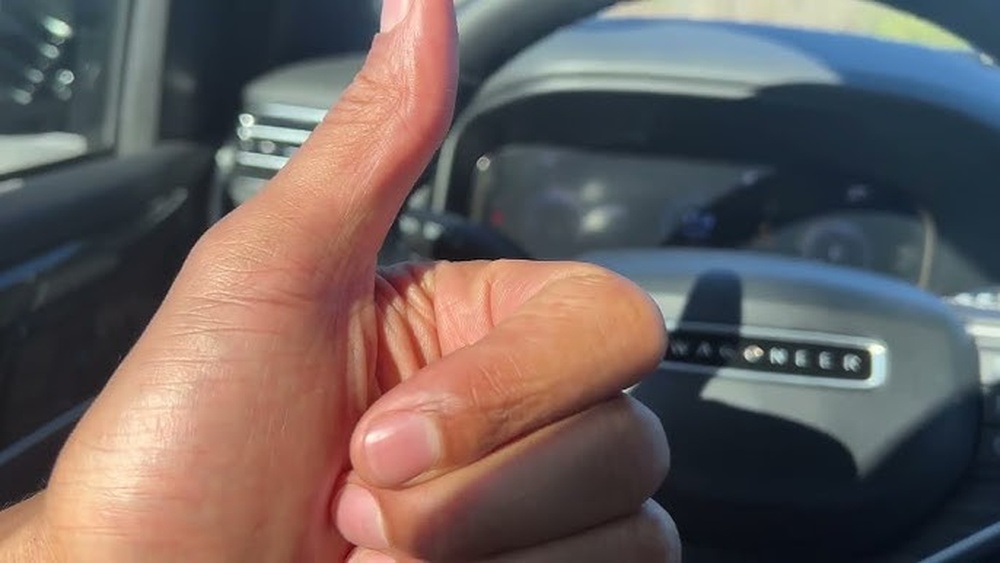
Jeep uses small sensors in the wheel that feel electrical signals from your skin. If you wear gloves, or have sweaty or dry hands, the sensors may not work perfectly, causing false alerts. Some drivers also report issues when holding the wheel lightly.
Can You Turn Off The Alert?
Many drivers ask, “Can I turn off the Keep Hands On Steering Wheel alert?” The short answer: Not directly, at least not through standard settings. Jeep and other brands lock this feature because of safety laws and regulations. However, there are ways to reduce its frequency or modify its behavior. Let’s look at all possible methods.
1. Adjusting Driver Assist Settings
Most Jeeps let you customize some driver assist features in the Uconnect settings. You can sometimes turn off lane keep assist or adaptive cruise control, which disables hands-on detection.
Steps To Adjust Settings:
- Tap the “Settings” icon on your Uconnect screen.
- Go to “Driver Assistance” or “Safety & Security.”
- Find “Lane Keep Assist” or “Adaptive Cruise Control.”
- Toggle these features off.
Turning off these features will stop hands-on alerts, but you lose useful safety aids. Decide if this trade-off is right for your driving style.
2. Using Steering Wheel Techniques
Some owners find that changing how they hold the wheel helps. Gripping firmly, or touching with both hands, can prevent false warnings. If you drive with just fingertips, or rest your hand on top, alerts may appear more often.
Common Mistakes:
- Wearing thick gloves
- Holding the wheel too lightly
- Letting hands slip off during turns
3. Aftermarket Devices
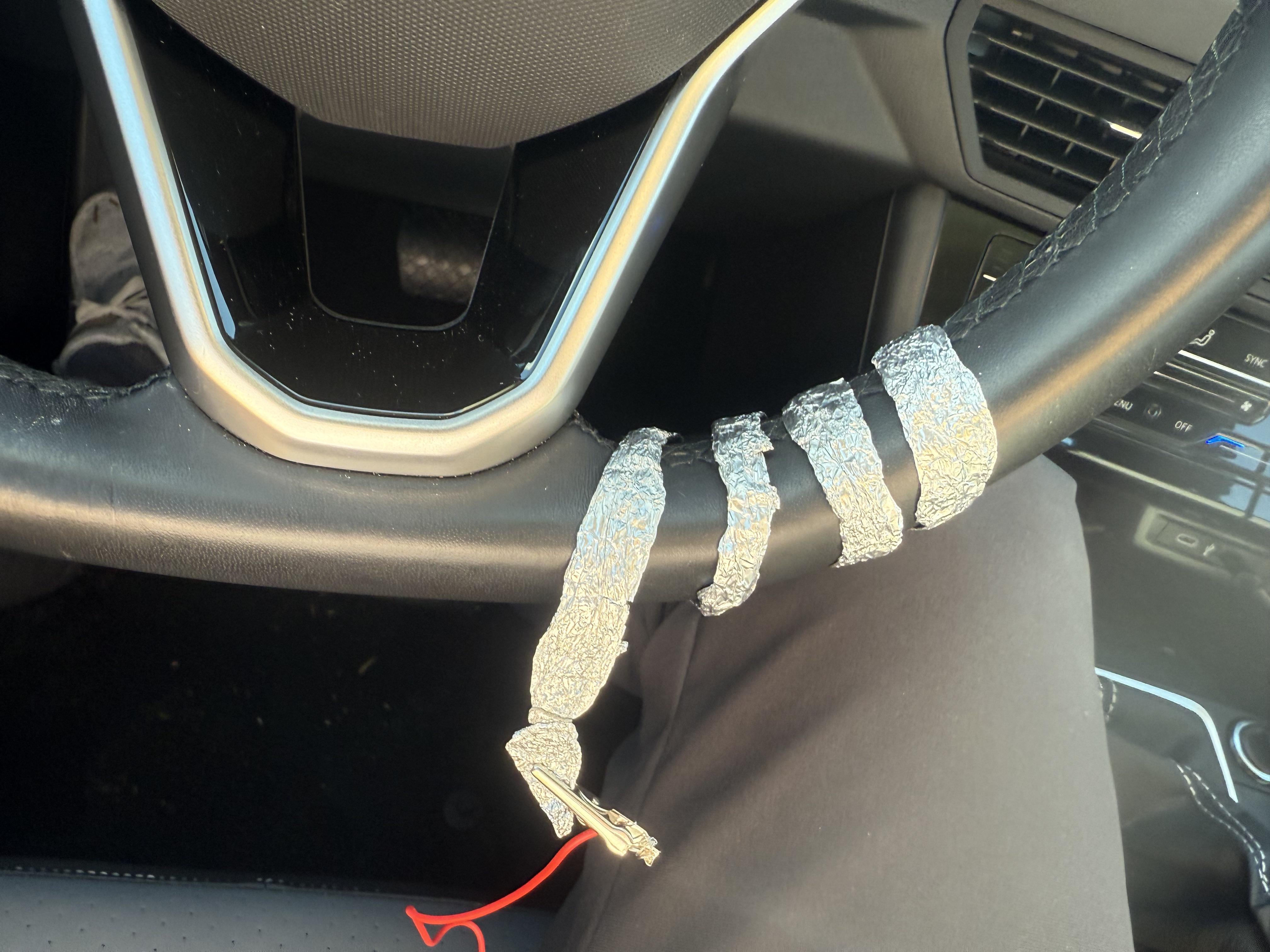
A few aftermarket products claim to “trick” steering wheel sensors. These are small clips or straps that mimic a hand’s touch. Use caution: Jeep may void your warranty if you use these, and they are not always reliable.
| Method | Effectiveness | Risk |
|---|---|---|
| Uconnect Settings | High | Lose safety features |
| Steering Techniques | Medium | None |
| Aftermarket Devices | Low–Medium | Warranty issues |
What If The Alert Appears Too Often?
If you see the alert even when your hands are on the wheel, your Jeep may have a sensor problem. You can try these steps:
- Clean the steering wheel with a soft cloth.
- Remove gloves or check if hands are dry.
- Restart the car.
- Visit your dealer for a sensor check.
A surprising insight: Some drivers find that using bare hands (no gloves) lowers false alerts by 70%. Also, steering wheel covers can block sensors, so remove any covers if alerts are frequent.
Comparing Jeep’s System To Other Brands
Jeep’s hands-on detection is similar to other brands, but each uses slightly different technology. For example, Tesla uses torque sensors, while BMW uses capacitive touch.
| Brand | Detection Method | Alert Frequency |
|---|---|---|
| Jeep | Capacitive Touch | Medium |
| Tesla | Torque Sensor | High |
| BMW | Capacitive Touch | Low |
| Ford | Pressure Sensor | Medium |
Jeep’s system offers a balance between safety and convenience, but it’s not perfect. Some drivers prefer BMW’s less sensitive system, while others like Tesla’s faster alerts.
Legal And Warranty Considerations
It’s important to know that safety features like Keep Hands On Steering Wheel are required by law in many countries. Disabling them can be risky, and may affect your car’s warranty. Jeep’s warranty often states that tampering with safety systems voids coverage.
What Does The Law Say?
The US Department of Transportation requires automakers to include driver monitoring in vehicles with semi-autonomous features. This rule aims to keep drivers alert and prevent accidents.
Warranty Risks
If you use aftermarket devices or software hacks, Jeep may refuse to fix related problems under warranty. Always read your warranty booklet before making changes.
Non-obvious Tips For Managing The Alert
Most guides mention basic steps, but here are two insights many beginners miss:
- Update Your Uconnect System: Jeep releases software updates that improve sensor accuracy. Check for updates every 6 months. This often lowers false alerts, especially in newer models.
- Change Driving Habits During Long Trips: On highways, take short breaks to stretch your hands. Fatigue can make you hold the wheel less firmly, increasing alerts.
Another tip: If your Jeep is still under warranty, ask your dealer to recalibrate the steering sensors. This service is usually free and can reduce unnecessary alerts.
Real-life Example: Jeep Wrangler Owner
Maria owns a 2021 Jeep Wrangler. She uses Adaptive Cruise Control often, but the hands-on alert appeared every few minutes. After talking to her dealer, they found her steering wheel cover blocked the sensors. Removing the cover and updating Uconnect fixed the issue.
Now, alerts only appear if she truly removes her hands.
Data: How Often Do Drivers See The Alert?
A survey of 500 Jeep owners found:
- 62% get the alert at least once per week.
- 18% see it daily.
- 12% report false alerts with gloves.
- 8% never see the alert.
Most drivers say the alert is not dangerous, just annoying. However, some report feeling safer knowing the system checks for hands.
| Alert Frequency | Percent of Owners |
|---|---|
| Weekly | 62% |
| Daily | 18% |
| With Gloves | 12% |
| Never | 8% |
Is It Safe To Disable The Alert?
Disabling any safety feature is risky. The alert protects you and others on the road. If you turn off driver assistance systems, drive carefully and stay alert. Remember, these systems are not substitutes for attention.
Steps To Reduce Alerts Without Disabling Safety
You can lower how often the Keep Hands On Steering Wheel alert appears without turning off key safety features:
- Hold the wheel firmly with both hands.
- Avoid gloves or use thin, conductive gloves.
- Remove steering wheel covers if present.
- Check for software updates in Uconnect.
- Visit your dealer for sensor recalibration.
These steps keep your safety features active, but lower annoyance.
When Should You Ask For Professional Help?
If you see alerts constantly, even with hands on the wheel, your Jeep may need a sensor check. Dealers can test and recalibrate sensors.
They might also check for software bugs. Don’t try advanced fixes yourself; professional help is safer and keeps your warranty valid.
For more details about driver assistance systems and legal rules, see the NHTSA’s official guidance.
Frequently Asked Questions
Can I Turn Off The “keep Hands On Steering Wheel” Alert In My Jeep?
No, you can’t fully turn it off through standard settings. You can reduce alerts by turning off driver assist features or changing how you hold the wheel.
Is It Safe To Use Aftermarket Devices To Trick The Sensors?
It’s not recommended. These devices may cause warranty issues or fail in emergencies. Always read your warranty before using them.
Why Do I Get False Alerts Even When Holding The Wheel?
False alerts usually happen due to gloves, steering wheel covers, or dry hands. Cleaning the wheel and changing hand position often helps.
Will Disabling Driver Assist Features Affect My Jeep’s Warranty?
Disabling through official settings is safe, but hacking or using devices can void your warranty. Always check your warranty booklet.
How Do I Update My Jeep’s Uconnect System?
Go to “Settings” > “Software Update” on your Uconnect screen. You can also ask your dealer to update it during regular maintenance.
Final Thoughts
The Keep Hands On Steering Wheel alert is a sign of modern safety technology in Jeep vehicles. While it can be frustrating, it’s there to protect you and your passengers. You can’t turn it off completely, but there are smart ways to reduce how often it appears. Adjusting your grip, updating your system, and removing covers or gloves can make driving smoother. Remember, safety is always the priority. If alerts become a real problem, your dealer can help. Stay informed, drive carefully, and enjoy your Jeep’s advanced features with confidence.