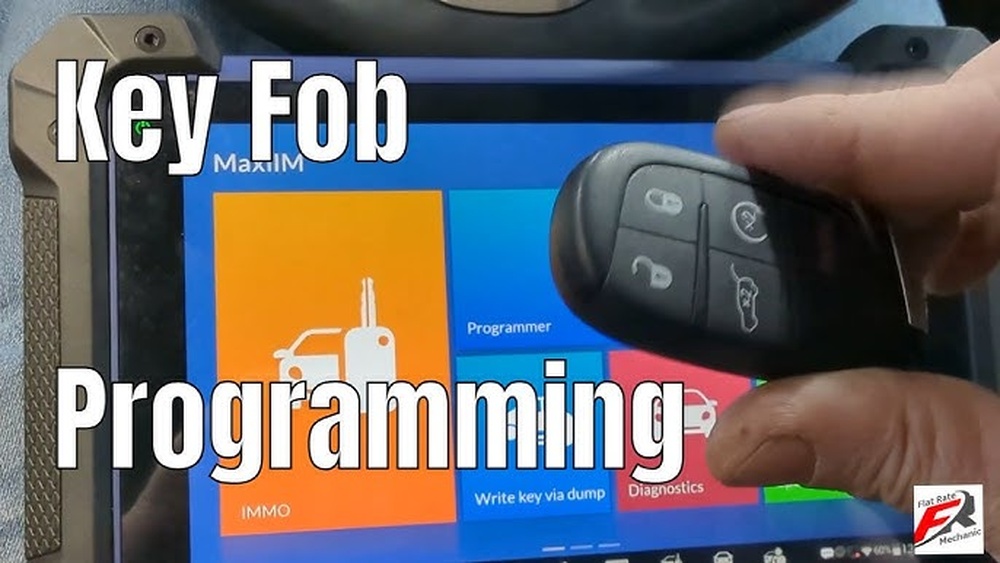
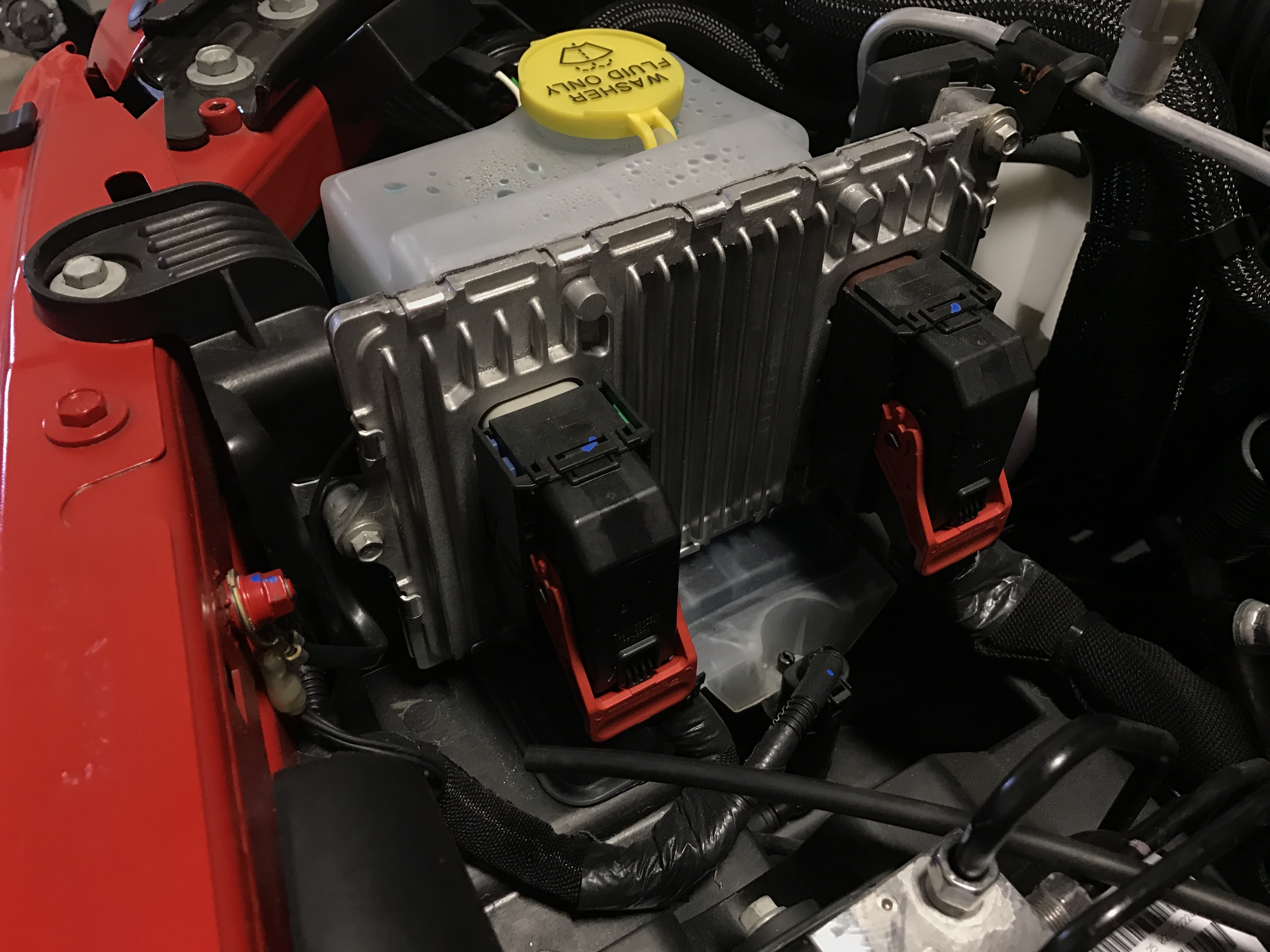
Resetting the computer in your Jeep Renegade can solve many common problems, such as warning lights, sensor errors, or strange behavior after repairs. The onboard computer, often called the ECU (Engine Control Unit), controls many parts of your car. When it gets confused by a glitch, resetting it can help. But many Jeep owners are unsure how to do this safely. In this guide, you’ll learn the best ways to reset your Jeep Renegade computer, what to expect, and how to avoid costly mistakes.
Why Reset The Jeep Renegade Computer?
Your Renegade’s computer stores error codes and information about the car’s systems. Sometimes, a simple issue—like a loose gas cap—can trigger warning lights. Mechanics may charge for a reset, but you can often do it yourself. Here’s why you might need a reset:
- Clearing error codes after a repair
- Fixing warning lights that stay on
- Restoring normal performance after electrical or battery issues
- After replacing sensors or electronic parts
It’s important to know that a reset doesn’t fix the underlying problem. If a warning light comes back after a reset, get your Renegade checked by a professional.
Methods To Reset Your Jeep Renegade Computer
There are several ways to reset the computer. Some are simple and can be done at home, while others may need special tools.
1. Battery Disconnect Method
This is the most common and doesn’t need special equipment.
- Turn off your Renegade and remove the key.
- Open the hood and locate the negative battery terminal (marked with “-”).
- Use a wrench to loosen and remove the negative cable.
- Wait 15–30 minutes. This allows all stored power to drain and the computer to reset.
- Reconnect the negative cable tightly.
- Start your Jeep. Check if warning lights are gone.
Pro tip: Some accessories like radio presets may reset too. Have your radio code handy if needed.
2. Using An Obd-ii Scanner
If you have an OBD-II scanner, you can clear codes directly.
- Plug the scanner into the port under the dashboard (driver side).
- Turn on the ignition (don’t start the engine).
- Follow the scanner’s instructions to “Erase Codes” or “Clear DTC.”
- Turn off the ignition, unplug the scanner, and restart the car.
OBD-II scanners can also show you what caused the error. This helps you avoid clearing codes before fixing problems.
3. Fuse Removal Method
Some owners prefer to pull the fuse that powers the ECU.
- Turn off the car.
- Find the fuse box under the hood.
- Locate the ECU/PCM fuse (check your manual).
- Pull the fuse out for 10–15 minutes.
- Reinsert the fuse and start the car.
This method is less common but works on some Jeep Renegades.

What Happens After A Reset?
After resetting the computer, your Jeep may drive a little differently for a short time. The ECU needs to relearn settings like idle speed, fuel trim, and shifting patterns.
Here’s what you may notice:
- Rough idle for a few minutes
- Unusual shifting in automatic transmission
- Lost radio settings or clock reset
Drive gently for the first 50–100 miles so the computer can relearn your driving style.
Comparison: Reset Methods At A Glance
Here is a quick look at the main reset methods:
| Method | Tools Needed | Time Required | Risks |
|---|---|---|---|
| Battery Disconnect | Wrench | 15–30 min | Resets radio, clock |
| OBD-II Scanner | Scanner tool | 5–10 min | None if used properly |
| Fuse Removal | Fuse puller | 10–15 min | Wrong fuse can cause issues |
When Should You Not Reset The Computer?
Resetting your Jeep’s computer isn’t always the answer. In some cases, it can even hide problems that need fixing.
Avoid a reset if:
- You have an active check engine light and don’t know the cause
- The car has drivability issues (stalling, hard starts)
- You’re about to get your car inspected (the computer needs data for emissions tests)
If in doubt, always read the error codes first. Many auto parts stores will scan your codes for free.
Common Mistakes To Avoid
Many Jeep owners make simple errors when trying to reset the computer. Here’s how to avoid them:
- Not waiting long enough during a battery disconnect. Less than 10 minutes may not clear all memory.
- Disconnecting the positive terminal instead of the negative. This is less safe.
- Forgetting radio codes or other settings.
- Ignoring real problems and using resets to hide warning lights.
- Using poor tools—cheap OBD-II readers can fail to clear all codes.
Be patient and use the right steps for your Renegade model year.
Model Years: Are There Differences?
Not all Jeep Renegades are the same. The ECU and reset process can change depending on the year.
| Model Year | Reset Method | Notes |
|---|---|---|
| 2015–2018 | Battery, OBD-II, Fuse | Most methods work |
| 2019–2023 | OBD-II, Battery | Fuse method less effective |
Always check your owner’s manual for special instructions. Some newer Renegades may need a dealer tool for a full reset.
Extra Insight: When A Reset Won’t Help
Resetting the ECU is not a magic fix. If a sensor, module, or wiring problem exists, the warning will return after a reset. For example, a faulty O2 sensor or misfire will turn the check engine light back on. Use a reset only after repairs, or if you’re sure the error was a glitch.

Getting More Help
If you keep seeing lights or errors, visit a Jeep specialist. They have advanced tools to diagnose and reset your system. For more detailed info on car computers, see this Wikipedia article on Engine Control Units.
Frequently Asked Questions
How Long Does It Take To Reset A Jeep Renegade Computer?
Most resets take 15–30 minutes using the battery method. An OBD-II tool can clear codes in under 10 minutes.
Will Resetting The Computer Erase My Key Fob Or Alarm Settings?
No, a reset usually won’t affect your key fob or alarm. It may reset radio presets and the clock.
Is It Safe To Reset The Computer Myself?
Yes, if you follow steps carefully. Always remove the negative battery cable first and avoid touching other wires.
Do I Need Any Special Tools?
A wrench is needed for the battery method. An OBD-II scanner helps with code reading and clearing but is not required for all methods.
What If The Warning Light Comes Back After A Reset?
If the warning returns, there’s an ongoing problem. Get your Renegade checked by a qualified mechanic to prevent bigger issues.
Resetting your Jeep Renegade’s computer is a simple way to clear errors and restore normal function. But always remember—if problems return, the real solution is a proper repair, not just another reset.