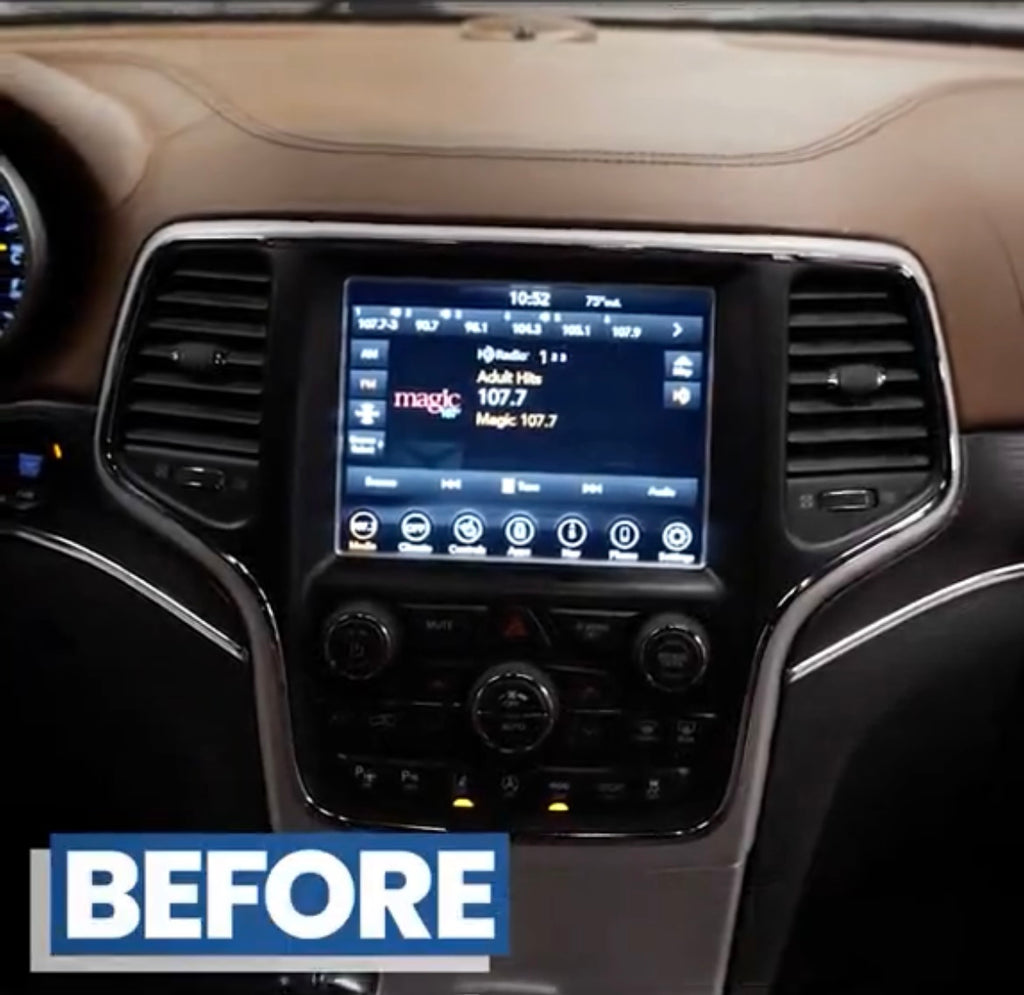
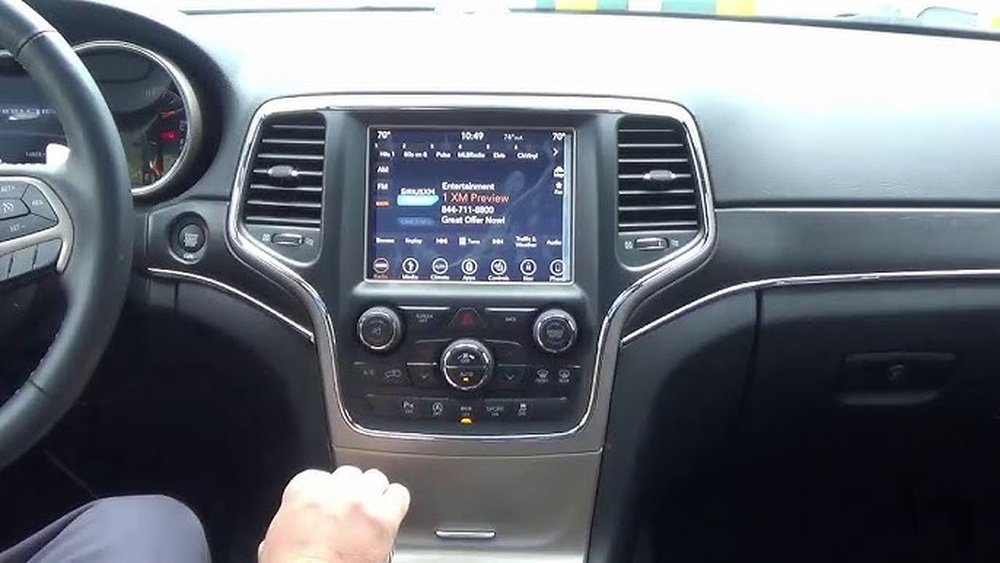
Updating the Uconnect system in your 2014 Jeep Grand Cherokee is one of the best ways to improve your driving experience. An update can solve bugs, add new features, and keep your infotainment system running smoothly. Many owners ignore software updates, but this can lead to missing out on important improvements. If you want your navigation, Bluetooth, and media functions to work at their best, learning how to update your Uconnect is essential.
Why Update Your Uconnect System?
The Uconnect system is the central hub for navigation, music, hands-free calls, and climate control in your Jeep. Updates can:
- Fix glitches or slow performance.
- Add compatibility for new smartphones.
- Improve voice recognition.
- Enhance map accuracy and navigation.
For example, some 2014 models had slow Bluetooth connections until a Uconnect update fixed the issue. Staying updated means fewer headaches and a better driving experience.
What You Need Before Updating
Before starting the update, have these items ready:
- A USB drive (at least 4GB, FAT32 formatted)
- Vehicle parked and running (or in accessory mode)
- Stable internet connection (for download)
- Your vehicle’s VIN number
Having your VIN helps you find the correct software version for your Jeep. You can find it on your dashboard near the windshield or inside the driver’s door.
Step-by-step: How To Update Uconnect
1. Check Your Current Uconnect Version
First, find out which software version your system is running:
- Press the “Apps” button on the Uconnect touch screen.
- Select “Settings.”
- Scroll to “System Information” or “Software Information.”
- Note the version number.
This helps you know if an update is needed.
2. Download The Update File
Go to the official Uconnect website and enter your VIN. The site will show if there’s a new update for your Jeep. Download the update file to your computer.
Important: Only download updates from official sources. Third-party files can harm your system.
3. Prepare Your Usb Drive
- Plug in your USB drive (4GB minimum, FAT32).
- Copy the update file to the drive’s root directory (not inside a folder).
- Safely eject the USB drive.
4. Install The Update In Your Jeep
- Start your Jeep and keep it in Park with the engine running or in accessory mode.
- Insert the USB drive into the Uconnect USB port.
- The system will recognize the update automatically.
- Follow on-screen instructions to begin the update.
Note: The update can take 20–45 minutes. Do not turn off the engine or remove the USB drive during the process.
5. Verify The Update
After installation, the system will reboot. Go back to System Information and check the software version. It should match the new update.
Comparing Uconnect Versions
Here’s a comparison of some common Uconnect versions and their main features for the 2014 Grand Cherokee:
| Version | Release Year | Main Improvement |
|---|---|---|
| 14.25.5 | 2014 | Initial release, basic functions |
| 15.06.1 | 2015 | Improved Bluetooth stability |
| 17.43.01 | 2017 | Faster navigation response |

Common Problems And Fixes
Even with a guide, updating Uconnect can sometimes have issues. Here are some frequent problems and solutions:
- System does not recognize USB: Make sure the drive is FAT32 formatted and the file is in the root directory.
- Update fails or freezes: Try using a different USB drive or re-download the update file.
- Screen stays black after update: Wait a few minutes; sometimes the system takes longer to reboot.
If problems persist, contact your Jeep dealer or check the Uconnect support page.
What’s New With The Latest Updates?
Recent updates have added:
- Better phone compatibility (especially with newer iPhones and Androids)
- Improved map accuracy for navigation
- Faster screen response
- Bug fixes for rear camera and voice control
If you use features like hands-free calling or navigation often, these updates can make a big difference.
Dealer Vs. Diy Updates
You can update Uconnect yourself or have a dealer do it. Here’s a quick look at the differences:
| Method | Cost | Time Required | Skill Needed |
|---|---|---|---|
| DIY (USB) | Free | 30–45 minutes | Basic computer skills |
| Dealer | $50–$150 | 1–2 hours (including wait) | None |
DIY is cheaper and convenient if you’re comfortable with computers. Dealer updates are best if you worry about technical issues or want warranty coverage.
Tips For A Smooth Update
- Use a clean, empty USB drive for best results.
- Keep your Jeep running during the update to avoid power loss.
- Do not interrupt the update once it begins.
- If you have aftermarket modifications, check compatibility before updating.
Many owners miss that some updates also improve hidden features, like climate control logic or voice recognition accuracy.
Where To Get Official Updates
Always use official sources for downloading updates. The main website is Uconnect Support. This helps you avoid malware and ensures the update is right for your VIN.
Frequently Asked Questions
Can I Update Uconnect Without A Usb Drive?
No, the 2014 Grand Cherokee requires a USB drive for manual updates. Wireless updates were added in later models.
Does Updating Uconnect Erase My Settings?
Most updates do not erase your personal settings or radio presets. However, it’s wise to note your preferences before updating, just in case.
What If My Update Fails Halfway?
If the update fails, the system usually reverts to the previous version. Try again with a different USB drive or contact your local dealer for help.
How Often Should I Check For Updates?
Check for updates every 6–12 months or if you notice bugs, new phone compatibility issues, or GPS/map problems.
Is Updating Uconnect Safe?
Yes, following the correct steps makes updating safe. Always use files from the official Uconnect site to avoid problems.
Keeping your 2014 Jeep Grand Cherokee Uconnect system updated is simple with the right steps. A smooth update means better features, fewer glitches, and a safer, more enjoyable drive. If you run into problems, don’t hesitate to ask your dealer or visit the Uconnect support site for more help.