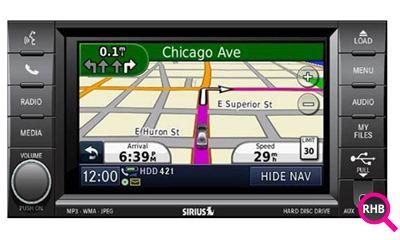
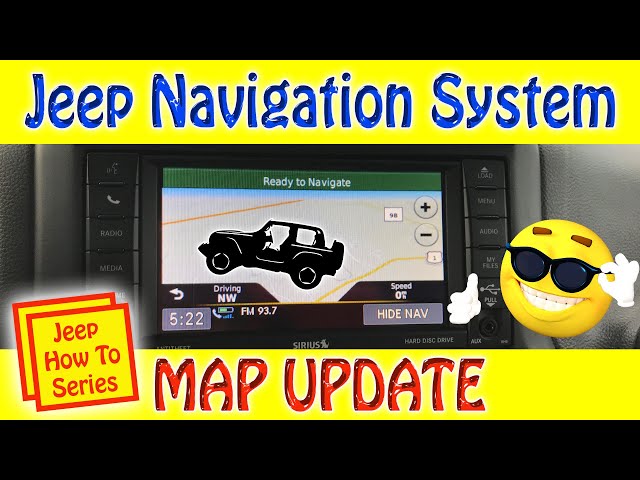
Keeping your Jeep navigation system updated is important for safe and stress-free driving. Updated maps help you find new roads, avoid closed routes, and reach your destination faster. Many Jeep owners forget this step, and it leads to wrong directions and missed turns. Updating your navigation is easy once you know how. This article will show you the full process, compare update methods, and share tips that save time and avoid common mistakes.
New roads are built, old streets change, and points of interest (like gas stations or restaurants) open and close. If your navigation is outdated, you risk getting lost or wasting fuel. According to a study by Garmin, drivers using old maps are 20% more likely to miss turns or take longer routes. Updating helps you:
- Find faster routes
- Avoid blocked roads
- Access new locations
- Get accurate directions
Many Jeep models, like the Grand Cherokee and Wrangler, use built-in navigation. These systems need updates at least once a year for best results.

You have two main options: updating through a dealer or doing it yourself. Each method has pros and cons.
| Method | Cost | Time Needed | Ease |
|---|---|---|---|
| Dealership | $100–$250 | 1–3 hours | Very easy |
| DIY (USB/SD Card) | $0–$150 | 30–90 minutes | Moderate |
Some Jeep models allow over-the-air updates, but most require a USB drive or SD card. Always check your owner’s manual for the correct process.
Here’s a clear guide for most Jeep vehicles:
Jeep uses different systems, such as Uconnect or Garmin. Find your system name in the vehicle manual or on the screen during startup.
2. Get The Latest Map Update
Visit the official Jeep or Uconnect website. Enter your vehicle’s VIN (Vehicle Identification Number). You’ll see if your maps are outdated and can buy/download updates.
- Most updates cost $100–$150
- Some models offer free updates for the first year
3. Prepare A Usb Drive Or Sd Card
- Use a drive with at least 8GB storage
- Format it to FAT32 before use
Download the update file from the website. Follow instructions to copy the files to your USB or SD card.
4. Install Update In Your Jeep
- Start your Jeep and turn on the navigation system
- Insert the USB drive or SD card into the correct port
- Wait for the system to detect the update
The screen will show steps. Confirm the update and wait. Installation takes 30–60 minutes. Do not turn off your Jeep or remove the drive during this time.
5. Confirm Update
After the process, the system will restart. Check the map version in the navigation menu to make sure it’s updated.
| Step | Estimated Time | Common Issues |
|---|---|---|
| Download Update | 15–30 min | Slow internet |
| Copy to USB/SD | 5–10 min | Wrong format |
| Install in Jeep | 30–60 min | Power interruption |
Common Mistakes And How To Avoid Them
Many beginners face problems during updates. Here are two mistakes most people miss:
- Using wrong USB format: Always format to FAT32. NTFS or exFAT may not work.
- Interrupting installation: If you turn off the Jeep or remove the drive, the update may fail. Start with a full tank or plug in a charger.
Also, some owners download the wrong map version. Make sure you select your exact model and year.
Dealer Vs. Diy: Which Is Better?
Choosing between a dealer and DIY depends on your comfort and budget. Dealers offer convenience but cost more. Doing it yourself is cheaper and not difficult if you follow instructions.
| Factor | Dealer | DIY |
|---|---|---|
| Cost | Higher | Lower |
| Time | Shorter wait | Longer process |
| Control | Less | More |
| Errors | Rare | Possible |
If your Jeep is under warranty, the dealer update may be free. Otherwise, learning to update yourself will save money over time.
Practical Tips For Smooth Updates
- Use a high-quality USB drive to avoid data errors
- Read the update instructions before starting
- Keep your Jeep running during installation
- Write down your navigation settings (favorites, home address) before updating, as some updates reset settings
- Check for map updates every 12 months
One non-obvious tip: Some updates also improve navigation speed and voice guidance. If your system feels slow, an update can help.
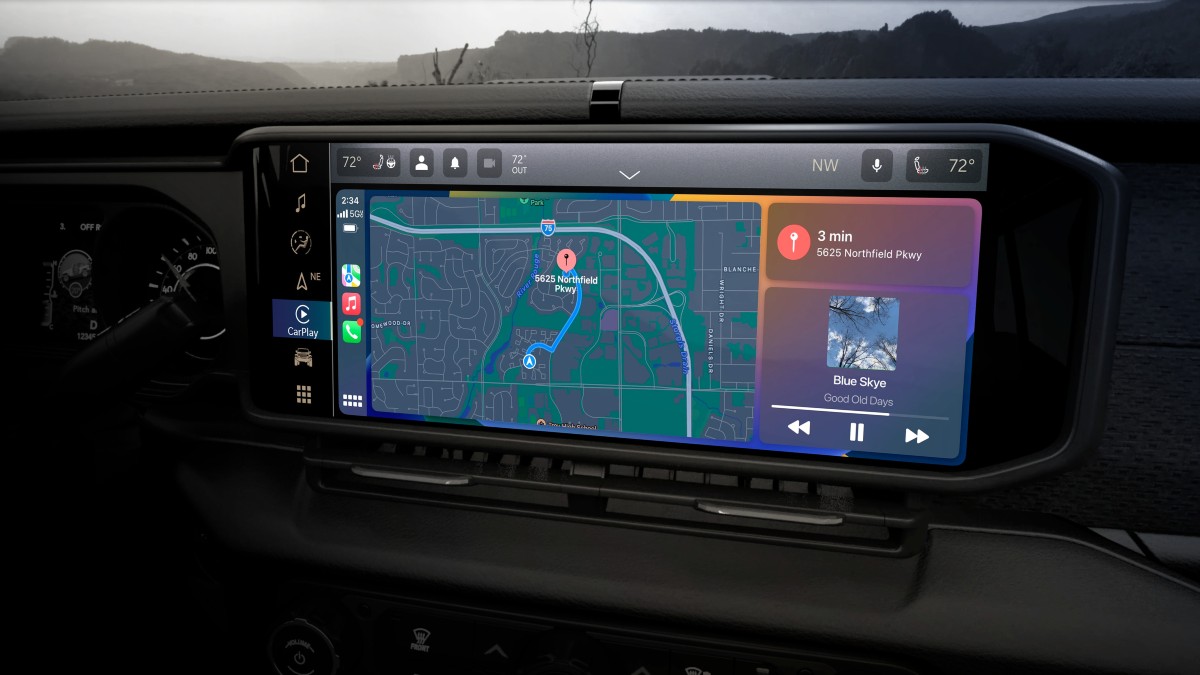
The best place is the official website. You can find updates and guides at Jeep Uconnect. Avoid third-party sites, as files may be out of date or unsafe.
Frequently Asked Questions
Once a year is enough for most drivers. Update more often if you travel in new areas or cities.
Can I Use Any Usb Drive?
No. Use a drive with at least 8GB and format it to FAT32. Older or damaged drives may cause errors.
Are Map Updates Free?
Some new Jeeps offer free updates for the first year. After that, most updates cost $100–$150.
What If The Update Fails?
Restart your Jeep and repeat the process. If it still fails, check the USB format and file version. Visit a dealer if problems continue.
Yes. Updates can make the system faster and fix bugs, not just update maps.
Updating your Jeep navigation keeps your driving smooth and worry-free. With clear instructions and the right tools, anyone can do it. Stay safe and enjoy the best routes your Jeep can offer.