Connecting your smartphone or device to the Uconnect system in your Jeep can transform your driving experience. Uconnect allows you to use navigation, make hands-free calls, stream music, and access apps safely while on the road. However, many owners struggle to connect properly, especially if they’re new to the system or unsure about compatibility. This guide will help you connect to Uconnect in your Jeep smoothly, avoid common mistakes, and get the most out of its features.
Understanding Uconnect Compatibility
Before you try to connect, check if your Jeep’s Uconnect version matches your device. There are several Uconnect generations, and some features differ depending on the model year and trim level.
Here’s a quick comparison between popular Uconnect versions:
| Uconnect Version | Main Features | Year Introduced |
|---|---|---|
| Uconnect 3 | Basic radio, Bluetooth audio | 2013 |
| Uconnect 4 | Touchscreen, Apple CarPlay, Android Auto | 2017 |
| Uconnect 5 | Faster processor, wireless CarPlay/Android Auto | 2021 |
Most newer Jeeps come with Uconnect 4 or Uconnect 5, which support more advanced connections, including wireless options. Check your owner’s manual or screen startup to see your version.
Steps To Connect Your Device
Connecting your device to Uconnect is simple if you follow the correct steps. Here’s how to connect using Bluetooth, USB, and wireless options.
Connecting Via Bluetooth
- Make sure your phone’s Bluetooth is turned on.
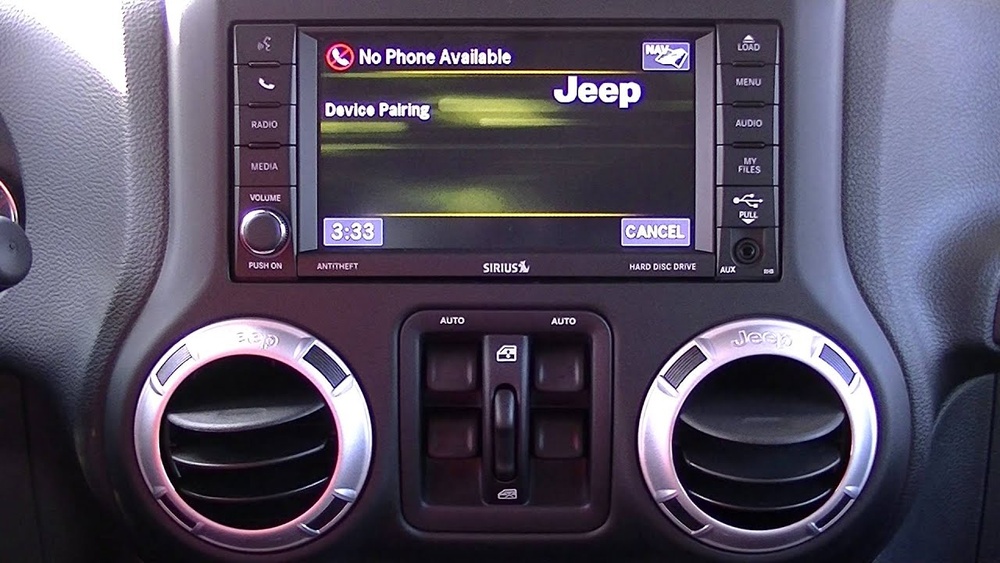
- On your Jeep’s Uconnect screen, tap “Phone” or “Settings.”
- Select “Pair a Device.”
- Your Jeep will display a list of discoverable devices. Choose your phone from the list.
- Confirm the pairing code matches on both devices, then tap “Yes” or “Pair.”
- Allow Uconnect to access your contacts and messages for hands-free calling.
Bluetooth is the fastest way to connect for calls and music. Some users forget to enable Bluetooth visibility on their phone, which can cause pairing issues. Always check this first.
Connecting Via Usb
- Plug your phone into the USB port using a quality cable.
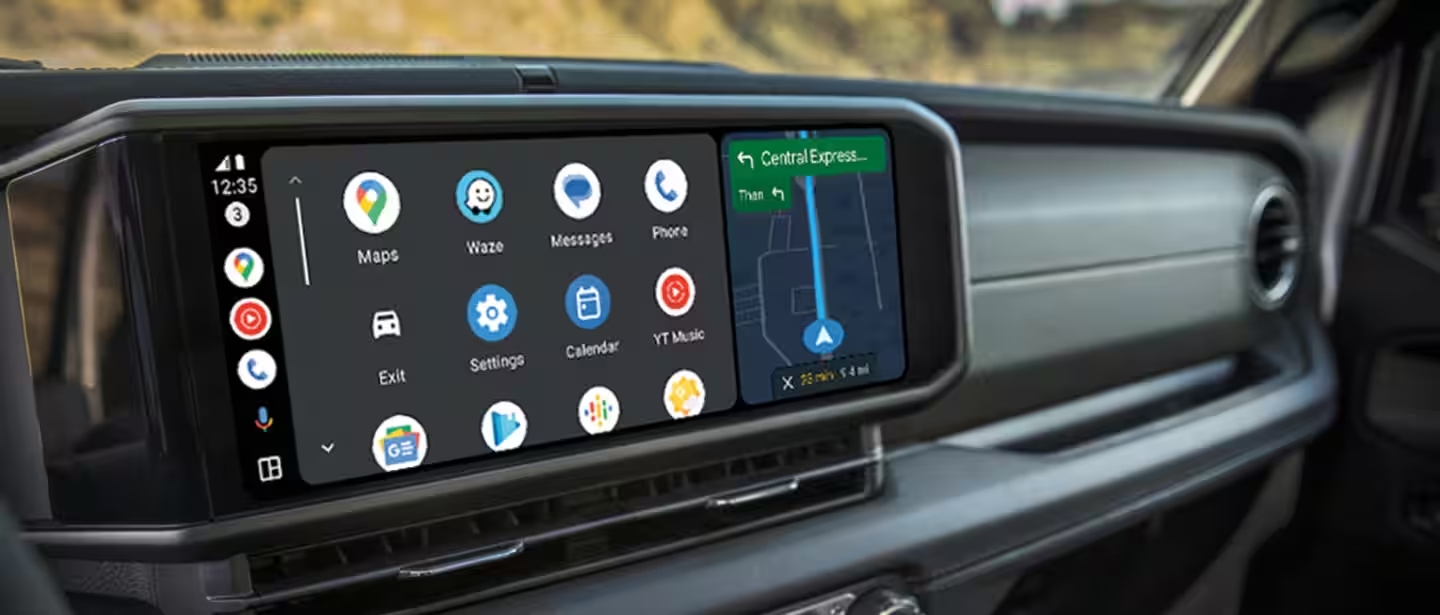
- On the Uconnect screen, you’ll see a prompt to access Apple CarPlay or Android Auto.
- Tap the desired option and follow on-screen instructions.
USB connection is often more stable than Bluetooth, especially for navigation and apps. If your Jeep supports Uconnect 5, you may get the option for wireless CarPlay/Android Auto.
Wireless Carplay And Android Auto
Some Uconnect systems support wireless connections for CarPlay or Android Auto.
- Make sure Wi-Fi and Bluetooth are on.
- Go to “Phone” on Uconnect and choose “Connect via Wireless.”
- Follow prompts on your phone to link.
Wireless connections are convenient, but require newer Uconnect versions. Always keep your Uconnect software updated.
Common Connection Problems And Solutions
Connecting doesn’t always go smoothly. Here are frequent issues Jeep owners face, with practical solutions.
| Problem | Possible Cause | Solution |
|---|---|---|
| Phone not found | Bluetooth off or hidden | Turn on Bluetooth, set phone to discoverable |
| Pairing fails | Incorrect code or old device | Restart both devices, retry pairing |
| CarPlay/Android Auto not working | Unsupported Uconnect or faulty cable | Check compatibility, use certified cable |
| No sound | Volume settings or Bluetooth profile issue | Adjust volume, reconnect device |
| Frequent disconnects | Outdated software | Update Uconnect software |
Many users miss the importance of using a certified USB cable. Cheap cables often cause CarPlay or Android Auto failures. Also, updating your Uconnect software can fix many bugs—visit your dealer if unsure.
Maximizing Uconnect Features
Once connected, Uconnect offers several functions to make your drive safer and more enjoyable. Here are ways to use them:
- Hands-free calling: Use voice commands to call contacts. This keeps your hands on the wheel.
- Navigation: Access maps, directions, and traffic updates via CarPlay or Android Auto.
- Music streaming: Play music from apps like Spotify or Apple Music.
- Voice assistant: Activate Siri or Google Assistant for tasks like sending messages or setting reminders.
One tip many overlook: some Uconnect systems let you customize home screen shortcuts. This makes access to favorite apps or contacts faster.
Data, Statistics, And Real-world Examples
Uconnect is trusted by millions. According to Stellantis, over 3 million Uconnect-equipped vehicles are on US roads. Surveys show 82% of drivers use smartphone integration at least once a week, mainly for navigation and music.
For example, drivers in Chicago report that using Uconnect’s traffic updates helped them avoid congestion during rush hour. Jeep owners with Uconnect 5 noticed a 30% faster response time compared to older versions.
Practical Tips For A Smooth Connection
- Always keep your phone’s operating system updated.
- Use original manufacturer cables for USB connections.
- If you have trouble connecting, restart both your phone and Uconnect system.
- Delete old paired devices you no longer use.
- Update Uconnect software regularly for new features and bug fixes.
These steps may seem basic, but skipping them is a common mistake. Many users forget to update software, which leads to slow or failed connections.
Frequently Asked Questions
How Do I Know If My Jeep Has Uconnect?
Check your dashboard screen when you start your Jeep. The Uconnect logo will appear. You can also find the version in your owner’s manual or by visiting the Jeep website.
Can I Connect Multiple Devices To Uconnect?
Yes, most Uconnect systems allow pairing multiple phones, but only one can be active at a time. You can switch between devices in the Bluetooth settings.
Is There A Monthly Fee For Uconnect Services?
Basic features like Bluetooth and CarPlay are free. Some advanced services, such as navigation updates or Wi-Fi hotspot, require a subscription. For details, visit Jeep Official Uconnect.
What Should I Do If Uconnect Won’t Connect?
First, restart your phone and Uconnect system. Delete the pairing and try again. If problems continue, check for software updates or visit your dealer.
Can I Use Uconnect Without A Smartphone?
Yes. Uconnect can operate as a regular radio and media player. However, many advanced features like navigation and hands-free calling require a smartphone connection.
Connecting to Uconnect in your Jeep is easy with the right steps. By following these tips and checking compatibility, you can enjoy safer, smarter drives. Keep your system updated and use quality cables for the best results.