Pairing your Jeep with your iPhone unlocks a world of convenience. You can use hands-free calling, stream music, and access navigation apps right from your vehicle’s dashboard. If you’re new to this, the process may seem confusing, but with the right steps and a bit of patience, your Jeep and iPhone will work together smoothly. This guide covers everything you need, from preparation to troubleshooting, with practical tips and clear explanations.
Getting Ready: What You Need
Before you start pairing, check a few things:
- Your Jeep should have Bluetooth or Apple CarPlay capability. Most models from 2014 onward support these features.
- Your iPhone must have Bluetooth enabled. Make sure it runs iOS 9 or later for best compatibility.
- Both devices need to be close—ideally within 10 feet—to ensure a strong connection.
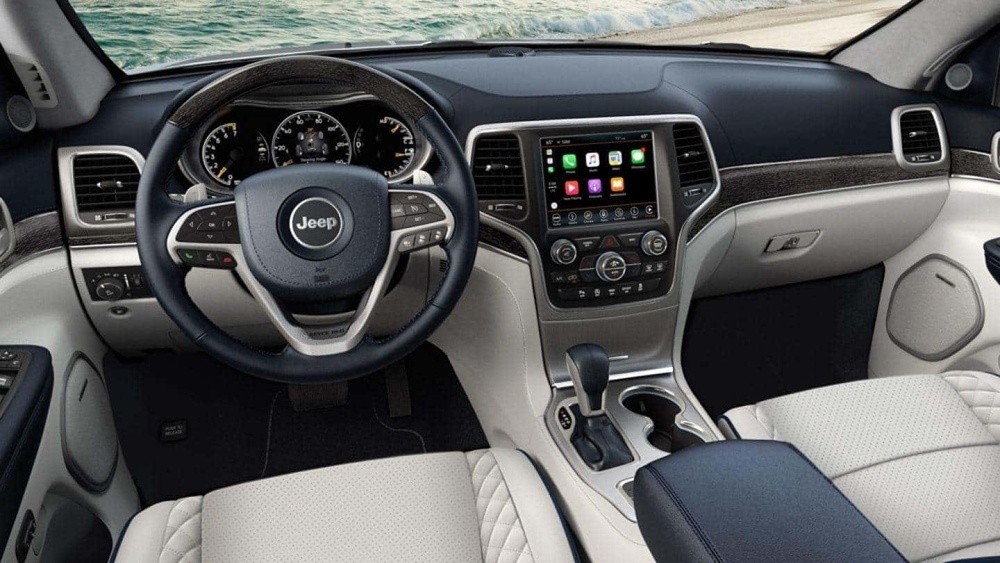
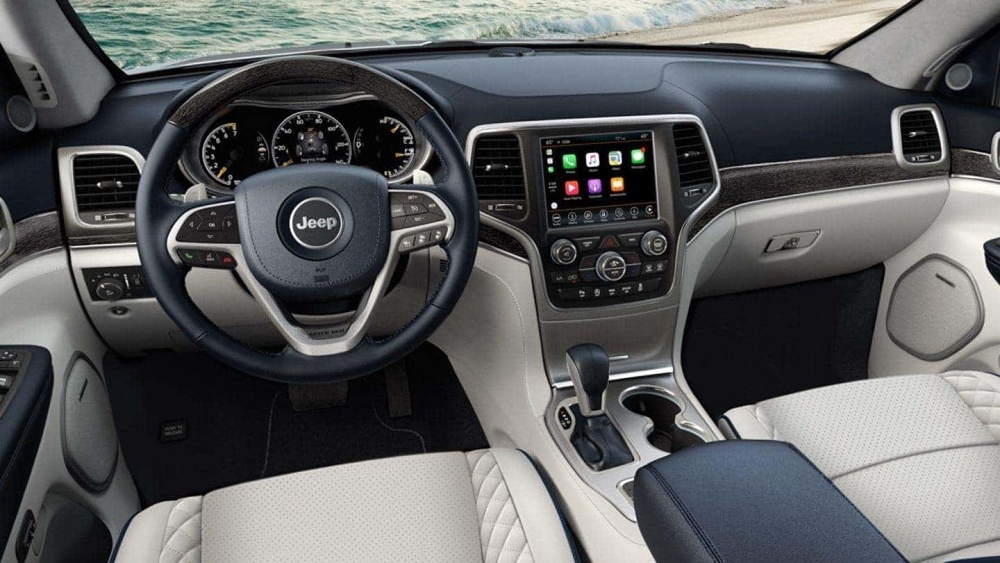
If you’re unsure about your Jeep’s compatibility, look for a Uconnect system on the dashboard. Uconnect is Jeep’s main infotainment interface.
Step-by-step: Pairing Jeep With Iphone
Pairing is simple if you follow these steps:
- Turn on your Jeep and keep it in park.
- On your iPhone, go to Settings > Bluetooth and make sure Bluetooth is switched on.
- Tap the Uconnect or media button on your Jeep’s dashboard.
- Choose “Phone” or “Bluetooth” from the menu.
- Select “Pair New Device.” Your Jeep system will now search for nearby devices.
- On your iPhone, look for your Jeep’s name under “Other Devices.”
- Tap the Jeep name to start pairing. A PIN code will appear on both screens.
- Confirm the PIN on both your phone and Jeep display.
- Wait a few seconds. If successful, your iPhone will show “Connected,” and your Jeep may confirm pairing.
Common Mistakes To Avoid
- Don’t try to pair while driving. Always do this while parked for safety.
- Make sure no other phones are connected, or your Jeep may refuse new pairings.
- If your iPhone doesn’t appear, turn Bluetooth off and on again, then retry.
Comparing Jeep Bluetooth Vs Apple Carplay
Many Jeep models offer both Bluetooth and Apple CarPlay. Here’s how they compare:
| Feature | Bluetooth | Apple CarPlay |
|---|---|---|
| Calls | Yes | Yes |
| Music Streaming | Yes | Yes |
| Navigation Apps | No | Yes |
| Texting | No | Yes |
| Wireless Connection | Yes | Some models |
If you want full access to navigation and messaging, Apple CarPlay is the better choice. Bluetooth is best for basic calling and music.
Troubleshooting Pairing Problems
Sometimes pairing fails. Here are practical fixes:
- Restart Both Devices: Turn your Jeep and iPhone off and on again.
- Forget Device: On your iPhone, tap the “i” next to your Jeep under Bluetooth and select “Forget This Device.” Then repeat pairing.
- Update Software: Outdated software causes issues. Check for iOS and Uconnect updates.
- Reset Network Settings: On your iPhone, go to Settings > General > Reset > Reset Network Settings.
Here’s a quick comparison of common causes and solutions:
| Problem | Likely Cause | Solution |
|---|---|---|
| Jeep not found | Bluetooth off | Enable Bluetooth |
| Pairing fails | Old software | Update devices |
| Music not playing | Wrong audio source | Select Bluetooth/CarPlay |
| Frequent disconnects | Interference | Move devices closer |
Real-world Example: Jeep Wrangler And Iphone 14
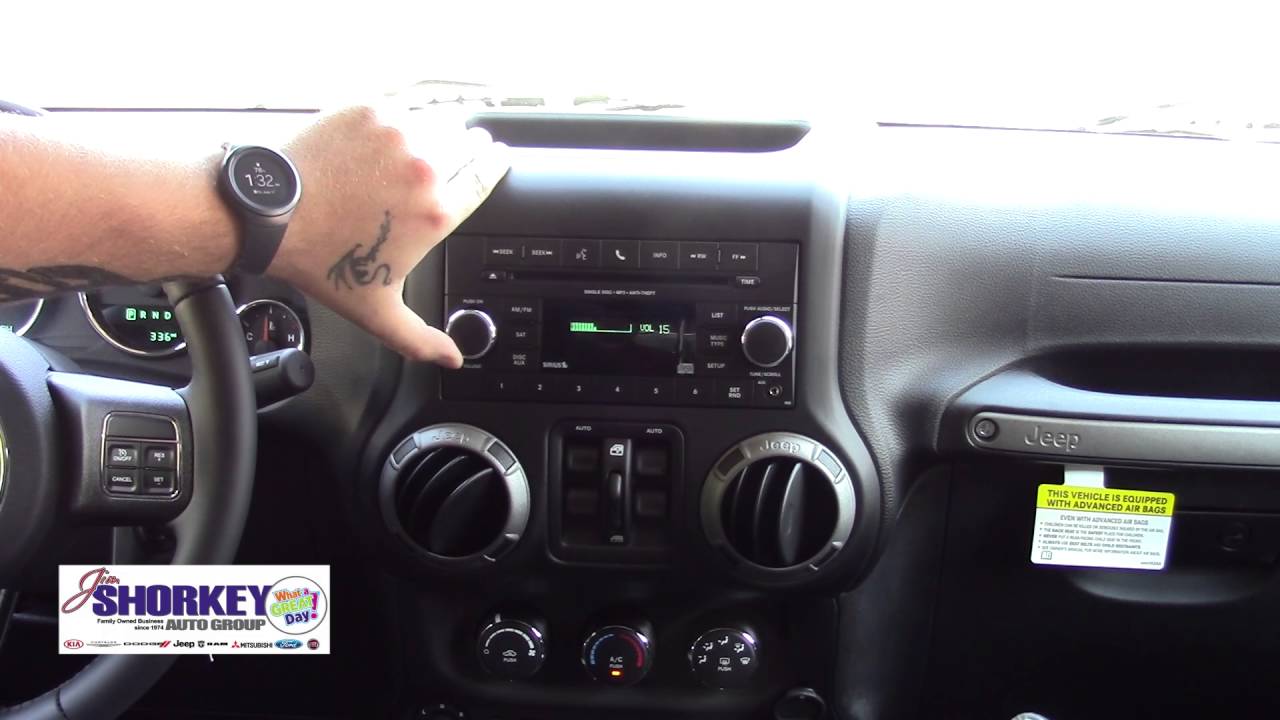
Let’s look at the Jeep Wrangler 2022 and iPhone 14 pairing process. With Uconnect 5, you connect wirelessly to Apple CarPlay. No cables are needed. After pairing, you can use Siri for hands-free commands, see your maps on the Jeep screen, and play music from Apple Music or Spotify.
According to Jeep, over 70% of new owners use smartphone integration weekly. This shows how important pairing is for daily driving.
Extra Tips For Smooth Pairing
- Keep your iPhone’s Bluetooth visible. If privacy settings hide your device, Jeep won’t find it.
- If using Apple CarPlay, a good-quality USB cable ensures stable wired connection.
- Some older Jeeps may require you to update Uconnect firmware at a dealer.
- Avoid pairing multiple devices at once—this can cause confusion in the Jeep system.
Data: Jeep Model Compatibility
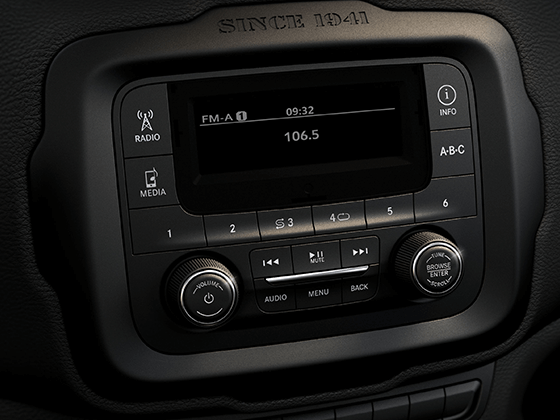
Not every Jeep is equal. Here’s a comparison of popular models and their smartphone features:
| Jeep Model | Bluetooth | Apple CarPlay | Uconnect Version |
|---|---|---|---|
| Wrangler (2022) | Yes | Yes | Uconnect 5 |
| Grand Cherokee (2021) | Yes | Yes | Uconnect 4C |
| Renegade (2020) | Yes | Yes | Uconnect 4 |
| Compass (2018) | Yes | No | Uconnect 3 |
If your Jeep has Uconnect 4 or above, you can use Apple CarPlay.
Why Pairing Matters
Pairing your Jeep with your iPhone isn’t just about convenience. It’s about safety. Hands-free controls let you focus on driving. Access to navigation and music makes every journey smoother. Most importantly, you stay connected without distractions.
For further details on Jeep’s Uconnect system and compatibility, visit Jeep Official Uconnect.

Frequently Asked Questions
How Many Phones Can I Pair With My Jeep?
Most Jeeps let you pair up to eight devices. Only one can be active at a time for calls and music.
Can I Use Siri Through Jeep’s System?
Yes. If you connect via Apple CarPlay, you can use Siri for hands-free commands. Just press the voice button on your steering wheel.
What If My Jeep Doesn’t Support Apple Carplay?
You can still use Bluetooth for calls and music. Navigation and texting are not available without CarPlay.
Is Wireless Carplay Available In All Jeeps?
No. Only newer models with Uconnect 5 offer wireless CarPlay. Older models require a USB cable.
Will Pairing Drain My Iphone’s Battery?
Bluetooth uses little power. If you use CarPlay through USB, your phone actually charges while connected.
Pairing your Jeep with your iPhone is a quick way to improve your driving experience. With just a few steps, your favorite apps and contacts are right at your fingertips. Whether you use Bluetooth or Apple CarPlay, the benefits are clear: safer, smarter, and more enjoyable journeys.