Starting your Jeep with a remote is a modern convenience that can make daily life easier, especially on cold or hot days. You can warm up the engine, heat or cool the interior, or simply avoid searching for your keys. If you’re new to remote start, you might feel confused by the process or worried about doing it wrong. This guide explains everything you need to know in simple steps, with tips and insights often missed by first-timers.
How Jeep Remote Start Works
Most newer Jeep models come with a remote start function as standard or optional. This feature lets you start the engine from a distance, usually up to 300 feet, using your key fob. The remote sends a secure signal to the vehicle’s computer, which checks that the doors are locked and other safety rules are met before starting.
Key benefits of remote start include:
- Comfort: Enter a pre-warmed or cooled car.
- Security: The car stays locked until you unlock it.
- Engine care: Warming up the engine before driving.
Jeep’s system is designed to prevent theft. If someone tries to drive away without the key, the engine shuts off.
Step-by-step: Starting Your Jeep With Remote
Starting your Jeep with the remote is simple once you know the process:
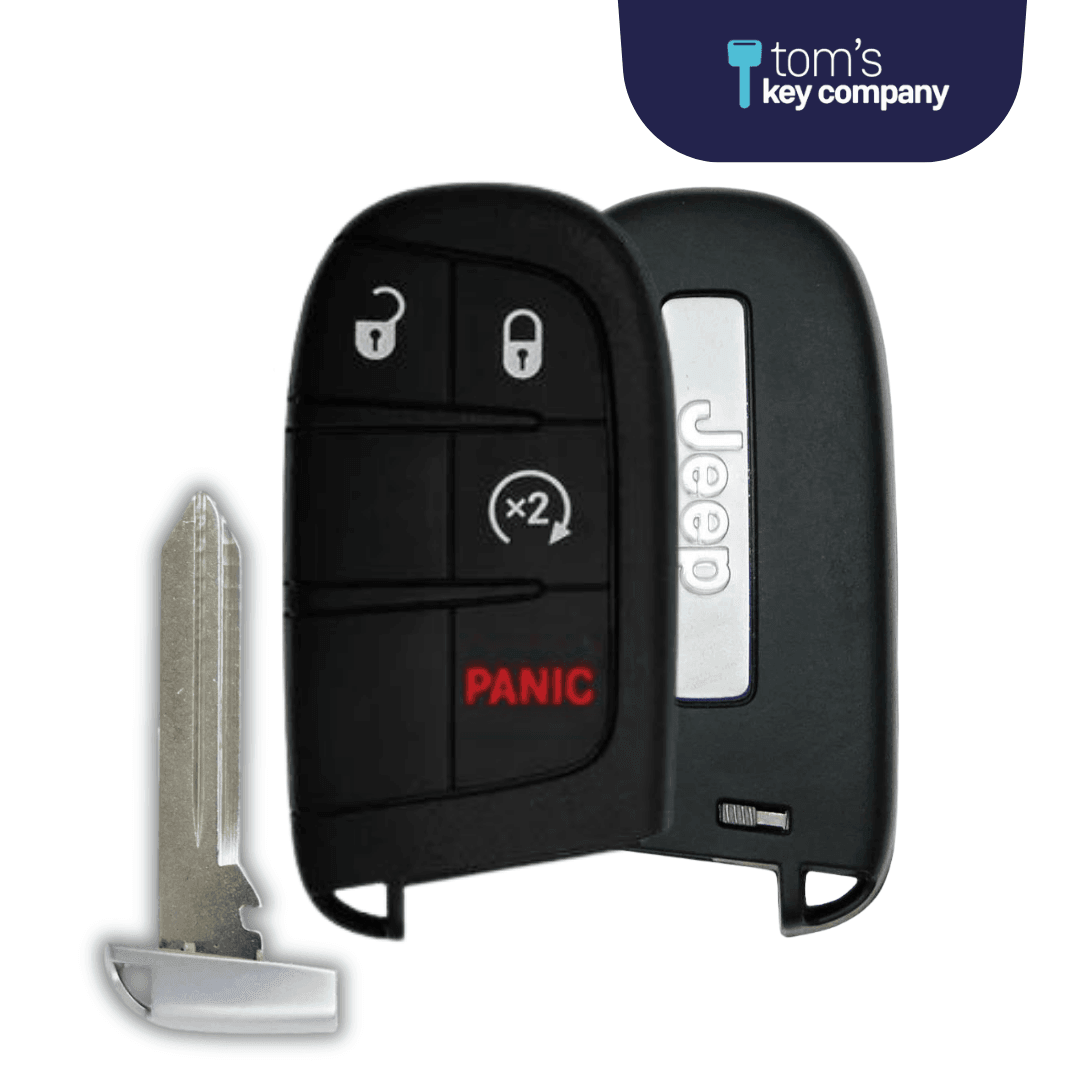
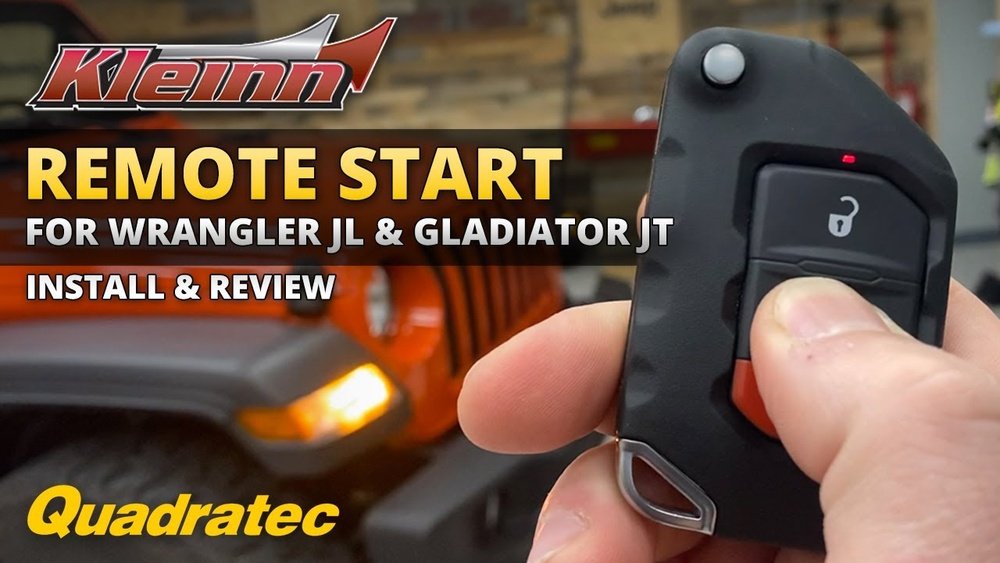
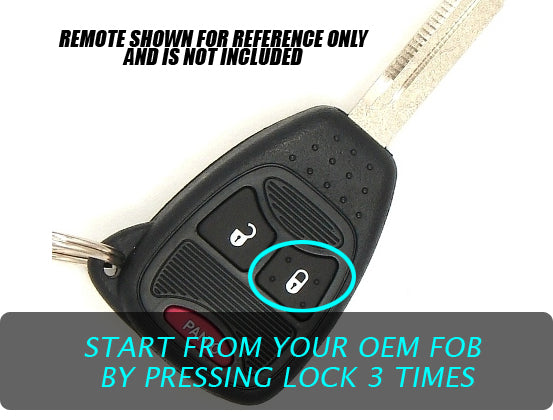
- Check your key fob: Look for a circular arrow (remote start) button. On some models, it’s a separate button; on others, you might need to press another button twice.
- Make sure the car is locked: Remote start won’t work unless all doors are closed and locked.
- Press the remote start button twice: Quickly press the lock button, then press and hold the remote start button for a few seconds (usually 2-4 seconds) until the lights flash or the horn chirps.
- Engine starts: The parking lights turn on, and the engine runs. Your Jeep will remain locked.
- Get in and drive: Unlock the doors, enter, and insert the key or press the start button (for push-to-start models). The Jeep will not move until you do this.
If your Jeep doesn’t start, you may see the lights flash or hear a sound. Common causes are an open door, low battery in the fob, or the vehicle not in “Park. ”

Comparing Jeep Remote Start Models
The table below highlights common Jeep models and their remote start availability.
| Model | Remote Start Standard | Optional/Aftermarket | Push-to-Start |
|---|---|---|---|
| Jeep Grand Cherokee | Yes (2020+) | Yes | Yes |
| Jeep Wrangler | No | Yes | Yes |
| Jeep Compass | Yes (select trims) | Yes | Yes |
| Jeep Renegade | No | Yes | Yes |
Not all trims include remote start, but you can add it through the dealer or aftermarket kits.
Troubleshooting Common Remote Start Issues
Remote start is reliable, but sometimes it won’t work. Here are typical problems and solutions:
- Open doors, hood, or trunk: All must be closed and locked.
- Low fob battery: Replace the battery if the range drops or the Jeep doesn’t respond.
- Check engine light on: Remote start won’t work if there’s a warning light.
- Vehicle not in Park: Always leave your Jeep in Park.
- Not enough fuel: Some models block remote start if the fuel is low.
If you see a message on your dashboard or the lights blink without starting, check these issues first. Many drivers forget that remote start has a time limit—usually 10-15 minutes. After that, the engine will stop automatically if you don’t enter.
Features And Limitations Of Jeep Remote Start
Understanding what remote start can and cannot do helps avoid frustration.
| Feature | Available? | Notes |
|---|---|---|
| Climate Control Activation | Yes | Pre-sets to last used settings |
| Heated Seats/Steering | Yes | Only on some trims |
| Security Lock | Yes | Doors stay locked |
| Multiple Starts | Limited | Usually 2 cycles before key use required |
| Extended Range | No | Usually up to 300 feet |
Two things many owners miss:
- Heated/cooled seats only activate if you used them last time you drove. Set them before you exit in cold or hot weather.
- Remote start cycles are limited. After two uses, you must start the Jeep with the key before using remote start again.
Practical Tips For Smooth Remote Starting
To get the most from your Jeep’s remote start, keep these tips in mind:
- Park in open spaces. Walls or interference can block the signal.
- Replace your fob battery every 1-2 years.
- Use the Jeep app for longer range or extra features if your model supports it.
- If you install an aftermarket kit, make sure it’s compatible with your model. Some kits can void warranties.
- Don’t leave valuables in the car, even if it’s locked and running.
Upgrading To Remote Start
If your Jeep doesn’t have remote start, you can usually add it. Choose a system that works with your Jeep’s computer, not just a universal kit. Dealer-installed options are safest, but aftermarket kits are cheaper. Ask for warranty details before installing.
For more info about remote start and vehicle electronics, you can visit the Wikipedia page on remote car starters.
Frequently Asked Questions
How Far Away Can I Start My Jeep With Remote Start?
Most Jeep key fobs work up to 300 feet (about 90 meters). Range may be less if there are walls, buildings, or interference between you and the vehicle.
Can I Use Remote Start If My Jeep Has A Manual Transmission?
No, remote start is not available for manual transmission Jeeps due to safety risks. Only automatic transmission models support this feature.
Will My Jeep Shut Off If I Don’t Get In After Remote Starting?
Yes, the engine runs for 10–15 minutes, then shuts off if you don’t enter and use the key or push button. This prevents fuel waste and increases safety.
Why Didn’t My Remote Start Work?
Check that all doors, hood, and trunk are closed and locked. Make sure the fob battery is good, the Jeep is in Park, and the fuel level is not too low. Also, check for any warning lights on the dashboard.
Can I Add Remote Start To An Older Jeep?
Yes, but it’s important to choose a system made for your specific model and year. Dealer installation is safer, but there are quality aftermarket kits as well.
Starting your Jeep with remote is easy after a little practice. It adds comfort, security, and convenience to your daily routine. Remember these steps and tips, and you’ll enjoy a smoother experience every time you use this handy feature.