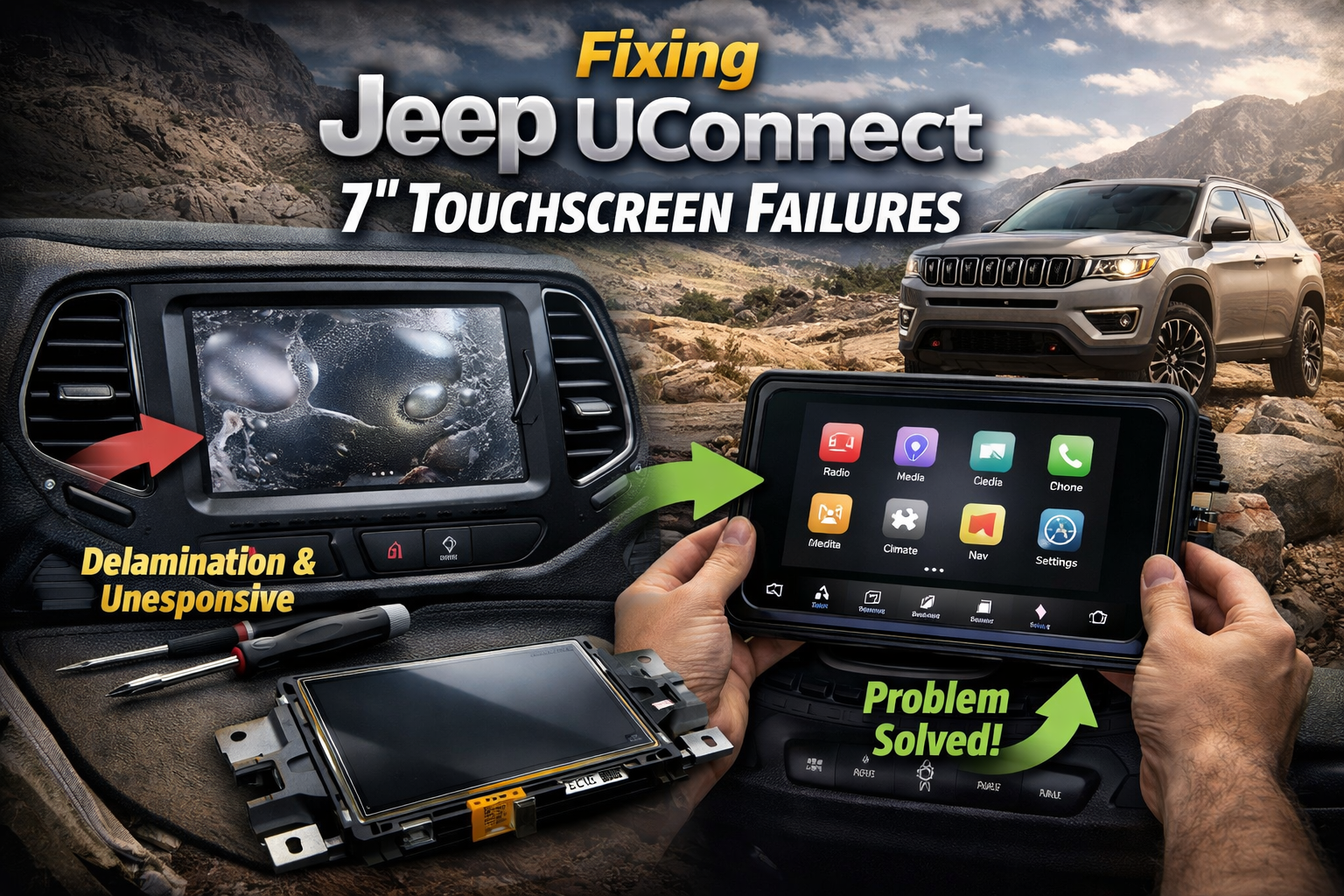
If your Jeep touch screen isn’t working, it can be frustrating. Many drivers rely on their Uconnect system for navigation, music, and hands-free calling. When the screen freezes or doesn’t respond, it can affect your whole driving experience. The good news is, resetting the touch screen is often quick and safe. This guide shows you how to reset your Jeep touch screen, explains common reasons for problems, and gives you tips to avoid future issues.
Why Your Jeep Touch Screen Might Need Resetting
Touch screens in Jeeps, especially those with Uconnect, sometimes stop working due to:
- Software glitches after updates
- Electrical issues like low battery voltage
- User errors such as accidental settings changes
- Extreme temperatures affecting electronics
Most problems are not serious and can be fixed with a simple reset. However, if your screen has physical damage or shows signs of deeper electrical problems, you may need expert help.
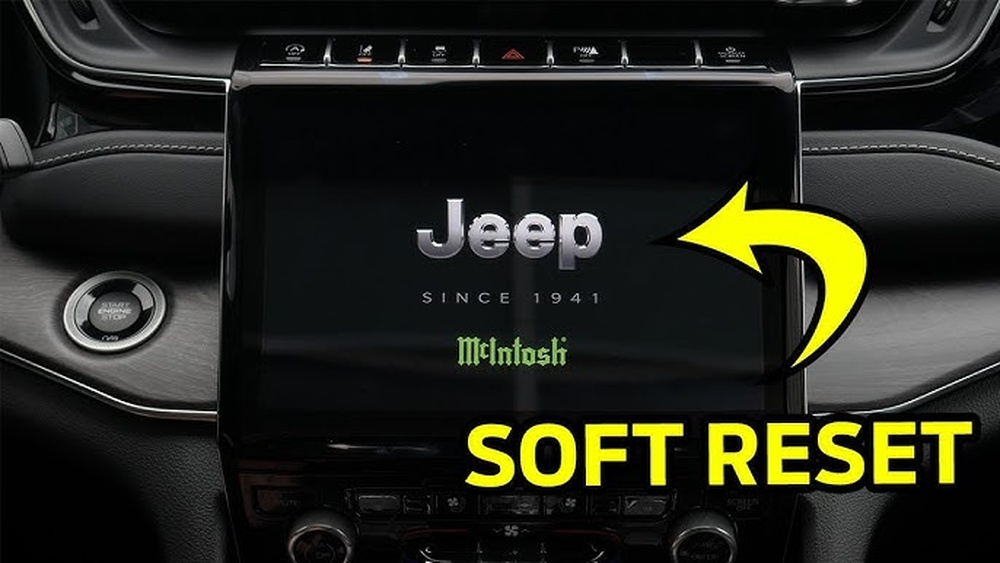
Quick Steps To Reset Your Jeep Touch Screen
The easiest way to reset your Jeep touch screen depends on your vehicle model and year. Most Jeep owners can use one of these methods:
Soft Reset (most Models)
A soft reset is safe and doesn’t erase your settings.
- Turn your Jeep on (engine running or in ACC mode).
- Press and hold the volume and tuner knobs at the same time.
- Keep holding both knobs for about 10 seconds.
- The screen will turn off and then restart.
Hard Reset (some Models)
A hard reset can fix deeper issues, but it may erase some custom settings.
- Turn your Jeep off.
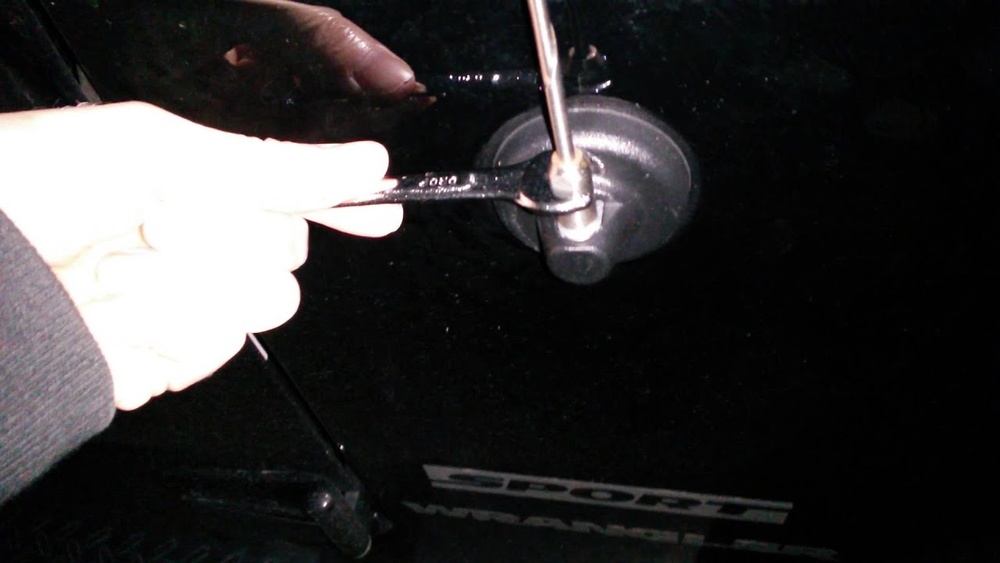
- Disconnect the negative terminal on your car battery.
- Wait about 5 minutes.
- Reconnect the battery terminal.
- Turn your Jeep on and check the touch screen.
Uconnect System Reset
For Uconnect 5 or newer systems:
- Go to the Settings menu on the touch screen.
- Find System Information or Reset option.
- Tap Reset and confirm.
- The system will reboot.
Here’s a quick overview comparing these methods:
| Reset Method | Time Needed | Settings Lost? | Best For |
|---|---|---|---|
| Soft Reset | 10 seconds | No | Minor glitches |
| Hard Reset | 5 minutes | Maybe | Serious issues |
| Uconnect Reset | 1 minute | No | System updates |

Common Touch Screen Problems And Signs You Need A Reset
If you notice these issues, a reset may help:
- Screen freezing or lagging
- Buttons not responding
- Blank or black screen
- Bluetooth connection issues
Some drivers report their screen stops working after an update or during cold weather. Others say the system restarts itself or shows error messages.
When Resetting May Not Work
If your touch screen has cracks, water damage, or won’t power on at all, the problem is likely hardware-based. In these cases, resetting won’t help. You may need to visit a Jeep dealer or an expert technician.
Expert Tips To Prevent Touch Screen Issues
Most Jeep touch screens are reliable, but regular care helps avoid problems. Here are some tips:
- Keep software updated: New updates fix bugs and improve performance.
- Avoid extreme heat/cold: Electronics work best in normal temperatures.
- Don’t overload system: Too many Bluetooth devices or apps can slow it down.
- Clean screen gently: Use a soft, dry cloth. Avoid harsh chemicals.
Many beginners forget to update their Uconnect system. This is a common mistake. Updates usually happen over Wi-Fi or at the dealership.
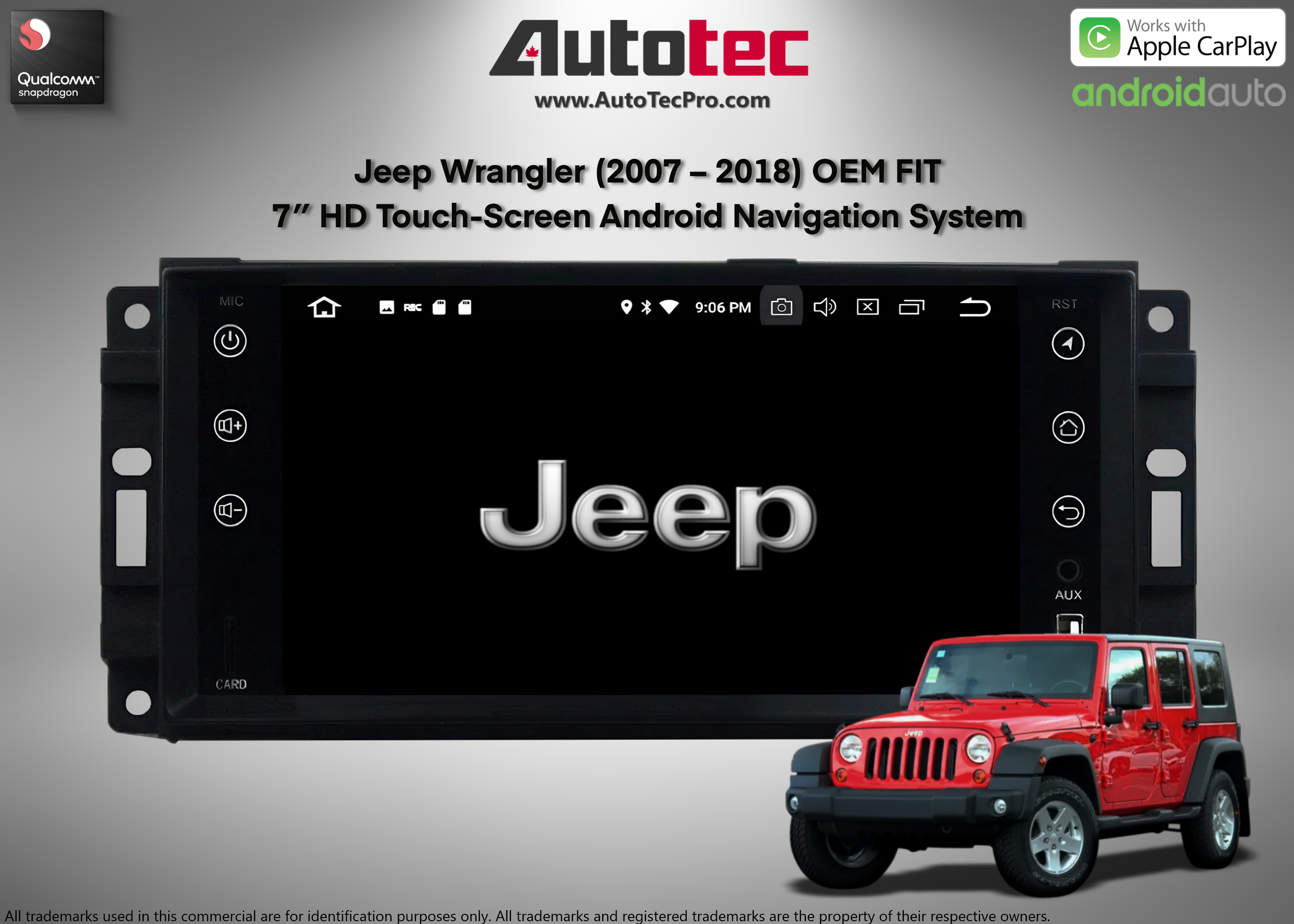
Jeep Models And Touch Screen Types
Different Jeep models use different touch screens. Knowing your system helps you pick the best reset method.
| Jeep Model | Touch Screen Size | System Type | Reset Needed |
|---|---|---|---|
| Wrangler | 7″ or 8.4″ | Uconnect 4/5 | Soft/Hard Reset |
| Grand Cherokee | 8.4″ | Uconnect 5 | Uconnect Reset |
| Compass | 7″ | Uconnect 4 | Soft Reset |
| Renegade | 5″ or 7″ | Uconnect 4 | Soft Reset |
If you’re not sure which system you have, check your Jeep’s manual or visit the official Jeep website.
Data And Real-world Examples
According to Jeep forums, about 30% of drivers have touch screen issues after a software update. Most problems are fixed with a soft reset. Very few cases require a hard reset or dealer intervention.
One driver shared that his Grand Cherokee froze after connecting a new phone. The soft reset worked instantly. Another user with a Wrangler needed a hard reset after his battery drained.
These examples show that resets are usually safe and effective.
What To Do If Resetting Fails
If your touch screen still doesn’t work after resetting:
- Check your car battery for low voltage.
- Remove connected devices (phones, USB drives).
- Try again with a soft reset.
- Visit a Jeep dealer if nothing works.
Some issues may require a software update or hardware repair. For more details, see Jeep’s official Uconnect site.
Frequently Asked Questions
How Often Should I Reset My Jeep Touch Screen?
You should only reset your touch screen when you notice problems. Regular resets are not needed unless you see freezing, lagging, or unresponsive buttons.
Will Resetting Erase My Saved Settings And Apps?
A soft reset will not erase your settings. A hard reset may remove custom settings like radio favorites or paired devices, but your main system data is safe.
What If My Touch Screen Is Physically Damaged?
If you see cracks, water damage, or the screen won’t turn on, a reset won’t help. In these cases, you need professional repair or replacement.
Can I Update My Jeep Touch Screen Software Myself?
Yes, most Uconnect systems can be updated over Wi-Fi or with a USB drive. Follow instructions in your manual or visit your dealership for help.
Is It Safe To Disconnect The Battery For A Hard Reset?
Disconnecting the battery is safe if you follow proper steps. Always turn off the engine and wait a few minutes before reconnecting. If unsure, ask a technician.
Resetting your Jeep touch screen is a simple solution for most problems. By following these steps and tips, you can keep your system running smoothly and avoid bigger issues down the road. If your touch screen still doesn’t work after a reset, don’t hesitate to get expert help.